The best tablets with a stylus in 2027 are the ones that make the pen feel like the point of the device, not an afterthought. If you want a short answer, start with an iPad Air with Apple Pencil Pro for all-round notes and drawing, or a Samsung Galaxy Tab S10 with the bundled S Pen if you want a capable pen in the box.
A stylus tablet earns its place when handwriting feels natural, notes stay searchable, and the pen is always charged and close at hand. Some pens need separate charging, some apps lag behind the pen, and some screens feel too slick for comfortable writing. This guide compares the strongest options on pen feel, software and value.
Key takeaways
- The iPad Air with Apple Pencil Pro is the safest all-round pick for notes, study and creative work.
- Samsung Galaxy Tab models include the S Pen in the box, which makes them strong value for note takers.
- Microsoft Surface Pro suits people who want a full Windows laptop that also takes pen input.
- reMarkable Paper Pro is best for distraction-free handwriting, not for apps or colour work.
- Try the pen in a shop if you can: pressure, palm rejection and screen texture matter more than a spec sheet.
How to choose a stylus tablet
Start with what you will actually do with the pen. A student who writes lecture notes for hours needs comfort and reliable palm rejection. An illustrator needs pressure sensitivity, tilt support and a strong drawing app. A manager who annotates reports needs a pen that is always ready and software that exports clean PDFs.
Next, look at how the pen charges and where it lives. The best setups charge the pen magnetically on the side of the tablet, so it is topped up whenever it is attached. Pens that need a separate cable are easy to lose and easy to forget.
Software is the other half of the decision. Apple Notes, Goodnotes and Notability give iPad users mature handwriting tools, while Samsung Notes covers most note taking and sketching needs well. Windows tablets run full desktop software, which suits professionals who live in Office or specialist tools. Check that your preferred app exists on the platform before you buy.
Finally, think about total cost. Apple Pencils are sold separately, while Samsung includes the S Pen with its flagship tablets. Add the pen, case and any note-app subscription before you compare prices.
Best tablets with a stylus compared
| Tablet | Stylus | Best for | Pen included? |
|---|---|---|---|
| iPad Pro with Apple Pencil Pro | Apple Pencil Pro | Professional drawing and creative work | No, sold separately |
| iPad Air with Apple Pencil Pro | Apple Pencil Pro | All-round notes, study and drawing | No, sold separately |
| Samsung Galaxy Tab S10 with S Pen | S Pen | Note taking and value | Yes |
| Microsoft Surface Pro with Slim Pen | Surface Slim Pen 2 | Windows work with pen input | Usually sold separately |
| Lenovo Tab P12 with Tab Pen Plus | Lenovo Tab Pen Plus | Affordable notes and media | Yes, with selected bundles |
| reMarkable Paper Pro | Marker Plus | Distraction-free handwriting | Yes |
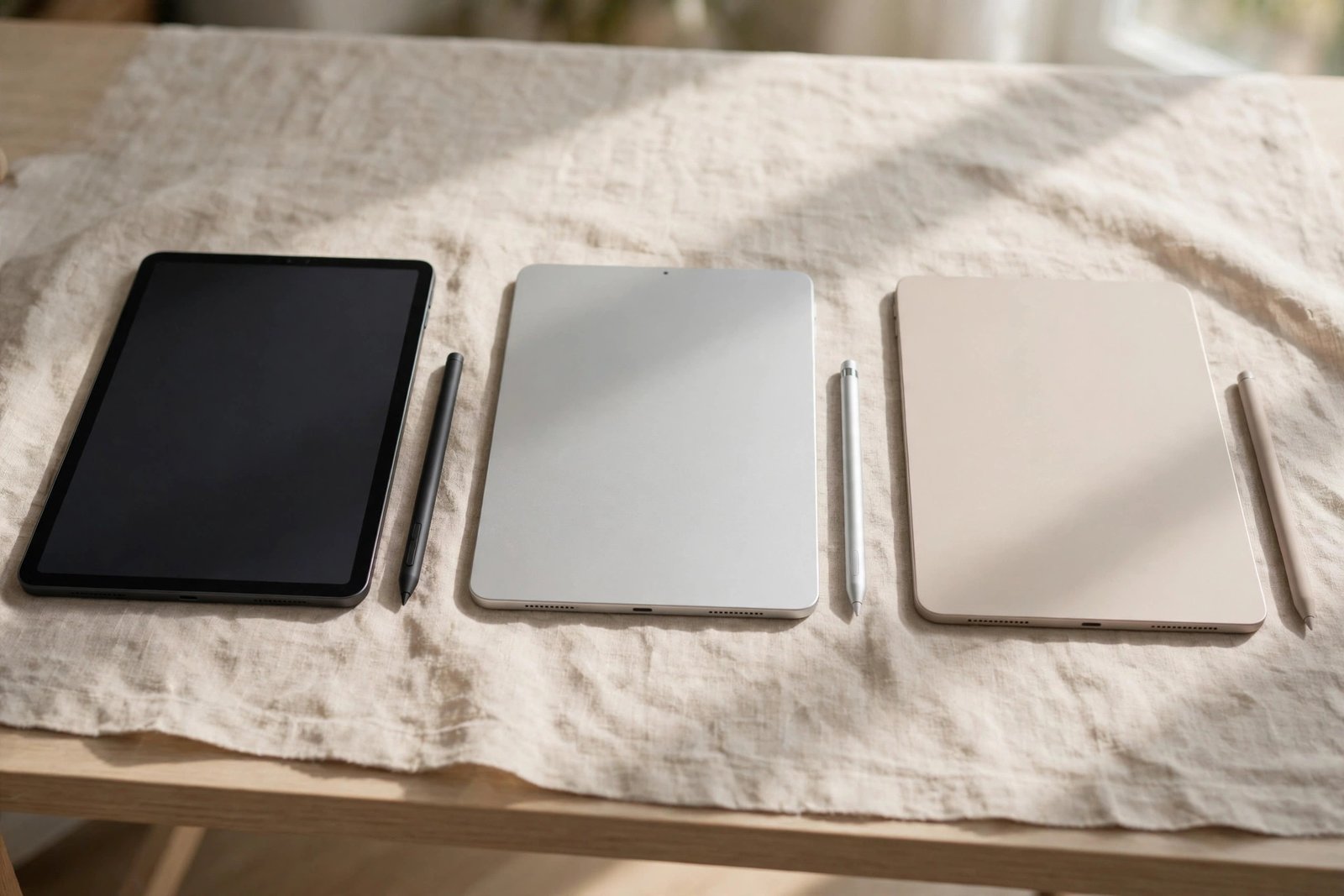
Caption: The leading stylus tablets compared. Pen inclusion and software support matter as much as screen size when you choose.
iPad Pro with Apple Pencil Pro
Best for: professional illustrators, designers and anyone who wants the most capable drawing tablet available.
The iPad Pro pairs a bright, responsive display with Apple Pencil Pro, which supports pressure, tilt and hover preview. Hover lets you see where a brush stroke will land before you touch the screen, which helps with precise line work and shading. The squeeze gesture opens a quick tool palette, so you can switch brushes without reaching for a menu.
Creative apps such as Procreate and Clip Studio Paint are well established on iPad, and the hardware handles large canvases without fuss. For note taking, the Pro is excellent but more than most people need. The main drawback is cost: tablet, pen and keyboard together form a premium package.
iPad Air with Apple Pencil Pro
Best for: students and everyday users who want the best all-round stylus tablet without paying for a Pro.
The iPad Air is the pick most people should start with. It supports Apple Pencil Pro, runs the same note and drawing apps as the iPad Pro, and handles everyday work with ease. Handwriting in Apple Notes feels responsive, with good palm rejection and quick conversion of handwritten notes into searchable text.
Goodnotes and Notability add structured notebooks, templates and audio-synced notes for lectures. The Air is lighter and easier to carry than the Pro, which matters if the tablet travels to lectures or meetings every day. The pen is sold separately, so budget for it, along with a case that holds the pen securely.
Samsung Galaxy Tab S10 with S Pen
Best for: note takers who want a great pen included in the box and a tablet that works well for media too.
Samsung has made the S Pen part of the package rather than an add-on. The pen slots into its magnetic holder, charges while attached, and is ready whenever you pick it up. Samsung Notes supports handwriting, shape recognition, PDF annotation and audio-synced notes, and it syncs across Samsung devices.
The S Pen feels light and responsive, with pressure sensitivity that suits sketching as well as writing. Artists will find capable apps on Android, including Clip Studio Paint and Concepts, though the iPad still has the broader creative catalogue. For students and professionals who take notes all day, the included pen makes the Galaxy Tab S10 a practical, good-value choice.
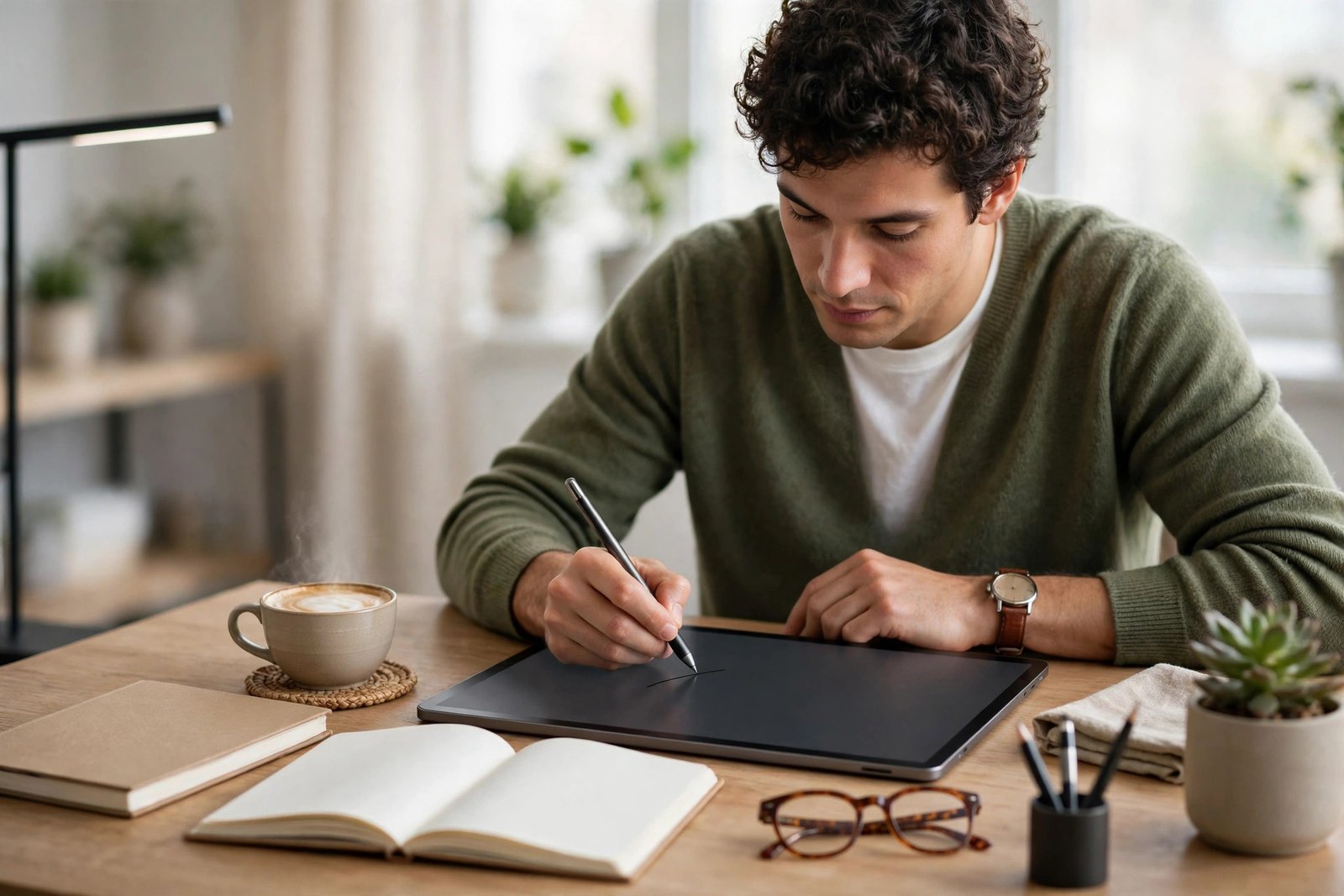
Microsoft Surface Pro with Surface Slim Pen 2
Best for: professionals who want a full Windows laptop that also works as a pen tablet.
The Surface Pro is a Windows computer first, and a tablet second. That matters if your work lives in full desktop software, from Word and Excel to specialist design or engineering tools. The Surface Slim Pen 2 charges in a storage slot on the keyboard cover, so it stays with the device, and it offers haptic feedback that adds a subtle sense of texture when writing on glass.
As a tablet, it is heavier than an iPad or Galaxy Tab, and battery life depends heavily on what you run. As a laptop replacement, it is far more flexible: you can run desktop apps, connect to office systems, and mark up documents in their native format. If you want one device for everything in Windows, the Surface Pro makes sense.
Lenovo Tab P12 with Lenovo Tab Pen Plus
Best for: buyers who want a large-screen stylus tablet at a more affordable price.
The Lenovo Tab P12 offers a large display, a bundled pen on selected configurations, and a straightforward Android experience. It suits note taking, reading, PDF annotation and media, and the pen handles everyday handwriting comfortably. The screen gives you room to split a document and a notebook side by side.
It does not match the iPad or Galaxy Tab for creative app depth or long-term software support, so check the update policy before you buy. For general use, though, it is a sensible way to get a big stylus tablet without a premium price. Pair it with a case that protects the screen and holds the pen.
reMarkable Paper Pro
Best for: writers and deep thinkers who want a paper-like notebook with no distractions.
The reMarkable Paper Pro is not trying to be a general tablet. It has a paper-like display, a Marker Plus pen, and a deliberately simple set of tools for writing, sketching and reading documents. There are no social apps, no video streaming and no notifications pulling you away from the page.
Handwriting feels closer to paper than on any glass tablet, and notes sync to a phone or computer for reference. Colour support adds highlighting and light annotation in colour, while keeping the calm, focused feel of the earlier models. The trade-off is clear: you cannot run a wide app library, edit photos or watch video.
A checklist before you buy
Use this short checklist to narrow the choice in a few minutes. Answer honestly, and the right tablet usually becomes obvious.
- What will the pen do most? Notes, drawing, annotation or a mix of all three.
- Where will the pen live? Magnetic charging on the tablet beats a loose pen in a bag.
- Which apps matter? Check that your note, drawing or office app runs well on the platform.
- How much will you carry it? A lighter tablet gets used more often than a heavy one left at home.
- What is the total cost? Add the pen, case and keyboard before you compare models.
- Can you try it first? Hold the pen, write a few lines and test palm rejection in a shop.
If two tablets still tie, choose the one whose operating system already matches your phone and computer. Also check pen compatibility before you order a pen separately: Apple Pencil models are tied to specific iPad generations.
Frequently asked questions
Which tablet has the best stylus overall?
The iPad Pro with Apple Pencil Pro offers the most capable pen experience for drawing, thanks to pressure, tilt, hover preview and a deep app library. For note taking alone, the Samsung Galaxy Tab S10 with its included S Pen is just as practical and better value for many buyers.
Do I need to buy the stylus separately?
It depends on the brand. Samsung and Lenovo include a pen with many models, while Apple and Microsoft usually sell the pen separately. Always check the listing carefully, and add the pen cost to the tablet price before you compare.
Is a stylus tablet good for students?
Yes, for students who take handwritten notes, annotate lecture slides or sketch diagrams. A tablet replaces several paper notebooks, keeps notes searchable, and lets you record audio alongside handwriting in some apps. Pair it with a keyboard if you also write long essays on the same device.
What is the difference between Apple Pencil Pro and Apple Pencil USB-C?
Apple Pencil Pro adds pressure sensitivity, tilt, hover preview and a squeeze gesture, and it charges magnetically on compatible iPads. Apple Pencil USB-C is a simpler, lower-cost pen that charges over USB-C and suits basic note taking. Check compatibility with your iPad model before you buy either.
The bottom line
The best tablet with a stylus in 2027 is the one that fits how you write and work, not the one with the longest feature list. For most people, that is the iPad Air with Apple Pencil Pro or the Samsung Galaxy Tab S10 with its included S Pen. Creative professionals should look at the iPad Pro, Windows users at the Surface Pro, and focused writers at the reMarkable Paper Pro.
Start by listing your three most common pen tasks, then check pen charging, app support and total cost for the two tablets that match them best. Try the pen in a shop if you can, and buy the model you will actually carry every day. For study use, see how students can use AI to study without cheating, and if you work in documents, learn how to use AI in Google Docs and Sheets to speed up the editing that follows your handwritten notes. If a tablet is for a younger child instead, read our guide to the best tablets for toddlers.