A Kindle Colorsoft review has to answer one question first: does colour improve reading, or just make the screen worse? Colour is done well here for the things it suits — book covers, multi-colour highlights, comics and illustrated non-fiction — while plain black-and-white text takes a small but real hit in contrast. If most of your reading is novels, a Paperwhite remains the sharper, cheaper choice.
Amazon launched the Colorsoft in late 2024 as its first colour E Ink Kindle: keep everything readers liked about the Paperwhite, then add colour. This review looks at what the specifications and documented reviews show, what colour adds in practice, and who should buy it — and who should walk past it.
Key takeaways
- Amazon’s first colour E Ink Kindle, launched in late 2024, with a 7-inch Kaleido 3 display.
- Text renders at 300 ppi in black and white; colour renders at 150 ppi, so colour images are softer than text.
- Colour shines for covers, highlights, comics, manga and illustrated books — not for plain novels.
- The colour filter layer makes the unlit page slightly darker than a Paperwhite, so most readers keep the front light on.
- Battery is rated at up to eight weeks, and the device is IPX8 waterproof.
- The Signature Edition adds 32 GB, wireless charging and an auto-adjusting front light.
- Buy it for colour reading inside the Kindle ecosystem; skip it if you mainly read novels.
What the Kindle Colorsoft actually is
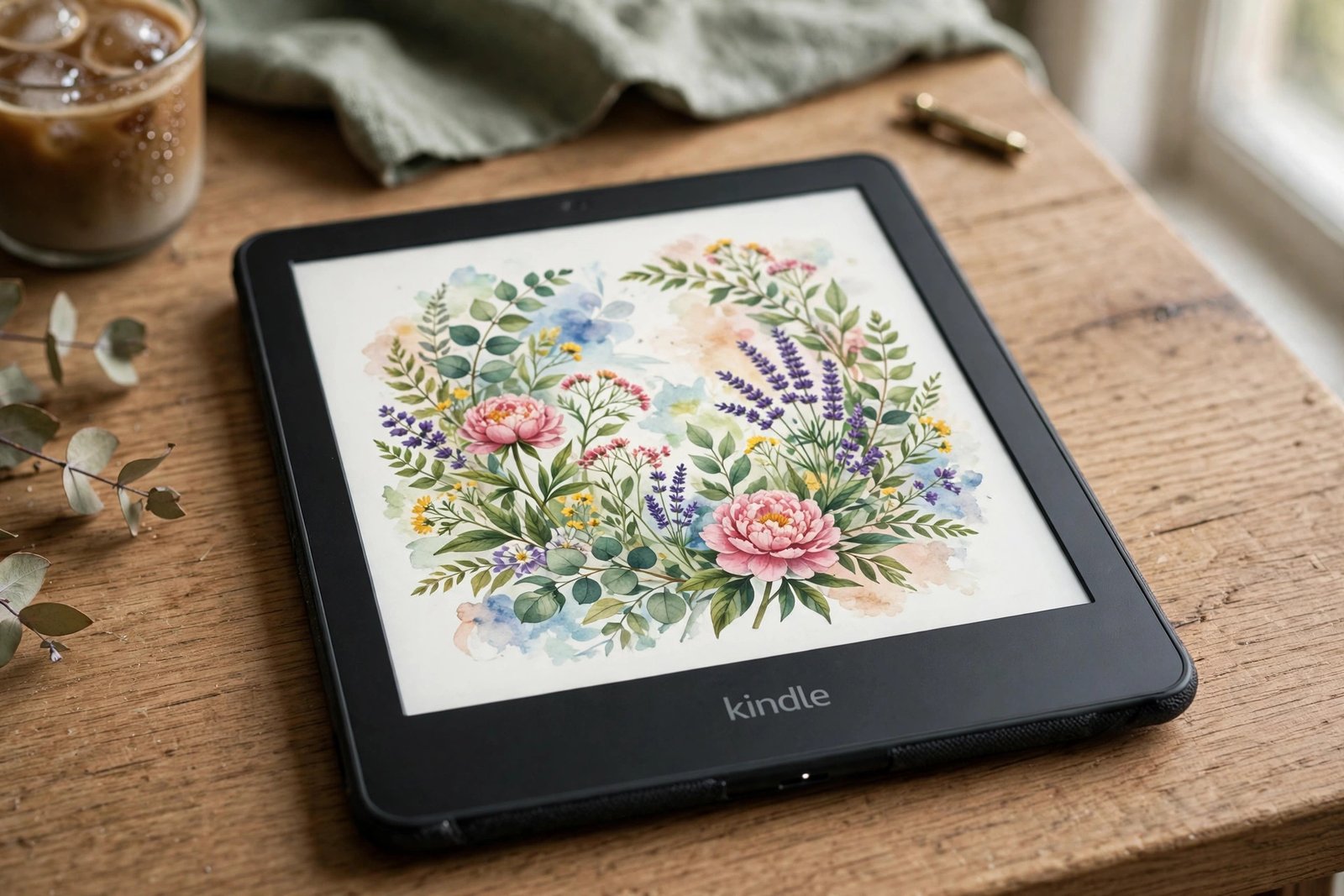
The Colorsoft is a standard Kindle with a colour screen, not a tablet or a note-taking device. It has a 7-inch E Ink Kaleido 3 display, a touchscreen, a warm front light, Wi-Fi, Bluetooth for audiobooks, USB-C charging and IPX8 waterproofing. There are no page-turn buttons and no stylus support.
Storage is 16 GB on the standard model and 32 GB on the Signature Edition, which also adds wireless charging and an auto-adjusting front light. The standard model has manual brightness with the same warm-light controls. Both run the same Kindle software and support Kindle Unlimited and Audible as other Kindles do.
The display matters most. Black-and-white text renders at 300 ppi, matching the Paperwhite, while colour renders at 150 ppi because the colour filter layer sits over the monochrome panel. Kaleido 3 screens can show thousands of colours, and Amazon added its own coatings and a light guide to improve colour. In practice, colour looks muted next to a phone or tablet — more like a printed magazine page than a glossy display.
Colour in practice: where it works
Colour changes the library view first. Book covers appear in colour on the home screen and in the library, which makes browsing feel more like a bookshelf and less like a list of grey rectangles.
Highlights are the second genuine win. On a monochrome Kindle, highlights are all the same shade. On the Colorsoft, you can highlight in several colours — one for quotes, one for ideas to revisit, one for passages to share. Students and non-fiction readers get the most from this, because colour becomes a way of sorting notes.
Comics, manga and illustrated books are the third use case, and the strongest reason to buy this device. Colour comics finally look like comics on a Kindle. The 7-inch screen is still small for full-page comics, so you will zoom and pan on detailed pages, and colour at 150 ppi is softer than the print original. Even so, it is a large step up from reading comics in grey. Children’s picture books benefit in the same way.
The trade-off: a darker page
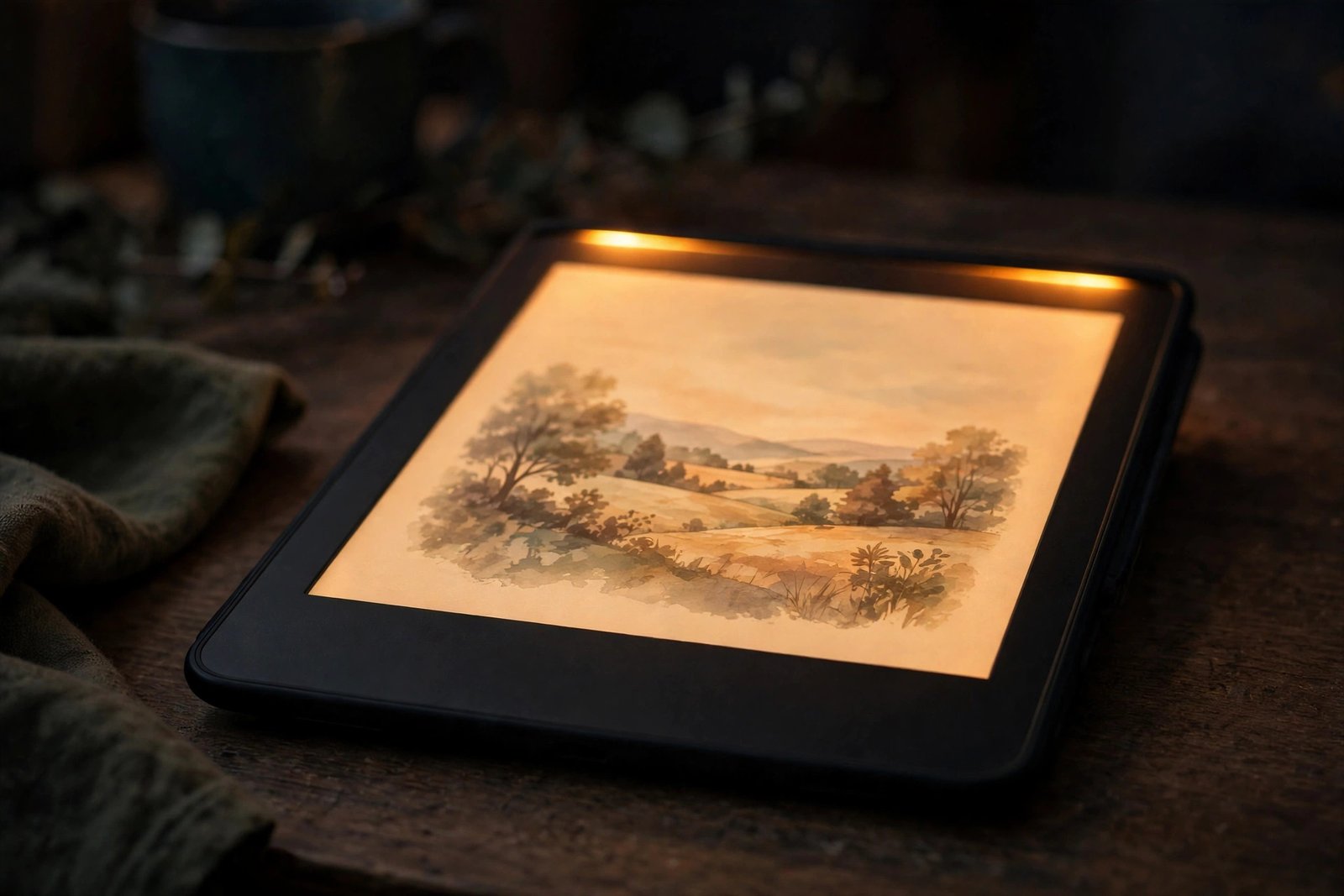
Every colour E Ink screen pays for colour with contrast. The colour filter layer sits between the light and the monochrome panel, so the unlit background looks darker grey than a Paperwhite, with a faint texture some reviewers describe as a screen-door effect. Black text is still sharp at 300 ppi, but the page behind it is less bright.
The fix is the front light. Most readers keep it on, even in daylight, and with it on the page looks clean and comfortable. Slide the warm-light control towards amber in the evening for a warmer tone that is easier on the eyes at night. For the full picture, read our guide to the best e-readers with a warm light.
Battery life follows the same logic. Amazon rates the Colorsoft at up to eight weeks on a single charge, against up to twelve weeks for the Paperwhite, and that rating assumes light use with the front light low. Reviewers who read with the light on report noticeably shorter real-world life — still measured in weeks rather than days, but not the full eight. It charges over USB-C, and a full charge takes under two and a half hours with a suitable charger.
Reading experience, build and waterproofing
In the hand, the Colorsoft feels like a Paperwhite: slim, light enough for one-handed reading, and comfortable for long sessions. The flush-front design keeps screen and bezel level, so swiping feels smooth. Page turns are quick for an E Ink device, though colour pages refresh more slowly than black-and-white ones.
Waterproofing is IPX8, rated for immersion in up to 2 metres of fresh water for 60 minutes — safe for the bath and the poolside, though salt water deserves a rinse afterwards. The warm light slides from cool white to amber, and the Signature Edition’s auto-adjusting light removes one more small chore. Neither model has physical page-turn buttons, a genuine omission for one-handed readers.
Audiobooks work over Bluetooth for Audible listening. Storage is generous: 16 GB holds thousands of ebooks, and comics take more space, which is the one case where the Signature Edition’s 32 GB earns its keep. There is no microSD slot on either model.
Kindle Colorsoft vs Paperwhite
The Paperwhite is the comparison that decides this purchase for most people, so it deserves a direct answer. The two devices share a size, a shape and a reading philosophy. They differ on colour, contrast, battery and price.
| Feature | Kindle Colorsoft | Kindle Paperwhite |
|---|---|---|
| Display | 7-inch colour E Ink (Kaleido 3), 300 ppi text, 150 ppi colour | 7-inch monochrome E Ink, 300 ppi |
| Colour | Yes — covers, highlights, comics, images | No |
| Front light | Warm light, manual brightness (auto on Signature Edition) | Warm light, auto-adjusting on Signature Edition |
| Waterproofing | IPX8, up to 2 m fresh water for 60 minutes | IPX8 |
| Battery (rated) | Up to 8 weeks | Up to 12 weeks |
| Storage | 16 GB (32 GB Signature Edition) | 16 GB (32 GB Signature Edition) |
| Wireless charging | Signature Edition only | Signature Edition only |
| Page-turn buttons | None | None |
| Price position | Premium — well above the Paperwhite | Mid-range Kindle |
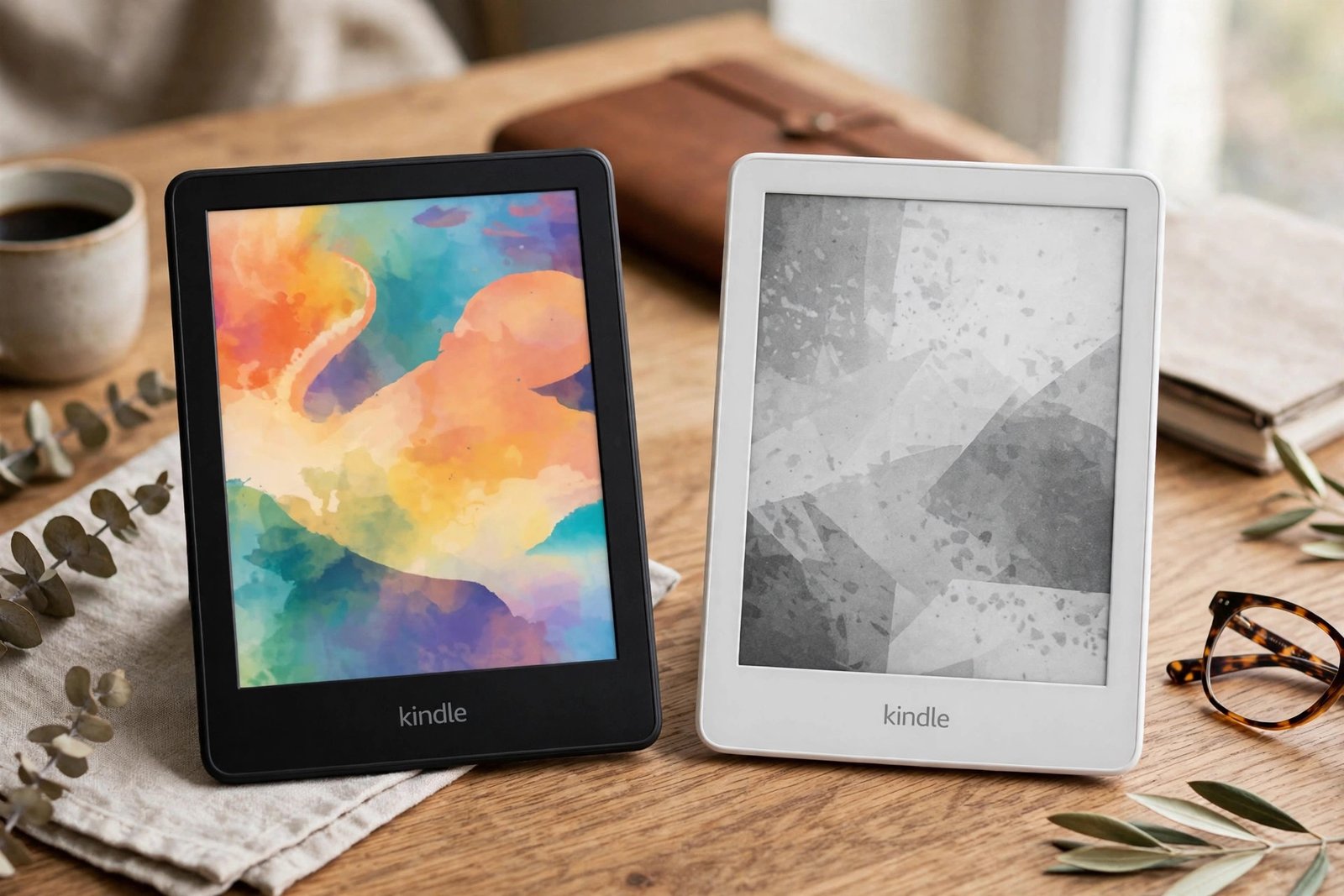
Caption: Kindle Colorsoft vs Paperwhite at a glance. Colour is the only reason to pay the premium; everything else is close.
The table makes the decision plain. If colour matters to your reading, the Colorsoft is the only Kindle that offers it. If it does not, the Paperwhite gives you a brighter page, longer battery life and a lower price. Check current pricing before buying, because the gap moves with sales.
Who should buy it — and who should skip it
Buy the Colorsoft if you read comics, manga, graphic novels or illustrated non-fiction on Kindle, if you highlight heavily and want colour-coded notes, or if you read children’s picture books with a child. It is also the right choice if your library is already on Amazon and you want colour without leaving the Kindle ecosystem.
Skip it if you mainly read novels, biographies and other plain-text books. You will pay a premium for colour you rarely see, and get a slightly darker page and shorter battery life in return. Skip it too if you want a stylus, a larger screen for PDFs, or physical page-turn buttons — none are on offer here. For documents, a larger reader is the better tool, as our guide to the best e-readers for PDFs explains.
Choose the Signature Edition if you want 32 GB for a large comics library, wireless charging, or the auto-adjusting light. Otherwise the standard 16 GB model is better value, because the screen is the same.
A quick decision checklist
Work through these five questions before you buy. Three or more yes answers point towards the Colorsoft; fewer point towards the Paperwhite.
- Do I read comics, manga or illustrated books at least weekly? If yes, colour is a real benefit.
- Do I highlight in different colours to organise notes? Colour highlights only help if you use them as a system.
- Is my library already on Kindle? Switching ecosystems to get colour costs more than the device.
- Am I happy keeping the front light on? The page looks its best lit.
- Is the price gap acceptable for colour alone? The screen is the only difference that matters.
If you answered yes to the comics and library questions, buy the Colorsoft. If you answered no to both, buy the Paperwhite and spend the difference on books. If you are torn between an e-reader and a tablet, compare the two first: a tablet does far more, but an e-reader is easier on the eyes for long sessions, which is why our round-up of the best Android tablets is worth a look.
Frequently asked questions
Is the Kindle Colorsoft good for reading novels?
Yes, novels read well, with sharp 300 ppi text. The page is slightly darker than a Paperwhite, so most readers keep the front light on. For novels alone, the Paperwhite is better value.
Is the colour actually good?
Colour is muted next to a tablet, more like a printed page than a phone screen. Covers, highlights and comics look genuinely better; photographs look softer because colour renders at 150 ppi.
How long does the battery last?
Amazon rates it at up to eight weeks, against twelve for the Paperwhite. Real-world life depends on front-light brightness, and reviewers report less than the headline figure with the light on. Expect weeks, not days, between charges.
Is the Kindle Colorsoft waterproof?
Yes, it is IPX8 rated for immersion in up to 2 metres of fresh water for 60 minutes. It is safe for the bath and the pool, but rinse it after salt water.
Should I buy the Colorsoft or the Paperwhite?
Buy the Colorsoft if you read comics, manga, illustrated books or colour highlights regularly inside the Kindle ecosystem. Buy the Paperwhite if you mainly read novels and want the brightest page, longest battery and lowest price.
Does the Colorsoft have a stylus or page-turn buttons?
No. It is touchscreen-only, with no stylus support and no physical page-turn buttons. If note-taking matters, a larger pen-enabled reader is a better fit.
The bottom line
The Kindle Colorsoft does colour reading well within the limits of E Ink, without giving up weeks of battery, a screen that reads in sunlight, waterproofing and a library that syncs everywhere. Its weakness is the price of colour — a darker unlit page, shorter rated battery life and a premium over the Paperwhite, all for a feature many readers will barely use.
The verdict is simple. If colour is part of how you read, this is the best Kindle you can buy, and the Signature Edition is the version to choose for comics. If it is not, the Paperwhite is still the smarter buy. Check current pricing, weigh the checklist honestly, and buy the reader that matches the books you actually read.