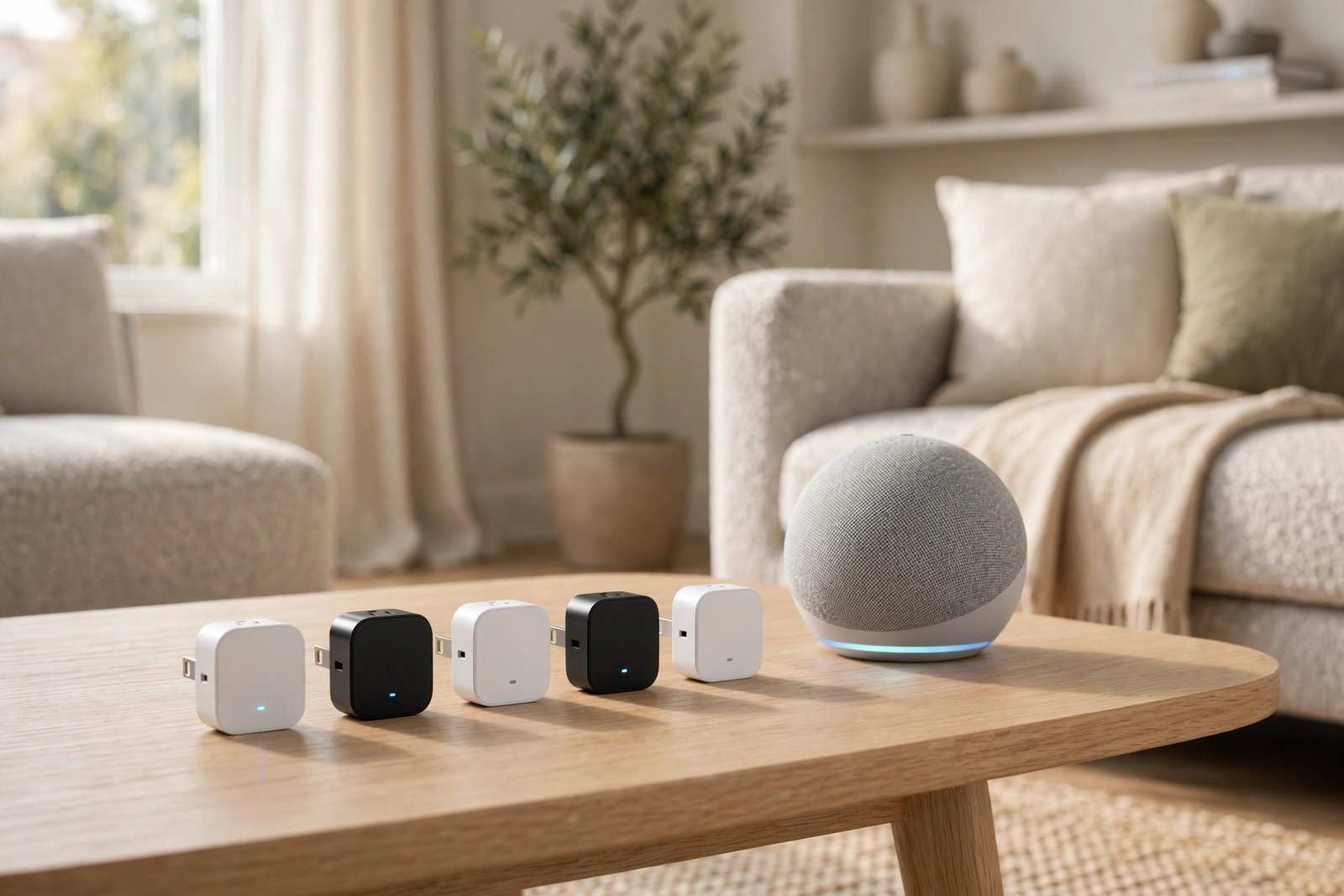
The best Wi-Fi smart plugs for Alexa turn an ordinary lamp, fan or coffee maker into a device you can switch on and off with your voice, a routine or a schedule. They are the cheapest and simplest way to start a smart home, with no hub to install and no wiring to change. The real question is which plug is reliable enough for daily routines, and which features — such as energy monitoring — are worth paying extra for.
Our short answer is that the TP-Link Kasa range suits most Alexa households, the Amazon Smart Plug suits Echo owners who want the simplest setup, and Meross and SwitchBot plugs suit buyers who want good value or energy monitoring. If you want a dependable plug that works with Alexa out of the box, start with Kasa. If you want the least setup of all, start with Amazon’s own plug.
This guide compares the leading Wi-Fi smart plugs for Alexa on setup, reliability, energy monitoring, size, safety and value, focusing on models that are widely available in 2027.
Key takeaways
- The TP-Link Kasa range is the safest all-round pick for most Alexa households in 2027.
- The Amazon Smart Plug offers the simplest setup, especially if you already own an Echo.
- Energy monitoring is worth paying for if you want to track what an appliance actually costs to run.
- A compact plug matters: a wide plug can block the second socket on a double outlet.
- Check the load rating before plugging in a heater, kettle or other high-power appliance.
How to choose a Wi-Fi smart plug for Alexa
Start with compatibility. A plug that says “Works with Alexa” should appear in the Alexa app once you link its account, then respond to voice commands, routines and schedules. Most plugs here connect over 2.4GHz Wi-Fi, so check that band is enabled — a separate 2.4GHz network can help if setup fails. If you are building a wider smart home, our guide on how to set up a smart home for beginners explains how plugs fit alongside lights and routines.
Next, think about what you will plug in. A lamp, fan or Christmas tree needs only on-off control and a timer. A heater or dehumidifier benefits from energy monitoring, which shows how much electricity it uses. A coffee maker benefits from reliable scheduling, so it switches on at the right time even if your phone is off. Match the feature to the appliance, rather than paying for features you will never open.
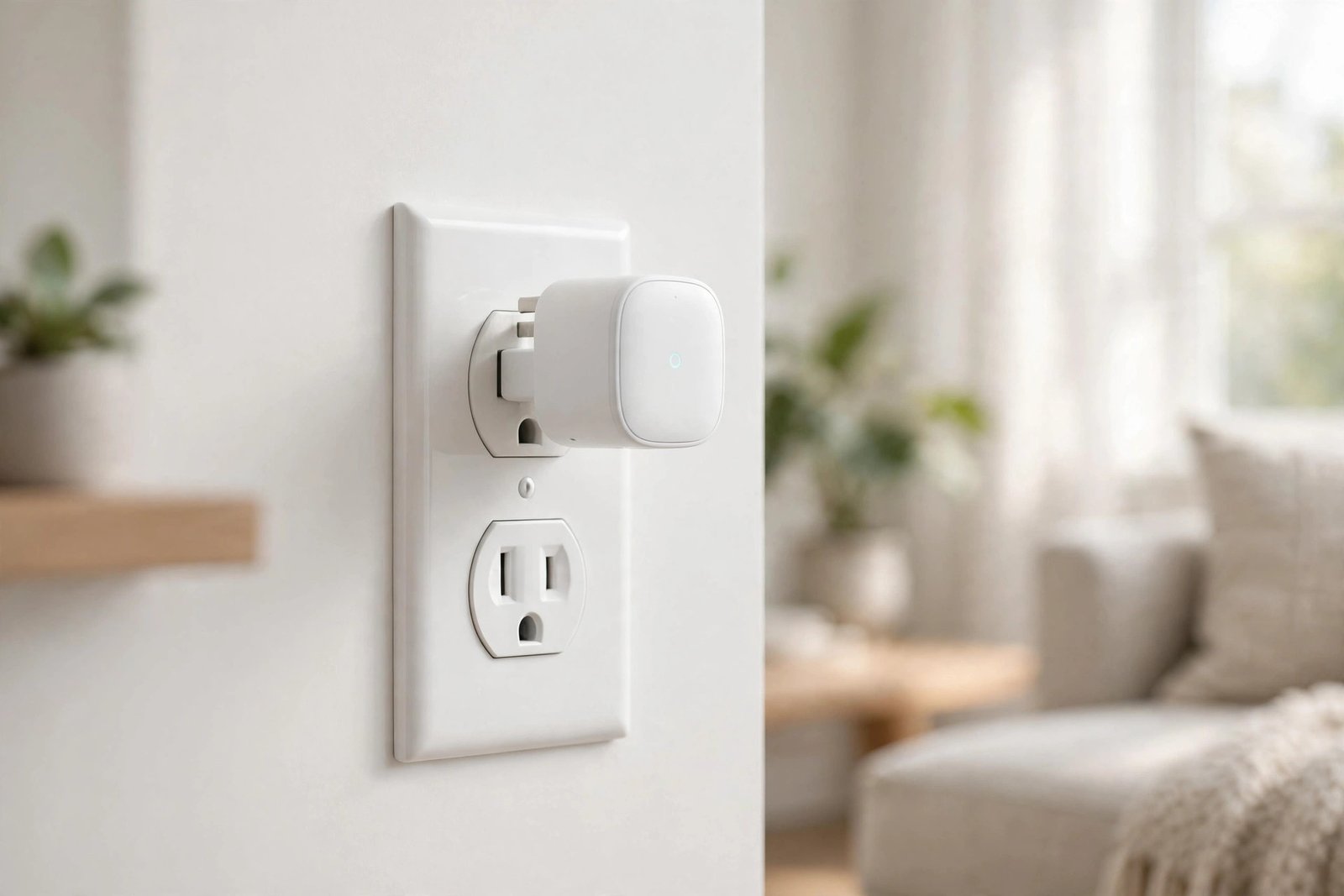
Size and safety deserve more attention than they usually get. A bulky plug can cover the neighbouring socket on a double outlet or power strip, while slim plugs leave it free. Also check the maximum load rating — commonly 10A or 13A in the UK and 15A in the US — and never use a plug with an appliance that draws more than its rated load.
The best Wi-Fi smart plugs for Alexa at a glance
TP-Link Kasa Smart Wi-Fi Plug Mini — the best all-round Alexa plug
Best for: most Alexa households that want a reliable, compact plug at a fair price.
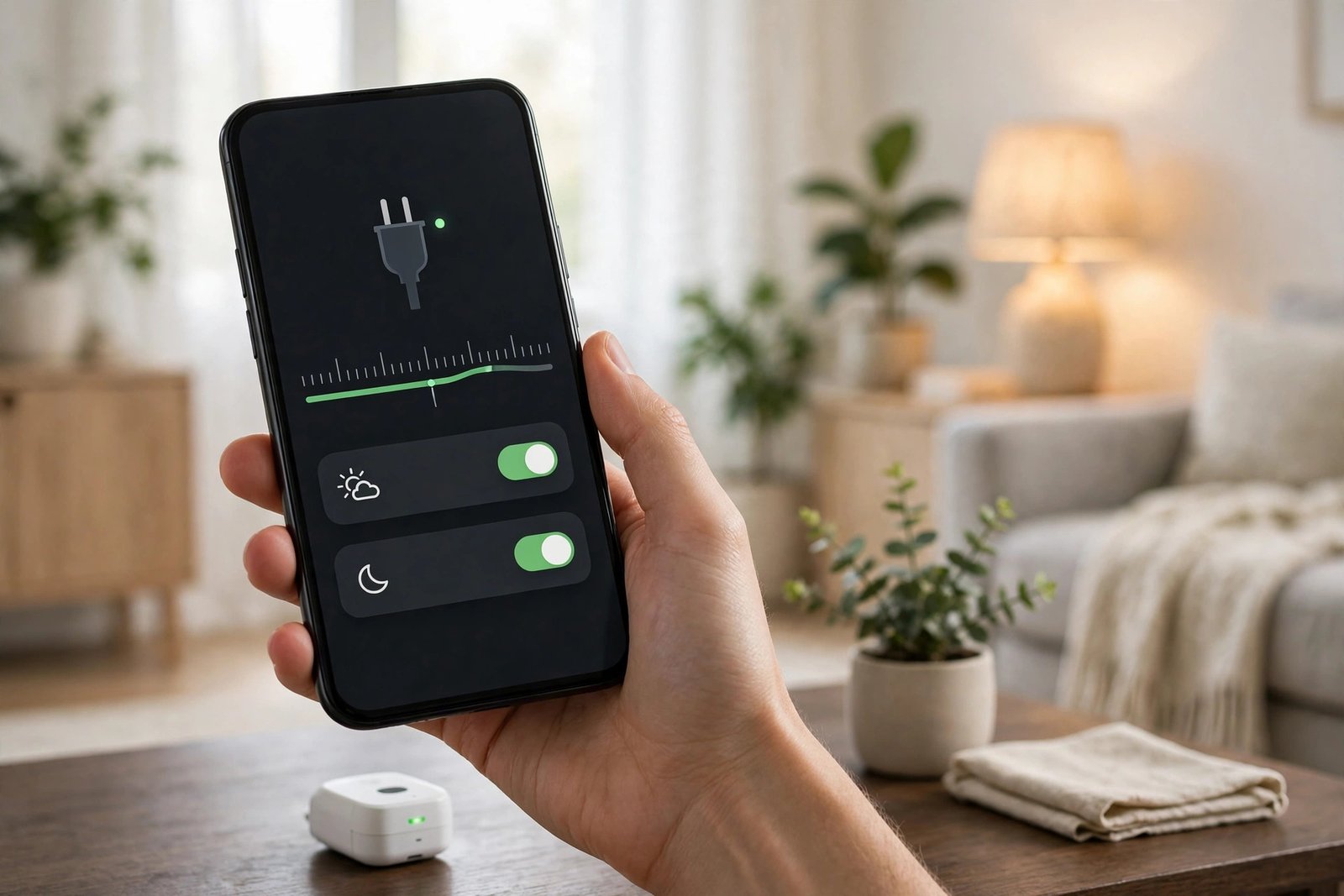
The Kasa Smart Wi-Fi Plug Mini is the most dependable recommendation in this guide. It is small enough to leave the second socket free on most double outlets, sets up through the Kasa app in a few minutes, and then works with Alexa voice commands, routines and schedules. It supports timers, away mode — which switches a lamp on and off to make a home look occupied — and grouping, so you can switch several plugs with one command.
Its main limitation is that the standard Mini does not include energy monitoring; Kasa sells a separate version that does, for a little more. For everyday lamps, fans and chargers, the standard Mini covers the essentials.
Amazon Smart Plug — the easiest plug for Echo owners
Best for: Echo owners who want the simplest setup with no extra app.
The Amazon Smart Plug is the easiest plug here to set up, because it works directly with the Alexa app. There is no separate app to install and no skill to enable: plug it in, open the Alexa app, and it appears ready to name and control. That simplicity makes it a strong pick for a first smart plug, or for a household where nobody wants another account to manage.
The trade-off is that it is larger than the Kasa Mini, offers no energy monitoring, and works best inside the Alexa system. If you are already an Echo household and value simplicity above all, it is the obvious choice.
Meross Smart Wi-Fi Plug — the best value plug with energy monitoring
Best for: buyers who want energy monitoring and a low price.
Meross plugs are among the best-value options that still work reliably with Alexa. Many include energy monitoring at a price where rivals charge extra, so you can see what a connected appliance costs to run. Setup runs through the Meross app, then links to Alexa, and the plugs support schedules, timers and routines.
The main limitation is that Meross plugs can be slightly larger than the Kasa Mini, so check the dimensions if your sockets are tight. The app is also less polished than Kasa’s. For value and energy monitoring together, Meross is hard to beat.
SwitchBot Plug Mini — the best plug for energy tracking and compact spaces
Best for: small spaces and households that want detailed energy data.
The SwitchBot Plug Mini is one of the most compact plugs here, and the energy-monitoring version reports power use in the SwitchBot app. That suits flats, kitchens and bedside sockets where space is tight, and people who want to track a heater or dehumidifier without buying a separate meter. It works with Alexa once linked, and supports schedules, timers and routines.
Its trade-off is that the plug is best if you are happy with the SwitchBot app or already use other SwitchBot devices. If you want a compact plug with energy data, it earns its place.
Kasa Smart Wi-Fi Plug with Energy Monitoring — the best plug for tracking costs
Best for: anyone who wants to know what an appliance costs to run.
Kasa’s energy-monitoring plug takes the reliable Mini formula and adds power tracking, so you can see current draw, daily use and longer-term trends in the Kasa app. That makes it useful for a heater, air purifier or older fridge, where the running cost is the real question. It keeps the same Alexa integration, scheduling and away mode as the standard Kasa plug.
The trade-off is price and size: it costs more than the standard Mini and is slightly larger. If you only need on-off control for lamps, save the money. If you want to find out which appliance is quietly adding to your bill, this is the version to buy.
Best Wi-Fi smart plugs for Alexa: comparison table
| Plug | Best for | Energy monitoring | Size | Setup |
|---|---|---|---|---|
| TP-Link Kasa Mini | Most Alexa households | No (separate model) | Compact mini | Kasa app, then Alexa |
| Amazon Smart Plug | Echo owners, simplest setup | No | Larger | Alexa app only |
| Meross Smart Wi-Fi Plug | Value with energy monitoring | Yes, on most models | Standard | Meross app, then Alexa |
| SwitchBot Plug Mini | Compact spaces, energy data | Yes, on monitoring version | Very compact | SwitchBot app, then Alexa |
| Kasa Energy Monitoring Plug | Tracking running costs | Yes | Slightly larger | Kasa app, then Alexa |
Table: the leading Wi-Fi smart plugs for Alexa compared on monitoring, size and setup.
Use this table as a starting point, not a final verdict. A buyer who only needs lamps should weight size and price most heavily, a buyer tracking a heater should weight energy monitoring, and an Echo household should weight setup above all.
A practical checklist before you buy
- Confirm Alexa compatibility first: look for “Works with Alexa” on the box or product page, and check the plug works in your country, since sockets differ by region.
- Check your Wi-Fi band: most plugs need 2.4GHz Wi-Fi, so make sure that band is enabled before setup.
- Measure your socket: a compact plug leaves the second socket free; a wide plug may block it, which matters on double outlets and power strips.
- Match the load rating: check the plug’s maximum load and the appliance’s wattage, and never connect a heater, kettle or air conditioner that exceeds it.
- Decide on energy monitoring: pay extra only if you will check the data, such as for a heater or a fridge.
If you are torn between two plugs, score each one on the points that affect your day. For seasonal use, our guide to the best smart plugs for Christmas lights covers outdoor-rated options and timer setups.
Frequently asked questions
Do I need a hub for a Wi-Fi smart plug with Alexa?
No. Wi-Fi smart plugs connect directly to your home Wi-Fi and link to Alexa, so an Echo speaker or the Alexa app is enough. A hub is only needed for plugs that use Zigbee or Z-Wave instead of Wi-Fi.
Will a smart plug work if my internet goes down?
Most Wi-Fi plugs need an internet connection for Alexa voice control and remote control, so those features stop during an outage. Some keep working on a schedule already set, and the physical button usually still works.
Can I use a smart plug with a heater or kettle?
Only if the appliance stays within the plug’s maximum load rating. Heaters and kettles draw high power, so check both the plug rating and the appliance wattage first, and never leave a high-power appliance running unattended on a schedule.
Why does my smart plug need 2.4GHz Wi-Fi?
Most smart plugs use 2.4GHz because it reaches further through walls than 5GHz and uses less power. If your router combines both bands under one name, setup usually still works, but a separate 2.4GHz network can help if the plug fails to connect.
Is it safe to leave a smart plug switched on all the time?
Yes, for low-power devices such as lamps and fans, a smart plug is designed to stay plugged in, using only a small amount of standby power. For high-power appliances, switch the plug off at the socket when not in use, and do not overload sockets.
How do I keep my Alexa smart plugs private?
Use a strong, unique password for the plug’s app account and your Amazon account, and turn on two-factor authentication where available. Our guide on how to use AI safely at work without sharing private data covers the same habits that keep connected devices safer.
The bottom line
The best Wi-Fi smart plug for Alexa in 2027 is the one that fits your sockets, your appliances and your patience for setup. For most Alexa households that is the TP-Link Kasa Mini, with the energy-monitoring Kasa as the upgrade for tracking running costs. Echo owners who want the simplest setup should choose the Amazon Smart Plug, while value buyers should look at Meross and compact-space buyers at SwitchBot. Start with one plug on a lamp you use every day, set a schedule, and add more only once the first one earns its place.
Do not overload sockets, and always check the load rating before connecting a high-power appliance. If a plug feels hot or smells of burning, switch it off at the socket and stop using it.