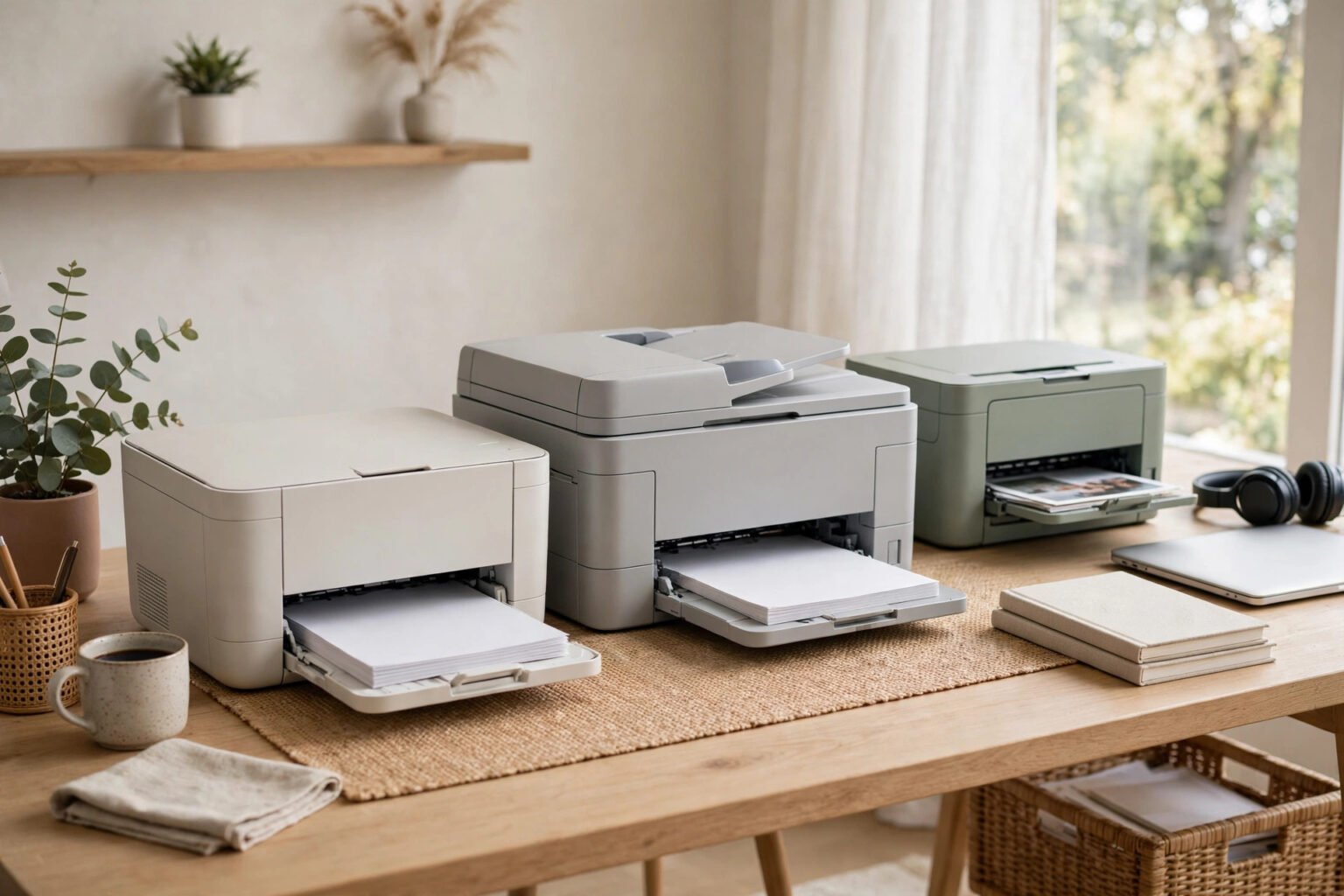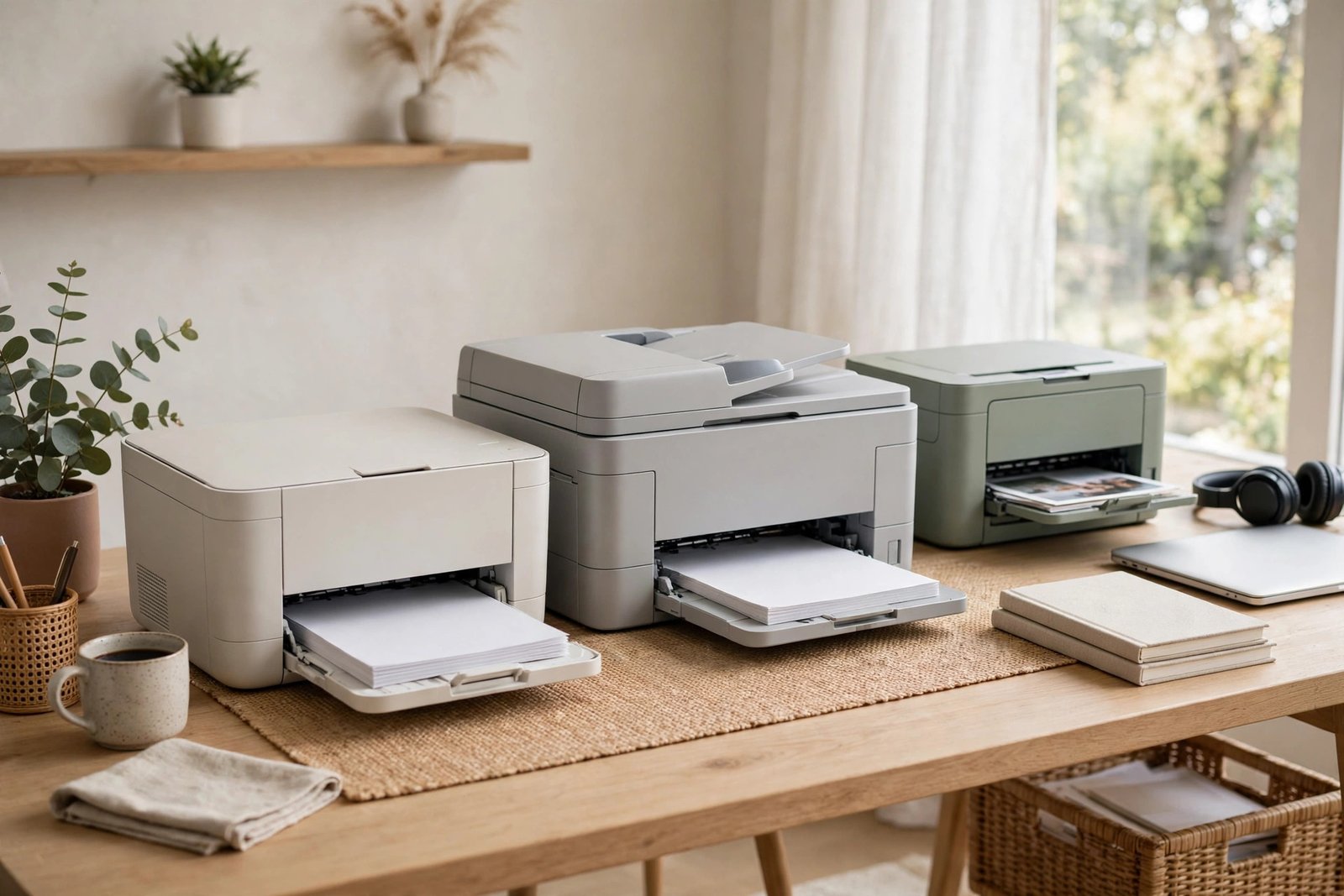
The best printers for home use 2027 has to offer are not the ones with the longest feature lists. They are the ones that match how often you print, what you print and how much you are willing to spend on ink or toner over time. For most homes, the answer is an ink tank printer if you print a lot, a laser printer if you print mostly text, or a simple inkjet if you print only occasionally and want good photos.
That short answer saves most buyers from the most common mistake: choosing by purchase price alone. A cheap printer can become expensive if its cartridges run out quickly, while a pricier ink tank or laser model can work out cheaper within a year or two for a busy household. This guide compares the leading home printers on print quality, running costs, scanning and ease of use, so you can choose by your printing habits.
Key takeaways
- Match the printer to your volume first: occasional printing suits a basic inkjet, regular printing suits an ink tank, and text-heavy printing suits a laser.
- Running costs matter more than the purchase price for most homes, so check ink or toner costs before you buy.
- Ink tank printers have the lowest cost per page for colour printing, but they cost more up front.
- Laser printers are the best choice for sharp text and for printers that sit unused for weeks.
- A printer with automatic double-sided printing, a scanner and Wi-Fi will save time in a family or home office.
- Check current price and ink costs for any model before you buy, because both vary by retailer and region.
How to choose a home printer in 2027
Start with volume. If you print a few pages a month, almost any modern inkjet will do. If you print school work, forms and photos every week, an ink tank printer will usually work out cheaper. If you print long documents most days, a laser printer will give you sharper text and a lower cost per page for black-and-white printing.
Next, think about what you print. Photos need an inkjet or an ink tank printer with good colour reproduction. Text documents look sharpest from a laser printer. Mixed home use suits a colour inkjet or ink tank all-in-one with a scanner and a copier. If you never print photos, do not pay for photo features you will not use. Wi-Fi printing from a phone or laptop is now standard, and many models support Apple AirPrint.
The best printers for home use in 2027
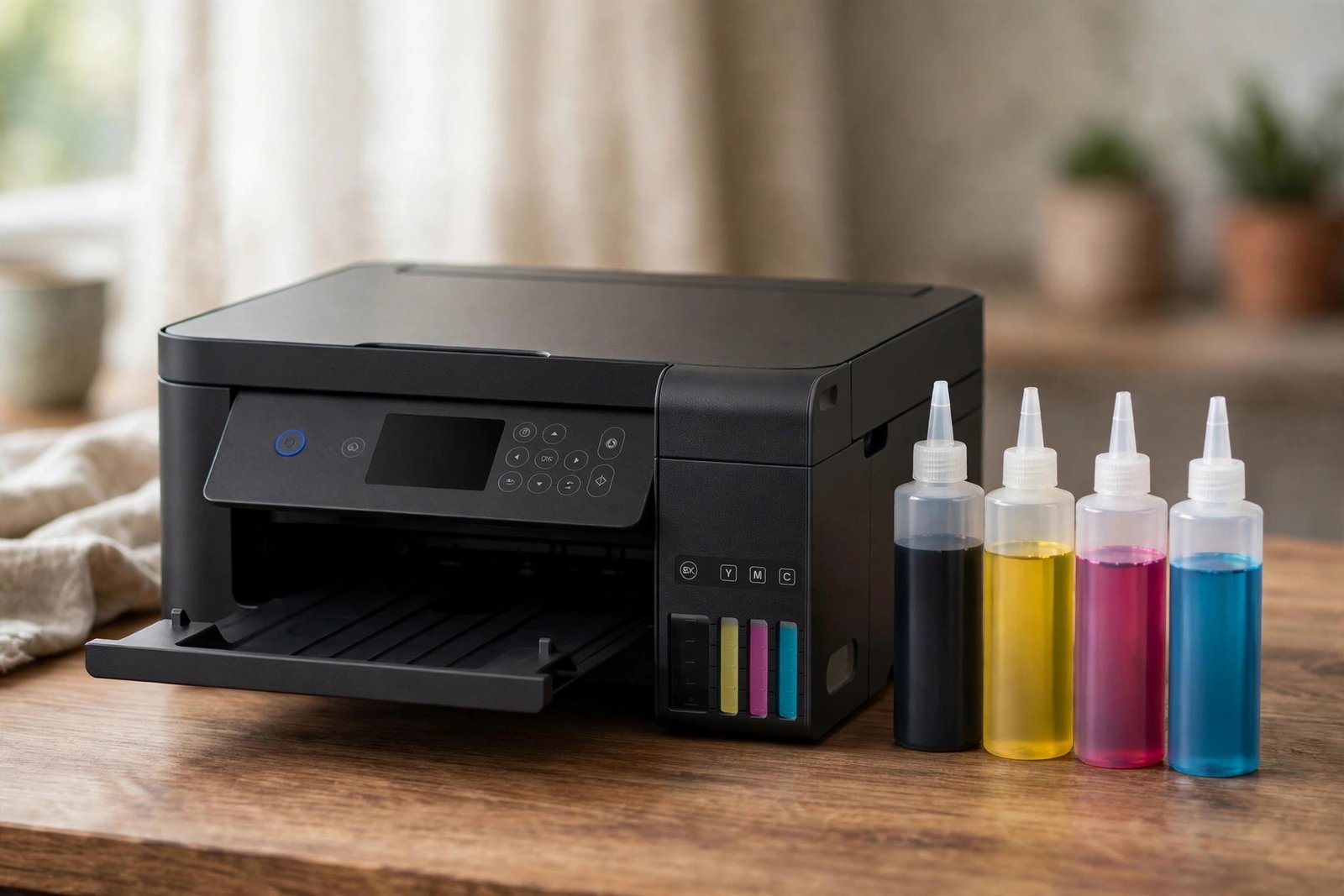
Epson EcoTank ET-2850 — the best printer for families who print a lot
Best for: families and busy households who print colour documents and photos regularly and want low ink costs.
The Epson EcoTank ET-2850 is an ink tank all-in-one that replaces cartridges with refillable tanks. You fill the tanks from bottles, which hold far more ink than a standard cartridge, so the cost per page is much lower. Epson states that the included ink can last for up to two years based on average monthly print volumes, though your own use will vary.
It prints, scans and copies, with Wi-Fi, a small colour display and automatic double-sided printing. Print quality is good for everyday documents and acceptable for photos, though it is not a dedicated photo printer. The trade-off is the higher purchase price.
HP Envy 6555e — the best printer for occasional home printing with photos
Best for: households who print occasionally and want good photo quality without a large up-front cost.
The HP Envy 6555e is a cartridge inkjet all-in-one for light, mixed home use. It prints, scans and copies, with Wi-Fi, a colour touchscreen and automatic double-sided printing. Photo quality is one of its strengths, with bright, natural-looking colour prints for family photos and school projects. It is compact and easy to set up.
Its weakness is running costs. Cartridge ink costs more per page than ink tank or laser printing, so a household that prints a lot will spend more over time. HP offers an Instant Ink subscription in many regions, which can lower the cost for predictable monthly printing, but it adds a monthly charge.
Canon PIXMA TR8620a — the best printer for a home office
Best for: home offices that need printing, scanning, copying and faxing in one machine.
The Canon PIXMA TR8620a is a cartridge inkjet all-in-one for mixed home office work. It has an automatic document feeder, which lets you scan or copy several pages at once, and automatic double-sided printing. It also has a colour touchscreen, Wi-Fi and printing from phones and tablets. Print quality is strong for documents and photos.
The trade-off is the same as with other cartridge inkjets: running costs are higher than an ink tank or laser printer, especially for heavy use. If you print documents from Google Docs and Sheets, our guide to how to use AI in Google Docs and Sheets covers the tools that produce those documents.
Brother HL-L2460DW — the best laser printer for text-heavy homes
Best for: households and home offices that print mostly black-and-white text and want sharp, low-cost output.
The Brother HL-L2460DW is a compact monochrome laser printer that does one job well: fast, sharp black-and-white printing at a low cost per page. Laser toner does not dry out like inkjet ink, so it can sit unused for weeks and still print cleanly. That suits a household that prints in bursts rather than every day.
It has Wi-Fi, automatic double-sided printing and a compact footprint, but it does not print in colour, scan or copy. Toner cartridges last for a large number of pages, which keeps running costs low. Students may also find our guide for best laptops for university students useful when planning a study setup.
HP LaserJet M110w — the best simple monochrome printer for small spaces
Best for: small homes and flats that need a compact, simple printer for occasional black-and-white documents.
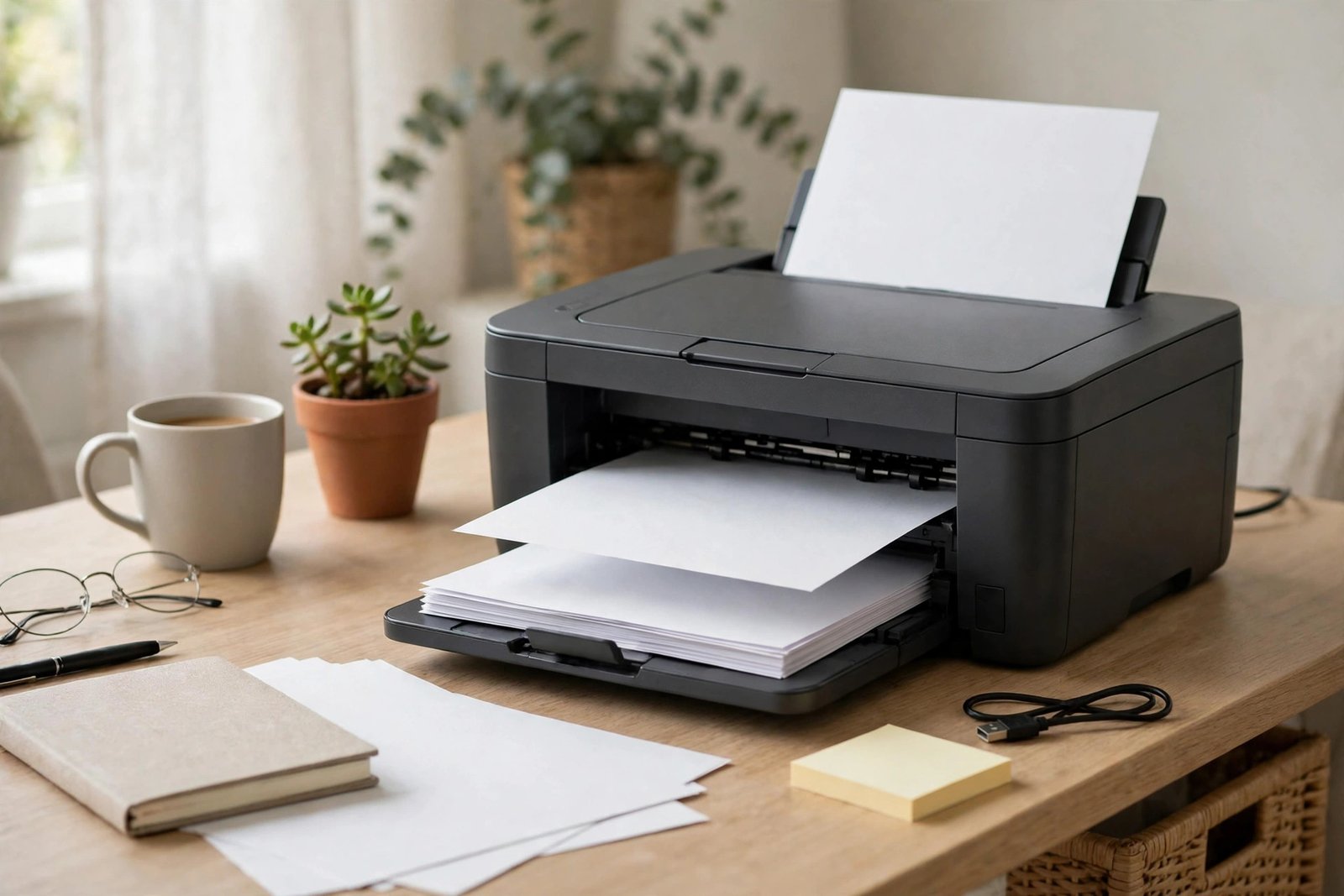
The HP LaserJet M110w is a small monochrome laser printer for tight spaces and light use. It prints black-and-white documents quickly and sharply, with Wi-Fi and printing from a phone. Its footprint is smaller than most laser printers, so it fits on a shelf or a small desk.
It is a single-function printer, so it does not scan or copy, and it does not print in colour. Automatic double-sided printing is not included, so you will need to turn pages over by hand.
Best home printers 2027: comparison table
| Printer | Type | Best for | Colour | Scanner | Running costs |
|---|---|---|---|---|---|
| Epson EcoTank ET-2850 | Ink tank all-in-one | Families who print a lot | Yes | Yes | Low per page |
| HP Envy 6555e | Cartridge inkjet all-in-one | Occasional printing and photos | Yes | Yes | Higher per page |
| Canon PIXMA TR8620a | Cartridge inkjet all-in-one | Home offices | Yes | Yes, with feeder | Higher per page |
| Brother HL-L2460DW | Monochrome laser | Text-heavy printing | No | No | Low per page |
| HP LaserJet M110w | Monochrome laser | Small spaces, simple printing | No | No | Low per page |
Table: the best printers for home use in 2027 compared by type, strengths and running costs.
Use this table to narrow your choice by volume and by what you print. If you print colour often, the ink tank model is the economical pick. If you print text often, a laser model is. If you print little and want photos, a cartridge inkjet is the simplest pick.
Ink tank vs inkjet vs laser: which type suits your home?
Ink tank printers use refillable tanks and bottled ink, which keeps the cost per page low for colour printing, but they cost more up front. Cartridge inkjets are the cheapest to buy and suit occasional and photo printing, but their cost per page is higher. Laser printers use toner, which does not dry out and prints sharp text quickly, so they suit text-heavy homes.
A checklist before you buy a home printer
- Count your pages: estimate how many pages you print each month, in black and in colour. That decides whether an ink tank or laser printer will save you money.
- Check ink or toner prices: look up replacement costs and page yields. Check current price for the printer and its ink or toner before you decide.
- List the features you need: a scanner, a document feeder and automatic double-sided printing save time, but they add size and cost.
- Measure your space: check the printer’s footprint, including space for paper trays and the scanner lid.
- Confirm connectivity: make sure the printer works with your phones, tablets and computers.
- Plan for running costs: a printer that costs little to buy can cost more over two years than a pricier model with cheaper ink. Work out the total cost, and our guide to how to use AI to plan a monthly budget can help you build that figure into a household budget.
Frequently asked questions
What is the best printer for home use in 2027?
There is no single best printer for every home. For families who print a lot in colour, an ink tank printer such as the Epson EcoTank ET-2850 is usually the best value. For text-heavy homes, a monochrome laser such as the Brother HL-L2460DW is usually the cheapest to run. For occasional printing with photos, a cartridge inkjet such as the HP Envy 6555e is the simplest choice.
Is an ink tank printer better than a cartridge inkjet?
For regular colour printing, yes, because bottled ink costs much less per page than cartridges. For occasional printing, a cartridge inkjet can be better, because it costs less to buy and does not need regular use.
Are laser printers better than inkjet printers for home use?
Laser printers are better for sharp black-and-white text and printers that sit unused for weeks, because toner does not dry out. Inkjet printers are better for colour photos and for households that need a compact all-in-one with a scanner.
How much does it cost to run a home printer?
It depends on the printer type and how much you print. Ink tank and laser printers have the lowest cost per page, while cartridge inkjets have the highest. Check replacement ink or toner prices and the manufacturer’s page yield, and work out the cost for your monthly volume.
What should I do if my printer sits unused for months?
Laser printers cope best with long gaps, because toner does not dry out. Inkjet printers can suffer from dried ink and clogged print heads if they sit unused. If you use an inkjet rarely, print a test page every few weeks, or choose a laser printer instead.
The bottom line
The best printer for home use in 2027 is the one that matches your printing habits and your budget over time, not just on the day you buy it. If you print colour documents and photos every week, choose the Epson EcoTank ET-2850 for its low running costs. If you print mainly text, choose the Brother HL-L2460DW or the compact HP LaserJet M110w. If you print occasionally and want good photos, choose the HP Envy 6555e. If you run a home office, choose the Canon PIXMA TR8620a.
Start by counting your pages, then check ink or toner prices for the models on your shortlist. Buy the printer with the lowest total cost for your volume, make sure it fits your space and devices, and set it up with Wi-Fi printing from your phone. The right printer is the one you barely have to think about — it prints cleanly when you need it.