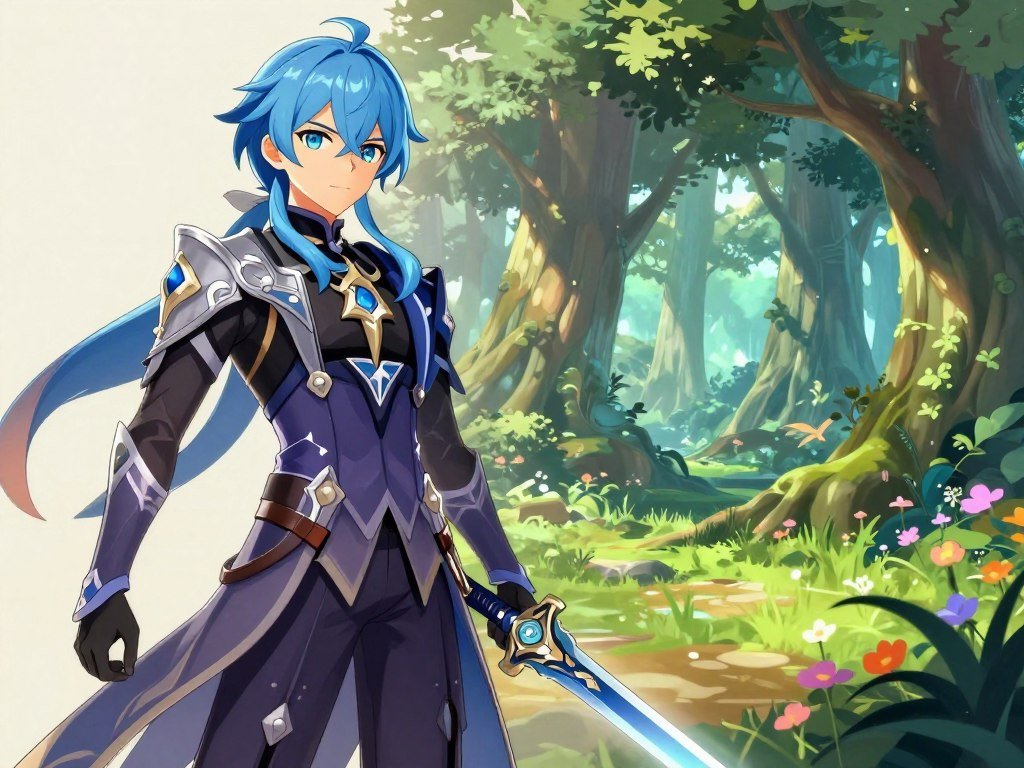
A short prompt can turn a character or scene idea into a starting image, even if you do not draw. An AI anime generator can help you shape original characters, story scenes, or visuals for a project. You bring the idea; the tool turns your words into an image to review and refine.
Image-to-image means generation that uses an existing image as input to guide a new or edited image. Your first result may miss a detail or take the story in an unexpected direction. That is normal. Adjust the description and try again until the artwork better fits what you pictured.
You can start with one clear idea, then build on the result. A strong image might become a character portrait, a scene for a storyboard, or a visual for a larger story. Begin with one character or scene you want to see, then use the first result to sharpen the idea.
Key Takeaways
- Start with one subject or scene.
- Use text prompts to guide the image.
- Adjust details after reviewing a result.
- Choose an image shape that fits your project.
- Check tool limits, privacy, and license terms.
How to Use an AI Anime Generator: Create Anime Images From Text
A text-to-image workflow starts with a written description, while an image input can guide generation or editing. Text-to-anime AI turns written descriptions into images, giving you a first visual to review and shape.
Choose an image orientation that fits where you plan to use it. Square, landscape, and portrait sizes suit different layouts, such as profile art, scene backgrounds, and character posters.
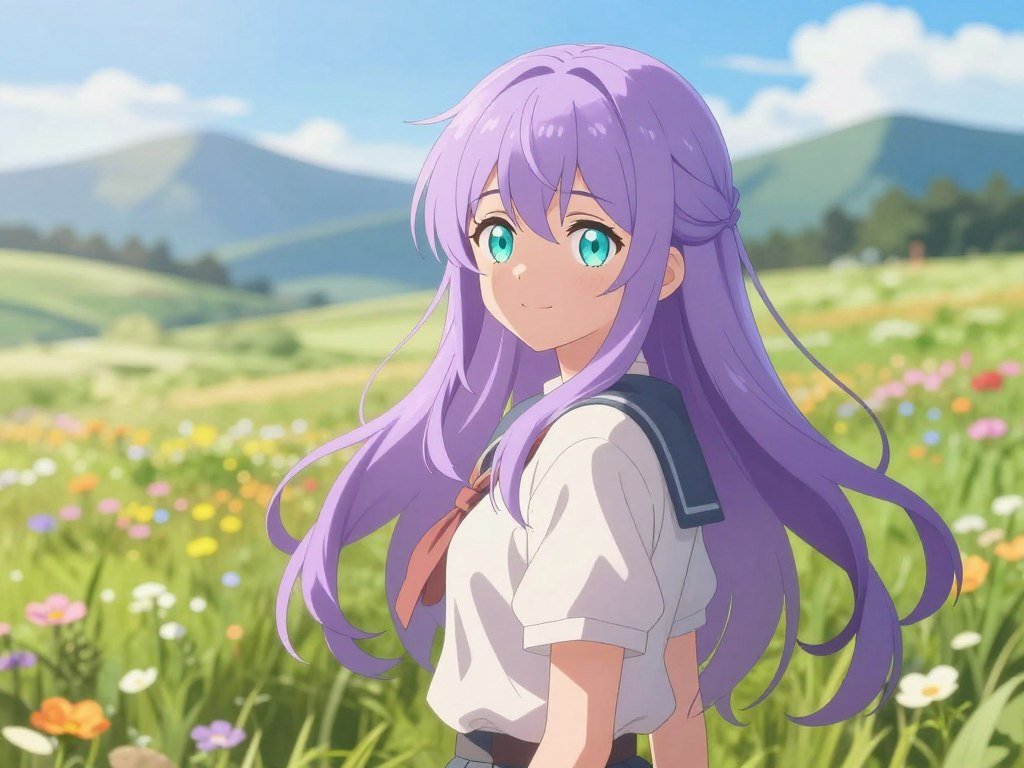
For a basic first pass, follow these steps:
- Choose a subject or scene.
- Describe the action and key details.
- Set a style and composition.
- Generate the image, then review it.
Match the image orientation to its intended layout before generating.
Text-to-anime AI from a written description
Text-to-image generation uses your prompt as the main guide. A reference image can steer a new image toward a pose, color scheme, or broad visual arrangement.
GPT Image models support image generation and editing from text or image inputs. You can use them in ChatGPT or through an API. Supported sizes include square 1024 × 1024, landscape 1536 × 1024, and portrait 1024 × 1536 pixels.
Canva asks you to describe an image, generate it, review it, then download, share, or edit it further. Logged-out users must sign in to continue. A beginner image-generation workflow can help you plan a first draft and review it.
Create an anime character with AI
Creating an anime character with AI works best when your prompt names features, clothing, pose, and expression. Those choices help the generator place the character in a clear composition.
For example, describe a young pilot with short silver hair, a red flight jacket, a relaxed stance, and a curious expression. Add a simple setting if the background matters. Then check whether the result fits your character idea.
Choose portrait dimensions for a character sheet, landscape for a wide scene, or square for a social profile. Match the image orientation to its intended layout before generating.
What Should You Put in an Anime Prompt?
Specific subject, appearance, setting, and style details give the generator clearer direction than a broad request for anime art. Focused prompts can guide the subject, lighting, mood, and background without crowding the image with unrelated details.
Keep the prompt clear enough to show what should stand out. A four-part study of 60 prompts reduced off-style results from 40% to under 8%, though that test structure is separate from this suggested scaffold.
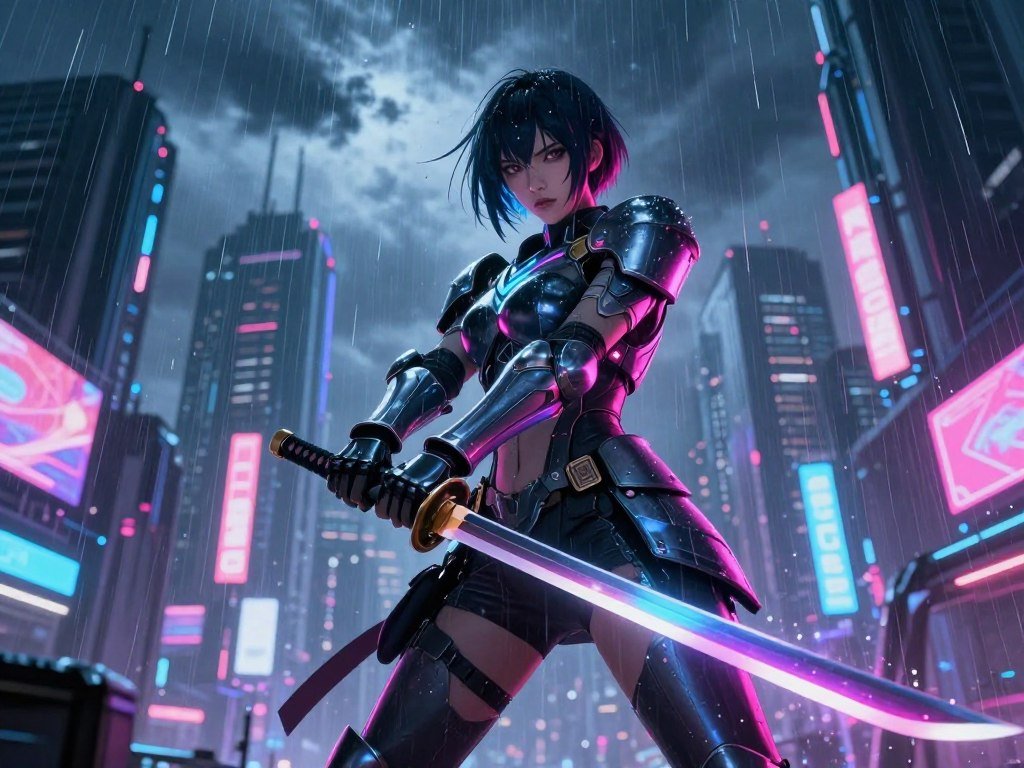
Try this four-part scaffold when you want a repeatable way to plan prompts:
- Subject and action: a swordswoman blocks an attack.
- Appearance and clothing: short dark hair, armored coat.
- Setting and composition: neon street, full-body view.
- Style, mood, and lighting: anime art, tense mood, dramatic rim lighting.
Put together, the example describes a cyberpunk swordswoman under neon rain, shown full-body with dramatic rim lighting. Change one or two details per regeneration so you can judge what helped.
When composition matters, a reference image or pose control can give the generator more guidance. ControlNet is one method for using pose or composition references. A research survey of personalizable image models reviews controls such as pose, edges, depth, and layout.
For more help shaping prompts, see this guide to writing image prompts. Change one prompt element at a time when you want to learn which detail shifted the result.
Can You Turn a Photo Into Anime Art?
Yes, a photo can guide an anime-style transformation, but the generator may change details rather than copy every feature exactly. Image-to-image uses the uploaded photo as a guide for a new rendering, rather than starting from text alone.
Use a photo you have permission to upload. A light restyle may keep more of the source image’s layout, while a stronger redraw can change clothing, facial details, or the background.
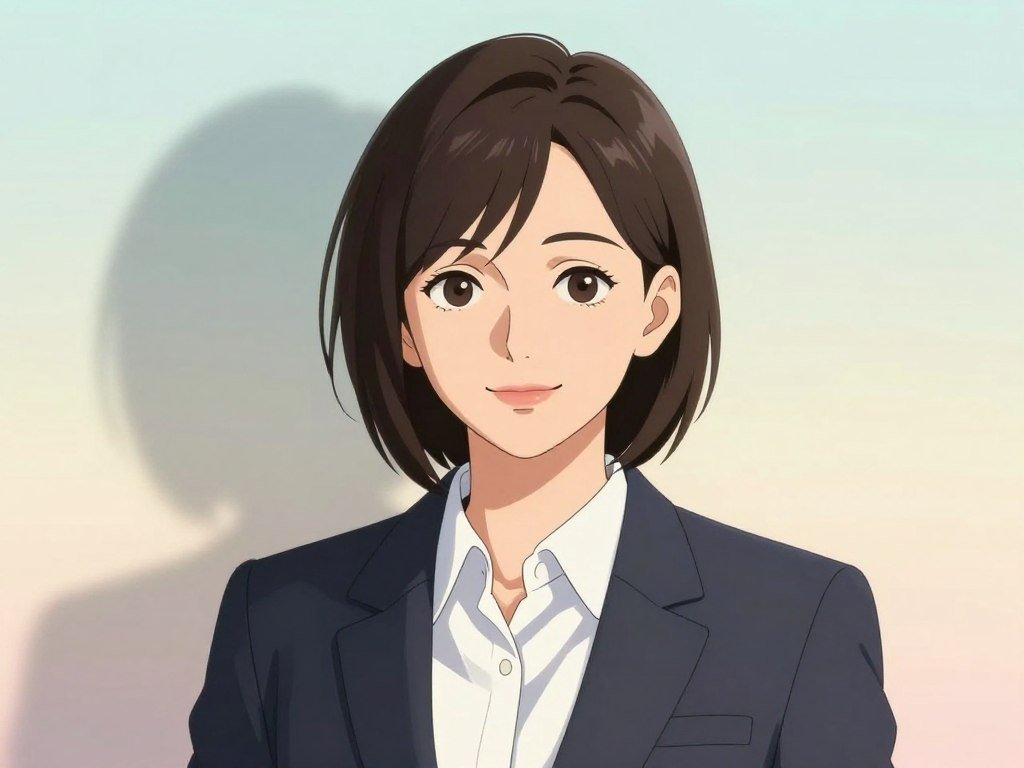
Anifun accepts JPG, PNG, and WEBP files up to 10MB. It offers 30 anime filter styles, including manga and Studio Ghibli styles, with free use, no sign-up, and watermark-free downloads.
Anifun says it deletes uploaded images and personal information within 24 hours. It does not support NSFW images. These terms matter if you are testing portraits or images with personal details.
Image-to-image controls can also focus on pose or line art. AnimeGenius offers seven techniques, including pose recognition, line-art refinement, and line coloring. A comparison of image generators can help you weigh different workflows.
Check the permitted image formats and size before choosing a photo to upload.
Which Free AI Anime Generator Fits Your Workflow?
For a simple free start, try ChatGPT image creation; choose Leonardo for its daily allowance or Firefly when its commercial-use terms fit your project. Free access can help you test a prompt, but each generator sets its own limits and visibility rules.
A free AI anime generator can create anime images from text, but access limits and image visibility differ. ChatGPT’s free plan includes limited image creation, and the app tells you when you reach its limit.
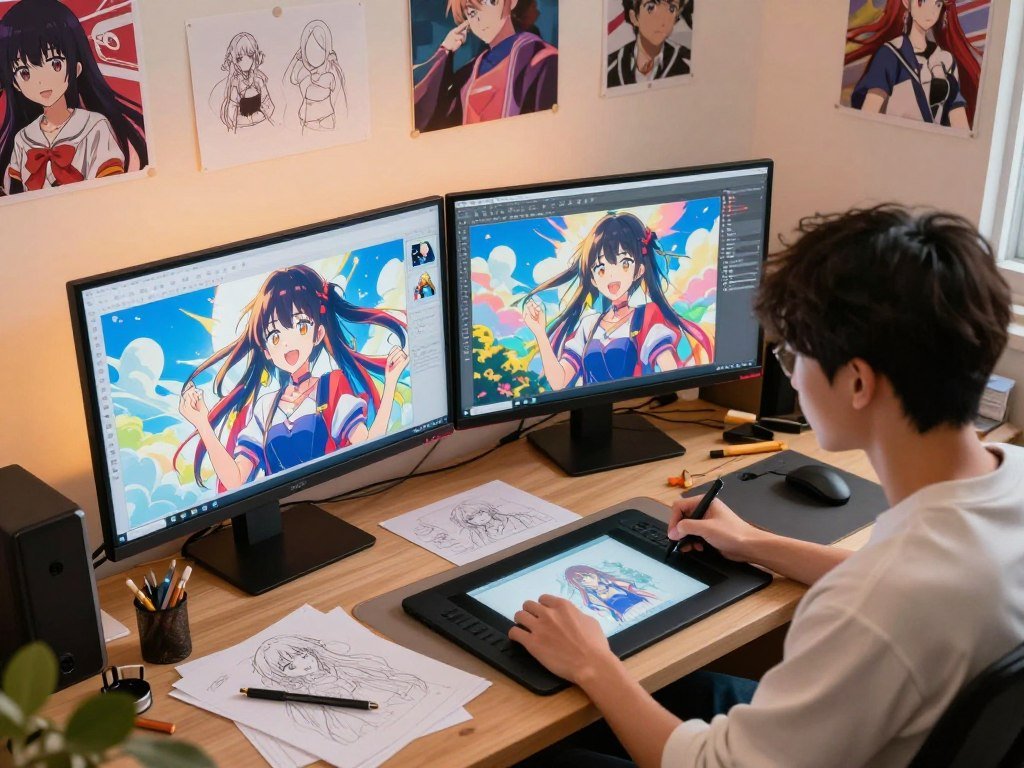
Free access for trying prompts and styles
Leonardo gives free users 150 tokens per day, and its creations are public by default. Ideogram uses credits; images are public unless private generation is available and selected.
Adobe Firefly offers limited daily generations on its free plan. Adobe permits commercial use of outputs from its own Firefly models, which use licensed and public-domain content for training.
Starryai’s Google Play app supports text-to-image generation, anime-style art, and photo-to-art transformations. Get an AI anime generator APK through an official app store, not an unofficial download.
| Tool | Free access | Key use condition |
|---|---|---|
| ChatGPT | Limited image creation | App indicates when its limit is reached |
| Leonardo | 150 tokens per day | Creations are public by default |
| Ideogram | Credits | Images are public unless private generation is available and selected |
| Adobe Firefly | Limited daily generations | Commercial use is permitted for outputs from its own Firefly models |
Ropewalk gave new accounts 2,500 free coins on April 29, 2026. That offer covered roughly 15 Nano Banana Pro generations or more than 100 Recraft V4 generations.
AnimeGenius offers up to 10 free images per day. Commercial use is limited to subscribers under the CreativeML Open RAIL-M license.
Privacy and commercial-use terms to check
Leonardo’s public-by-default setting may not suit private character drafts. Firefly is relevant when commercial use of its own-model outputs matters. The free text-to-image generator comparison covers other options and use conditions.
A tool’s free access and commercial license are separate questions. Before publishing or selling an image, check the selected tool’s current license and privacy settings.
Which Anime Styles and Models Give You More Control?
The right model depends on whether you want anime-specific controls, a particular illustration treatment, or local setup. Anime-focused tools can offer tags or style modes, while general models cover a wider range of art.
Choose a model by the kind of control you need, not by its anime label alone. NovelAI is a paid subscription with no free tier, and its image model is fine-tuned for anime and manga art.
Anime-focused models and tag controls
NovelAI uses tags to direct details such as pose, outfit, and composition. Midjourney is paid, and its Niji mode targets anime styling.
Runware’s October 2026 anime-model collection has 15 models for text-to-image and image-to-image generation. It includes GPT-Image-2.5 Sunburst and Flare, GPT Image 2, Nano Banana 2.1, Grok Imagine Image 2.0, Qwen-Image-3.0-Pro, Seedream 5.0 Pro, Nano Banana 2, Nano Banana Pro, and Nano Banana 2 Lite.
Its Exactly models offer distinct looks:
| Model | Visual direction | Defining look |
|---|---|---|
| Exactly Graphic Novel | Comic-book and graphic-novel art | Strong ink lines and dramatic shading |
| Exactly Bold Chromatics | Vibrant illustration | High contrast and bold color palettes |
| Exactly Dark Comics | Dark comic art | Heavy shadows and noir aesthetics |
OpenAI image models for anime styles
GPT Image 2.5 was released on September 8, 2026. Its Flare version is designed for faster generation, while Sunburst aims for more detailed results.
Seedream 4 produces 4K-resolution images. It is a separate model from Seedream 5.0 Pro, which also appears in Runware’s collection.
Local models, comic looks, and content limits
Stable Diffusion was released in 2022. Anime checkpoints and LoRAs can run locally, but setup and a capable GPU are needed. A guide to image generator options also covers local use.
AI anime generation with no restrictions is not a universal promise. Local model settings can vary, while Venice allows NSFW image generation within model capabilities and legal limits.
Venice’s free tier offers 15 image prompts per day. Venice Pro costs $18 per month and includes 1,000 images per day. Match the model to the look and level of setup you are willing to manage.
How Can You Polish and Export Anime Art?
Keep the strongest result and refine only the details that the final project needs. Small edits can remove clutter, alter an object or background, adjust focus or lighting, and add text.
Choose an export format that fits the image or document you are making. Canva offers Magic Edit, Magic Eraser, photo adjustments, filters, effects, text overlays, and background removal.
Preview the exported file at its intended size and add alt text when sharing it online.
Edit details without rebuilding the image
Magic Edit can change a selected detail, while Magic Eraser can remove unwanted objects. Adjustments and filters can help the finished art fit a storyboard or social post.
Keep the edit tied to the final use. A profile image may need a close crop, while a character sheet needs room for clothing and pose details.
Canva offers 5GB of free storage, with up to 1TB available on Canva Pro. A guide to creative AI projects discusses shaping generated work for real client needs.
Export and prepare the image for its destination
Canva exports designs as JPG, PNG, PDF, and PPTX. JPG and PNG are image formats, while PDF and PPTX are document formats for sharing layouts or presentations.
A portrait may work as a profile image; a wide scene can fit a storyboard panel or social post. Use a character sheet when a project needs several views of one design.
Write descriptive alt text when you post the image online, so people using screen readers can understand its key subject and action. Preview the exported file at its intended size and add alt text when sharing it online.
Conclusion
A clear subject and a few defining details are enough to begin shaping an original image. A focused first prompt gives the generator a useful direction, and revisions are a normal part of shaping the result.
Choose an original character or scene idea that matters to your project. Describe what the viewer should notice first, then create a version you can judge against that idea.
Your first image does not need to settle every design choice. Keep the details that work and revise the ones that do not. Write your first prompt, generate a version, and keep refining until the image suits your project.
FAQ
How can I keep the same character recognizable across several images?
Reuse a reference image and the same defining details, but treat consistency as guidance rather than a guarantee. Keep key features steady, such as hair, clothing, and colors. You can also save a short character description and add it to each prompt. Different tools may interpret the same reference in different ways, so compare each result before using it.
Can I sell AI anime art that includes a recognizable anime character?
A platform’s commercial-use permission does not grant rights to protected characters. Make an original design or obtain permission before selling work based on a recognizable character. A tool’s license covers its own use terms, not every right connected to a character, logo, or story world. Keep those questions separate when planning a product or commission.
How can I fix distorted hands or cluttered backgrounds?
Simplify the composition, specify the hand pose or background, then regenerate or edit one problem area. For hands, describe a clear action, such as one hand holding a cup. For clutter, ask for fewer background objects or a plain setting. If the generator offers an edit brush, select the flawed area instead of changing the whole image.
Can I make an anime image with a transparent background?
Yes, if your tool supports background removal or transparent PNG export. Not every generator includes either feature, so check its export options before building the image into a design. A background remover can also help after generation. Save a transparent PNG when you need to place the character over another color or scene.
Can a generated anime image be turned into a video?
Yes, image-to-video tools can animate a still using a prompt, but video creation is a separate workflow. The tool may add motion to a character, camera, or background. Review the clip for changes to faces, clothing, and hands, since movement can alter details from the still image. Export settings also differ from those for a single image.
Do I need to install an app to create anime images?
No, browser-based generators work online, while apps such as Starryai offer an app-based route. A web tool can be enough if you want to enter prompts and save images in a browser. If you choose an app, download it through an official app store. Avoid unofficial APK files, which may not be safe or current.