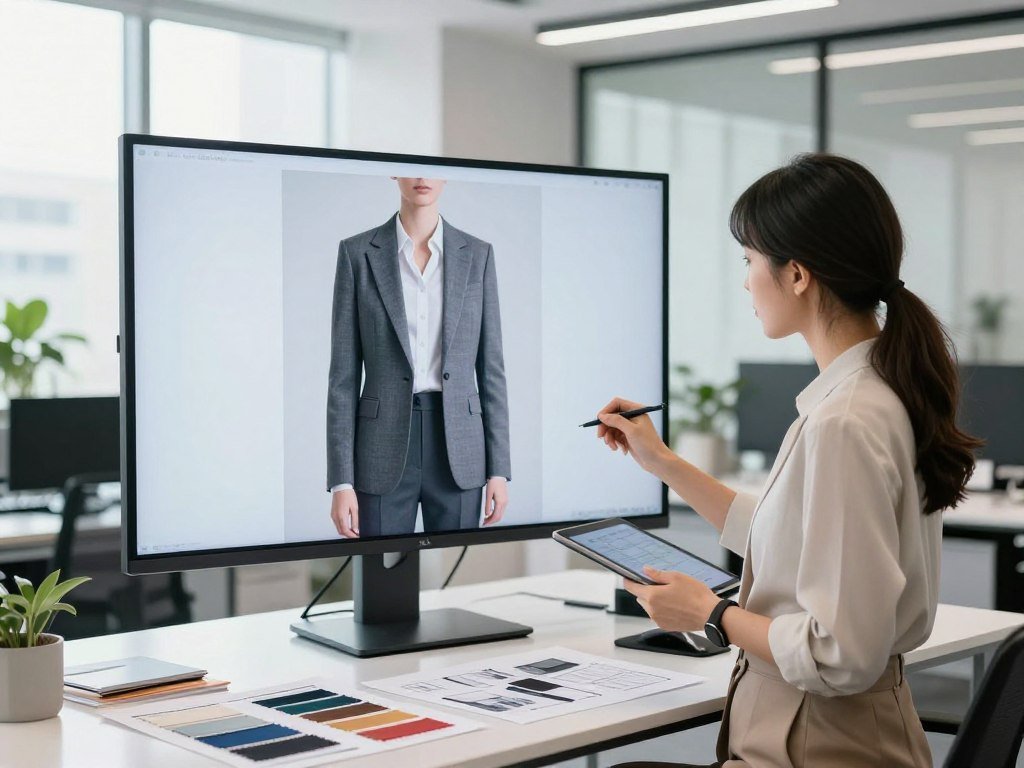
An AI fashion model generator turns a garment photo into an image of that item worn by a computer-generated person, without arranging a conventional shoot for every visual. For your clothing brand, this can help your team make product content from photos you already have. A synthetic model may show a garment in a new pose or setting, though each tool handles those changes differently. Workflow, image quality, and cost determine whether the tool fits your business. A small team with a steady catalog may value faster image production, while a brand with detailed garments may need more review time. Your customers still need to see the item clearly, and your team needs a process it can repeat. The useful test is whether the finished image shows the actual garment clearly enough for a customer to trust what they see.
Key Takeaways
- Start with a clear photo that shows the whole garment.
- Compare the generated result with the real product.
- Estimate cost from the images and videos you expect to make.
- Test a free allowance on a garment from your own collection.
- Check commercial-use terms before publishing trial images.
How an AI Fashion Model Generator for Clothing Brands Works
A clean photo of the full garment is the starting point; the software places that item into an on-model image rather than photographing it in a physical studio. A flat lay is a product photograph arranged and shot from directly above on a flat surface. A flat lay, hanger photo, or ghost mannequin image can all serve as an input.
An AI fashion model generator for clothing brands online usually follows four simple steps, though each platform offers different controls. The quality and visibility of the source photo still shape the result.
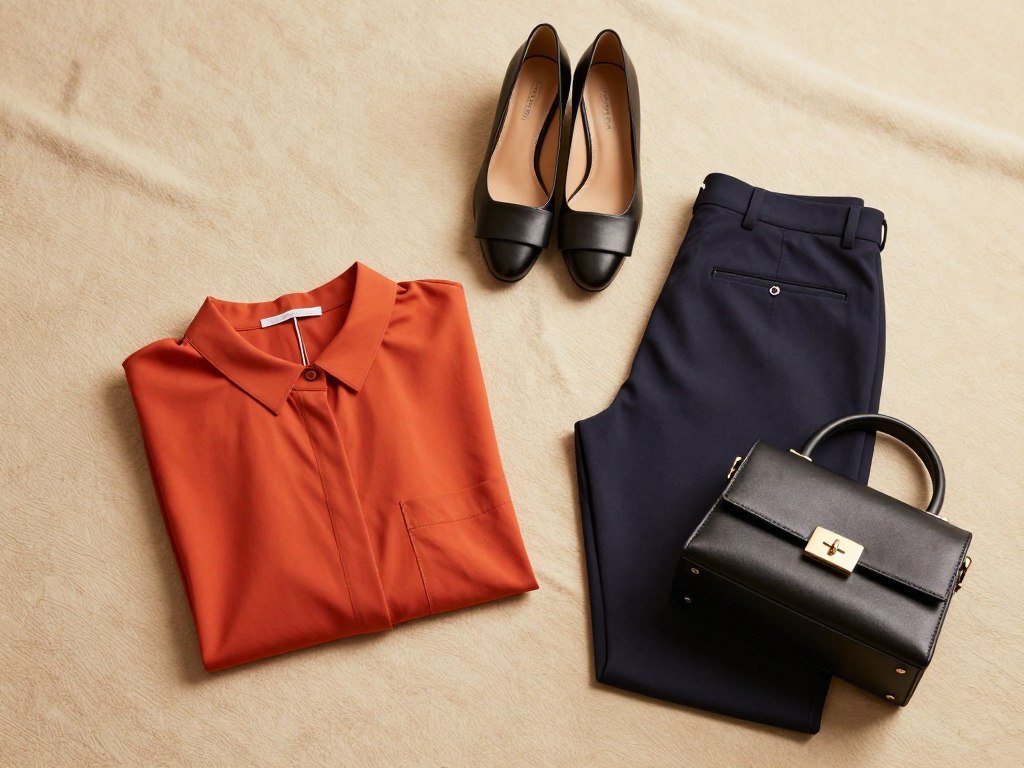
- Prepare a product photo that shows the garment.
- Upload the image, called the source photo.
- Choose a synthetic model and scene from the available options.
- Review the result, then download an image that suits the job.
Some tools guide you through a short setup, while others give you more choices. You can read a comparison of general AI image tools if your team is also considering broad image editors. Those tools may change a reference image’s style or background, but they may not preserve every product detail.
Use generated images only when the garment remains clear enough for a customer to judge what is for sale.
A professional fashion shoot with a model, photographer, studio, hair and makeup, and post-production can cost $5,000-$20,000 per shoot. Compare the work replaced with the specific images your team still needs.
What Can You Create From a Flat Lay or Product Photo?
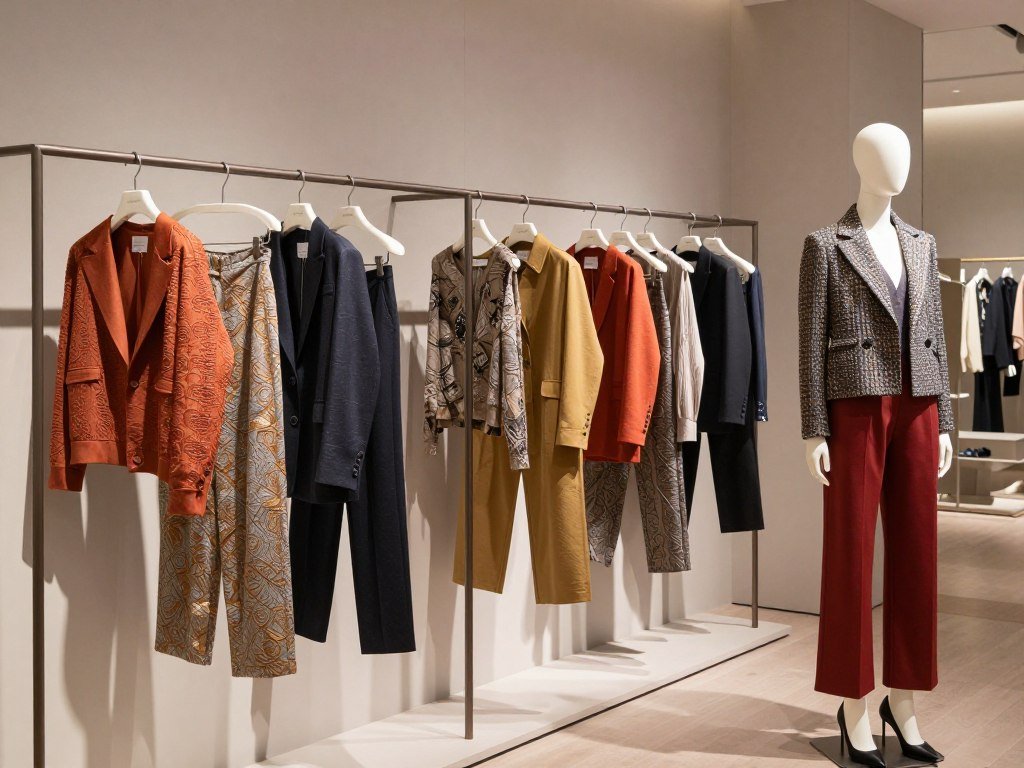
One usable garment photo can become several kinds of asset, from a straightforward on-model catalog image to a styled campaign variation. Start with the job the image must do, since a product page and a campaign need different views. Some tools focus on garment try-on, while others also edit scenes and backgrounds.
Turn catalog assets into on-model images
A flat-to-model image puts an existing garment on a synthetic model. A team can also swap models, change a garment’s color, or create packshots and product-page views. These outputs let a brand reuse product photos across more catalog layouts.
Modelia’s guided workflow creates four images with different fittings per generation. Botika offers choices for scene, pose, and framing. FASHN can take a flat lay, mannequin image, or model image as an input.
Those features can support more than one kind of catalog image, but the tools do not all offer the same controls. For example, a garment try-on tool may not let you make broad edits to the room or scene.
Build campaign variations and short videos
For campaign content, you can create alternate poses, backgrounds, and full-look combinations. A full look can bring several clothing products together in one frame, while a catalog image can keep one item in focus.
Some platforms can turn a still image into a short video. A team can use that workflow to add movement to a campaign asset, then review whether the garment stays clear in each frame. For more options, see these free AI video tools and check their export limits.
Keep the product-page image focused on the item, and use a separate frame when a campaign scene competes with garment details.
How Do You Keep Generated Product Images Accurate?
The best way to limit garment drift is to give the tool a clear view of the whole product before generation. Good input helps, but it cannot ensure every generated detail matches the real item. Generated images can shift color, print, logo, material, and construction.
Folds can hide a seam or pocket, while a crop can remove a hem or sleeve. A closure covered by hair, hands, or another garment gives the system less to work with. Complex patterns may also change from one part of the image to another.
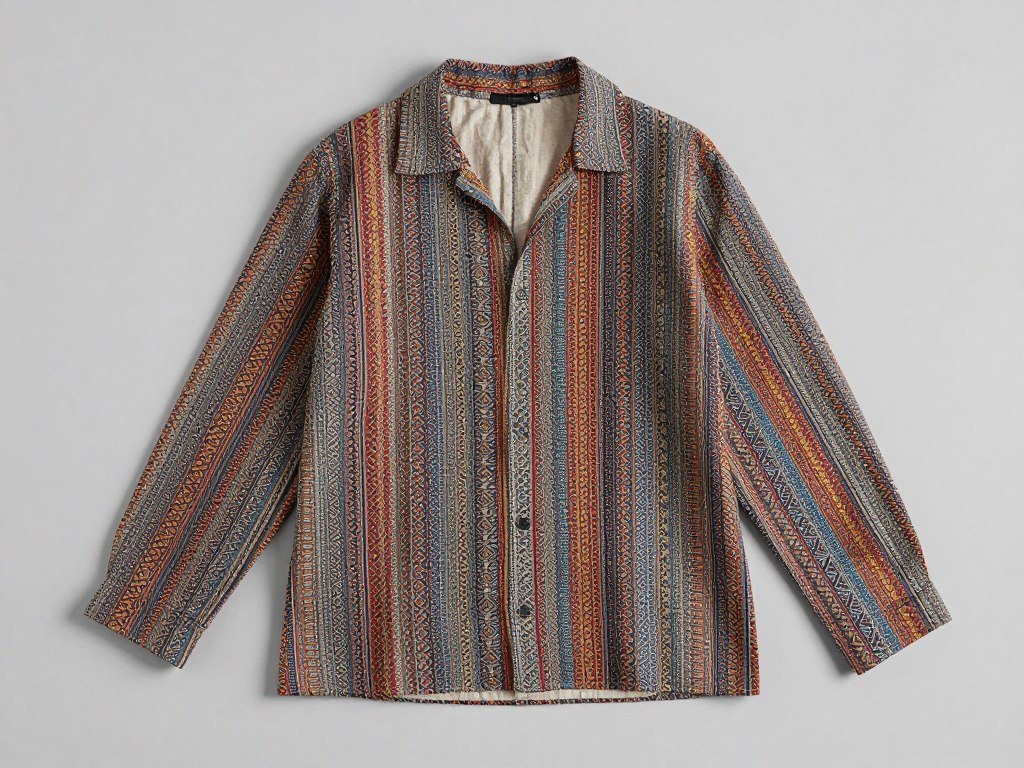
Use even light and show the complete garment without objects blocking it. Poor lighting can blur color and texture, leaving the generator to guess at details. Clear, high-resolution photos provide more information for the image process.
Even a careful source photo cannot make the output a substitute for inspecting the real product. If a result matters to a product claim, compare its details with the item your customer will receive.
A focused edit can help correct one area, but nearby parts may change too. This guide to creating and refining AI images covers reference images and review habits. Use only images your team has permission to upload.
Compare high-risk details, especially small hardware and printed text, at the size customers will actually see them.
Which Tools Fit Different Clothing Brand Budgets?
For a brand testing a small catalog, compare the included monthly credits first; for a team ordering higher-resolution outputs, compare the plan’s stated resolution as well. Monthly allowance matters because each tool counts output in its own way. The best AI fashion model generator for clothing brands depends on expected volume and needed output.
The New Black Starter costs $15 monthly for 200 credits, and one Standard AI model image costs one credit. WearView Pro costs $49 monthly for 200 credits, while StyTrix Silver costs $23 monthly for 400 credits.

| Tool and plan | Monthly price | Included credits | Output detail |
|---|---|---|---|
| The New Black Starter | $15 | 200 | Standard AI model image costs 1 credit |
| WearView Pro | $49 | 200 | Short-form video up to 1080p |
| StyTrix Silver | $23 | 400 | 2K photoshoots |
Compare included credits and output limits
WearView Lite costs $29 monthly for 50 credits, Pro costs $49 for 200, and Advanced costs $99 for 500. Lite annual billing is about $24 per month, a different rate from the stated monthly price. Higher WearView plans support short-form video up to 1080p.
StyTrix’s Silver plan includes 400 credits and 2K photoshoots. Gold costs $30 monthly for 500 credits and 4K resolution. Platinum costs $58 for 1,000 credits and 8K resolution.
Match the plan to monthly production
A low-volume starter can compare The New Black Starter’s listed monthly allowance with its expected image count. A team prioritizing resolution may prefer StyTrix Gold or Platinum, based on its output needs.
Before choosing an annual rate, check whether your production calendar can use the allowance consistently.
Can You Use a Free AI Fashion Model Generator?
A free allowance is most useful when you test the same representative garment on each platform rather than generating unrelated sample images. One real item can reveal how a tool handles color, shape, and your team’s steps. Free access is a test, not proof that a platform suits full production.
These options offer an initial way to try an AI fashion model generator free, though their limits differ:
- Modelia Starter includes 20 credits per month.
- Claid offers 50 free credits.
- On-Model offers five free images to test.
- StyTrix offers 20 free AI credits.
- KOOZEE offers free test credits with no sign-up.
A free AI fashion model generator for clothing brands can help your team test fit, detail retention, and the workflow on a garment you actually sell. You can also compare options in this free image generator guide, though general image tools may not have apparel-specific controls.
Claid’s paid subscriptions start at $9 per month, while On-Model paid pricing starts at €19 per month. Those starting prices do not show how many images fit your regular production needs.
KOOZEE says paid subscribers may use eligible generated images for digital commercial purposes, including e-commerce listings and social ads. That condition applies to eligible images and paid subscribers, not automatically to every trial output.
Check the particular plan’s commercial-use terms before putting a trial image on a live product page.
How Much Do AI Fashion Model Generators Cost?
A plan’s monthly price is only a starting point; the number of credits each image or video consumes determines how many usable assets it funds. Output type changes the count, so a video-heavy month can use credits faster than a photo-only one. Estimate your cost from the mix of content you expect to create.
The table shows Modelia and Caimera charges for common outputs. Modelia also charges three credits for Consistent Character.
| Output and tool | Credit charge | Condition |
|---|---|---|
| Modelia standard model image | 3 credits | Standard image output |
| Modelia 4K model image | 6 credits | 4K image output |
| Modelia five-second video | 25 credits | Five-second clip |
| Modelia ten-second video | 40 credits | Ten-second clip |
| Caimera image output | 10-20 credits | Charge varies by output |
Separate subscription costs from credit top-ups
The New Black Pro costs $35 per month for 500 credits. FASHN Basic costs $19 monthly for 200 credits, while Pro costs $49. Agency costs $99 monthly and includes 1,500 monthly credits plus a daily allowance.
FASHN charges $0.10 per credit for top-ups, and unused credits roll over. Botika’s entry plan costs about $46 per month with yearly billing and includes 600 credits per year, described as over 240 photos per year.
Calculate credits per image and video
Video resolution may depend on the plan. FASHN Basic includes 720p video, while Agency includes 1080p video. A low monthly fee may not cover a high volume of large or moving outputs.
Claid charges 4-24 credits per fashion photo generation, depending on resolution. Modelia’s video charges show why teams should count clips separately from stills.
Estimate a typical month using your expected image and video mix, not the maximum credit balance alone.
What Quality Checks Should Happen Before Publishing?
A review step matters because a polished-looking image can still misrepresent a print repeat or a small garment detail. Check the product before the image reaches customers. Human review should remain part of product-image approval.
In a test of 11 free fashion AI tools, four produced assets that passed technical-design review without redraws. The test covered three garments and two print repeats per garment.
In the same test, seven tools triggered an average of two extra correction cycles per style. Those results describe that test, not every platform or garment. Correction cycles are time your team must budget, not proof that a tool cannot work.
Use a short review checklist for each generated image:
- Compare the garment’s silhouette and fit.
- Inspect the color, print, and logo placement.
- Zoom in on closures and fine hardware.
- Check the image at its intended listing size.
The test found four tools passed without redraws under those specific review conditions. Your own garment mix may produce different results, especially when it includes fine patterns or small branded parts.
Focused edits can fix one area, but they may affect nearby details. A human reviewer should compare changes with the source photo, not just accept a cleaner-looking result. This advice on using AI for creative work also stresses checking product claims against the real item.
Keep a human approval gate for any product image whose accuracy could affect a purchase decision.
How Do You Scale Images Across a Catalog?
A team generating the same views for many SKUs can save repetitive handling by standardizing the inputs and review steps. Repeatable work is a good fit for batch tools, while custom jobs may still suit a studio interface. Choose the workflow based on how your team moves product content.
Botika offers batch processing, a Shopify integration, and AI fashion video generation. Pic Copilot starts at $3.99 per month and includes more than 160 model avatars and batch processing.
| Platform | Access price | Scaling detail |
|---|---|---|
| FASHN API | $0.075 per credit | 4K output on Pro |
| Modelia | $35-per-month plan | API access and 4K output |
| WeShop AI | $457-per-month Enterprise plan | Full API access |
| Uwear | $0.10 per credit | Credits do not expire; Studio, API, and MCP |
Batch repeatable catalog work
Batch processing lets a team submit many products through a similar set of steps. Pic Copilot and Botika offer this option, while Botika also connects with Shopify. You can still review the resulting images before they reach a listing.
Connect APIs to existing systems
An API can connect a generator to a product information management system, digital asset management system, or storefront. In a studio interface, a person uploads and reviews each job. An integrated workflow can pass product data and image files between systems.
FASHN offers shared team credits, collections and labels, plus connected mobile and web accounts. The New Black offers editing and publishing integrations. Uwear credits work across Studio, API, and MCP, and do not expire.
Pilot one repeated catalog job end to end before connecting an automated workflow to a live storefront.
What Legal and Consent Rules Should Brands Check?
A generated person is not a substitute for permission to use a real person’s likeness in an image. Consent matters when a campaign uses an identifiable person, even if software changes the scene. Check the rules for each market and sales channel where the image will appear.
As of April 2026, the United States had no comprehensive federal AI statute. Brands still faced existing legal doctrines and emerging AI-specific laws during that period.
Copyright and human creative input
As of April 2026, the D.C. Circuit had confirmed in Thaler v. Perlmutter that purely AI-generated works without human authorship are not copyrightable under current U.S. law. That rule concerns copyrightability, not every question about who may use or control an image.
Human choices in a creative process may matter, but copyright claims depend on the work and the facts. Keep records of the human work your team adds, such as selection, editing, and original design choices.
Likeness consent and disclosure
Get permission before using a real person’s likeness. Platform rules may also limit how a model’s face or identity can appear, so read the terms that govern your account and project.
The EU AI Act’s Article 50 includes transparency requirements for some AI-generated content. A U.S.-based seller with EU-facing activity should check which duties apply to its content and sales channels.
Disclosure rules can differ by location and marketplace, so do not treat one platform’s terms as nationwide law. Ask qualified counsel to review the rights and disclosure rules that apply to your specific campaign and sales markets.
Are Clothing Companies Using AI Models in Real Campaigns?
Yes, clothing companies can use AI models to create on-model product images and campaign variations without photographing a live model for every frame. These use cases are available for product and brand content. That does not prove broad adoption or better sales.
A brand can start with flat lays, hanger photos, or ghost mannequin images, then generate on-model views. Teams can also vary pose, scene, and framing for campaign visuals.
Use synthetic models for catalog and campaign visuals
Synthetic models can be set up with different body types, skin tones, and styles. This can help a brand show more outfits and customer-facing looks across its catalog. The same product may appear in a simple listing view and a separate campaign scene.
An AI fashion brand can use generated people to make visual variations without arranging a live shoot for every frame. The image still needs to represent the garment, and a polished campaign does not show how customers respond to it.
Representation is not the same as lived experience
Generated people can help vary the look of a campaign, but they do not speak for the communities they resemble. A synthetic model has no lived experience, personal view, or relationship with the customers shown.
Use customer feedback and real people when deciding whether a campaign feels respectful and useful. A wider range of body types or tones in an image does not, by itself, show that a brand understands those customers.
Treat synthetic representation as one creative option, not as a replacement for listening to the customers a brand hopes to represent.
How Should Your Team Choose a Generator?
Start your shortlist with the garments and channels your team actually serves, not a platform’s longest feature list. A real test will tell you more than a list of features alone. Compare each candidate against your product, target page, and review capacity.
On-Model supports flat-to-model imagery, model swaps, garment recoloring, and AI packshots in four styles. It also offers reusable model identities, custom brand identities, batch processing, marketplace-specific output dimensions, and an API.
Use four checks to build a practical shortlist:
- Test a representative garment from your collection.
- Confirm needed output types and marketplace dimensions.
- Check model consistency and brand-identity controls.
- Verify batch or API access if your catalog needs it.
One platform may cover flat-to-model images and packshots, while another may suit a narrower task. Your team can also review practical AI model workflows when comparing image inputs and try-on uses.
Score tools on work your team can repeat, not on features it may never use.
Keep your trial focused on the product pages and channels you already maintain. If several people approve images, include their review time in the test rather than judging only the generation speed.
Score each candidate against one real product, one target channel and the amount of review your team can sustain.
Conclusion
The right generator is the one that produces reliable product visuals at a workload and review level your team can sustain. Test product accuracy on a real garment, then estimate spending from the image and video mix you expect.
Start with one representative item on a free test or short trial. Compare the result with the source photo before you commit to a paid workflow.
Choose one representative garment and make it your first side-by-side test.
FAQ
Can AI-generated fashion model photos preserve a garment’s exact color and print?
Not always; a generated image can change a garment’s color or print. Start with even-light source photography that shows the full item, then compare the result with the real garment before publishing. Patterns may shift across seams, and small logos can become unclear. Treat generated visuals as images to review, not as proof of exact color or material.
What kind of clothing photo should I upload for an AI model image?
Use a high-resolution, unobstructed view of the whole garment. A flat lay, hanger photo, or ghost mannequin image can work if it shows the item clearly. Even light helps the tool read color and shape. Avoid crops that cut off sleeves, hems, or closures, since missing parts give the system less information to use.
Can I use free AI fashion images in my online store?
Only when the specific plan’s terms allow that use. A free test does not automatically include commercial rights, so read the terms for the account and image you plan to publish. KOOZEE says paid subscribers may use eligible generated images for digital commercial purposes, including listings and social ads. That condition does not apply to every free image.
Can I put my product on a photo of a real person?
Yes, but get that person’s permission before using their likeness. This applies even when a tool changes the clothing, background, pose, or other parts of the original image. Keep a record of the permission and check whether it covers the channels and uses in your campaign. A tool’s editing features do not replace the person’s consent.
Are AI-generated fashion images copyrightable in the United States?
Purely AI-generated works without human authorship are not copyrightable under current U.S. law, as of April 2026. The D.C. Circuit confirmed that position in Thaler v. Perlmutter. This point concerns copyrightability and does not settle every ownership or usage question. Human creative input and the facts of a work can matter, so get legal advice for a specific claim.
Can an AI fashion model generator make videos as well as photos?
Yes, some fashion generators make video as well as still images. FASHN Basic includes 720p video, while its Agency plan includes 1080p video. Other platforms may offer short clips or still-to-video tools. Check whether the plan supports the length and resolution your channel needs, since moving images can use credits differently from photos.



