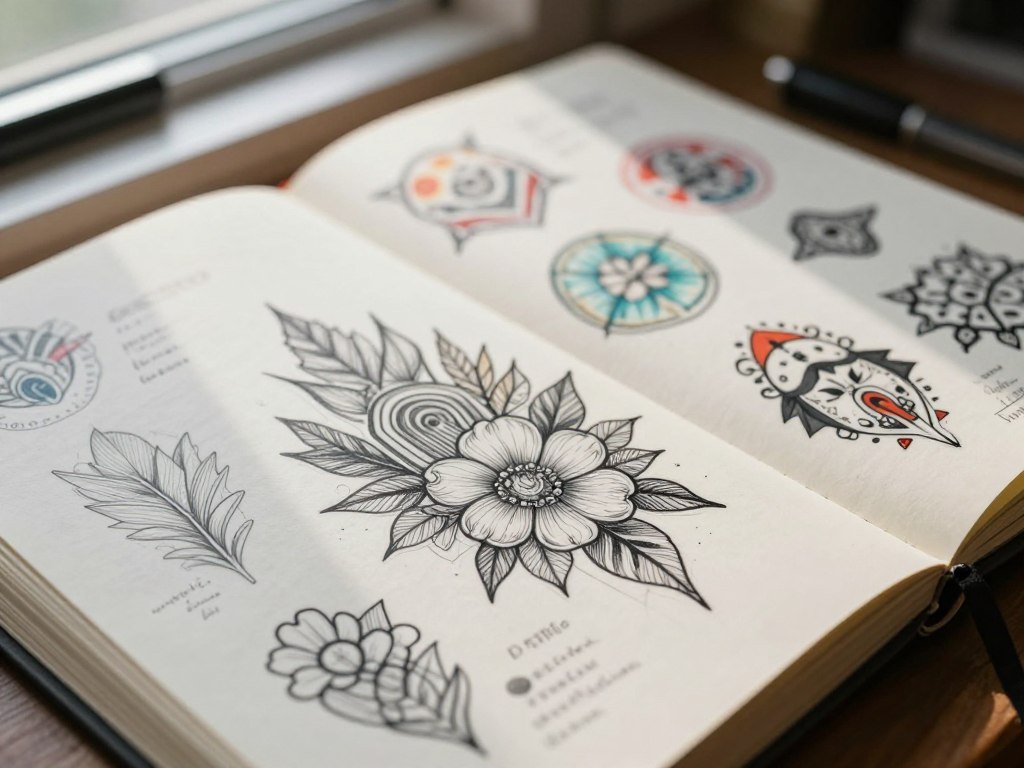
A few clear words or a reference image can give you a visual starting point for a tattoo you have been imagining. A reference image is a photo or sketch used to guide the generator’s output. An AI Tattoo Generator for Custom Tattoo Designs can help turn a personal concept into visual inspiration you can discuss with a tattoo artist.
The first image is a draft, not a finished tattoo stencil. You can explore a subject, compare possible looks, and decide which details matter before you meet with a professional. That gives you something concrete to discuss, while leaving room for the artist to adapt the artwork for your body and skin.
Use the first result to clarify what you want, not as a commitment to ink it unchanged.
Key Takeaways
- Generated tattoo art is a concept, not a final stencil.
- A clear prompt can help you explore one visual direction.
- Reference images can guide some generators, but not all.
- Compare versions before choosing a design to discuss.
- A tattoo artist can adapt your concept for skin.
- Check the exported file before sharing it with an artist.
How Does an AI Tattoo Generator for Custom Tattoo Designs Work?
A generator turns your description into a visual draft, then lets you adjust the direction before sharing it. You can start with a subject, such as a moth, and add words about its mood or look. Your choices guide the image, but different generators may interpret the same prompt in different ways.
Most workflows follow three steps: describe the subject and mood, generate an image, then revise and save it. A reference image means a photo or sketch used to guide the generator’s output. Not every tool accepts one, so check the tool’s available features before planning around an upload.
- Describe the main subject and the mood you want.
- Generate an image, then review its shape and details.
- Revise the idea and save a version worth keeping.
Treat each generated image as a draft for discussion, not a ready-to-ink stencil.
Canva requires you to sign in before its generated image appears on the page. Adobe Firefly requires an Adobe ID or free account to start generating, and its prompts can be up to 750 characters long. Signing in may also be needed to save or download a result.
Canva offers text editing, Magic Edit, and collaboration tools, so you can adjust a draft or work on it with others. If you want to compare how image generators handle prompts, editing, and output, see this AI image-generator comparison guide. Keep the work in a broader design space if you expect to edit text or layout later.
Save a version with a clear filename so you can compare revisions without losing the concept you preferred.
Which Free Online Tattoo Generator Fits Your Workflow?
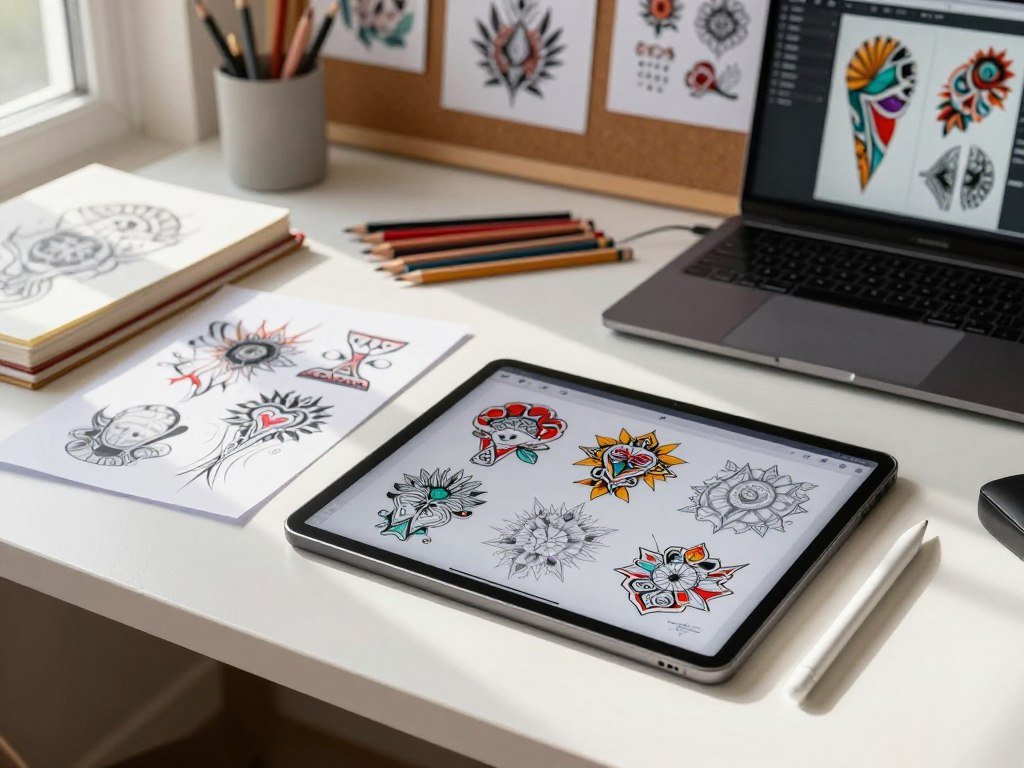
Recraft is the clearest pick for frequent free image experiments, while Tat Ink is useful when keeping a design matters most. Recraft allows up to 30 free image generations per day. Tat Ink supports downloads up to 2K resolution and keeps designs for seven days without sign-in, or permanently after sign-in.
Choose by the task you need to finish, not by a claim that one tool makes the best tattoo for everyone. Canva and Adobe Firefly suit people who want to keep editing in a broader design workspace. Remaker can help when you want several concepts shaped by style or placement prompts.
For an AI tattoo generator for custom tattoo designs online free, a browser-based starting point can cost nothing, but features and limits differ by tool. The best AI tattoo generator for custom tattoo designs depends on whether you value repeated exploration, saving, or editing most.
| Tool | Useful starting point | Notable workflow | Output or saving detail |
|---|---|---|---|
| Recraft | Prompt-led image generation | Image variations | JPG, PNG, or SVG |
| Tat Ink | Tattoo concepts | Design saving | Downloads up to 2K |
| Canva | Prompt-led image generation | Editor and collaboration | Editable draft |
| Adobe Firefly | Text-led concepts | Refinement | Save or download |
| Remaker | Style and placement prompts | Multiple concepts | Downloadable artwork |
Recraft exports JPG, PNG, or SVG files, while Tat Ink can save a design beyond the session. Canva offers editing and collaboration, and Firefly supports refinement within its wider design tools. Remaker’s placement prompts can help you explore ideas for a body area, while leaving the final fit to an artist.
Explore a wider set of free browser image tools if you need to compare access, editing, and reference-image options. A free tool may be enough to start, even when a later export needs different features.
Before building a favorite around one platform, check that its file type will open on the device you plan to share with your artist.
How Do You Write a Prompt That Makes Tattoo Art Easier to Refine?
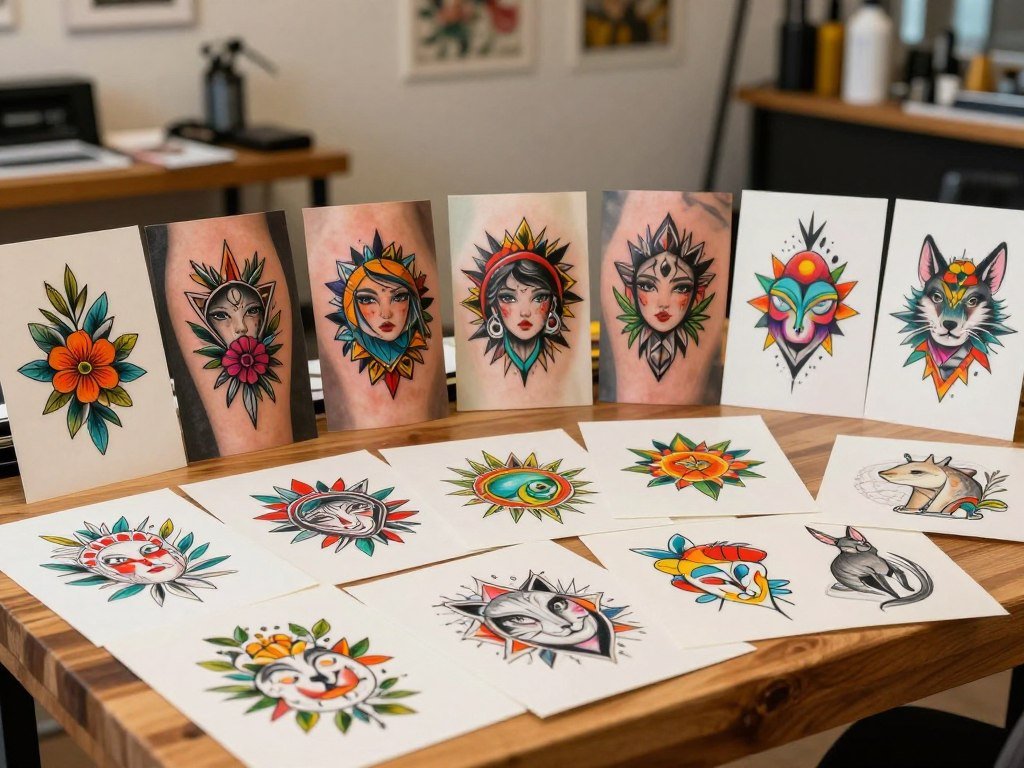
A prompt is easier to refine when it describes one clear visual direction instead of a pile of unrelated motifs. Start with a subject, then say how it should sit in the frame and what mood it should carry. One strong idea gives you a cleaner draft to judge.
Keep four prompt parts distinct: subject, composition, style, and detail level. Each choice guides a different part of the image. A tool may respond poorly when one instruction pushes against another.
Describe the subject, mood, and composition
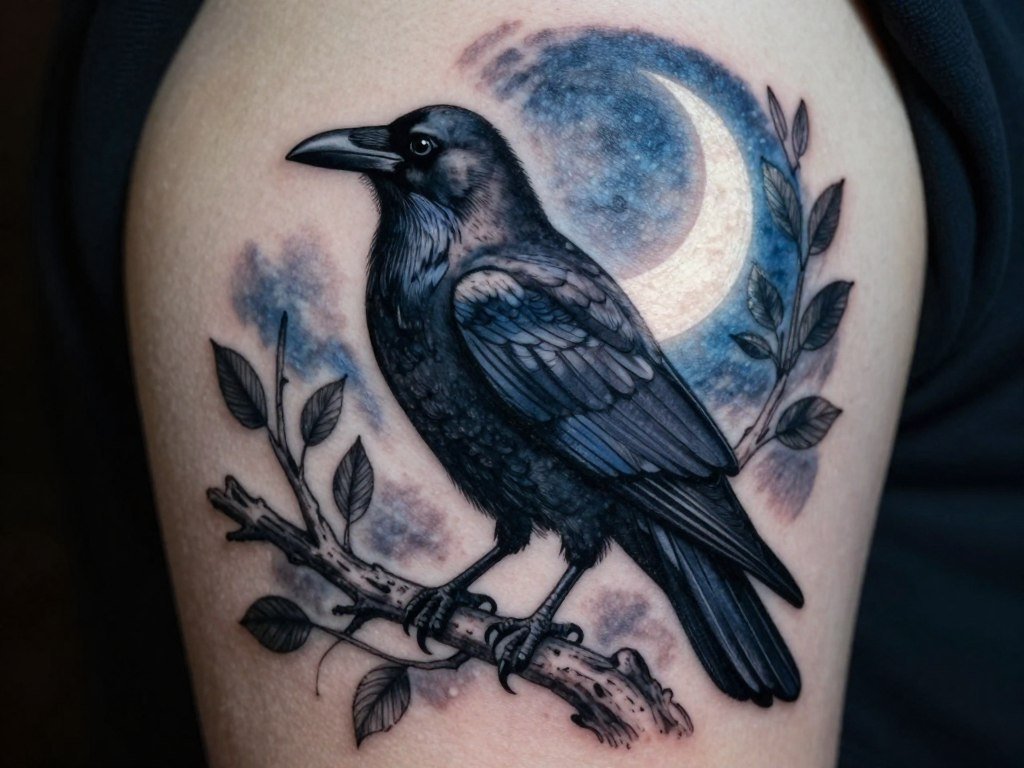
Name the main subject and its arrangement. For example, ask for a raven in profile with open space around the wings. Add a mood such as calm, watchful, or fierce, rather than piling on several unrelated themes.
A focused prompt gives you room to judge shape and balance. If you want more ways to build a clear image prompt, read this simple prompt-writing guide. It covers how subject, composition, and style can work together.
Specify style, color, and level of detail
Fine-line art can make a subject feel light and spare. Blackwork uses strong dark areas, while Japanese designs often use bold forms and flowing composition. Watercolor can suggest loose color washes instead of firm blocks.
Color and detail are separate choices: you can request color with simple shapes, or black ink with dense detail. A tiny silhouette and dense realism can conflict, leaving the generator unsure which direction matters more.
- Subject: raven, flower, animal, or symbol.
- Composition: profile, centered, balanced, or curved.
- Style: fine-line, blackwork, Japanese, or watercolor.
- Detail level: spare, moderate, or highly detailed.
For broader examples of prompt-led image work, see this free text-to-image tool comparison. Change one prompt element at a time so you can tell which edit improved the result.
Can You Turn a Photo Into a Tattoo Design?
Yes, a photo-based workflow can turn a personal image or sketch into a tattoo concept to refine. Photo-to-tattoo conversion means turning an image into tattoo artwork. The image guides the draft, while your choices tell the generator what to keep and what to change.
Choose the important part before uploading: preserve the main subject or silhouette, then decide whether to remove a background or reduce detail. A personal photo may hold a face or place that matters to you. A sketch can guide shape and linework, while existing artwork can guide a visual direction.
Tat Ink accepts reference-image uploads and offers photo-to-tattoo conversion. Adobe Firefly accepts an uploaded photo, sketch, or AI image as a visual reference. Canva lets you attach a reference photo before regenerating a design, though each tool may treat the image differently.
A busy background can distract the generator from the main subject. Crop the image or simplify the background before uploading it. For more on turning a written description or a visual reference into a draft, see this beginner guide to creating AI images.
Use only images you have permission to upload and adapt, especially when the image belongs to someone else.
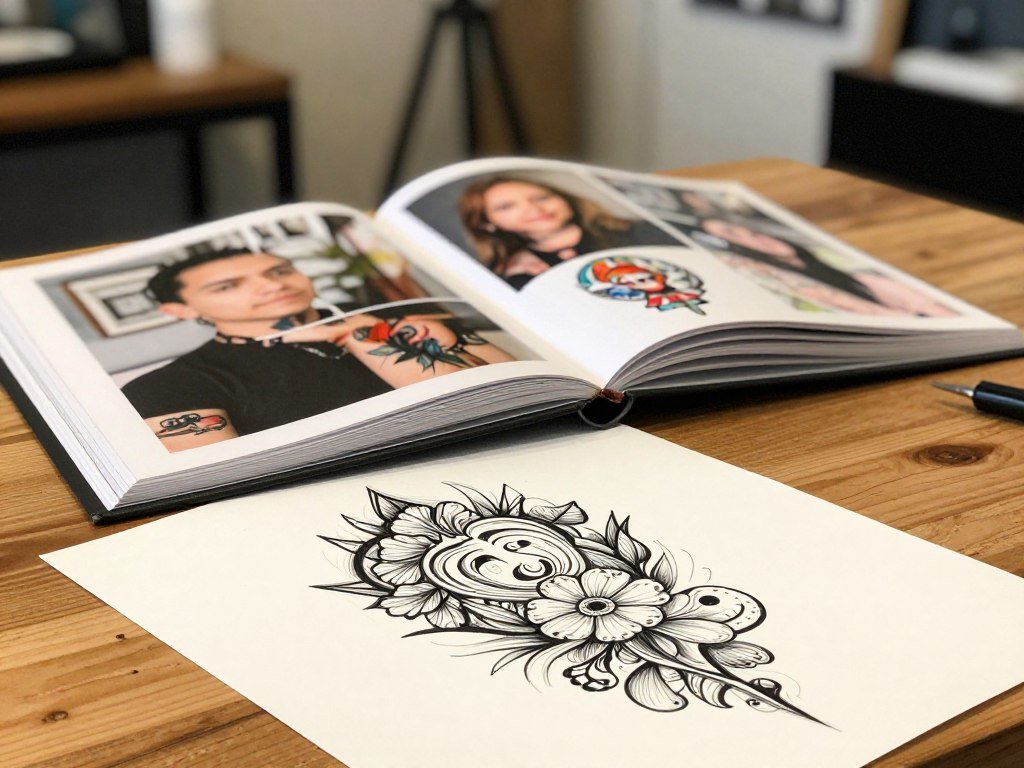
Which Tattoo Styles Work Well for Different Placements?
A small placement generally calls for a simpler visual plan than a large area intended for dense detail. Scale changes what reads clearly: small marks, lettering, and fine lines can be harder to see when a design is reduced.
Match the amount of detail to the space, then compare how each tattoo style changes the look. Remaker accepts placement prompts, which can help you test a concept for a body area. A screen preview cannot tell you how the design will fit or age on your individual body.
Match the style to the size and body area
A narrow space may suit a small symbol or a simple line, while a larger area can hold a more involved composition. Fine detail needs enough room to remain distinct. A tattoo artist can judge how the design may work on your skin.
INK supports 40 named tattoo styles, including fine-line, minimalist, blackwork, realism, Japanese, and watercolor. These are distinct choices, not labels for the same look. Each style changes contrast, detail, or visual weight.
Compare the look before settling on a direction
Fine-line or minimalist art often uses lighter marks and open space. Bold blackwork makes dark shapes stand out. Realism asks for lifelike detail, while Japanese designs can use strong forms and flow. Watercolor gives color a softer, brushed look.
- Test a small minimalist symbol in a compact area.
- Try a fine-line botanical concept in a narrow space.
- Compare a bold blackwork motif on a broader area.
- Explore a larger Japanese-inspired composition on an open area.
Compare each option at the size you might actually wear, not only as a large screen image. Choose a style and scale that still read clearly when the design is viewed from a few feet away.
How Can You Preview a Tattoo and Choose a Mobile App?
A virtual try-on helps you judge approximate placement, but it cannot replace an artist’s fit check on your body. Use the preview as a visual aid, not a promise of final size, curve, or appearance on skin.
App access and payment terms differ, so compare the device you use with the plan you may buy. INK works as a native iOS app, a native Android app, and a web app. It also offers an on-body preview feature.
Use a body preview as a placement aid
A preview can show a rough position on a body image. It cannot show exactly how art will bend across your skin or look at every angle. The tattoo artist can assess the design on your body before placement.
Check app access and recurring charges
INK’s iOS listing shows a 4.7 out of 5 rating from 25K ratings. INKHUNTER requires iOS 16.0 or later on iPhone and takes 122.2 MB. Tattoo AI by HUBX is iPhone-only and has a 4.6 out of 5 rating from 51K ratings.
| App | Availability or device requirement | Listing rating | Payment detail |
|---|---|---|---|
| INK | iOS, Android, and web app | 4.7 out of 5 from 25K iOS ratings | Not stated here |
| INKHUNTER | iPhone, iOS 16.0 or later, 122.2 MB | Not provided | Premium in-app purchase: $6.99 |
| Tattoo AI by HUBX | iPhone only | 4.6 out of 5 from 51K ratings | Auto-renewable weekly, monthly, or yearly plans; prices vary by country |
A listing rating does not tell you whether an app’s workflow suits your project. Tattoo AI by HUBX offers auto-renewable weekly, monthly, or yearly subscriptions, with prices that vary by country. Compare the app’s features with what you want to make before starting a paid plan.
Before subscribing, check whether the app renews automatically and how to cancel through the store where you subscribed.
What Do Free Tattoo Generators Include, and When Is a Paid Plan Worth It?
A free tier is enough to test an idea, while paying is most relevant when export quality or the generation cap blocks your next step. Start with the free tools if you are still testing subjects or styles.
Paid plans can matter when you need higher resolution, no watermark, or more generations. INK offers three free AI generations per day without sign-up or a credit card. Its free exports use standard resolution and include a small watermark.
The free tier includes text-to-tattoo generation, photo-to-tattoo conversion, and sketcher tools for line art, flash, and stencil-style designs. A free tool can help you design a tattoo online for free, but that does not mean it provides a print-ready file.
| Tier | Price | Generation access | Export detail |
|---|---|---|---|
| INK Free | $0 | 3 AI generations per day | Standard resolution with small watermark |
| Web Pro monthly | $14.99 per month | Daily generation cap removed | High-resolution exports without watermark |
| Web Pro annual | $39.99 per year | Daily generation cap removed | High-resolution exports without watermark |
| Web Pro lifetime | $179 one time | Daily generation cap removed | High-resolution exports without watermark |
INK Pro removes the daily generation cap and provides high-resolution exports without a watermark. The web Pro plan costs $14.99 monthly, $39.99 yearly, or $179 as a one-time lifetime payment. Choose based on the file and access you need, not just the number of available features.
An AI tattoo generator for custom tattoo designs free download may still limit resolution or add a watermark. Open the downloaded file and inspect it before sending it to an artist. A crisp screen preview can hide thin lines or small marks that disappear in a lower-quality export.
Compare the plan’s renewal or one-time payment terms with the specific export you need before checking out.
How Do You Turn AI Artwork Into a Stencil for Your Artist?
A generated image becomes more useful to an artist when its main lines and intended proportions are easy to inspect. A stencil is a transfer guide that helps place outlines on skin. Clear linework gives the artist a better starting point for review.
Check contrast, line separation, and stray background marks before export. Closely packed lines may merge when reduced, and stray shapes can distract from the main design. Clean up the artwork enough to make its key forms easy to see.
Clean up linework and prepare the file
Stencil AI can upscale paid stencil exports to 4K and optimize them for thermal stencil printers and transfer paper. It says its stencil output can be printed true to size. The website-only starter pack costs $0.99 for five credits, which never expire.
Those features can help prepare a file, but they do not decide whether every line belongs in the final tattoo. Review the design at its intended size and remove background marks that do not serve the concept.
Bring a concept, not a final instruction
Tatspark offers image conversion, tattoo extraction, stencil generation, and vector export. The tattoo artist should still adapt linework, size, spacing, and detail for the chosen body area. A vector file can help with editing, but it does not replace that judgment.
Bring a clear handoff so the artist can understand what you mean without treating the image as a fixed instruction:
- Your preferred design.
- Alternate versions you considered.
- The intended placement and approximate size.
- Symbols or text that must stay in the design.
Ask the artist to confirm the final stencil dimensions on your body before the transfer is placed.
What Should You Check Before Getting a Tattoo?
A tattoo concept can look finished on screen while questions about ink, local rules, and health still need attention. Artwork tools cannot assess safety or decide whether a tattoo is right for your health.
A design preview cannot predict your reaction to ink or guarantee an outcome. The U.S. Food and Drug Administration treats inks used in intradermal tattoos, including permanent makeup, as cosmetics. None of the color additives approved for use in cosmetics are approved for injection into the skin.
Understand ink and local oversight
The FDA’s treatment of tattoo inks as cosmetics does not mean cosmetic color additives are approved for skin injection. In the United States, local jurisdictions regulate the actual practice of tattooing. Rules can differ by location, so local requirements matter before you book.
Ask about the tattoo artist’s process and the rules that apply where you plan to get tattooed. A polished image or stencil cannot answer those questions. They concern the service and the ink, not the artwork on your screen.
Consider health, removal, and MRI disclosure
The FDA lists infection, allergic reactions, granulomas, and keloid formation as possible tattoo complications. The design itself cannot tell you how your skin will respond. Discuss a health concern with a qualified clinician before proceeding.
Removing a tattoo usually takes several treatments and considerable expense. Complete removal without scarring may be impossible. That limit makes a lasting choice worth careful thought, even when the artwork began as a quick concept.
Tell the radiologist or radiologic technologist about tattoos or permanent makeup before an MRI. This matters even when the tattoo is old. The imaging staff needs to know before the scan begins.
If you have a health concern or uncertainty about local requirements, ask a qualified clinician or the relevant local authority before proceeding.
Who Owns an AI-Generated Tattoo Design?
An AI-generated image does not automatically give you exclusive rights to every element in the design. The U.S. Copyright Office treats human authorship as essential to copyright protection. Your own creative choices matter, especially if you plan to publish, sell, or reuse the artwork.
AI-generated material alone is not copyrightable without sufficient human authorship. Original human contributions may qualify, depending on what you added and how much you shaped the result. The treatment of a specific design depends on its facts.
Do not assume that generating an image gives you exclusive rights to every part of it.
Check the platform’s current terms before using its output beyond a personal artist consultation. Get permission for external images, logos, or recognizable characters used as references. A design that includes another person’s work may raise separate rights issues.
Keep notes on your own edits and ask a qualified attorney about a commercial use that carries real legal risk.
Conclusion
Start with one idea you care about, then make the concept clearer through deliberate revisions. The most useful design gives you a way to explain what matters, whether that is a symbol, a shape, or a mood.
Your tattoo artist can adapt that concept for your body and turn it into work suited to the chosen area. Save your favorite version and book a conversation with a tattoo artist before deciding to put it on your skin.
FAQ
Can an AI generator get names and dates right in a tattoo design?
AI generators can make mistakes in names and dates, so check every character yourself. Image tools may change, repeat, or distort letters and numbers, even when your prompt is clear. Treat generated lettering as a draft, not verified text. Before anything is transferred, ask the tattoo artist to check the final spelling, date, spacing, and punctuation with you.
Can a tattoo preview show exactly how a design will look on my skin?
No, a tattoo preview cannot show exactly how a design will look on your skin. It can help you judge rough placement, but body curvature and the design’s size change its appearance. Skin also affects how the tattoo reads, and the tattoo artist may adjust the artwork. Use the preview to explain your idea, then discuss the fit on your body with the artist.
How many free tattoo designs can I make before paying?
Recraft allows up to 30 free image generations per day, while INK offers three free AI generations per day under its stated free tier. Other tools set their own limits, and some require an account before you can generate or save work. Check the tool’s current access rules before relying on a set number for a project with many versions.
Can I use a design based on a photo I found online?
Only upload an image you have permission to use, and consider copyright or other rights before publishing or selling adapted artwork. A photo found online may belong to its creator, even when it is easy to download. A personal consultation with a tattoo artist is different from wider use, but it does not erase someone else’s rights. Ask for permission when needed.
Should I tell a radiologist about an old tattoo before an MRI?
Yes, tell the radiologist or radiologic technologist about an old tattoo before an MRI. Mention permanent makeup as well. The imaging staff should know about tattoos before the scan, even if the mark is small or many years old. Share any concerns you have and follow the staff’s directions before the appointment proceeds.