
Best AI Tools for Print Shops in 2027
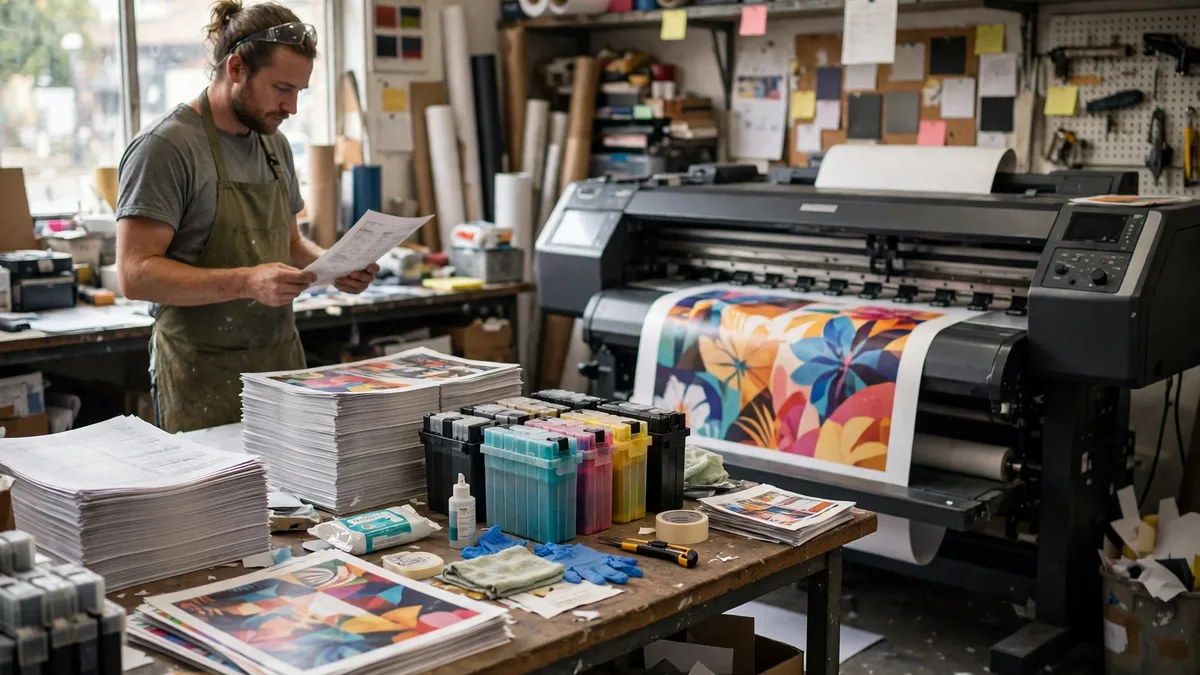
Walk into a busy print shop in 2027 and the hardest-working member of staff is not a person. It is the software quietly fixing files, quoting jobs, and laying out artwork.
The change is practical, not futuristic. A customer uploads a low-resolution logo at 4:50 p.m. and wants 500 flyers by morning. Today an AI upscaler sharpens the logo, a preflight tool flags the missing bleed, an estimating tool prices the job in seconds, and the job is on the press before the customer has finished their coffee.
This list covers the tools that actually earn their keep in a real print shop: design and artwork help, file fixing, quoting and workflow, and customer-facing work. Every tool here solves a problem print shops face every single day. Prices change often, so check the vendor before you buy.
Key takeaways
- Adobe Firefly and Canva Magic Studio handle the artwork side: generating backgrounds, extending images, and turning a rough customer idea into something printable.
- Enfocus PitStop Pro is the quiet hero — it catches the file errors that cause reprints, and one prevented reprint can pay for a year of the software.
- PrintIQ removes the quoting bottleneck, so small shops can answer a price question in minutes instead of the next day.
- Midjourney is best for original illustration and texture work, never for logos or anything that needs exact text.
- No single tool covers the whole shop; the best setup pairs one design tool, one preflight tool, and one workflow tool.
At a glance: the seven tools, what they do best, and who they suit.
| Tool | Best for | Standout strength | Best suited to |
|---|---|---|---|
| Adobe Firefly | Artwork generation and image extension | Safe training data, Photoshop integration | Shops already using Adobe apps |
| Canva Magic Studio | Fast customer-facing design | Templates, one-click background removal | Walk-in and small-order work |
| Midjourney | Original illustration and textures | Distinctive, hard-to-find imagery | Shops selling premium custom work |
| Enfocus PitStop Pro | Preflight and file fixing | Automatic fixes for bleed, fonts, colour | Every shop that takes customer files |
| PrintIQ | Quoting, estimating, workflow | Fast quotes tied to real costs | Growing shops drowning in quotes |
| Gelato | Orders beyond your own presses | Local production in many countries | Shops taking online orders |
| ChatGPT | Customer replies and copy | Drafting emails and descriptions in seconds | Small teams without a writer |
1. Adobe Firefly
Adobe Firefly is the safest way for a print shop to generate artwork with AI. It is trained on licensed stock and public domain content, which matters when a customer asks whether the image on their banner is legal to use commercially. Inside Photoshop and Illustrator, Generative Fill extends a photo that is too small for a banner or removes a stray object, while Generative Expand fills the missing sides of a square photo needed for a wide roller banner. For backgrounds and textures it is the most print-ready generator available.
Pros: commercially safe training data; deep Photoshop and Illustrator integration; excellent image extension and fill.
Cons: weaker at pure illustration; generative credits can run out on busy months; results need a human eye before press.
2. Canva Magic Studio
Canva Magic Studio is the tool for jobs that need to be done now, not beautifully. A walk-in customer wants a flyer for a weekend event, a cafe needs a menu board, a school needs certificates. Canva turns those jobs from a 45-minute design task into a 10-minute one. Magic Design builds a layout from a prompt or photo, Magic Eraser removes unwanted objects, background remover isolates a product in one click, and Magic Write drafts the copy. Check colour mode, export resolution, and bleed before anything goes to press.
Pros: extremely fast for simple jobs; easy enough for any staff member; huge template library; cheap per seat.
Cons: limited control for complex print work; exports need careful preflight; templates can look generic.
3. Midjourney
Midjourney is the artist of the group. When a customer wants something nobody has seen before — a dreamlike mural for a restaurant wall, an illustrated book cover, a striking texture for premium packaging — Midjourney produces imagery that stock libraries cannot match. Treat it as a starting point: generate the base image, upscale it, then finish it in Photoshop with corrected colours and your own typography. Never let it generate text — garbled lettering is its most famous flaw.
Pros: distinctive, high-quality illustration; fast iteration on creative directions; great for textures; low monthly cost.
Cons: cannot render text reliably; needs upscaling for large format; check licence terms for commercial resale.
4. Enfocus PitStop Pro
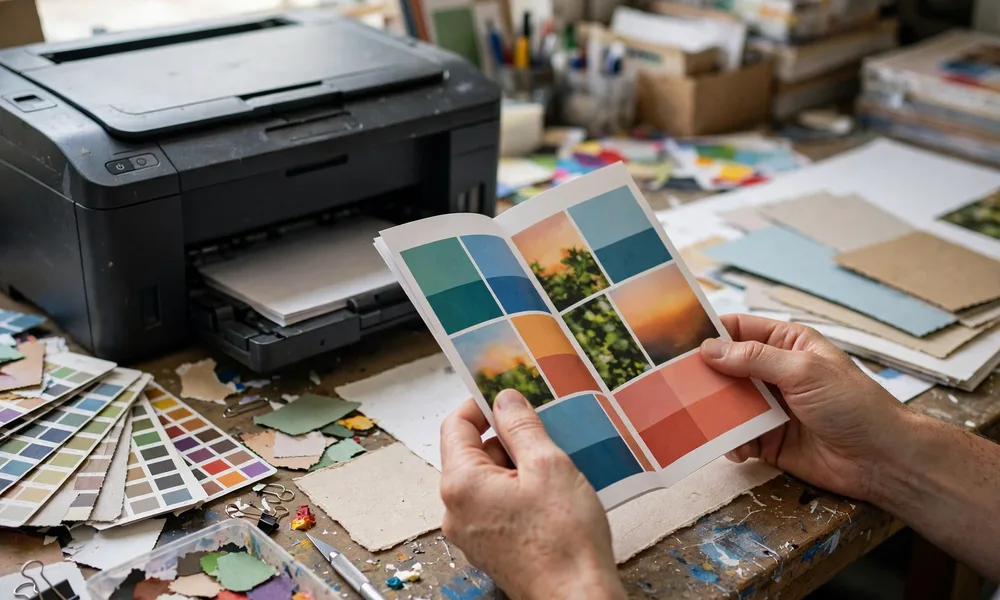
Enfocus PitStop Pro is not glamorous, and it will never appear in a demo video. It is also the tool most likely to save a print shop real money. PitStop checks incoming PDFs — fonts embedded, images at print resolution, correct colour space, bleed present, transparencies flattened — and fixes many problems automatically. The typical disaster it prevents: a PDF looks fine on screen, the job prints, and only then does anyone notice a missing font turned a headline into gibberish, or RGB images printed dull and grey. PitStop catches those problems in seconds, before a single sheet is wasted.
Pros: catches expensive errors before printing; automatic fixes for common problems; profiles tuned to each press.
Cons: dated interface with a learning curve; per-seat cost adds up; over-aggressive auto-fixes need checking.
5. PrintIQ
PrintIQ attacks the most expensive bottleneck in a small print shop: quoting. Every quote request that sits unanswered for a day is a job that may go to a competitor. PrintIQ ties estimating to your real costs — paper, ink, machine time, labour, finishing — and produces a quote in minutes, with the job flowing into scheduling once the customer accepts. Shops switching from spreadsheets usually discover they were undercharging for tricky work and overcharging for simple work. It needs your real cost data entered properly, so treat onboarding as a project, not a purchase.
Pros: quotes in minutes instead of hours; pricing tied to real production costs; smooth handover to production.
Cons: setup demands accurate cost data; significant cost for very small shops; staff training takes time.
6. Gelato
Gelato is not a design tool — it is a way for a print shop to say yes to orders it cannot print itself. Gelato runs a network of local print partners, so a shop in one city can take an order from a customer in another country and have it printed locally, near the customer, instead of shipping boxes across the world. Orders are matched to the nearest capable partner, with quality and delivery tracked across the network. Margins are thinner than printing in-house, but the revenue is work you would otherwise turn away.
Pros: fulfil orders anywhere without shipping; no stock or extra presses needed; opens up online customers.
Cons: thinner margins than in-house printing; less control over quality; partner quality varies by location.
7. ChatGPT
ChatGPT is the most general tool on this list, and the one most print shops already have open in a browser tab. Its value is not in artwork — it is in words. Product descriptions for an online store, replies to common customer questions, a polite way to explain why a low-resolution file will not print well, a draft quote email, a social post about a new service. All of it in seconds. Use it for drafting, not publishing, and always have a human check the facts first. For design-focused AI helpers, see our guide to the best AI tools for graphic designers in 2027, and for the image side, our comparison of Midjourney v7 vs Ideogram for business images.
Pros: drafts emails and descriptions in seconds; turns messy briefs into clear job sheets; almost no learning curve.
Cons: invents facts if unsupervised; not a design or print tool; needs a human check on customer-facing text.
How to Choose the Right AI Tools for Your Print Shop
Start with your biggest pain, not the flashiest demo. If reprints are eating your margin, buy preflight first — PitStop will pay for itself faster than any design tool. If quotes sit unanswered for a day, fix quoting before you buy another design subscription. If your designer is buried in low-value flyer work, Canva or Firefly frees them up for work that earns money.
Next, check what you already pay for. Many shops already have Firefly through Creative Cloud, or a quoting module hiding inside existing workflow software. Audit subscriptions before adding new ones, then trial one tool at a time on real jobs, not test files. If you are building an online side to the business, our roundup of the best AI website builders in 2027 covers the storefront side.
Checklist: Setting Up AI in Your Print Shop
- List your top three time-wasters for a week, then buy the tool that fixes the biggest one first.
- Run every customer file through preflight before it reaches a press, with no exceptions.
- Set a house rule: AI artwork is always checked at full print size before a customer sees a proof.
- Keep a simple price list of your real costs, and feed it into your quoting tool instead of guessing.
- Agree a short AI disclosure line for customer-facing work, and use it consistently.
- Review subscriptions every quarter and cancel anything nobody opened in the last month.
Frequently Asked Questions
What is the best AI tool for a small print shop in 2027?
For most small shops, the best starting pair is Adobe Firefly for artwork and Enfocus PitStop Pro for preflight. Firefly handles the design work customers ask for daily, and PitStop stops the expensive mistakes.
Can AI-generated images be printed at large sizes?
Yes, with care. Most generators produce modest resolutions, so large-format work needs a good upscaler and a test print first. Backgrounds, textures, and illustrations upscale well; detailed faces and fine text do not.
Is it legal to sell prints made with AI-generated images?
It depends on the tool and its terms. Tools trained on licensed content, like Adobe Firefly, are built for commercial use. Others vary by plan, and some require a paid plan for commercial resale.
Will AI replace print shop designers?
No, it changes what they spend time on. AI is good at first drafts, backgrounds, and routine layouts. It is poor at understanding a customer’s brand, fixing a file broken in a creative way, and making the judgement calls that turn a good print into a great one.
How much should a print shop budget for AI tools in 2027?
A small shop can start well for under a few hundred dollars a month: a design subscription, a preflight seat, and a general AI assistant. The bigger cost is setup time, especially for quoting software, where entering real costs properly takes days.
Do customers mind if their print uses AI-generated artwork?
Most do not, as long as the result looks good and you are honest when asked. A short, plain note — that artwork may be AI-assisted and is checked by your team before printing — covers the question for almost everyone.
The Bottom Line
The print shops thriving in 2027 are not the ones with the most AI tools. They are the ones that picked three or four tools that fix real, daily problems — a design helper, a preflight checker, and a quoting system — and used them on every job until they became habit.
Start small, measure what changes, and keep the human parts of the job human. AI can extend a photo, catch a missing font, and draft an email in seconds. It cannot talk a nervous customer through a wedding order or make the judgement calls that keep a good client. That judgement is the business, and it is still yours.


