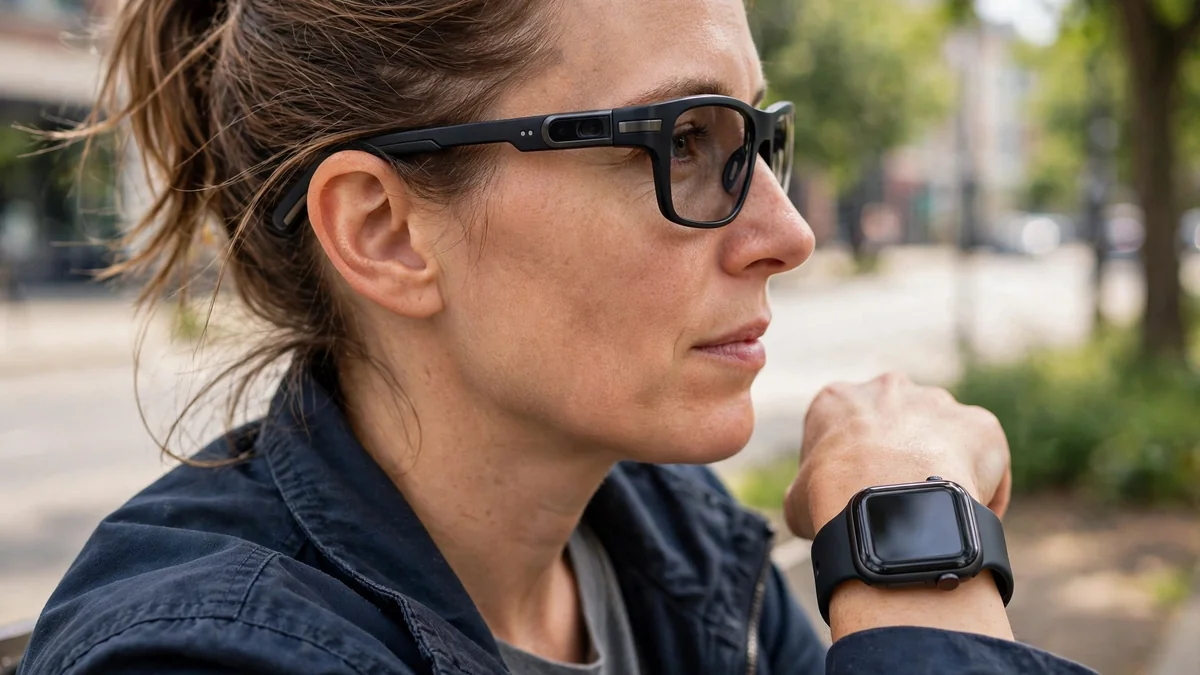
AI wearables stopped being a novelty. Smart glasses translate conversations in real time, rings track sleep and recovery with lab-grade sensors, and earbuds double as live interpreters. The best AI wearables in 2027 disappear into your day: they answer questions, capture notes, and flag health changes without a screen.
The market has split into clear lanes: glasses lead on hands-free help, rings and watches lead on health, earbuds lead on translation, and pins chase the ambient-assistant dream. Good options start around $199, while flagship display glasses push past $500, and battery life remains the deciding factor for most buyers.
This roundup covers products you can buy and wear every day in 2027, judged on real-world usefulness rather than demo-day promises. Each pick suits a different user, from the commuter who wants a quieter phone to the runner who wants recovery data. Check current pricing before you buy, as prices and bundles change often.
Key takeaways
- Smart glasses are the standout category in 2027, with real displays and live translation finally working well.
- Rings beat watches for sleep and recovery, but watches still win for workouts and notifications.
- Battery life is the real spec to compare: most AI glasses last 4 to 8 hours, while rings last 5 to 7 days.
- Privacy matters more with wearables than phones, because cameras and microphones sit on your face and wrist.
- Buy for the one job you will use daily, not the longest feature list.
| Wearable | Best for | Approx. starting price | Battery life |
|---|---|---|---|
| Meta Ray-Ban Display | Everyday smart glasses | From around $799 | Up to 6 hours |
| Xreal One Pro | Big-screen AR glasses | From around $649 | Up to 8 hours with pack |
| Oura Ring 4 | Sleep and recovery | From around $349 | Up to 8 days |
| Apple Watch Series 11 | All-round health and fitness | From around $399 | Up to 36 hours |
| Galaxy Buds 4 Pro | Translation and calls | From around $249 | Up to 8 hours per charge |
| Humane-style AI pin alternatives | Screen-free assistance | From around $199 | Up to 12 hours |
Meta Ray-Ban Display: the best AI smart glasses for everyday wear
The Meta Ray-Ban Display is the closest thing 2027 has to normal-looking AI glasses. The familiar Ray-Ban frame hides a small in-lens display for directions, message previews, and live captions, plus a camera for photos and short video. Its live translation is the headline: spoken foreign language appears as captions in your field of view, and it works well enough in noisy streets to be genuinely useful.
The trade-offs are familiar: the small monochrome display suits short glances, not long reading, and heavy camera use drains the battery faster than the headline figure suggests. Most AI features also need a paired phone nearby. Still, nothing else in 2027 looks this ordinary while doing this much.
Pros: looks like regular glasses; useful live translation; good camera and voice control. Cons: small monochrome display; battery drops fast with heavy use; needs a paired phone.
Xreal One Pro: the best AI glasses for a big screen anywhere
The Xreal One Pro takes a different approach: instead of subtle notifications, it puts a large virtual screen in front of your eyes. Plug it into a phone or laptop and you get a private display the size of a television. That makes it the pick for people who work from trains, planes, and hotel rooms, with voice assistance, real-time translation, and screen anchoring that keeps the display steady as you move your head.
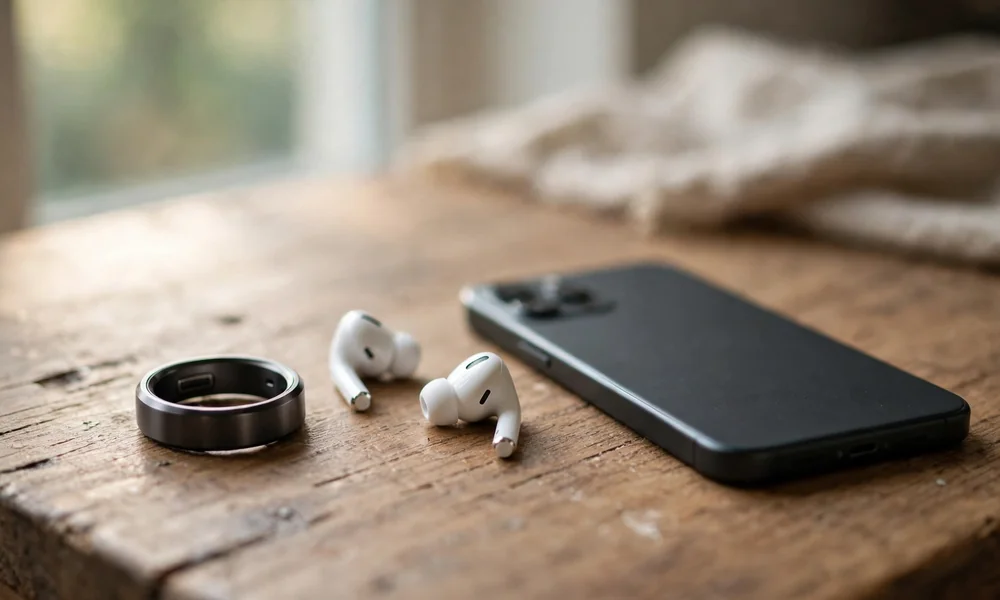
Compared with the Meta Ray-Ban Display, the Xreal One Pro is bulkier and less suited to all-day street wear, but far better for focused work and video. Our comparison of Meta Ray-Ban Display vs Xreal One Pro breaks down the display quality, comfort, and price differences. If your main goal is a portable screen with AI help on top, this is the one to buy.
Pros: huge virtual display; strong for travel and remote work; useful translation and voice AI. Cons: too bulky for all-day wear; needs a wired host connection; premium price.
Oura Ring 4: the best AI wearable for sleep and recovery
The Oura Ring 4 remains the benchmark for sleep and recovery. Its sensors track heart rate variability, skin temperature, blood oxygen, and sleep stages, and the app turns that data into a daily readiness score with plain-language advice on training, caffeine, and bedtime. In 2027 the AI coaching has improved: it spots patterns across weeks, such as a late meal wrecking deep sleep, and suggests specific changes instead of generic tips.
The ring’s strength is also its limit: no screen, no speaker, no calls, so it pairs best with a phone or watch rather than replacing either. It is comfortable enough to wear 24 hours a day, which is what makes its data so good, and the battery lasts up to eight days.
Pros: excellent sleep and recovery data; comfortable 24-hour wear; up to 8 days of battery. Cons: no screen or notifications; subscription needed for full insights; sizing kit required.
Apple Watch Series 11: the best all-round AI wearable
The Apple Watch Series 11 is the safe default for iPhone owners and the most complete AI wearable you can buy. On-device AI handles dictation, notification summaries, and workout detection, while health features cover ECG, blood oxygen, sleep, and fall detection. It is the only device here that genuinely replaces parts of your phone: calls, messages, payments, and navigation, all from your wrist.
Its weakness against the ring is sleep comfort and battery life: wearing a watch to bed takes getting used to, and 36 hours of battery means charging becomes routine. Even so, the Series 11 covers the most ground with the least fuss, and its AI features keep improving through software updates.
Pros: widest feature set; strong health sensors; calls, payments, and apps on the wrist. Cons: needs daily charging; less comfortable for sleep than a ring; best with an iPhone.
Galaxy Buds 4 Pro: the best AI earbuds for translation and calls
Earbuds are the quiet success story of AI wearables. The Galaxy Buds 4 Pro use on-device AI for live two-way translation, adaptive noise cancelling, and call clarity that isolates your voice from street noise. The translation mode is the feature owners mention most: hold a conversation across a language barrier and hear the translation in your ear. It is not flawless, but for travel and multilingual workplaces it removes a real barrier.
As earbuds they are simply good: secure fit, strong sound, and up to eight hours per charge with the case adding several more. They work best with Samsung phones but remain useful on any Android device or iPhone.
Pros: genuinely useful live translation; excellent call quality and noise cancelling; affordable. Cons: translation best with Samsung phones; no health tracking; easy to lose.
AI pins and pendants: the best screen-free AI wearable experiment
Pins and pendants promise a future where the assistant lives on your chest instead of in your pocket. The second-generation devices in 2027 are smaller, cheaper, and more reliable than the first wave, with better voice recognition, longer battery, and cameras that summarise what they see. They suit people who want to stay off their phone during walks and meetings and prefer asking a question out loud to unlocking a screen.
These are still the least mature products on this list. Voice-only interaction is slower than a screen for anything complex, and the camera features raise privacy questions in shared spaces. Buy one as an experiment, not as your only wearable. Our guide to what an AI wearable is explains how these devices differ from ordinary smartwatches and fitness bands.
Pros: fully hands-free; encourages less screen time; improving voice and camera AI. Cons: slow for complex tasks; limited app support; privacy concerns around cameras.
How to choose the right AI wearable in 2027
Start with the job, not the device. If you want health data, choose a ring for sleep or a watch for workouts. If you want hands-free help while you move, glasses or earbuds fit better. If you travel, translation and battery life matter more than processing power. Write down the one task you expect to do every day, then buy the device that does it best and ignore the rest of the feature list.
Check three practical details before ordering. First, phone compatibility: several AI wearables work best, or only, with one phone brand. Second, subscriptions: rings and some glasses charge monthly fees for full AI features, so add a year of subscription cost to the price. Third, privacy controls: look for a visible recording indicator, an easy microphone mute, and a clear policy on whether your voice and video leave the device.
Finally, try before you commit where possible. Glasses need to fit your face, rings need exact sizing, and earbuds need to stay put during a run. A two-week trial tells you more than any review can.
AI wearable buying checklist
- Pick the one daily job first, then match the device category to it.
- Confirm the wearable works fully with your phone brand.
- Add any monthly subscription cost to the headline price before comparing.
- Check battery life for your real use, not the best case.
- Look for a recording indicator, microphone mute, and a clear data policy.
- Buy from a retailer with a return window so you can test the fit.
Frequently asked questions
What is the best AI wearable in 2027?
There is no single best pick, because the categories serve different jobs. The Meta Ray-Ban Display leads for everyday smart glasses, the Oura Ring 4 leads for sleep and recovery, and the Apple Watch Series 11 is the most complete all-rounder.
Are AI wearables worth buying in 2027?
Yes, if you buy for a specific job. Translation glasses, sleep rings, and AI earbuds all do something genuinely useful now that they could not do reliably two years ago. Bought without a clear purpose, a wearable usually ends up in a drawer.
Do AI wearables need a subscription?
Some do. Rings typically charge a monthly fee for full AI insights, and some glasses charge for premium AI features. Watches and earbuds usually include theirs in the purchase price. Always check the subscription cost before comparing prices.
How long do AI smart glasses last on a charge?
Most AI glasses last 4 to 8 hours of active use, with heavy camera or translation use shortening that further. Rings last 5 to 8 days, watches last 1 to 2 days, and earbuds last 6 to 8 hours per charge, plus extra charges from the case.
Are AI wearables safe for privacy?
They are safe when you choose carefully and use the controls: look for a visible recording light, a physical microphone mute, and settings that keep processing on the device. Avoid wearing camera glasses where recording is unwelcome, and check what data leaves the device before you buy. Tested options such as Warby Parker’s $395 smart glasses show how far the category has come on everyday usability.
Which AI wearable is best for fitness?
For serious training, a watch is still best: it tracks workouts, GPS, and heart rate in real time with a glanceable screen. For recovery and sleep, a ring gives better data because you wear it around the clock. Many athletes now wear both.
The bottom line
The best AI wearables in 2027 are no longer demos of a future that never arrives. Smart glasses translate and caption in real time, rings explain your sleep in plain language, and earbuds let you hold a conversation across a language barrier. The category has earned its place, but only when you buy for a specific job.
Start with the daily task, check phone compatibility and subscription costs, and buy from somewhere with a good return policy. The right wearable is the one you still wear in three months.