
Quick Answer: What are the best gaming keyboards for beginners?
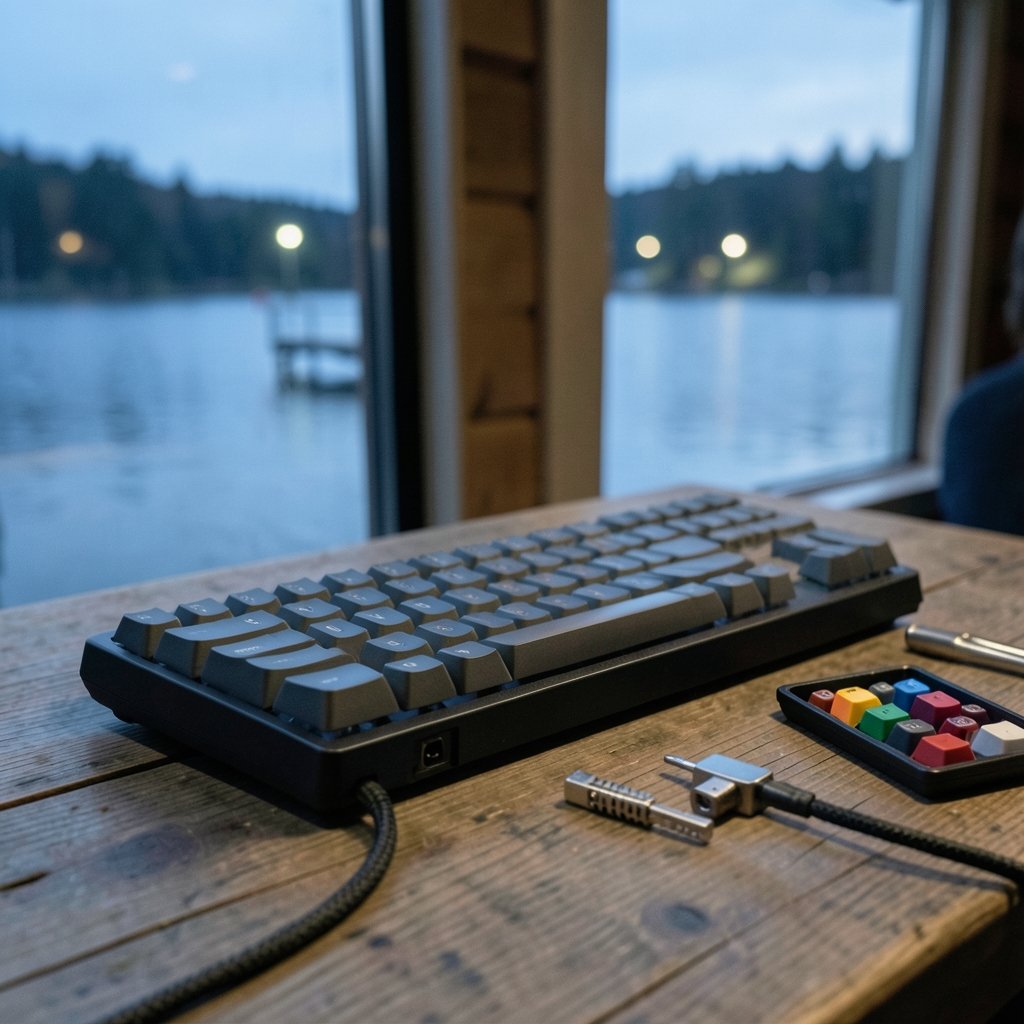
For most beginners, the best gaming keyboard is a wired, hot-swappable mechanical model with a tenkeyless (TKL) or full-size layout and linear or tactile switches. Those features keep the cost reasonable, make mistakes easy to fix, and suit both gaming and everyday typing.
Alternatives exist for good reasons. A membrane keyboard costs less and runs quieter, while a compact 60% board saves desk space but hides keys behind layers. Wireless boards cut cable clutter but add charging and latency questions.
Before buying, compare switch type, layout size, connection method, hot-swap support, keycap material, rollover specs, and your actual desk space.
So, Which Keyboard Should a Beginner Actually Buy?
Walk into any electronics store and you will see a wall of keyboards with confusing names, glowing lights, and price tags that swing wildly. How is a first-time buyer supposed to choose?
Here is the honest truth: there is no single “best” gaming keyboard. There is only the best keyboard for your hands, your desk, and your budget. The good news is that the decision comes down to a handful of features that are easy to understand once someone explains them plainly.
This guide walks through those features in the order they matter. It covers the switch types that define how a keyboard feels, the layouts that define how much space it takes, and the specs that actually affect gaming input. It also flags the marketing claims worth ignoring. By the end, a beginner should be able to read any product page and know exactly what they are looking at.
Start With the Switches, Because That Is the Real Decision
Everything else about a keyboard is secondary to its switches. Switches determine the feel, the sound, and how much effort each keypress takes.
Mechanical keyboards use individual switches under every key. They come in three broad families, and the naming conventions are fairly consistent across brands:
| Switch type | Feel | Sound | Best for |
|---|---|---|---|
| Linear | Smooth all the way down, no bump | Quiet thock | Gamers who want fast, clean presses; shared rooms |
| Tactile | A noticeable bump at the actuation point | Moderate | Typing-heavy users who want feedback |
| Clicky | A bump plus an audible click | Loud | Solo users who love the classic sound |
The numbers behind these categories are modest. Classic linear switches actuate at roughly 45 cN with 4.0 mm of total travel, tactile versions sit around the same force with a bump added, and clicky switches run a little heavier at roughly 50 to 60 cN. Manufacturer figures vary slightly from third-party measurements, so treat them as a guide rather than gospel.
For a beginner, the practical advice is simple. If the keyboard will sit in a shared room, a dorm, or a house with thin walls, skip clicky switches. The novelty of the click fades fast for everyone within earshot. Linear switches are the safest first choice for gaming, and tactile switches are the safest first choice if you also write a lot.
Why hot-swappable boards are a beginner’s safety net
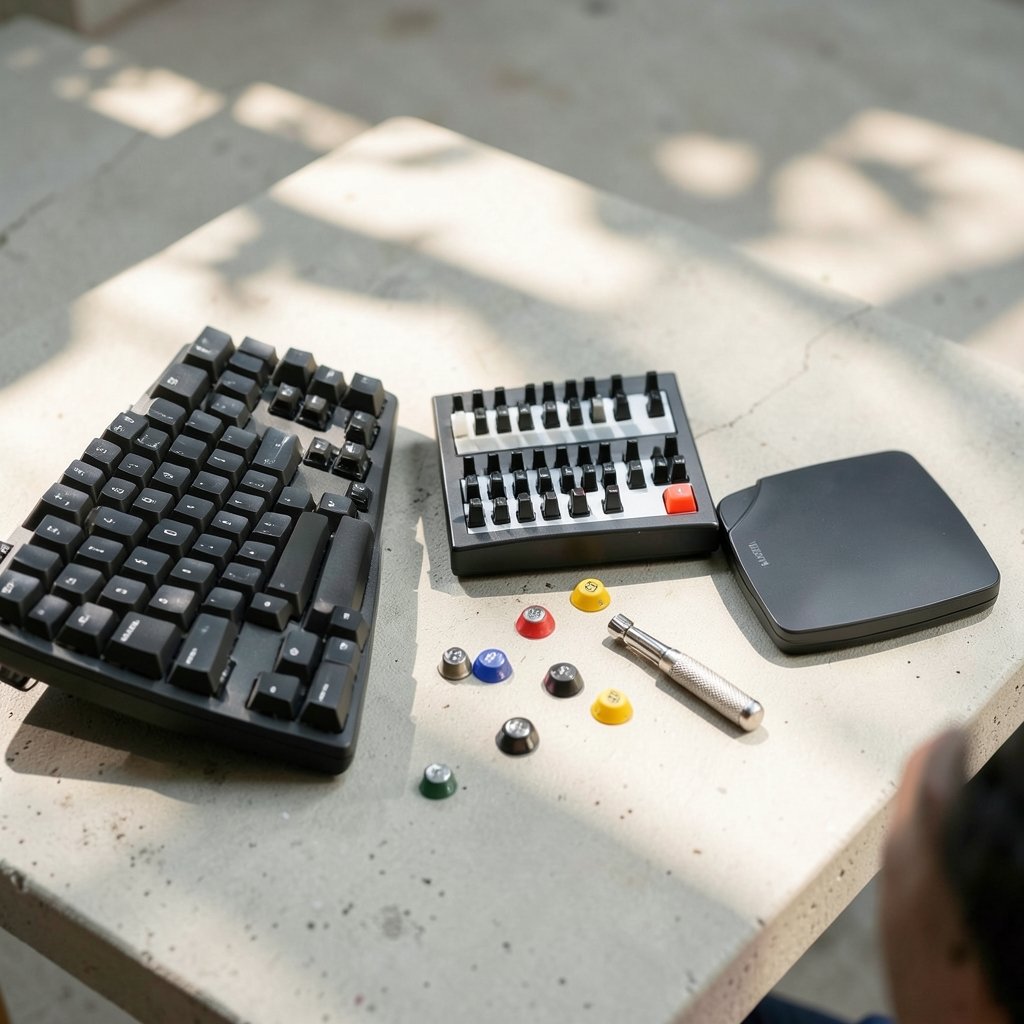
Hot-swappable means the switches pull out and push in without soldering. This matters enormously for a first purchase. If you buy a board with linear switches and discover you actually prefer tactile ones, a hot-swappable board lets you swap the whole set for the price of a set of switches instead of a whole new keyboard. For anyone weighing up a first mechanical purchase, this is the single most forgiving feature you can pay for, and it is covered in more depth in this guide to whether a mechanical keyboard is worth buying for beginners in everyday use.
Layout Size: The Choice Beginners Underestimate
Layout is the second big decision, and it is where many first-time buyers get surprised. A keyboard that looks great in photos can crowd a small desk or leave you hunting for keys that are not there.
| Layout | Keys | Trade-off |
|---|---|---|
| Full-size | ~104 | Has a numpad; widest footprint |
| TKL (tenkeyless) | ~87 | Drops the numpad; frees mouse space |
| 75% | ~82 | Compact but keeps arrow keys and function row |
| 60–65% | 61–68 | Very small; relies on key layers |
Full-size boards suit anyone who does spreadsheet work or data entry. TKL and 75% boards are the sweet spot for most gamers because they free up room for wide mouse swings, which matters in shooters where low sensitivity is common. Compact 60% boards look tidy but push arrow keys and function keys onto secondary layers, which frustrates beginners who have not memorized shortcuts.
The practical test is to look at your desk, not the product page. Measure the space between your mouse and where the keyboard would sit. If a full-size board leaves you two inches of mouse room, a TKL will improve your setup more than any spec on the box.
Wired or Wireless? The Beginner-Safe Answer
Wired is the lowest-risk choice for a first gaming keyboard. It never needs charging, it never drops a connection mid-match, and it usually costs less than the wireless equivalent.
Wireless boards come in two flavors. 2.4 GHz receivers are widely used for gaming and perform well in most setups. Bluetooth is convenient for switching between devices but typically has higher and more variable latency, which makes it a weaker fit for fast-paced games.
None of this means wireless is bad. A well-made 2.4 GHz board is perfectly usable for gaming. It just adds variables, and beginners benefit from fewer variables. If cable clutter is the real concern, a detachable cable or a tidy cable route solves it for far less money.
The Specs That Actually Affect Gaming Input
Product pages love to list numbers. Some of them matter, and some are there to sound impressive.
N-key rollover (NKRO) means the keyboard can register every key you press at once. The alternative, 6KRO, is a limit baked into the standard USB keyboard protocol and caps simultaneous key detection at six keys plus modifiers. For gaming, NKRO is the safer spec, though in practice six keys is enough for almost any human hand. Anti-ghosting is the related promise that stray keypresses will not cancel each other out.
Polling rate is where marketing gets loud. Gaming keyboards commonly report 1,000 Hz, or one report every millisecond, while standard USB keyboards run at 125 Hz. Higher polling is marketed as reducing input lag, but the measured benefit for most players is small and debated. Treat it as a nice-to-have, not a reason to pay a premium.
Keycap material is a quieter but more useful spec. ABS plastic is common and tends to develop a shiny sheen with heavy use. PBT is denser and more wear-resistant, so it holds its texture longer. If two boards are otherwise equal, PBT keycaps are the better long-term buy.
Where Beginners Commonly Go Wrong
A few mistakes show up again and again in first keyboard purchases.
Buying for looks over feel is the big one. RGB lighting photographs beautifully and contributes nothing to how the board types. A plain board with good switches beats a light show with mushy ones every time.
Ignoring noise is the second. Clicky switches are genuinely pleasant in isolation and genuinely annoying to roommates, family, and coworkers on voice chat. If the keyboard will ever be used near other people, choose linear or tactile.
Skipping the ergonomics question is the third. Prolonged keyboard use is linked to musculoskeletal strain, and neutral wrist posture plus regular breaks is the standard recommendation. A wrist rest and a keyboard height that keeps your wrists flat do more for comfort than any gaming feature. Anyone building a full setup from scratch should also read this step-by-step guide on how to build a gaming PC for beginners, since peripheral choices and desk layout are easiest to plan together.
Finally, many beginners overpay for features they will never touch. Macro keys, onboard profiles, and swappable top plates are nice, but they are not what makes a keyboard good to use every day.
How to Judge a Keyboard Without Trying It
Most people buy keyboards online, which makes the spec sheet the only evidence available. Here is how to read one like someone who knows what they are doing.
Start with the switch name, not the brand’s marketing label. If the listing says “linear, 45 cN, 4.0 mm travel,” you know what you are getting. If it says “ultra-responsive gaming switches” and nothing else, that is a warning sign.
Next, check the layout in the title. If the model name includes TKL, 75%, or 65%, the size is stated. If it does not, look for the key count.
Then look for hot-swap support, keycap material, and connection type. Those three tell you how repairable, how durable, and how flexible the board will be. A board that scores well on all three is usually a sound purchase regardless of brand.
One more practical tip: read reviews that mention sound and feel rather than reviews that mention lighting. The people who describe how a board sounds after three months of use are the ones giving you useful information.
Pairing a Keyboard With the Rest of Your Setup
A keyboard does not exist in isolation. It sits next to a mouse, a monitor, and often a headset, and those choices interact.
If you are still deciding on a display, this practical guide to whether a gaming monitor is worth buying for beginners covers refresh rate and panel types in plain language. The keyboard and monitor together shape how a game feels far more than either does alone.
Keyboard settings matter too. If you end up with a board that supports adjustable actuation, this walkthrough of rapid trigger keyboard settings for beginners explains how to set it up sensibly instead of copying a pro player’s profile. And if you are torn between switch styles altogether, this comparison of mechanical vs membrane keyboards for gaming and everyday use lays out the trade-offs honestly.
Conclusion
The best gaming keyboard for a beginner is not the most expensive one or the one with the most lights. It is a wired, hot-swappable mechanical board in a layout that fits your desk, fitted with linear or tactile switches that will not drive the people around you up the wall. Get those basics right and almost any well-made keyboard will serve you for years.
Everything else, from polling rate to RGB, is seasoning. It can make a good keyboard better, but it cannot rescue a bad foundation. Start with switches, then layout, then connection, then the small specs. That order will keep a first-time buyer out of trouble and put more money toward the parts of a setup that actually change how a game feels.
FAQ
Are expensive gaming keyboards worth it for beginners?
Usually not at first. The jump from a cheap membrane board to a solid entry-level mechanical keyboard is large and obvious. The jump from that mechanical board to a premium one is much smaller and mostly about build materials, finish, and extras. A beginner is better off spending modestly, learning what they like, and upgrading later with real preferences in hand.
Do beginner gamers need a mechanical keyboard at all?
No. A membrane keyboard works fine for gaming and costs less. Mechanical boards win on repairability, consistent key feel, and the ability to swap switches on hot-swappable models. If budget is tight or noise is a concern, a decent membrane board is a perfectly reasonable starting point.
Is a 60% keyboard a good first choice?
Rarely. Compact boards are excellent once you have memorized layered shortcuts, but they hide arrow keys and function keys behind combinations. A beginner who plays games with lots of bindings will find a TKL or 75% board far less frustrating while still saving desk space.
How long do mechanical keyboards last?
A well-made mechanical keyboard typically outlasts a membrane one by a wide margin, because individual switches can be replaced rather than the whole board. Keycaps and switches are the parts that wear, and both are serviceable on hot-swappable models. That repairability is a large part of the long-term value.
Should beginners buy a keyboard with RGB lighting?
Only if they enjoy it. Lighting has no effect on gaming performance. It does add cost, and on some boards it adds software that must run in the background. Buy lighting because you like how it looks, not because a product page implies it makes you play better.
What is the most common mistake first-time keyboard buyers make?
Choosing by appearance instead of switch feel. A keyboard’s switches decide how it sounds, how it types, and how tiring it is after a long session, and none of that shows up in a product photo. Reading the switch type and force rating before buying prevents most first-purchase regrets.



