
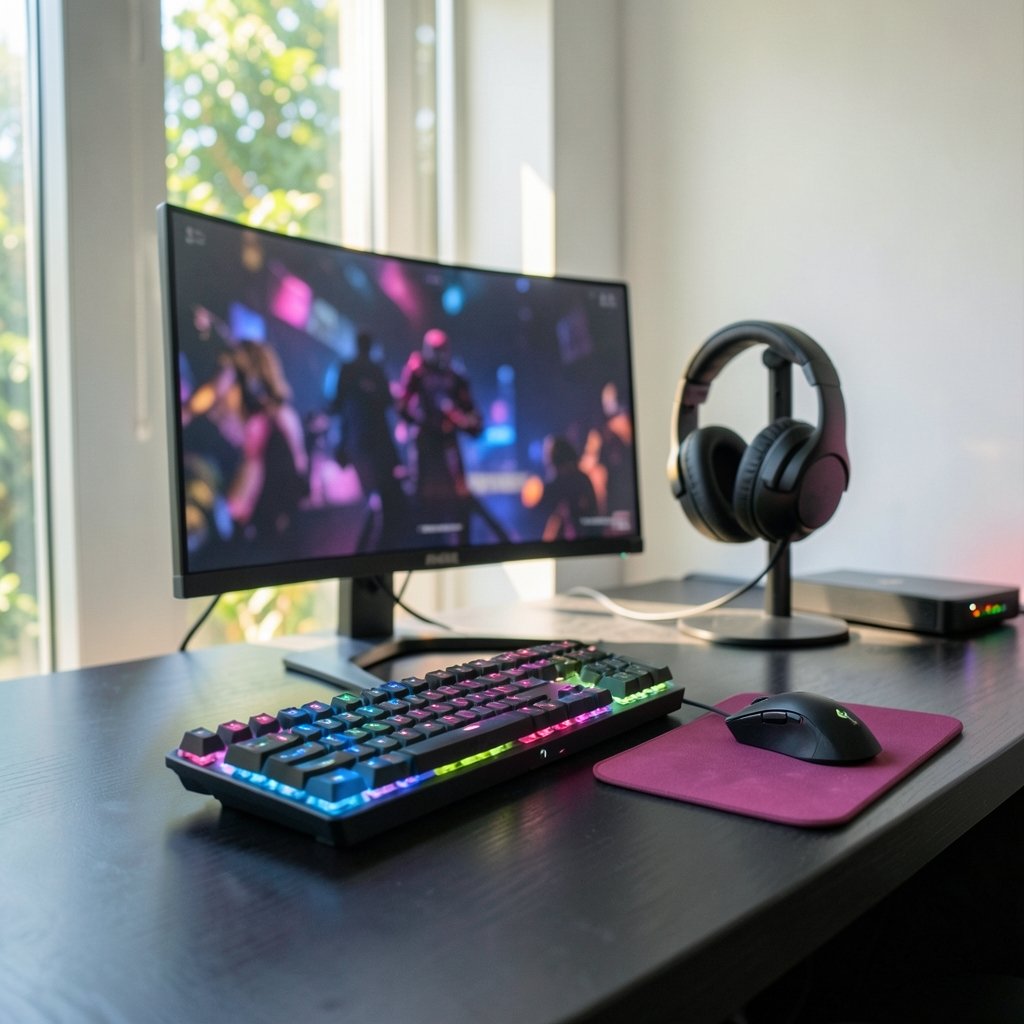
Can your eyes really tell the difference between 600Hz and 1,100Hz? That question stopped being a joke at Gamescom 2026, when Samsung rolled out its 2027 Odyssey lineup and put a 1,100Hz gaming monitor on the show floor. The refresh rate war just found a new ceiling, and most players are wondering whether any of it changes how they actually play.
Here is the short answer: some of it matters a lot, and some of it is marketing theater. This guide breaks down what Samsung announced, which numbers translate into real competitive advantage, and how to pick a panel that fits the games you actually play.
What Samsung Announced at Gamescom
Samsung used Gamescom 2026 in Cologne to introduce four 2027 Odyssey monitors, each aimed at a different kind of player. The lineup spans ultrawide OLED, high-refresh competitive play, cinematic curved displays, and flexible multi-mode gaming.
The headline grabber is the 27-inch Odyssey G6 (G60H). Samsung calls it the world’s first gaming monitor with a 1,100Hz refresh rate. That figure only applies at 1080p, and the panel’s dual-mode design lets players switch to native 1440p and still run at 600Hz. It uses a Fast IPS panel with a 1ms response time and supports both AMD FreeSync Premium Pro and Nvidia G-Sync.
The rest of the lineup pushes OLED in different directions:
| Model | Size and Panel | Resolution | Top Refresh Rate | Best For |
|---|---|---|---|---|
| Odyssey G6 (G60H) | 27-inch Fast IPS | 1080p / 1440p dual mode | 1,100Hz / 600Hz | Competitive shooters |
| Odyssey OLED G9 (G95SJ) | 49-inch QD-OLED | 5120 x 1440 (DQHD) | 360Hz, 720Hz dual mode | Immersive racing and sims |
| Odyssey OLED G8 | 32-inch OLED | Three mode options | Up to 680Hz | Mixed use and flexibility |
| Odyssey OLED G7 | 42-inch curved OLED | 4K | Not a speed play | Cinematic single-player |
The G9 deserves a closer look. It is the first 49-inch DQHD gaming monitor, built on fifth-generation Penta Tandem QD-OLED technology, which Samsung says improves panel performance by up to 1.3 times and doubles overall lifespan. It runs 360Hz at native 5120 x 1440 and can shift into a 720Hz mode at a reduced resolution. Response time is listed at 0.03ms GtG.
Samsung also confirmed that HDR10+ GAMING and Odyssey 3D support are expanding across more game titles, and that the G6 is expected to launch globally by the end of 2026.
The Refresh Rate Reality Check
A monitor refreshing at 1,100Hz draws a new frame every 0.9 milliseconds. At 240Hz, that gap is about 4.2ms. At 60Hz, it is 16.7ms. Those differences are real, measurable, and increasingly irrelevant past a certain point.
The problem is the chain. Your monitor can only display frames your GPU produces, and your game engine can only simulate so fast. If a competitive shooter runs at 400 frames per second on your rig, a 1,100Hz panel spends most of its refresh cycles showing the same frame twice. You paid for speed you never see.
There is also the human side. Research on motion perception suggests most players notice clear gains up to roughly 240Hz to 360Hz, with diminishing returns beyond that. Elite esports pros with trained eyes can detect smaller differences. The average player buying a 1,100Hz screen for ranked matches will not.
So why build it? Because refresh rate headroom still helps in three specific ways:
- Lower latency at the same frame rate. A faster panel scans out frames quicker, shaving input lag even when your frame rate stays fixed.
- Less tearing and stutter. Higher ceilings give VRR more room to work with fluctuating frame rates.
- Motion clarity in fast pans. Higher refresh rates reduce sample-and-hold blur, which matters in tracking-heavy games.
None of those benefits require 1,100Hz. A good 360Hz or 480Hz panel delivers most of the practical gain.
Matching the Panel to the Game You Actually Play
The single biggest mistake buyers make is chasing the biggest number instead of the right number. A 49-inch ultrawide at 360Hz is a spectacular racing and flight-sim display. It is a poor choice for a Counter-Strike player who wants a small, fast, low-latency screen. Likewise, a 27-inch 1080p panel at 1,100Hz is wasted on someone who mostly plays story-driven RPGs at 80 frames per second.
The practical rule: pick your monitor based on the frame rates your hardware can sustain in your main game, not the frame rates on the box. If you want a deeper breakdown of how panel type, resolution, and refresh rate interact, this guide on how to choose a gaming monitor that matches the panel you actually play walks through the tradeoffs step by step.
For competitive shooters
Prioritize refresh rate and response time over resolution and size. A 27-inch 1440p panel at 240Hz to 360Hz is the sweet spot for most players. The G6’s dual-mode trick is genuinely useful here: 1440p for general play, 1080p high refresh when you want maximum speed.
For immersive single-player games
Contrast, color volume, and HDR matter far more than refresh rate. A QD-OLED panel at 175Hz will look better in a cinematic game than a 600Hz IPS panel, full stop. The 42-inch OLED G7 exists for exactly this buyer.
For sim racing and flight
Ultrawide immersion wins. The 49-inch G9’s 5120 x 1440 resolution wraps around your peripheral vision in a way no 27-inch screen can match, and 360Hz keeps fast pans clean.
For mixed work and play
A 32-inch panel with multiple resolution and refresh modes, like the OLED G8, covers more ground than a specialist screen. You get 4K for productivity and high refresh for games.
If you are still weighing panel types before committing, this comparison of the best gaming monitors for 2026 and what actually matters before you buy covers the fundamentals that carry straight into 2027 buying decisions.
OLED Versus LCD in 2027: The Real Divide
The 2027 lineup makes one thing clear: OLED is no longer the compromise it once was. The G9’s fifth-generation Penta Tandem QD-OLED panel pushes peak brightness to 1,300 nits, which closes much of the gap that used to make OLED a dim-room-only choice. The doubled lifespan claim addresses the burn-in worry that kept cautious buyers on LCD.
LCD still wins on two fronts. First, raw speed. The G6’s 1,100Hz ceiling is an IPS achievement, not an OLED one. Second, price and longevity under static content. If you leave a spreadsheet or a taskbar on screen for eight hours a day, an LCD is the lower-risk pick.
The practical split looks like this:
| Factor | Fast IPS (G6) | QD-OLED (G9, G8, G7) |
|---|---|---|
| Peak refresh rate | 1,100Hz at 1080p | Up to 720Hz dual mode |
| Contrast | Standard | Near-infinite blacks |
| Brightness | Good | Up to 1,300 nits peak |
| Burn-in risk | None | Reduced, not eliminated |
| Best use case | Pure competitive play | Visual quality plus speed |
For most buyers in 2027, OLED is the better all-round choice, and fast IPS is the specialist tool.
Common Buying Mistakes to Avoid
A few traps catch almost everyone shopping in this tier.
Buying for a frame rate you cannot feed. Check what your GPU pushes in your main game before you pay for refresh rate headroom. A 1,100Hz monitor paired with a mid-range card is a waste of money.
Ignoring the cable and port. High refresh rates at high resolution need DisplayPort 2.1 or equivalent bandwidth. A monitor that hits 600Hz over one port may cap far lower over another. Read the spec sheet carefully.
Skipping the stand and ergonomics. A 49-inch ultrawide needs serious desk depth and a sturdy arm. Buyers routinely underestimate this.
Assuming bigger always means better. A 27-inch screen at 1440p has a sharper pixel density than a 32-inch at the same resolution. For competitive play, that sharpness helps.
Forgetting the rest of the chain. A monitor is one link. Your mouse polling rate, keyboard latency, and even your desk setup shape the experience. If you are building a competitive setup from scratch, this breakdown of the best gaming keyboards for beginners and what actually matters before you buy is a sensible starting point.
What Actually Matters, Ranked
If you want a priority order for 2027 monitor shopping, here it is:
- Panel type matched to your games. OLED for immersion, fast IPS for pure competition.
- A refresh rate your GPU can feed. 240Hz to 360Hz covers most players.
- Response time and motion handling. A clean 240Hz beats a smeary 500Hz.
- Resolution and size balance. 1440p at 27 inches is the competitive standard.
- HDR and brightness. Only if you play visually rich games.
- The headline refresh number. Last, not first.
That ranking will not sell many 1,100Hz monitors, but it will save you money and make you play better.
Conclusion
Samsung’s 2027 Odyssey lineup is genuinely impressive engineering. A 1,100Hz LCD, a 49-inch DQHD QD-OLED at 360Hz, and a 42-inch curved 4K OLED all push the category forward. But the best gaming monitor of 2027 is not the one with the biggest number on the box. It is the one that matches your games, your hardware, and your eyes.
Buy for the frame rates you actually hit, not the ones in the press release. That single habit will serve you better than any spec sheet.
Frequently Asked Questions
Can the human eye actually see 1,100Hz?
No, not in any way that matters for most people. Clear gains taper off well before 1,100Hz; most players notice diminishing returns past 240Hz to 360Hz. At extreme refresh rates, the benefits come mainly from reduced input lag and less motion blur, not from perceiving individual frames.
Is the Samsung Odyssey G6 really 1,100Hz?
Yes, but only at 1080p resolution. In its native 1440p mode, the G6 runs at 600Hz. It uses a Fast IPS panel with a 1ms response time and supports both FreeSync Premium Pro and G-Sync.
Should I buy OLED or IPS for gaming in 2027?
It depends on your games. OLED wins for contrast, color, and immersion, and the new QD-OLED panels reach 1,300 nits peak brightness. Fast IPS wins for pure competitive speed and for anyone worried about burn-in from static content.
Do I need a 1,100Hz monitor to play competitively?
No. A solid 240Hz to 360Hz monitor paired with a GPU that can feed it will outperform a 1,100Hz screen running at 200 frames per second. Refresh rate only helps when your hardware can fill it.
What resolution should I pair with a high refresh rate?
For competitive play, 1440p at 27 inches is the current sweet spot. It balances sharpness, GPU load, and frame rate headroom. Ultrawide 5120 x 1440 suits sim racing and immersion-focused setups.
When do the 2027 Odyssey monitors launch?
Samsung said the Odyssey G6 is expected to launch globally by the end of 2026. Launch timing for the OLED G9, G8, and G7 models was not confirmed at the Gamescom announcement, so check Samsung’s official product pages closer to release.
How much refresh rate headroom should I budget for? A reasonable target is a panel that runs at least 25 to 30 percent above the frame rate your GPU sustains in your main game. That margin keeps VRR engaged through frame-time spikes and preserves low latency without paying for cycles you never see. Spend the difference on panel quality or a stronger GPU instead.



