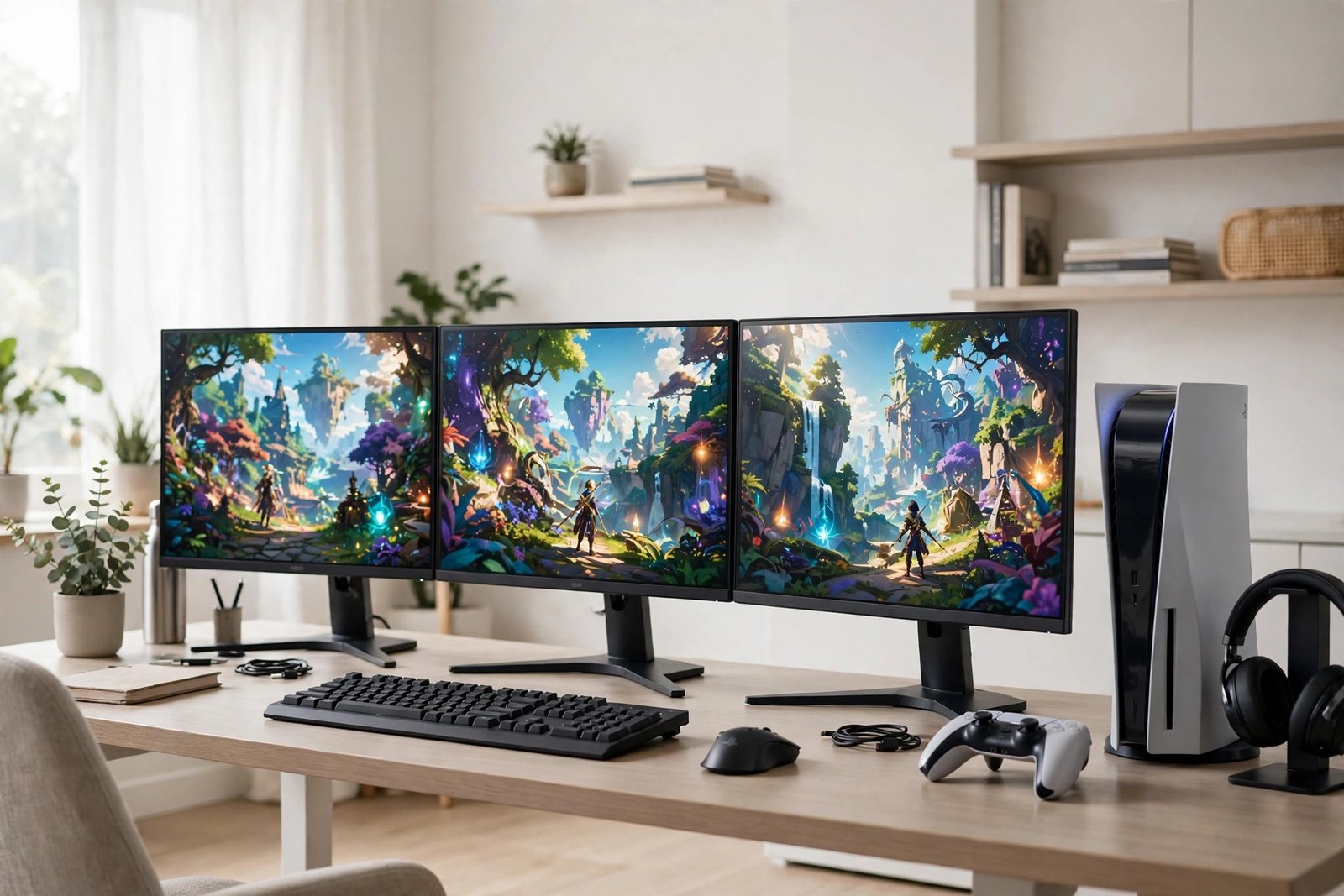
The best gaming monitors for PS5 in 2027 pair a 4K panel with HDMI 2.1, letting the console run at up to 4K and 120Hz in supported games. The short answer: buy a 27-inch or 32-inch 4K monitor with HDMI 2.1, VRR and decent HDR.
A monitor sits closer, costs less at the same size, and usually responds faster than a television. The catch is that not every gaming monitor suits the PS5: some lack HDMI 2.1, capping the console at 4K 60Hz, while others advertise refresh rates the console cannot use or HDR that looks washed out.
Key takeaways
- The PS5 outputs up to 4K at 120Hz over HDMI 2.1, supports VRR and 1440p — not 4K at 240Hz.
- A 27- or 32-inch 4K monitor with HDMI 2.1 and VRR suits most players.
- Without HDMI 2.1, you are capped at 4K 60Hz.
- Judge HDR by local dimming or OLED, not an HDR400 badge.
- 1440p is a fair budget option, but 4K is the better long-term buy.
What makes a monitor great for PS5?
The PS5’s display output sets the ceiling: up to 4K at up to 120Hz, but only over HDMI 2.1. A monitor with HDMI 2.0 ports still works, yet it caps you at 4K 60Hz or 1440p 120Hz. Most PS5 games run at 60fps or below, so that cap is not a disaster — but for a new screen, HDMI 2.1 is the feature to insist on.
Variable refresh rate, or VRR, is the second feature that matters. The PS5 supports VRR over HDMI, smoothing out frame-rate dips and cutting visible stutter and tearing — look for HDMI Forum VRR support. The PS5 also supports 1440p output at up to 120Hz, which makes cheaper monitors a genuine option for competitive play, though 4K remains the better long-term buy.
Panel type shapes the picture more than any number on the box. IPS panels offer wide viewing angles and accurate colours; VA panels deliver deeper blacks and stronger contrast, but narrower angles. OLED panels offer near-instant response and perfect blacks — the best-looking option by a clear margin, though pricier and needing a little care around static images. Mini-LED backlights give LCD panels far better HDR than edge-lit screens can manage.
HDR deserves a sceptical eye: a basic HDR400 rating with no local dimming looks only marginally better than SDR. Look for full-array local dimming, a Mini-LED backlight or an OLED panel instead. On size, 27 inches suits a typical desk distance of 60 to 80 centimetres, while 32 inches suits a deeper desk. Prioritise a low-latency game mode over the response figure on the box.

The best gaming monitors for PS5 in 2027
Every monitor below fits what the PS5 can actually do: HDMI 2.1, VRR, and a picture that holds up. Check current prices before you buy.
LG UltraGear 27GP950-B
The 27GP950-B remains the benchmark 27-inch 4K monitor for PS5 owners. Its 4K Nano IPS panel runs at up to 144Hz, it has HDMI 2.1 ports, and it supports VRR. Colours are vivid, viewing angles are wide, and it handles 1440p at 120Hz cleanly for competitive games. HDR is decent rather than spectacular, with edge-lit dimming that cannot match Mini-LED or OLED rivals — but as a sharp, fast 4K screen, it uses everything the PS5 offers.
Best for: most PS5 players who want a no-fuss 4K 120Hz monitor at a sensible size.
Sony InZone M9
Sony built the InZone M9 with the PS5 in mind. This 27-inch 4K monitor runs at 144Hz over HDMI 2.1, supports VRR, and uses a full-array local dimming backlight that gives its HDR real punch. It also offers auto HDR tone mapping with the console, setting the HDR range without manual adjustment. The drawback is price: it costs more than rival 27-inch 4K monitors, and its HDR, while good for an LCD, still falls short of OLED.
Best for: PS5 owners who want the best HDR an LCD monitor in this size can offer.
Samsung Odyssey Neo G7 (32-inch)
The 32-inch Odyssey Neo G7 takes a different approach: a curved VA panel with a Mini-LED backlight and a 165Hz refresh rate. Its 4K resolution, HDMI 2.1 ports and VRR support cover the PS5’s output, while the Mini-LED backlight delivers deep blacks and bright highlights that make HDR games look genuinely cinematic. The 1000R curve divides opinion — some love it, others find it distracting on a work screen — and VA viewing angles are narrower than IPS.
Best for: cinematic games in a dark room, where contrast and HDR matter most.
Gigabyte M28U
The Gigabyte M28U is the value pick, without cutting the features that matter. This 28-inch 4K monitor runs at 144Hz, has HDMI 2.1 ports, supports VRR, and includes a built-in KVM switch for sharing a keyboard and mouse with a PC. Colour accuracy is solid out of the box, and the price undercuts most rivals. HDR is the weak point: the HDR400 rating promises more than the edge-lit panel delivers, so treat it as an SDR monitor that accepts an HDR signal.
Best for: buyers who want full 4K 120Hz HDMI 2.1 support at the lowest sensible price.
ASUS ROG Swift PG32UCDM (QD-OLED)
If budget is no constraint, the PG32UCDM is the best-looking monitor here by a wide margin. Its 32-inch 4K QD-OLED panel combines the perfect blacks and instant response of OLED with the brightness and colour volume of quantum dots. It runs at 240Hz — far beyond what the PS5 can use, but a bonus if the screen also serves a gaming PC — and it has HDMI 2.1 and VRR support. Vary on-screen content to reduce the risk of image retention from static HUD elements, and expect a firmly premium price.
Best for: players who want the best image quality available and also game on PC.
Dell Alienware AW2725Q (QD-OLED)
The Alienware AW2725Q brings QD-OLED to the 27-inch size, pairing a 4K panel with HDMI 2.1 and VRR. It is sharper per inch than its 32-inch rivals, which suits desk setups, and its near-instant response makes fast games feel exceptionally fluid. The design is clean, the stand sturdy and adjustable. The price is high, static images deserve a little care, and the image is smaller than 32-inch rivals at a similar price — but for a tight desk, it is the pick.
Best for: smaller desks where a 27-inch OLED beats a larger LCD.
Best gaming monitors for PS5 compared
| Monitor | Size / Panel | Resolution | HDMI 2.1 | VRR | Standout |
|---|---|---|---|---|---|
| LG UltraGear 27GP950-B | 27" Nano IPS | 4K 144Hz | Yes | Yes | Balanced all-rounder |
| Sony InZone M9 | 27" IPS | 4K 144Hz | Yes | Yes | Best LCD HDR |
| Samsung Odyssey Neo G7 | 32" curved VA, Mini-LED | 4K 165Hz | Yes | Yes | Contrast and HDR |
| Gigabyte M28U | 28" IPS | 4K 144Hz | Yes | Yes | Best value |
| ASUS ROG Swift PG32UCDM | 32" QD-OLED | 4K 240Hz | Yes | Yes | Best picture |
| Dell Alienware AW2725Q | 27" QD-OLED | 4K 240Hz | Yes | Yes | Best compact OLED |
Table: The best gaming monitors for PS5 in 2027 at a glance — refresh rates above 120Hz benefit PC gaming only.

How to choose: a checklist before you buy
- HDMI 2.1 confirmed: check the spec sheet — you need an HDMI 2.1 port for 4K 120Hz.
- VRR supported: look for HDMI Forum VRR.
- Resolution: 4K is the long-term pick; 1440p at 120Hz is fine if money is tight.
- HDR judged honestly: full-array dimming, Mini-LED or OLED means real HDR.
- Size fits your desk: 27 inches for 60–80 cm viewing, 32 inches for a deeper desk.
- Panel suits your room: IPS for bright rooms, VA for contrast, OLED for the best picture.
- Extras checked: a good stand, enough ports, and a low-lag game mode.
- Price checked today: prices move fast — check current prices before buying.
Buy for the games you will play over the next few years. Story-driven players should prioritise picture quality and HDR; shooter players, refresh rate and response time. Either way, HDMI 2.1 and VRR are non-negotiable.
Think about the rest of the setup too: the best PS5 accessories keep controllers charged, one of the best gaming controllers for PC suits a shared desk, and one of the best GaN chargers powers everything from a single brick.
Frequently asked questions
Do I need HDMI 2.1 for a PS5 monitor?
Yes, if you want 4K at 120Hz — the PS5 outputs up to 4K 120Hz only over HDMI 2.1. A monitor with HDMI 2.0 still works, but it caps the console at 4K 60Hz.
Can the PS5 run 4K at 240Hz?
No. The PS5 outputs up to 4K at 120Hz, so 144Hz, 165Hz or 240Hz panels simply run at the console’s 120Hz maximum. The higher refresh rate only benefits a connected PC.
Is a 1440p monitor good enough for PS5?
Yes. The PS5 supports 1440p output at up to 120Hz, and a good 1440p monitor looks sharp at 27 inches. It is a sensible budget choice, though 4K is the better long-term buy.
Does the PS5 support VRR on monitors?
Yes, on monitors that support HDMI Forum VRR. Enable it in the PS5’s screen and video settings, and check that your monitor’s VRR setting is switched on too.
Is OLED worth it for PS5 gaming?
For picture quality, yes — OLED offers perfect blacks, near-instant response and superb HDR. The trade-offs are price and the need to vary on-screen content to reduce image retention from static HUD elements.
What size monitor is best for PS5?
At a desk, 27 inches is the sweet spot for 4K, and 32 inches suits a deeper desk. Match the size to your viewing distance.
The verdict
The best gaming monitor for PS5 in 2027 matches how you actually play. For most people, that is the LG UltraGear 27GP950-B: 4K, 120Hz over HDMI 2.1, VRR, at a price that leaves room for games. Players who want the finest LCD HDR should look at the Sony InZone M9, while the Gigabyte M28U delivers the same core PS5 features for less. If picture quality is everything, the QD-OLED models from ASUS and Alienware are in a class of their own.
Whichever you choose, insist on HDMI 2.1 and VRR, judge HDR by the backlight rather than the badge, and size the screen to your desk. Next step: measure your desk, check current prices, and buy the 4K HDMI 2.1 screen that fits both.