The best PS5 accessories in 2027 are the ones that remove a friction you feel every time you play: a dead controller, a full hard drive, muddy game audio or a television someone else wants to watch. Which accessories are actually worth buying? For most owners, the answer is a second controller, a charging dock, a good headset and extra storage, in that order, with everything else depending on how and where you play.
Our short answer is that the DualSense Charging Station is the best first buy, an extra DualSense is the best second buy, and the PULSE Elite is the best headset for most PlayStation-first players. Competitive players should look at the DualSense Edge, remote players at the PlayStation Portal, and anyone who keeps deleting games at an internal SSD before anything else.
Key takeaways
- A charging station and a second DualSense improve daily play more than any premium upgrade.
- The DualSense Edge suits competitive and heavily customised play; most players will not use its extra features.
- The PULSE Elite is the simplest headset choice for PS5-first players; the PULSE Explore earbuds suit portable and PC play.
- PlayStation Portal only makes sense if your home Wi-Fi is strong and you often play away from the television.
- Extra storage is the most useful big purchase: an internal SSD lets you play PS5 games directly from the added space.
- Skip the media remote and the HD Camera unless streaming or media playback is already a regular routine.
How to choose the best PS5 accessories in 2027
Start with the problem, not the product. A controller that dies mid-session points to a charging dock or a second controller. A drive that is always full points to storage. Tinny television speakers point to a headset.
Next, check compatibility with your console model. Most DualSense accessories work across the original PS5, the PS5 Slim and the PS5 Pro, because all three use the same controller and the same wireless audio system. Third-party options can cost less, but fit varies.
The best PS5 accessories of 2027 at a glance
Extra DualSense controller — the best PS5 accessory for most people
Best for: local multiplayer, a spare while one controller charges, and households where two people play.
The standard DualSense remains the most important PS5 accessory because it is the controller the whole platform is built around. Its adaptive triggers and haptic feedback are supported across first-party games and a growing list of third-party titles, and a second controller means local multiplayer is always possible. It also solves the most common daily annoyance in PS5 ownership: sitting down to play and finding the only controller flat. Battery life is its honest weakness, so keep the spare charged.
DualSense Edge — the best pro controller for PS5
Best for: competitive players and anyone who wants back buttons, adjustable triggers and swappable stick modules.
The DualSense Edge is Sony’s premium controller, built for players who tune their controls. It adds two back buttons, adjustable trigger travel, replaceable stick modules and on-controller profile switching, with a carrying case included. For competitive shooters and fighting games, the back buttons alone can change how you play, because actions that normally need a thumb to leave the stick can move to a finger that is already free. Readers comparing pro controllers more broadly can read our guide to the best gaming controllers for PC. It costs substantially more and its battery life is shorter, so buy it only if you will tune it.
DualSense Charging Station — the best first buy
Best for: every PS5 owner who is tired of cables, dead controllers and occupied USB ports.
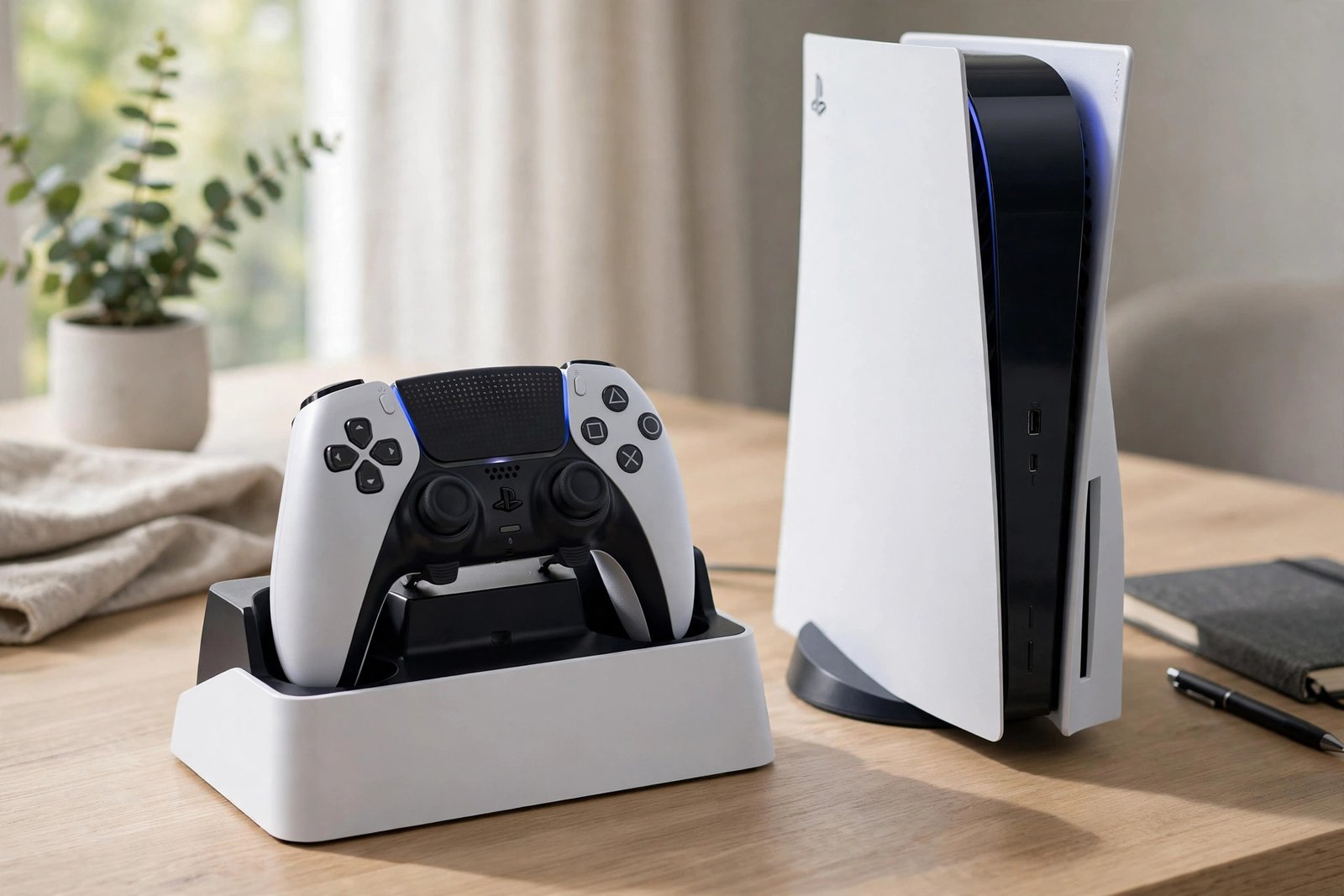
The DualSense Charging Station is the cheapest genuinely useful accessory Sony sells for the PS5. It charges two DualSense or DualSense Edge controllers at once through the contacts on their undersides, with no cable running to the console. Third-party docks can cost less, but the Edge’s wider body does not sit properly in every generic dock.
PULSE Elite wireless headset — the best PS5 headset for most players
Best for: PS5-first players who want clear wireless audio, a built-in microphone and simple setup.
The PULSE Elite is Sony’s current first-party headset and the easiest audio upgrade for most PS5 owners. It connects through the PlayStation Link USB adapter supplied in the box, which is designed for low-latency wireless audio on PS5, PC and Mac, and it also supports Bluetooth for phones and other devices. Its planar magnetic drivers deliver clear, detailed game audio, with a retractable microphone. It is a PlayStation-first headset rather than a do-everything one.
PULSE Explore wireless earbuds — the best PS5 earbuds
Best for: players who prefer earbuds, travel often, or play on PS5 and PC in equal measure.
The PULSE Explore earbuds use the same PlayStation Link system as the Elite headset, with the USB adapter included, and the same planar magnetic driver approach in a much smaller form. They suit players who dislike headsets, play late at night, or want one set of earbuds for console, laptop and phone. They cannot match a headset for long-session comfort, and battery life per charge is shorter.
PlayStation Portal — the best PS5 accessory for playing around the house
Best for: players who share a television, play in bed or in another room, or want to keep a long game going away from the main screen.
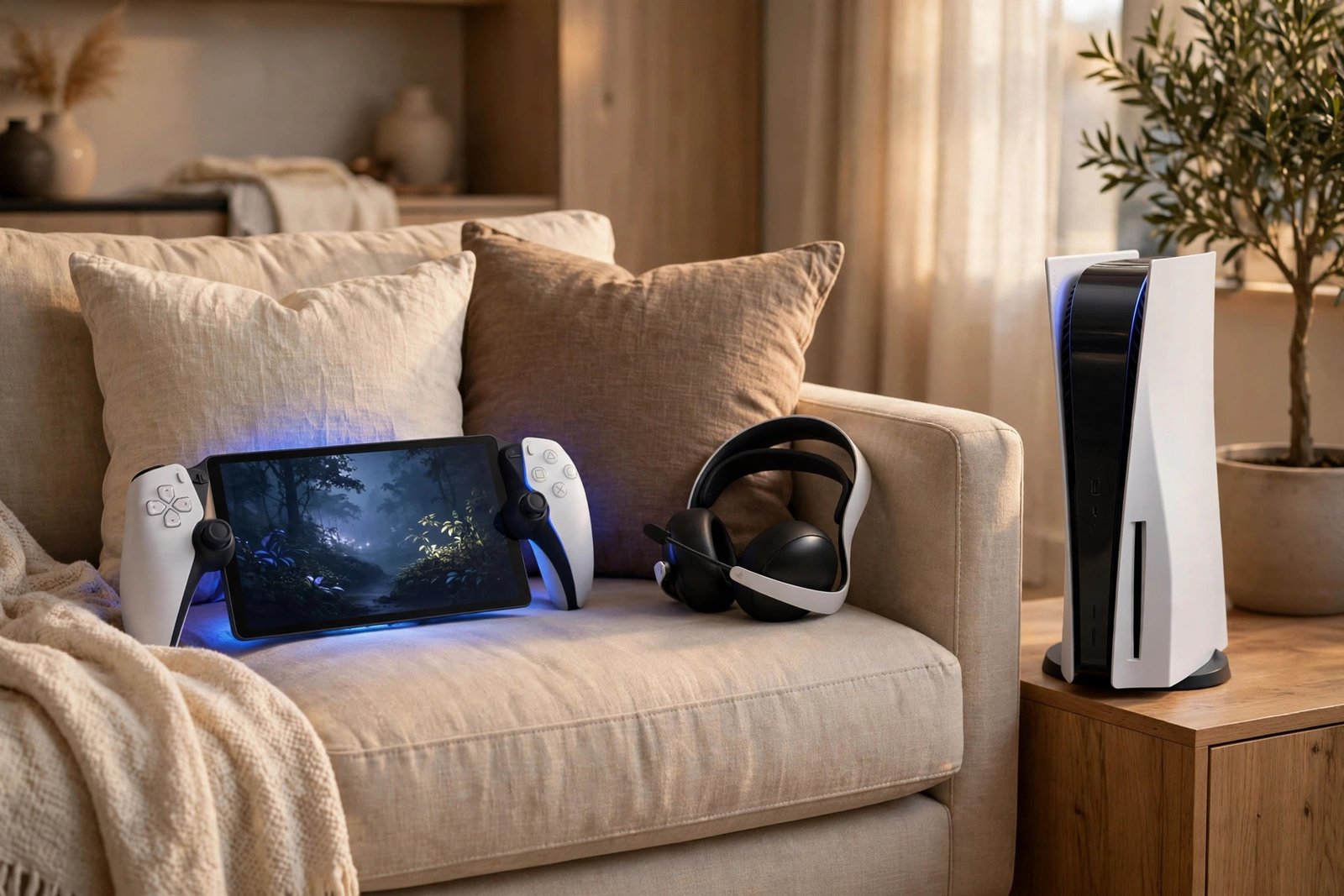
The PlayStation Portal is an 8-inch handheld with a 1080p display running at up to 60 frames per second, built around a full DualSense-style controller. It streams games from your own PS5 over Wi-Fi through Remote Play, and a later software update added cloud streaming of selected games for PlayStation Plus Premium subscribers. Its limits are honest ones: it plays streamed games only, with no local play, so a weak Wi-Fi signal means lag and a soft image. Test Remote Play on a phone or laptop in that spot first.
Internal SSD — the best PS5 storage upgrade
Best for: anyone who deletes games to make room, keeps a large library installed, or plays several big titles at once.
An internal M.2 SSD is the only storage upgrade that lets you play PS5 games directly from the added space, and it is close to a necessity once a library grows. Sony requires a PCIe Gen4 x4 M.2 NVMe drive with a sequential read speed of 5,500 MB/s or faster, a capacity between 250GB and 8TB, and a cooling structure such as a heatsink, with the drive and heatsink together no thicker than 11.25mm. Installation takes a screwdriver and a few minutes. Our full guide to the best internal SSDs for PS5 compares the leading drives, capacities and heatsink options. An external USB drive is cheaper, but PS5 games must be copied back before they will run.
PS VR2 — the best PS5 accessory for immersion
Best for: players who want virtual reality on PS5 and already know which VR games they want to play.
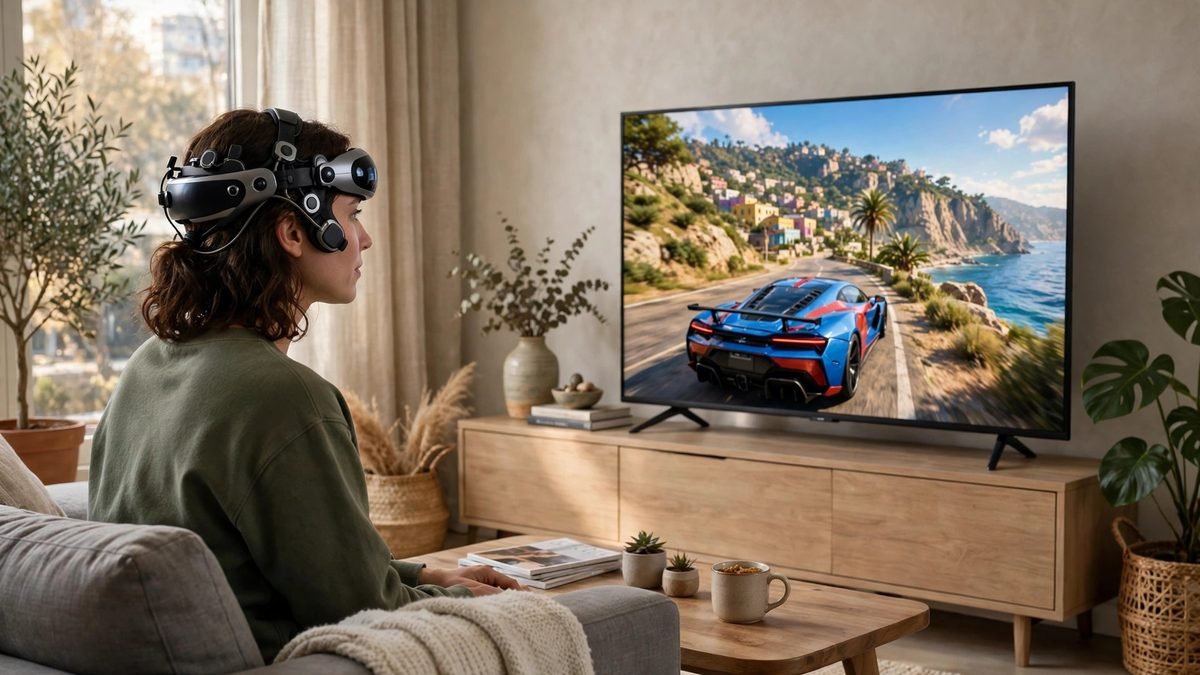
The PS VR2 is Sony’s virtual reality headset for PS5, with inside-out tracking that needs no external camera and controllers that carry over the DualSense’s haptic approach. The catch is the library: VR remains a smaller catalogue than flat-screen gaming, and the headset is a substantial purchase for a single style of play. Buy it when there are three or four VR titles you already want, not on the hope that a library will appear.
Best PS5 accessories 2027: comparison table
| Accessory | Best for | Main strength | Main limitation |
|---|---|---|---|
| Extra DualSense | Most owners, local multiplayer | Full DualSense features, always ready spare | Short battery life |
| DualSense Edge | Competitive players | Back buttons, profiles, swappable sticks | Higher cost, shorter battery life |
| DualSense Charging Station | Every owner | Charges two controllers, no cables | Adds little beyond charging |
| PULSE Elite | PS5-first headset buyers | PlayStation Link audio, clear sound | PlayStation-first, not multi-purpose |
| PULSE Explore | Portable and PC players | Small, portable, Link audio | Shorter battery per charge |
| PlayStation Portal | Playing away from the TV | 8-inch 1080p 60fps handheld play | Streaming only, needs strong Wi-Fi |
| Internal SSD | Full drives, large libraries | Play PS5 games from added storage | Needs correct spec and heatsink |
| PS VR2 | VR players | Most immersive PS5 experience | Smaller game library, higher cost |
Table: the leading PS5 accessories compared on who they suit, their main strength and their main limitation.
A practical checklist before you buy PS5 accessories
- Name the problem first: buy the accessory that fixes something you feel every session, not the one with the longest feature list.
- Check your console model: confirm the accessory fits the original PS5, PS5 Slim or PS5 Pro you own, especially for storage and disc-drive add-ons.
- Count the total cost: rank your list and buy the top item first.
- Test your Wi-Fi before the Portal: run Remote Play where you would use it first.
- Check the SSD spec before ordering: confirm Gen4, 5,500 MB/s or faster, and a heatsink keeping total thickness under 11.25mm.
- Keep the receipt and the box: returns are harder once the packaging is gone.
If you are still torn, buy the charging station and a second controller first. For the screen side of your setup, our guide to the best gaming monitors for PS5 covers displays that make the most of the console’s output.
Frequently asked questions
What is the best PS5 accessory to buy first?
The DualSense Charging Station is the best first buy for most owners, because it solves the dead-controller problem every day at a low cost. An extra DualSense is the best second buy. Together they improve every session.
Is the DualSense Edge worth it?
It is worth it for competitive players who will use the back buttons, adjustable triggers and profiles regularly. For casual players who mainly play story games or local multiplayer, the standard DualSense offers the same core experience for less, and the Edge’s shorter battery life is a real drawback.
Do I need a headset for PS5, or are TV speakers enough?
TV speakers are fine for casual play, but a headset gives clearer dialogue, better directional audio and private late-night sessions. The PULSE Elite is the simplest choice for PS5-first players.
Can I play PS5 games from an external hard drive?
No. PS5 games must be stored on the console’s internal storage or a compatible internal M.2 SSD to run. An external USB drive can store PS5 games and can play PS4 games directly, but PS5 titles need copying back to internal storage first.
Is the PlayStation Portal worth it in 2027?
It is worth it if you share a television or often play away from the main screen and your home Wi-Fi is strong. It streams games only, with no local play, so a weak network will limit it. Test Remote Play on another device first.
Is PS VR2 worth buying?
It is worth buying if there are several VR games you already want to play, because it is the most immersive way to use a PS5. It is harder to justify as a speculative purchase.
The bottom line
The best PS5 accessories in 2027 are the unglamorous ones: a charging station, a second controller, a good headset and extra storage. Buy those first and you will feel the difference in every session. Check current prices before you buy, because accessory prices vary by retailer and region.