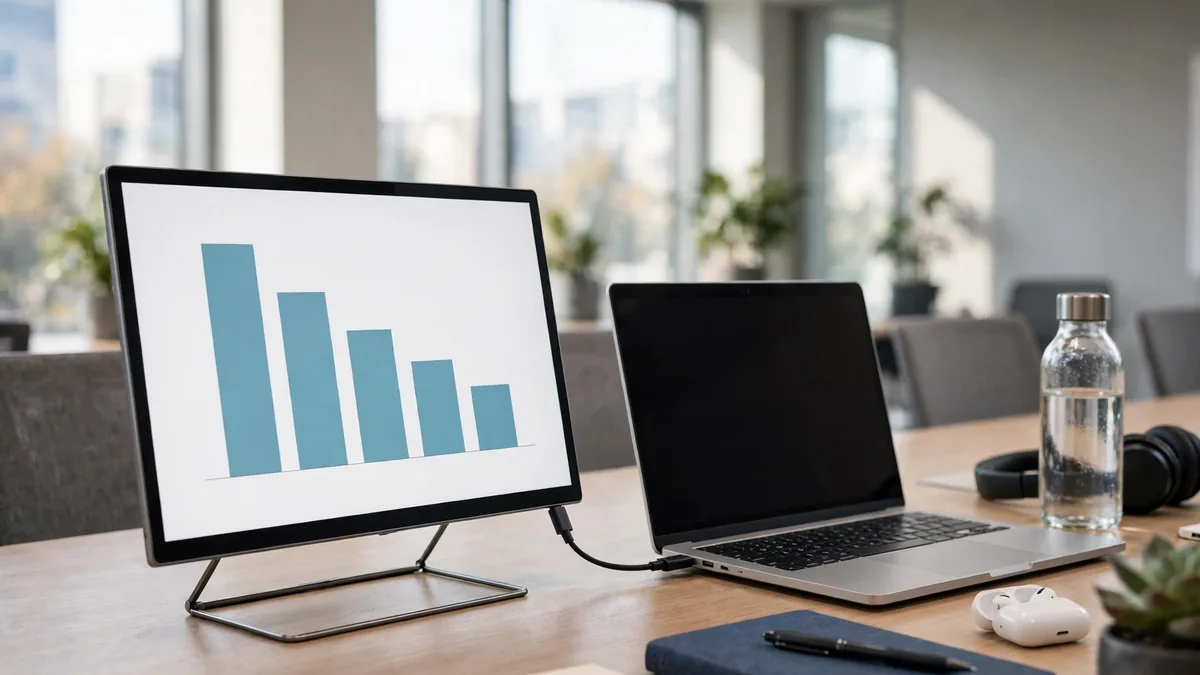
Presenting from a laptop alone forces the audience to crowd around a small screen or watch you fumble with cables and adapters. A portable monitor changes the dynamic completely: you set up a second display in seconds, face the room while your slides stay visible, and keep your notes on the laptop where only you can see them. The best portable monitors for presentations in 2027 are bright, light, and ready with a single USB-C cable.
Brightness is the first requirement. Meeting rooms are bright, and a dim panel washes out under ceiling lights, so look for at least 300 nits and a matte or anti-glare finish. A bright panel also reduces eye strain during long sessions, since you are not squinting at a washed-out image. Size matters too: a 15.6-inch screen is readable from the back of a small room, while a 14-inch panel is easier to carry. Weight under 900 g keeps the kit genuinely portable alongside a laptop and charger.
We picked the monitors below for brightness, setup speed, build quality, and how well they travel. The ViewSonic VG1655 leads on overall value, the ASUS ZenScreen MB16ACE is the lightest, and the Espresso Display 15 is the premium choice. Prices below are approximate starting prices, so check current pricing before buying.
Key takeaways
- Best overall for presentations: ViewSonic VG1655, bright, light, and quick to set up over one cable.
- Best ultralight option: ASUS ZenScreen MB16ACE, under 800 g with a slim, durable body.
- Best premium display: Espresso Display 15, a sharp touchscreen panel with a magnetic stand.
- Brightness matters more than resolution in a meeting room, so prioritize 300 nits or more.
- Bring your own cable and a backup adapter, since venue cables are never guaranteed.
At a glance: the shortlist
| Product | Best for | Starting price | Standout limit |
|---|---|---|---|
| ViewSonic VG1655 | Best overall | From $199 | 1080p, no touchscreen |
| ASUS ZenScreen MB16ACE | Ultralight travel | From $189 | 250 nits brightness |
| Lenovo ThinkVision M14 | Business travel | From $229 | 1080p only |
| Dell C1422H | Build quality | From $259 | 250 nits brightness |
| HP E14 G4 | HP laptop users | From $219 | 14-inch screen |
| AOC 16T2 | Touchscreen presenting | From $179 | 250 nits brightness |
| Espresso Display 15 | Premium touchscreen | From $449 | Premium price |
ViewSonic VG1655 — Best overall
The VG1655 is the most reliable all-rounder for presenters. Its 15.6-inch Full HD IPS panel hits 300 nits, so slides stay readable under office lighting, and the matte finish cuts glare from windows and ceiling lights. Setup takes seconds: one USB-C cable carries video and power, and the built-in stand tilts to a comfortable viewing angle on any table.

At under 800 g with its cover, it travels easily in a laptop bag, and dual USB-C ports mean you can charge the laptop through the monitor while presenting. It is not the brightest or the prettiest panel here, but it is the one that works everywhere, every time. If your laptop bag is already crowded, our guide to the best USB-C hubs for office use covers compact docks that add the ports a presentation setup often needs.
Pros: Bright 300-nit matte panel; single-cable setup; light and durable; dual USB-C ports.
Cons: No touchscreen; 1080p only; speakers are weak.
ASUS ZenScreen MB16ACE — Best ultralight
The ZenScreen MB16ACE is built for presenters who travel light. At 710 g and just 9 mm thick, it adds almost nothing to a laptop bag, yet its 15.6-inch Full HD panel is sharp and clear. The smart cover doubles as a stand, and the hybrid USB-C and USB-A connection works with older laptops as well as new ones.
Brightness is the compromise at 250 nits, so it suits indoor meeting rooms better than sunlit spaces. In a typical conference room it is perfectly readable, and its low-glare coating helps. For frequent flyers who present in different offices every week, the weight saving alone justifies it.
Pros: Extremely light and thin; works over USB-C or USB-A; smart cover stand included; good value.
Cons: Only 250 nits; no touchscreen; stand angles are limited.
Lenovo ThinkVision M14 — Best for business travel
The ThinkVision M14 is the business traveler’s monitor. Its 14-inch Full HD panel, 570 g weight, and single-cable USB-C connection make it the easiest screen here to carry and set up. The adjustable tilt foot is stable on desks and conference tables, and the panel is bright enough at 300 nits for most meeting rooms.
It pairs naturally with a ThinkPad but works with any laptop that outputs video over USB-C. The screen is smaller than the 15.6-inch options, so it suits small rooms and one-to-one meetings better than large conference halls. Reliability is its strength: it connects instantly with no drivers and no fuss.
Pros: Very light at 570 g; 300-nit brightness; instant plug-and-play; sturdy tilt foot.
Cons: 14-inch screen is small for large rooms; 1080p only; no HDR.
Dell C1422H — Best build quality
The Dell C1422H feels like a premium product from the moment you pick it up. Its 14-inch Full HD IPS panel sits in a slim aluminum body, and the magnetic cover doubles as a stand. The panel is sharp, colors are accurate, and the USB-C connection carries video and power in one cable. Dell’s build quality shows in the details: tight hinges, clean edges, and a screen that stays put at any angle.
At 250 nits it is not the brightest panel here, so keep it out of direct sunlight. For boardrooms and client offices where the gear itself makes an impression, it is the most polished choice in this roundup.
Pros: Excellent aluminum build; sharp, accurate panel; magnetic cover stand; single-cable USB-C.
Cons: Only 250 nits; 14-inch screen; premium price for the size.
HP E14 G4 — Best for HP laptop users
The HP E14 G4 is a 14-inch Full HD portable monitor designed to match HP laptops, though it works with any USB-C laptop. It weighs 640 g, reaches 300 nits, and its 16:9 panel shows slides clearly from across a small room. The built-in stand folds flat, and the whole unit slips into a laptop sleeve.
It is a straightforward, no-nonsense screen: no touchscreen, no battery, no gimmicks. That simplicity is a virtue when you are setting up in front of an audience and need the display to work on the first try. HP users get a matched look and feel, but anyone can use it.
Pros: Bright 300-nit panel; light and slim; reliable single-cable setup; good value.
Cons: No touchscreen; 14-inch screen; basic stand.
AOC 16T2 — Best touchscreen for presenting
The AOC 16T2 brings touch control to presentations. Its 15.6-inch Full HD touchscreen lets you advance slides, tap links, and annotate with a finger or stylus, which makes demos feel natural instead of mouse-driven. The built-in battery runs the screen for hours without a cable, so you can place it anywhere in the room.
Brightness is 250 nits, so it is best indoors, and the battery adds weight. For presenters who demo software, annotate diagrams, or hand the screen to a colleague mid-meeting, the touchscreen is a genuine advantage over a standard panel.
Pros: 10-point touchscreen; built-in battery for cable-free placement; works with phones and tablets; low price.
Cons: Only 250 nits; heavier than non-battery rivals; average color accuracy.
Espresso Display 15 — Best premium
The Espresso Display 15 is the most refined portable monitor in this roundup. Its 15.6-inch touchscreen panel is sharp and bright, the aluminum body is thin and light, and the magnetic stand holds the screen at any angle, including portrait. It connects over USB-C and works with laptops, tablets, and phones.
The premium price buys polish rather than raw specs: a better stand, a better touch experience, and a design that looks at home in a boardroom. For presenters who use a second screen every day and want the best experience available, it is worth the extra money.
Pros: Excellent touchscreen; versatile magnetic stand; premium aluminum design; bright, sharp panel.
Cons: Premium price; accessories sold separately; no built-in battery.
How to choose
Start with the room. If you present in bright conference rooms, buy the brightest panel you can, and favor matte screens over glossy ones. If you travel constantly, weight and a single-cable setup matter more than an extra inch of screen. A 15.6-inch panel suits most rooms, while 14 inches is fine for small meetings and one-to-one demos.
Touchscreens are worth it if you demo software or annotate slides, but they add cost and weight. A built-in battery helps when outlets are scarce, though it makes the monitor heavier. Whatever you pick, keep the whole kit charged and ready, and consider packing one of the best portable chargers for laptops so a dead battery never ends a presentation early.
Checklist: before you pay
- Confirm your laptop outputs video over USB-C, or budget for an HDMI adapter.
- Look for at least 300 nits of brightness for bright meeting rooms.
- Test the stand on a real table to check stability and viewing angles.
- Weigh the monitor with its cover, cable, and adapter, not just the bare panel.
- Check the return policy so you can test for dead pixels before your first meeting.
- Pack a spare USB-C cable and a backup adapter for venue surprises.
Frequently asked questions
What size portable monitor is best for presentations?
A 15.6-inch screen is the sweet spot for most rooms: large enough to read from the back, small enough to carry. A 14-inch panel works well for small meetings and travel, while anything larger starts to lose the portability advantage.
Do I need a touchscreen for presenting?
No, but it helps for demos and annotation. A standard panel is fine for slide decks, and it costs less and weighs less. Choose touch only if you regularly interact with content on screen.
Can I present with just one USB-C cable?
Yes, if your laptop’s USB-C port supports video output. One cable carries video and power to most portable monitors. If your laptop lacks video-capable USB-C, use an HDMI adapter instead.
How bright should a presentation monitor be?
Aim for 300 nits or more for bright meeting rooms. Panels at 250 nits work indoors but can wash out near windows. A matte or anti-glare coating matters as much as raw brightness.
Will a portable monitor work with a tablet or phone?
Many do. USB-C phones and tablets can drive a portable monitor directly, and some monitors have built-in batteries for cable-free use. Check the manufacturer’s compatibility list for your device.
What else should I bring to a presentation?
A spare cable, a backup adapter, and a bag that keeps everything organized and protected. For travel-heavy presenters, our roundup of the best USB-C hubs for travel covers compact docks that solve missing-port problems on the road.
The bottom line
For most presenters, the ViewSonic VG1655 is the right buy: bright enough for real meeting rooms, light enough to carry daily, and simple enough to set up in seconds. If you travel constantly, the ASUS ZenScreen MB16ACE saves weight, and the Espresso Display 15 is the pick when you want the best touchscreen experience available.
Buy for brightness and setup speed first, size second, and touchscreens last. A portable monitor that just works, in any room, will make every presentation smoother.