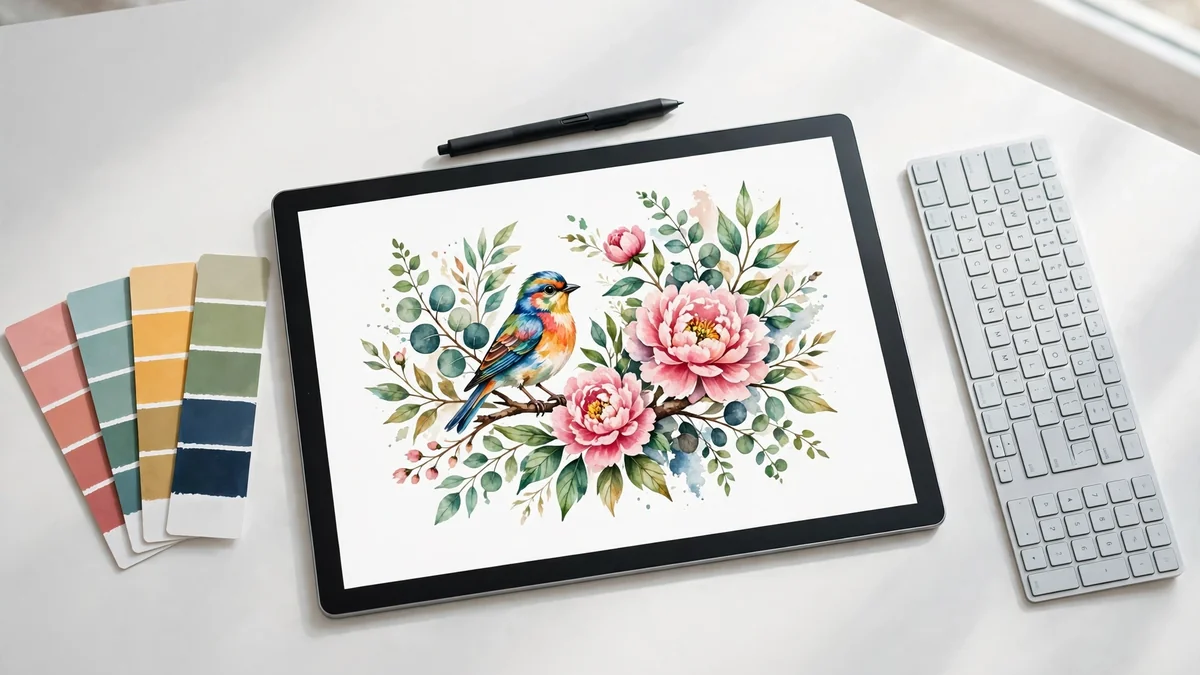
The best tablets for designers in 2027 are the ones that keep up with a professional creative workflow. A good design tablet pairs a colour-accurate screen with a precise stylus, runs the apps you already use, and handles large layered files without lag.
We judged the shortlist on what designers actually need: colour accuracy for print and screen work, stylus precision for illustration and retouching, app support for Photoshop, Illustrator, Procreate, and Figma, and enough power for files with dozens of layers. Price mattered too, so the list includes strong options at every budget.
The Apple iPad Pro 13 leads for most designers, with the Wacom Movink the best choice for a studio desk and the Samsung Galaxy Tab S10 Ultra the strongest Android option.
Key takeaways
- The iPad Pro 13 is the best all-round tablet for designers, with a superb OLED display, the M4 chip, and the widest creative app library.
- Colour accuracy matters more than resolution: look for full P3 or Adobe RGB coverage and a calibrated display if your work goes to print.
- A pressure-sensitive stylus with tilt support is essential for illustration and retouching; check whether it is included before comparing prices.
- Pen displays such as the Wacom Movink offer the best drawing feel, but they need a computer and stay at the desk.
- Budget picks like the iPad Air and Galaxy Tab S9 FE+ handle real design work well if you accept a smaller screen or an LCD panel.
At a glance: the shortlist
| Tablet | Best for | Starting price | Standout limit |
|---|---|---|---|
| Apple iPad Pro 13 (M4) | Most designers | From $1,299 | Apple Pencil Pro sold separately |
| Wacom Movink | Studio pen display | From $749 | Needs a computer to run |
| Samsung Galaxy Tab S10 Ultra | Best Android option | From $1,199 | Fewer pro design apps than iPad |
| Microsoft Surface Pro 11 | Windows all-rounder | From $999 | Heavier with keyboard attached |
| Apple iPad Air 11 (M3) | Best value Apple | From $599 | Smaller LCD screen |
| Huawei MatePad Pro 13.2 | Display for the money | From $999 | App store gaps outside China |
| XP-Pen Artist Pro 16 (Gen 2) | Budget pen display | From $599 | Needs a computer to run |
| Samsung Galaxy Tab S9 FE+ | Budget Android | From $599 | Mid-range chip, slower on huge files |
Apple iPad Pro 13 (M4) — Best overall
The iPad Pro 13 is the tablet most designers should buy first. Its 13-inch tandem OLED display covers the P3 colour gamut with the accuracy that print and brand work demands, The M4 chip opens large Photoshop files with dozens of layers and handles 4K video timelines without stutter.

The app library is the other reason the iPad Pro leads. Procreate, Photoshop for iPad, Illustrator for iPad, Affinity Designer, and Figma all run well here, If your work leans toward freehand illustration, our guide to the best tablets for artists covers the drawing-first options in more depth.
Pros: superb colour-accurate OLED display, fastest tablet chip, best creative app library, excellent stylus
Cons: Apple Pencil Pro costs extra, no full desktop Photoshop, premium price
Wacom Movink — Best pen display for the studio desk
The Wacom Movink is a 13.3-inch OLED pen display that connects to your computer, and for studio illustration it offers the best drawing feel you can buy. The pen tracks with near-zero parallax, supports 8,192 pressure levels and tilt, and the panel weighs just 420 grams, so you can hold it like a sketchbook while your desktop machine runs Photoshop or Clip Studio Paint.
That drawing feel comes with a trade-off: the Movink cannot run apps on its own, so it stays at the desk and only makes sense alongside a capable computer. Prices start from around $749, and you should check current pricing before buying, as bundles vary.
Pros: best pen accuracy available, superb OLED display, light and slim, built for long sessions
Cons: needs a computer, no standalone use, no battery, premium for a display-only device
Samsung Galaxy Tab S10 Ultra — Best Android option
The Galaxy Tab S10 Ultra has a huge 14.6-inch display, the largest screen on this list, and that space changes how design work feels. You can keep a reference image open beside your canvas, and the anti-reflective coating keeps colours readable in bright rooms. The S Pen is included in the box, which is a genuine saving against Apple.
Android has fewer professional design apps than iPadOS, but the essentials are covered: Clip Studio Paint, Concepts, Infinite Painter, and Samsung Notes all work well, and the tablet can act as a second display for a Windows PC.
Pros: huge 14.6-inch screen, S Pen included, good multitasking, strong battery life
Cons: fewer pro design apps than iPad, large and heavy to carry, no full desktop apps
Microsoft Surface Pro 11 — Best Windows all-rounder
The Surface Pro 11 is the only tablet here that runs the full desktop versions of Photoshop, Illustrator, and Figma without compromise. That matters when your files use desktop-only features, plugins, or fonts that mobile apps strip out. With the keyboard attached it works as a slim laptop; detached, it becomes a drawing tablet.
The Snapdragon X Elite chip handles everyday design work well, and the 13-inch touchscreen supports the Surface Slim Pen 2 with haptic feedback that makes strokes feel more natural.
Pros: full desktop creative apps, doubles as a laptop, good pen feedback, strong build
Cons: keyboard and pen cost extra, heavier than pure tablets, battery dips under heavy loads
Apple iPad Air 11 (M3) — Best value Apple
The iPad Air 11 with the M3 chip is the best-value Apple tablet for designers. It runs the same creative apps as the iPad Pro, supports the Apple Pencil Pro, and is light enough to carry to a client meeting or a coffee shop. At around $599, it costs less than half of a fully equipped iPad Pro 13.
The trade-off is the screen. The 11-inch LCD panel is smaller and less contrasty than the Pro’s OLED, and P3 colour coverage is good rather than exceptional.
Pros: same app library as the Pro, light and portable, much cheaper, Apple Pencil Pro support
Cons: smaller 11-inch screen, LCD rather than OLED, less storage at the base price
Huawei MatePad Pro 13.2 — Best display for the money
The MatePad Pro 13.2 offers a huge 13.2-inch flexible OLED display and the M-Pencil 3 stylus at a price well below the iPad Pro. The screen is genuinely impressive for the money: bright, accurate, and easy on the eyes during long drawing sessions. The tablet itself is thin and light for its size.
The catch is software. Google services and some Western professional apps are limited on Huawei devices, so designers should check that their essential apps are available before buying.
Pros: large OLED display, competitive price, light for its size, good stylus
Cons: limited app availability, no Google services, weaker pro app support
XP-Pen Artist Pro 16 (Gen 2) — Best budget pen display
The XP-Pen Artist Pro 16 (Gen 2) is a 16-inch pen display that brings a large drawing surface to the studio for around $599. The 2.5K display is sharp enough for detailed illustration, and the included battery-free stylus supports tilt and 16,384 pressure levels. Two dials and shortcut keys speed up common tasks in Photoshop and Clip Studio Paint.
Like the Wacom, it needs a computer to run, and its colour accuracy is a step below the Movink. For a small studio or a freelancer who wants a big pen display without Wacom prices, though, it is a strong buy.
Pros: large 16-inch display, low price, good pressure sensitivity, shortcut dials included
Cons: needs a computer, colour accuracy trails Wacom, bulky on a small desk
Samsung Galaxy Tab S9 FE+ — Best budget Android
The Galaxy Tab S9 FE+ is the cheapest tablet on this list that still handles real design work, starting from around $599. The 12.4-inch display is large enough for illustration and layout, the S Pen is included, and the tablet is water and dust resistant, which is rare at this price. Clip Studio Paint, Concepts, and Infinite Painter all run well.
The mid-range chip is the compromise: very large files with many layers can slow down, and heavy 3D or video work is better left to a stronger device.
Pros: affordable, large 12.4-inch screen, S Pen included, water resistant
Cons: mid-range chip, slower on very large files, LCD rather than OLED
How to choose
Start with your apps, not the hardware. If your workflow lives in Procreate or Affinity Designer, the iPad Pro is the natural home. If you depend on full desktop Photoshop or Illustrator with plugins, the Surface Pro 11 is the only tablet that keeps your full workflow. If you draw at a desk all day, a pen display such as the Wacom Movink will feel better than any standalone tablet.
Colour accuracy is the next decision. For print and brand work, look for full P3 or Adobe RGB coverage and a display you can calibrate. Retouching and illustration also depend on the stylus, so our guide to the best tablets for photo editing is worth reading if your work involves heavy photo work alongside design.
Checklist: before you buy
- Confirm your essential design apps run on the tablet’s operating system.
- Check whether the stylus is included, and add its price if it is sold separately.
- Test the tablet with a real project file, not a demo drawing, before the return window closes.
- Check the screen’s colour coverage if your work goes to print or to client brand guidelines.
- Confirm storage and RAM are enough for your largest layered files and asset libraries.
- Check current pricing and warranty terms, and confirm the return policy for a work device.
Frequently asked questions
Can a tablet replace a laptop for designers?
For illustration, layout, and client presentations, yes. For heavy print production, complex 3D, or plugin-dependent Photoshop work, most designers still keep a laptop or desktop,
What size tablet is best for designers?
Thirteen inches is the sweet spot for most design work: large enough to draw comfortably without constant zooming, small enough to carry. Eleven inches works for sketching and meetings, while 14 inches suits a desk-based workflow.
Do designers need a pen display or a standalone tablet?
A standalone tablet is the better first purchase because it works anywhere.
Is the iPad Pro good for Photoshop?
Yes, for editing, retouching, and compositing. Photoshop for iPad is fast and capable, but it does not include every desktop feature or plugin, so complex production work still belongs on a computer.
How much should a designer spend on a tablet?
Most designers should budget $600 to $1,300 for the tablet plus a stylus and case. Studio pen displays add $280 to $750 on top of a computer. A 2-in-1 can be a smarter buy if you also need a laptop, so compare our roundup of the best 2-in-1 laptops for 2027 before deciding.
Which stylus is best for design work?
The Apple Pencil Pro, Samsung S Pen, and Wacom Pro Pen 3 are the strongest options, each matched to its own tablet. The key features are pressure sensitivity, tilt support, and low latency,
The bottom line
For most designers, the iPad Pro 13 is the best tablet to buy in 2027: the screen, the stylus, and the app library are all class-leading. Studio illustrators should look at the Wacom Movink, and Android users should take the Galaxy Tab S10 Ultra.
On a tighter budget, the iPad Air 11 and Galaxy Tab S9 FE+ cover real design work well, while the Surface Pro 11 is the pick for anyone who needs full desktop apps.