
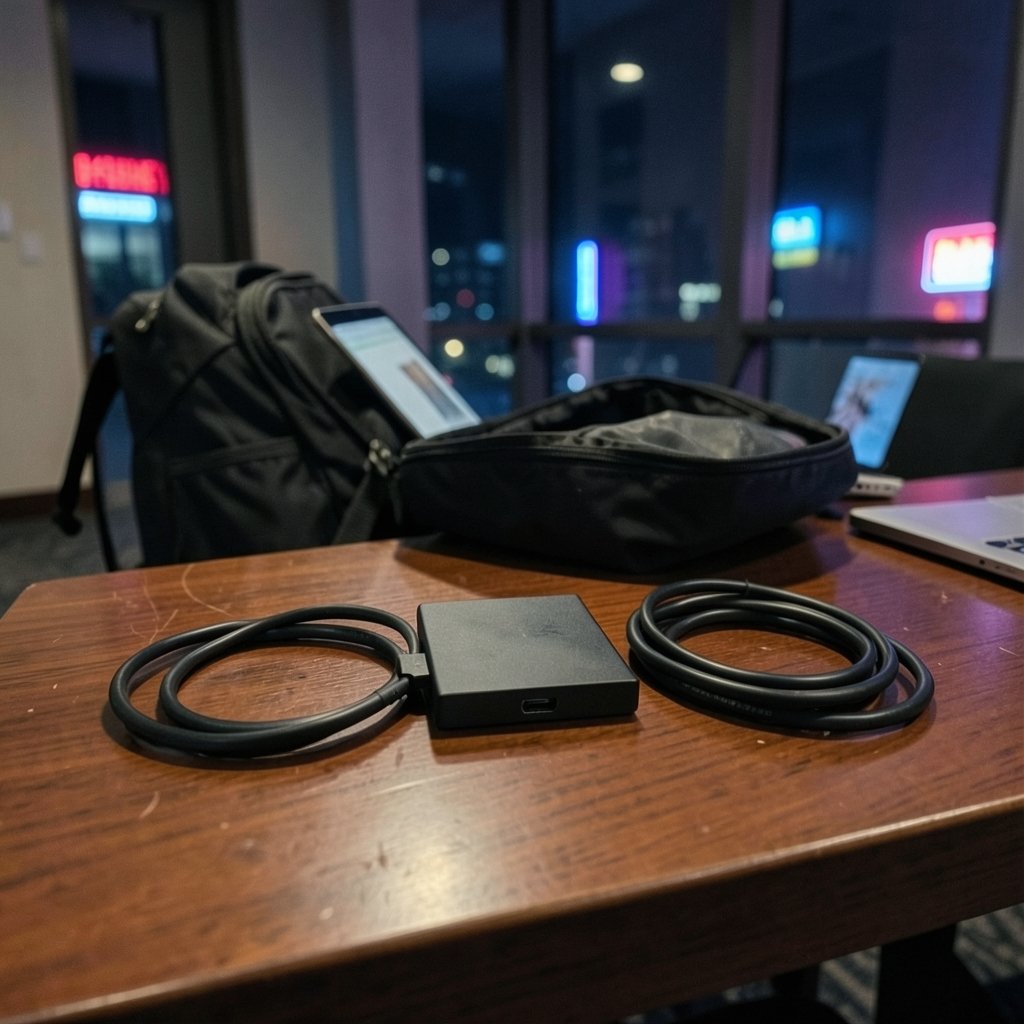
What if the only thing standing between you and a live stream from a hotel room, a convention booth, or a friend’s couch is a plastic box smaller than a deck of cards? That’s the reality for traveling creators in 2027. Capture cards have shrunk, gotten cheaper, and finally learned to play nicely with laptops and even tablets. But the market is crowded, and half the listings on store pages stretch the truth about what they can actually do. (10 best ai chatbots travel tourism businesses 2027)
This roundup cuts through that. It names six specific options, explains who each one suits, and flags the one real limitation you should know before buying. A comparison table comes first so you can scan fast, then each pick gets its own breakdown. A short buying guide follows the picks, not before them, because you need to see the options before the criteria make sense.
Comparison Table: Travel Capture Cards at a Glance
| Card | Type | Best for | Key strength | Main limit |
|---|---|---|---|---|
| Elgato Game Capture 4K S | External USB | 4K recording on the move | Tiny 112 x 72 x 18 mm body, 90 g | 4K/60 is no longer cutting edge |
| Elgato HD60 X | External USB | First-time 1080p60 streamers | Simple, widely supported starting point | Not built for 4K passthrough |
| Elgato 4K X | External USB | High-refresh HDMI 2.1 setups | 4K capture with modern passthrough | Overkill for 1080p workflows |
| AVerMedia Live Gamer Portable 2 Plus | External, PC-free | Recording with no computer | Standalone recording to SD | Older design in a 2026 lineup |
| AVerMedia GC553G2 | External USB | Windows power users | Broad passthrough modes, AV1 support | macOS caps at 4K60 |
| Guermok USB 3.0 HDMI | Dongle-style USB | Budget and tablet setups | Very light, works with OBS out of the box | USB-C-only laptops may need an adapter |
Prices move around constantly, so treat any figure you see on a store page as a snapshot and check the official listing before you buy.
Elgato Game Capture 4K S: The Backpack Pick
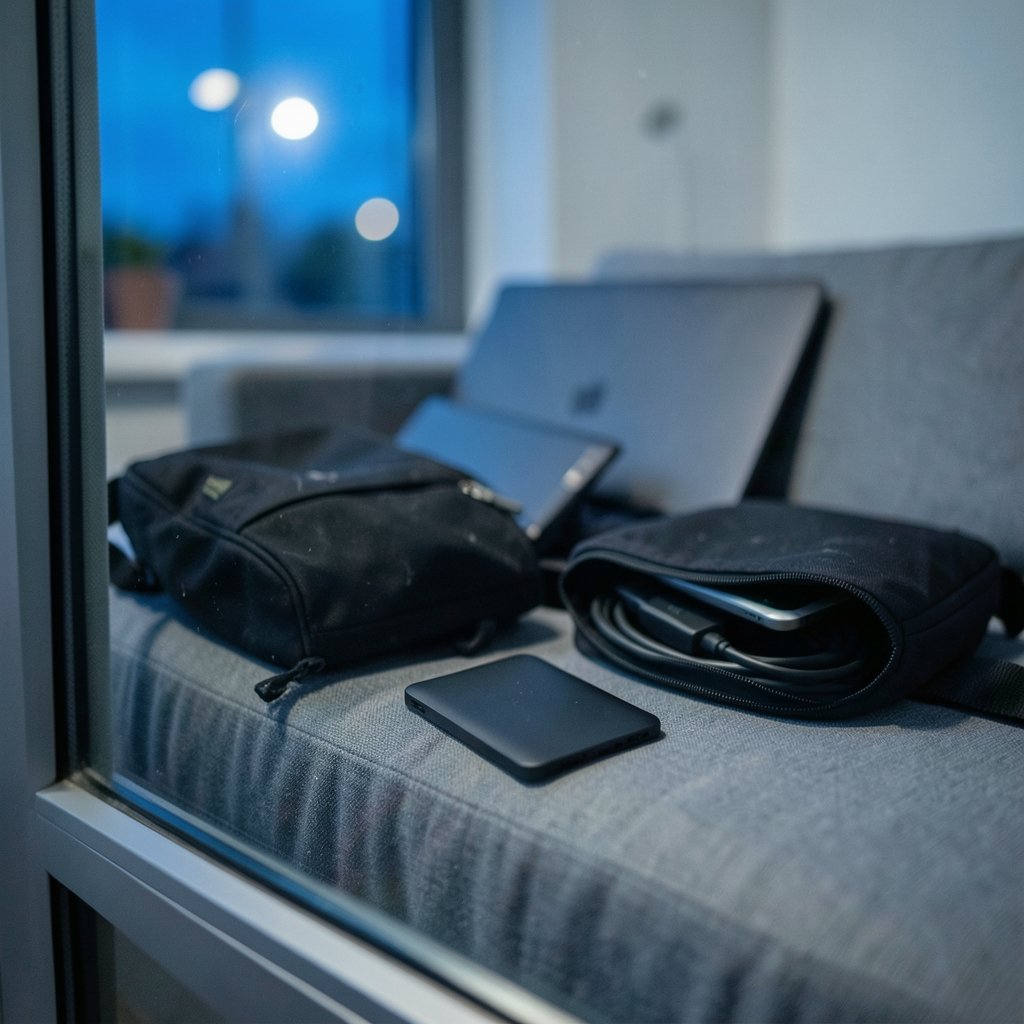
If portability is the whole point, this is the card to beat. At 112 x 72 x 18 mm and 90 grams, it disappears into a laptop bag. A review of the 4K S described it as about as portable as capture cards get, small enough to “lose in your backpack,” and praised it as possibly the simplest way to record in 4K/60 without a headache.
Who it suits: creators who fly to events and need clean 4K recordings without hauling a full desk setup.
What it does well: the footprint. Nothing else in this list is quite this small while still promising 4K/60 capture. Setup is straightforward, and it works with the usual recording apps.
The real limitation: 4K/60 isn’t cutting edge anymore. If you need 4K/144 or high-refresh passthrough for competitive play, this isn’t the card. It’s a travel tool, not a flagship.
Elgato HD60 X: The Safe First Card
Roundups in 2026 keep naming the HD60 X as the default starting point for anyone capturing a console or second PC at 1080p60. That consistency matters when you’re buying blind from a hotel room.
Who it suits: new streamers who want a card that just works and has a huge pool of troubleshooting threads behind it.
What it does well: reliability and familiarity. It’s the card most guides assume you own, which means most OBS tutorials apply directly to it.
The real limitation: it’s a 1080p60 tool. If your PS5 or Xbox Series X output is the reason you’re buying, you’ll feel the ceiling fast. For a deeper look at where the budget line sits, the breakdown of which budget capture cards are worth paying for in 2026 is a useful sanity check before you spend.
Elgato 4K X: For HDMI 2.1 Travel Rigs
The 4K X shows up in the same roundups as the step-up option for anyone who needs 4K high-refresh passthrough or HDMI 2.1. It’s the card you buy when your laptop is powerful and your console deserves better than 1080p.
Who it suits: creators with modern consoles and a capable laptop who still want a single-cable, bag-friendly setup.
What it does well: it keeps pace with current console output instead of throttling it, so your recordings match what you actually see on screen.
The real limitation: it costs more and demands more from your machine. Pair it with a weak laptop and you’ll get dropped frames that have nothing to do with the card.
AVerMedia Live Gamer Portable 2 Plus: Record Without a Laptop
Sometimes the best travel capture card is the one that doesn’t need a computer at all. Reviewers name the Live Gamer Portable 2 Plus as the standard option for recording without a PC.
Who it suits: retro gamers, convention attendees, and anyone capturing from a vintage console in a vacation rental where setting up a laptop is a hassle.
What it does well: standalone recording to SD card. You plug in the source, hit record, and deal with the files later. For retro setups especially, that removes an entire failure point. If that’s your use case, the guide to capture cards for recording retro gameplay at home versus on the go covers the cable side in detail.
The real limitation: it’s an older design sitting in a 2026 lineup. Check the current firmware and port situation before assuming it matches newer cards feature for feature.
AVerMedia GC553G2: The Windows Power Option
AVerMedia’s flagship earns its place here for one reason: flexibility. According to a 2026 comparison, AVerMedia offers broader passthrough mode selection (1440p240, 1080p360, ultrawide) plus AV1 and NVIDIA Super Resolution support across most current models, with aggressive discounting that often beats Elgato’s effective price.
Who it suits: Windows users who want the widest range of passthrough modes and don’t mind a slightly clunkier app.
What it does well: it covers resolutions and refresh rates that Elgato’s travel cards don’t, and the wider product range runs from budget (GC311G2) to flagship.
The real limitation: macOS capture caps at 4K60 even on this flagship, versus 4K144 on Windows. The same comparison notes that AVerMedia’s Streaming Center software has a persistent reputation for being clunkier than Elgato’s apps. If you’re on a Mac, factor that in hard.
Guermok USB 3.0 HDMI: The Budget Dongle
At the other end of the scale sits the dongle-style card. Buyer reviews describe the Guermok capture card as working with OBS right out of the box with no drivers, and note its aluminum alloy case feels better built than its size suggests. One review called it “genuinely zero-delay once OBS picks it up as an input device.” (Brex vs ramp vs divvy 2027 which ai corporate card fits your)
Who it suits: casual console streamers, tablet-based creators, and anyone testing whether streaming is even for them.
What it does well: weight and simplicity. At around 45 grams in the travel roundups, it’s the lightest thing here, and it handles 1080p60 recording for HD video and audio capture.
The real limitation: a USB-C-only computer without an adapter keeps this otherwise light, camera-first card from completing the mobile setup. USB-C to HDMI conversion can also cause signal loss and black screens. Pack the right adapter or the whole plan stalls.
If you’re weighing cheap versus cheap-and-good, the practical buyer’s guide on how to choose a capture card walks through the trade-offs without the marketing noise.
How to Choose a Travel Capture Card
Now that you’ve seen the shortlist, here’s what actually separates them in practice.
- Start with capture resolution, not marketing claims. For most travelers, 1080p at 60 frames per second is the sweet spot. It looks smooth on Twitch and YouTube and keeps file sizes manageable on a laptop SSD. Vague “4K” labels on cheap cards often describe input support, not capture.
- Check for HDMI passthrough. You want to play on the TV while recording, with no signal loss. Cards without passthrough force you to play through software, which adds latency and ruins the experience.
- Confirm USB 3.0. USB 3.0 gives you enough bandwidth for stable 1080p60 without frame drops. A USB 2.0 port will bottleneck even a good card.
- Match the card to your computer. A USB-C-only laptop may need an adapter. A Mac may cap your capture resolution regardless of what the card can do. A weak CPU will struggle with 4K encoding no matter what you plug in.
- Decide if you need a computer at all. Standalone recording changes your packing list entirely.
Common mistakes travelers make: buying a card with no passthrough and then discovering they can’t play comfortably, assuming a dongle works with every tablet, and forgetting the HDMI cable that actually fits a hotel TV. Pack a short HDMI cable, a USB-C adapter, and a spare, and you’ll avoid most on-the-road failures.
For streamers building a channel around this gear, the question of whether premium capture cards are worth it for small gaming channels is worth reading before you overspend on a flagship you’ll only use twice a year. And if OBS compatibility is your main worry, the guide to which capture cards work well with OBS covers the practical side.
Conclusion
The best travel-friendly capture card in 2027 depends less on specs than on what you’re willing to carry. The Elgato Game Capture 4K S wins on pure portability. The HD60 X wins on safety. The 4K X and AVerMedia GC553G2 win on headroom, with the GC553G2 carrying a real macOS caveat. The Live Gamer Portable 2 Plus wins when you’d rather leave the laptop at home, and the Guermok dongle wins when the budget is tight. Pick the one that matches your bag, your machine, and your actual recording habits, then verify the current price and firmware on the official page before checkout.
FAQ
What is the most portable capture card for travel?
The Elgato Game Capture 4K S is the smallest in this roundup at 112 x 72 x 18 mm and 90 grams. Dongle-style cards like the Guermok are lighter still at around 45 grams, but they trade resolution and build for weight.
Do I need a laptop to use a travel capture card?
Not always. The AVerMedia Live Gamer Portable 2 Plus records standalone to an SD card, which suits retro consoles and convention setups. Most other cards need a computer running OBS or similar software.
Will a cheap capture card work with OBS?
Often yes. Buyer reviews of the Guermok card report it working with OBS right out of the box with no drivers. Budget cards are fine for 1080p60, but skip them if you need 4K HDR or high-refresh passthrough.
Why does my capture card show a black screen?
The usual culprits are HDCP protection on the source, a USB-C to HDMI conversion causing signal loss, or a USB 2.0 port that can’t carry the bandwidth. Try a different port and a direct HDMI connection before blaming the card.
Is 4K capture necessary for travel streaming?
Rarely. Most platforms and viewers are well served by 1080p60, which also keeps file sizes down on a laptop. Buy 4K only if your console, computer, and workflow can all support it end to end.
Does AVerMedia software work as smoothly as Elgato’s?
Reviews consistently describe AVerMedia’s Streaming Center as clunkier than Elgato’s apps, and macOS capture caps at 4K60 even on the flagship GC553G2. Windows users get the broader passthrough modes and often better pricing.



