
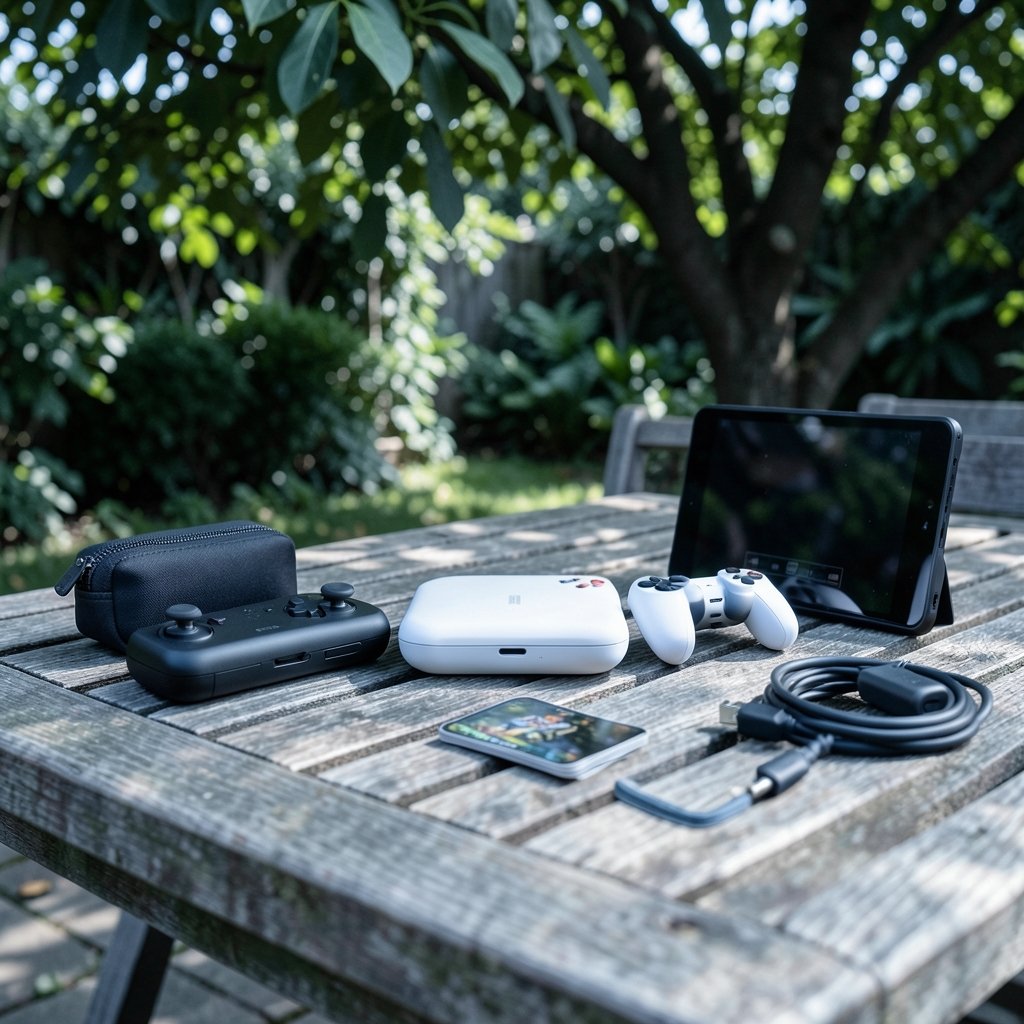
What if the best gaming console you’ll ever own never needs a TV? That’s the promise of the modern gaming handheld, a pocket-sized PC or console that lets you play anywhere. But walk into a store or scroll through reviews, and you’ll see a dozen devices that look similar on the surface and behave very differently in your hands. The Steam Deck, the Nintendo Switch 2, and a wave of Windows machines like the ASUS ROG Ally and Lenovo Legion Go all compete for the same bag space, yet they serve different players.
Quick Answer: How do I choose gaming handhelds?
Choosing a gaming handheld starts with matching the device to your game library and where you actually play. The core answer is simple: pick the platform that holds the games you want, then confirm the screen, battery life, and controls suit your hands and habits. The main options are Nintendo’s hybrid consoles, Valve’s SteamOS handhelds, and Windows-based handheld PCs, each with a different library and trade-off.
Nintendo hardware is the only place to play Nintendo exclusives, while PC handhelds tap into Steam, Epic, and GOG libraries. Windows devices run almost any PC storefront but often pay for that flexibility with shorter battery life and a rougher sleep-and-resume experience than dedicated handheld operating systems.
Before buying, compare the game library, screen size and refresh rate, measured battery life, storage and expandability, weight and ergonomics, and price including accessories.
Start With the Games, Not the Specs
The single most common mistake buyers make is shopping by chipset. A handheld with a faster processor is useless if the games you love don’t run on it. Platform lock-in is real, and it should be your first filter.
Nintendo titles are exclusive to Nintendo hardware. If Mario, Zelda, and Pokémon are the reason you play, the decision is largely made for you. The Nintendo Switch 2 arrived on June 5, 2025, as the successor to the 2017 original, and it plays the newest Nintendo releases. The older Switch remains a budget-friendly hybrid that docks to a TV or plays in handheld mode, though it’s now the previous generation.
PC handhelds are a different world. The Steam Deck runs SteamOS, an Arch Linux-based system, with Proton, Valve’s compatibility layer that runs many Windows games on Linux. Compatibility is good but not universal, so check per-game status before you buy. Windows handhelds run full Windows 11, which means access to Steam, Epic, the Xbox app, and more, but also more tinkering.
One trap: some multiplayer games with anti-cheat protection don’t run on Linux. If your nightly routine is a competitive shooter, verify that specific title works on the device you’re eyeing before you commit.
The Three Families of Gaming Handhelds
It helps to think of the market as three families rather than dozens of individual products. Each one solves a different problem.
| Family | Example devices | Strengths | Watch-outs |
|---|---|---|---|
| Nintendo hybrid | Switch 2, original Switch | Exclusive games, simple setup, dock-to-TV play | Locked library, fewer PC titles |
| SteamOS handheld | Steam Deck (including OLED revision) | Great value, console-like interface, strong Steam library | Some games need compatibility checks |
| Windows handheld PC | ASUS ROG Ally, Lenovo Legion Go | Full Windows, all PC storefronts, flexible | Shorter battery life, rougher sleep/resume |
The Steam Deck launched in February 2022 at $399 for the 64 GB eMMC model, $529 for 256 GB, and $649 for 512 GB, and a 2023 OLED revision added a larger screen and better battery life. Windows handhelds tend to change specs and prices frequently, so treat any spec sheet as a snapshot.
If you’re also weighing screen quality against room lighting, the same logic that applies to a desk setup applies here: a bright screen in a dim room and a dim screen in daylight both hurt the experience. The thinking in this guide to how gaming monitor vs tv room lighting changes viewing carries over to handhelds you’ll use on a couch or a train.
Screen, Size, and Ergonomics Beat Raw Power
For a device you hold at arm’s length, comfort matters more than benchmark scores. A handheld you avoid picking up because it’s heavy or cramped is a bad purchase no matter how fast its chip is.
Look at four things. First, screen size and resolution: bigger isn’t always better if it makes the device bulky. Second, refresh rate: some models offer 90 to 120 Hz panels, which makes motion smoother in fast games. Third, weight and balance: a top-heavy device tires your wrists during long sessions. Fourth, control layout: button spacing and stick placement should suit your hand size, and reviews that mention hand cramps are worth heeding.
The best way to judge ergonomics is to hold a display unit if you can. If that’s impossible, read reviews from people with similar hand sizes and pay attention to complaints about grip and weight distribution. The same panel-matching discipline that applies to a desktop applies here, so the advice on how to choose gaming monitor match panel you actually play is a useful companion read.
Battery Life: Read the Fine Print
Battery life is where marketing claims and reality part ways most often. Manufacturer figures are usually measured under generous conditions. Real-world runtime depends on screen brightness, refresh rate, and the power limit (TDP) the chip is allowed to draw.
Reviews that measure watt-hours under a fixed workload are far more useful than headline claims. When you read a review, look for the tester’s brightness setting and the game they ran. A handheld that lasts six hours in a menu might last ninety minutes in a demanding title.
Practical tips that actually work:
- Lower the refresh rate to 40 or 60 Hz for slower games to stretch runtime.
- Cap the TDP in the device’s performance menu when you don’t need maximum power.
- Dim the screen before you reach for a charger.
- Carry a power bank rated for the device’s charging wattage, rather than any USB-C brick.
A common mistake is buying a handheld for long flights without checking whether it charges over standard USB-C or needs a proprietary adapter. That detail can strand you mid-flight.
Storage, Expandability, and Repairability
Modern games are large, and a 64 GB drive fills up fast. Many handhelds use microSD cards or M.2 2230 NVMe SSDs. Before buying, check two things: whether storage is user-replaceable, and whether the warranty allows you to do it yourself.
On the Steam Deck, the storage tier you buy at checkout often costs more than swapping in your own drive later, but opening the case can affect warranty terms depending on your region. Windows handhelds vary widely here. Some make upgrades easy; others bury the drive under layers of shielding.
If you’d rather not tinker, buy more storage up front than you think you need. If you enjoy a project, a base model plus a larger SSD can be the better value. Just read the teardown guide first.
Software Experience: The Part Specs Don’t Show
Two handhelds with identical chips can feel completely different because of software. A dedicated handheld OS like SteamOS is built around a controller-first interface, quick suspend and resume, and minimal friction. Windows handhelds offer flexibility but often wake from sleep slowly, throw desktop notifications at you, and need updates at awkward moments.
This is the trade-off buyers underestimate. If you want a console-like experience where you press a button and you’re back in your game seconds later, a dedicated OS wins. If you want to install mods, run emulators, or use the device as a tiny PC, Windows earns its rough edges.
The same everyday-versus-specs tension shows up in peripherals. The reasoning in this comparison of mechanical vs membrane keyboard gaming judge everyday applies to handheld controls too: what feels great on a spec sheet isn’t always what feels great after two hours.
Price, Accessories, and the Real Cost
The sticker price is only part of the story. Factor in a case, a screen protector, a microSD card, and possibly a dock for TV play. A $399 handheld can easily become a $550 purchase once you’re set up.
Compare total cost across tiers rather than launch prices alone. A mid-tier model with more storage may cost less over three years than a base model plus upgrades. And if you’re cross-shopping laptops, the same budget discipline applies, as this guide to the best gaming laptops under 1000 actually fits budget explains.
Handhelds also overlap with other portable options. If you mostly play short sessions on a commute, a dedicated handheld console may beat a phone plus controller. The landscape of portable devices shifts fast, and this roundup of the best handheld gaming consoles 2026 which one actually fits is worth reading alongside this guide.
A Step-by-Step Buying Checklist
Work through these steps in order and you’ll avoid most buyer’s remorse.
- List the ten games you play most and mark which platforms they run on.
- Eliminate any handheld that can’t run your top five.
- Set a total budget including accessories.
- Shortlist two or three devices and read measured battery-life reviews.
- Check weight, screen size, and control layout against your hands.
- Confirm storage is expandable and whether self-upgrades affect the warranty.
- Try a display unit or buy from a retailer with a generous return window.
That last step matters more than people admit. A week with a device reveals things no spec sheet can, from how warm it gets to whether the buttons click the way you like.
Common Mistakes to Avoid
Buying on chipset alone tops the list. Close behind is ignoring the platform: a Windows handheld won’t play Nintendo exclusives, and a Nintendo console won’t run your Steam backlog. Another frequent error is trusting manufacturer battery claims without checking independent measurements.
People also underestimate weight. A device that feels fine in a store can ache after an hour. And some buyers forget that emulation, while generally legal in many jurisdictions, doesn’t include the right to distribute copyrighted ROMs, and rules differ by country. Treat emulation as a bonus, not a reason to buy.
Conclusion
Choosing a gaming handheld comes down to fit, not horsepower. Start with the games you actually play, then confirm the screen, battery life, controls, and software experience match how and where you play. Nintendo’s hybrid consoles reward fans of its exclusives, SteamOS handhelds offer a smooth console-like experience with a huge PC library, and Windows handhelds trade polish for flexibility. Get those priorities in order, check measured battery life rather than marketing claims, budget for accessories, and buy from a seller that lets you return the device if it doesn’t feel right in your hands. Do that, and the handheld you pick will earn its place in your bag for years.
Frequently Asked Questions
Is a Steam Deck or a Nintendo Switch better for a casual player?
It depends on which games you want. A casual player who loves Nintendo franchises will get more value from a Switch 2, while someone with a large Steam library will prefer the Steam Deck. Casual players often value quick resume and simple setup, which both devices handle well.
Can Windows handhelds play every PC game?
No. Windows handhelds run full Windows 11, so they can access Steam, Epic, and the Xbox app, but performance varies by title. Demanding games may need lowered settings, and some titles have small text or controls that don’t suit a handheld screen.
How long does a gaming handheld battery really last?
Runtime varies widely by game, brightness, refresh rate, and power limit. Light indie games can run for many hours, while demanding 3D titles may drain the battery in under two hours. Look for reviews that measure watt-hours under a fixed workload rather than trusting manufacturer claims.
Should I buy more storage up front or upgrade later?
If you’re comfortable opening the device and your warranty allows it, a base model plus a larger M.2 2230 SSD can be better value. If not, buy more storage at checkout. Either way, a microSD card is a cheap way to add space for smaller games.
Are handhelds good for playing with friends on a TV?
Some are. Nintendo’s hybrid consoles dock to a TV, and many PC handhelds support a dock for big-screen play. Check whether the device you want supports video output over USB-C and whether you’ll need a separate dock and controller.
Is it worth waiting for a newer model?
Only if your current device still works and you’re not missing specific games. Handheld hardware refreshes often, especially among Windows devices, so buying a model that fits your needs today is usually smarter than waiting indefinitely for the perfect one.



