

Quick Answer: How does web application firewall work?
A web application firewall works by sitting between users and a web server, inspecting every HTTP and HTTPS request and blocking the ones that match attack patterns or break security rules. It can be deployed as a reverse proxy, a server module, or a cloud service, so teams can choose the setup that fits their infrastructure.
Unlike a traditional network firewall, which filters traffic by IP address and port, a WAF reads the actual content of requests, including URLs, form fields, headers, and cookies. A related but different option is a network firewall, which operates at a lower layer and cannot see payload details.
Before choosing a WAF, compare its deployment model, rule set quality, false positive rates, TLS inspection support, logging and reporting, tuning effort, and cost.
Why Anyone Should Care About a Web Application Firewall
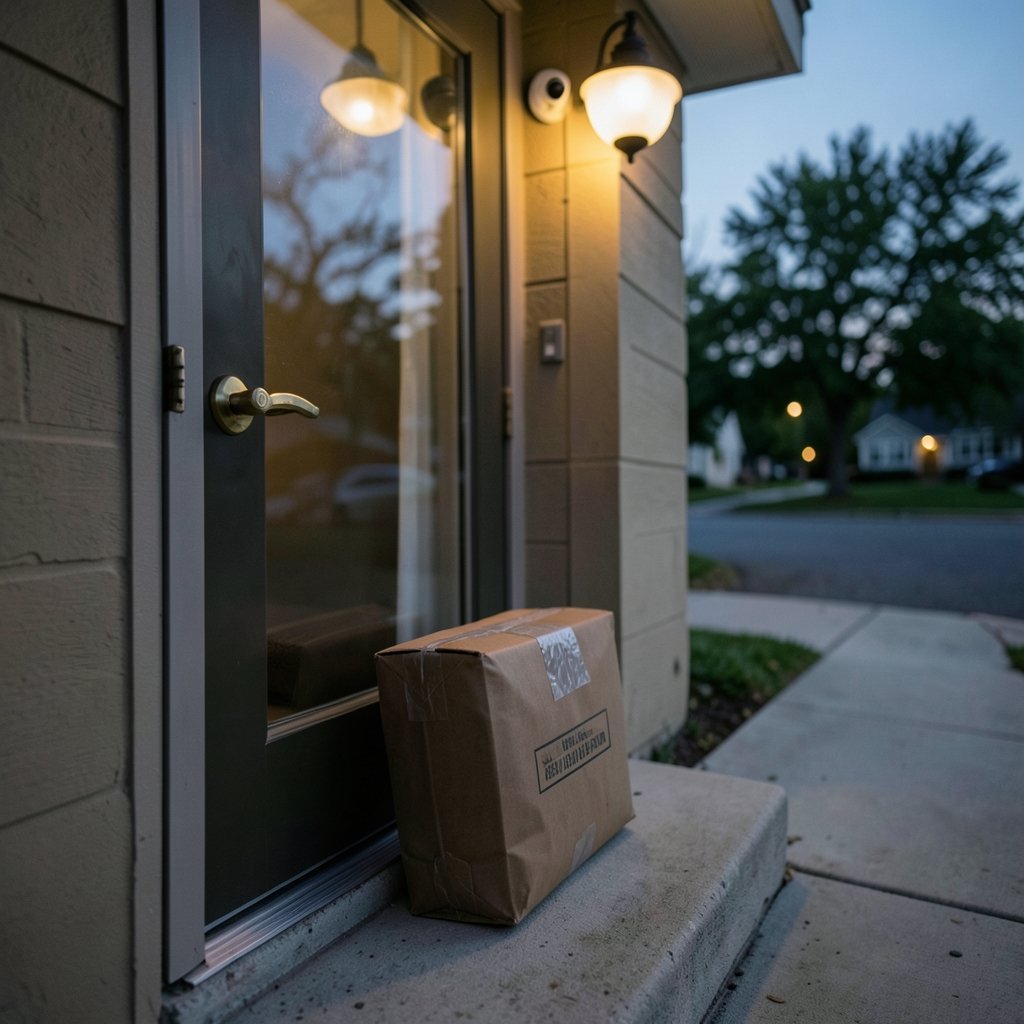
What happens when a stranger knocks on your front door, and you have no idea whether they are a delivery driver or a burglar? That is the daily reality of running a website without a web application firewall (WAF). Bots, scanners, and attackers pound on public web apps around the clock, and a WAF is the bouncer standing at the door, checking every request before it reaches your code.
The stakes are not abstract. The OWASP Top 10 ranks broken access control, injection flaws, and similar weaknesses as the most critical web application risks, and these are exactly the categories a WAF is built to catch. The PCI Security Standards Council also expects web-facing applications to be protected against known attacks, which is one reason WAFs show up in nearly every payment environment.
This guide explains the mechanics in plain language, shows where WAFs fit next to other defenses, and covers the mistakes that trip up real teams.
The Core Mechanics: How a WAF Intercepts and Inspects Requests
A WAF is a reverse proxy or an inspection module placed in the request path. When a browser sends a request, the WAF receives it first, parses it, and runs it through a set of rules. Clean traffic moves on to the origin server. Suspicious traffic gets blocked, challenged, or logged.
The inspection itself looks at several layers of the request:
- The URL and query string, where injection payloads often hide.
- Headers and cookies, which can carry forged values or malicious scripts.
- Form fields and JSON or XML bodies, the classic delivery route for SQL injection and cross-site scripting.
- File uploads, checked for dangerous extensions or oversized payloads.
Because a WAF understands HTTP, it behaves nothing like a standard packet filter. If you want a refresher on that lower layer, this explanation of what a firewall is and how it works covers the network-level counterpart. The two are complementary, not interchangeable.
Blocklists, Allowlists, and the Two Security Models
Every WAF policy leans toward one of two philosophies. A negative security model (blocklist) allows traffic by default and blocks known bad patterns. It is fast to deploy and easy to maintain, but it only catches what someone has already written a rule for.
A positive security model (allowlist) does the opposite: it denies everything unless the request matches a known-good profile. That is stricter and more effective against zero-day attacks, but it demands careful profiling and frequent updates.
| Model | Default action | Strength | Weakness |
|---|---|---|---|
| Negative (blocklist) | Allow | Quick setup, low tuning burden | Misses novel attacks |
| Positive (allowlist) | Deny | Strong against unknown threats | High maintenance, breaks on app changes |
| Hybrid | Mixed | Balanced protection | More complex policy design |
In practice, most teams run a hybrid: signature rules for broad coverage, plus tight allowlists on sensitive endpoints like login and payment forms.
Signature Rules and the OWASP Core Rule Set
Signature-based detection is the workhorse of most WAFs. Rules describe patterns that look like attacks, such as a query string containing `UNION SELECT` or a script tag in a form field. The OWASP ModSecurity Core Rule Set is the best-known vendor-neutral collection of these rules, maintained by the open source community and compatible with ModSecurity-style engines.
ModSecurity, documented at modsecurity.org, is an open source WAF engine that started life as an Apache module and later expanded to other web servers. It remains a common choice for self-hosted deployments because it is free, well documented, and pairs naturally with the Core Rule Set.
The catch with signatures is false positives. A rule designed to catch SQL injection will happily flag a blog post about SQL injection. That is why tuning matters more than rule count. A WAF with 500 well-tuned rules usually beats one with 5,000 noisy ones.
How Rules Get Combined Into a Score
Many engines use anomaly scoring. Instead of blocking on the first match, each rule adds points to a transaction score, and the request is blocked only when the total crosses a threshold. This reduces false positives and lets operators tune sensitivity without rewriting every rule.
Deployment Options: Where a WAF Actually Sits
Placement changes how a WAF behaves and what it can see.
Inline reverse proxy. The WAF sits in front of the web server and can block in real time. This is the most common setup and the one that delivers full protection.
Host-based module. Installed directly on the web server, it inspects requests locally. It is cheap and simple but consumes server resources and is harder to scale.
Out-of-band or mirror mode. Traffic is copied to the WAF for analysis only. Nothing is blocked, which makes it ideal for testing rules before enforcement.
Cloud WAF or API gateway. A provider handles inspection at the edge. Setup is fast, DDoS absorption comes bundled, and there is no hardware to maintain, though you trade some control for convenience.
One practical detail teams forget: HTTPS. A WAF cannot inspect encrypted payloads unless it terminates TLS or sits where decryption happens. Skipping that step leaves the entire request body invisible to inspection.
What a WAF Protects Against, and What It Cannot Do
A well-configured WAF handles a long list of common attacks:
- SQL injection, by spotting malformed query patterns.
- Cross-site scripting (XSS), by flagging script payloads in inputs.
- Path traversal and local file inclusion, by catching suspicious file paths.
- Bot traffic and scrapers, through rate limits and behavior rules.
- Known exploits in unpatched software, via virtual patching that blocks the attack even before a fix ships.
Virtual patching deserves a highlight. When a critical vulnerability drops and the vendor patch is days away, a WAF rule can buy that time. It is not a substitute for patching, but it is a genuinely useful stopgap.
What a WAF cannot do is fix broken business logic. If an application lets a user change an order total by editing a hidden field, no signature will catch it, because the request looks perfectly normal. Authentication flaws, insecure direct object references, and logic abuse need code fixes. A WAF reduces risk; it does not remove it.
WAFs in the Wider Security Stack
A WAF is one layer among several, and understanding the neighbors helps avoid duplication.
A browser sends the requests a WAF inspects, and each request carries an IP address that WAFs use for rate limiting and reputation checks. Malicious payloads often arrive via malware on compromised client machines, which is why WAFs watch for odd request patterns from otherwise legitimate visitors.
Modern stacks increasingly add automation on top. An AI agent can triage WAF alerts, cluster false positives, and suggest rule tuning, though human review of blocking decisions remains sensible. For latency-sensitive applications, some teams move lightweight filtering to edge AI running close to users, cutting the round trip to a central inspection point.
Practical Tips and Common Mistakes
These are the patterns that separate WAFs that work from WAFs that get switched off in frustration.
Start in monitor mode. Run the WAF in detection-only mode for at least a week. Watch what it flags, and only then turn on blocking. Teams that go straight to enforcement usually drown in false positives and lose trust in the tool.
Tune before you add rules. Every new rule needs a test against real traffic. Keep a small set of custom rules for your application’s specific quirks, and suppress noisy signatures with documented exceptions.
Log everything, review something. Full request logging is essential for investigations, but nobody reads raw logs daily. Set alerts on block-rate spikes and unusual patterns instead.
Do not let the WAF become a crutch. If developers know the WAF will catch injection attempts, security reviews slip. Treat the WAF as a safety net under a well-built application, not a replacement for secure coding.
Test your rules in staging. A rule that blocks legitimate checkout traffic is worse than no rule at all. Replay real traffic against staging before promoting policy changes.
Watch the clock on TLS. Certificate handling and decryption add latency. Measure it, and terminate TLS close to the WAF rather than chaining multiple decrypt points.
Conclusion
A web application firewall works by standing in the request path, reading HTTP traffic in detail, and applying rules that separate legitimate requests from malicious ones. It blocks known attack patterns, buys time with virtual patching, and adds a visible layer of defense that auditors and customers both appreciate.
But it is a filter, not a fix. The teams that get the most from a WAF run it in monitor mode first, tune relentlessly, keep false positives low, and never let it excuse weak code. Treat it as one layer in a stack that includes patching, secure development, and network defenses, and it will earn its place.
FAQ
How is a WAF different from a traditional firewall?
A traditional firewall filters traffic by IP address, port, and protocol, operating at the network and transport layers. A WAF reads the actual HTTP content, including URLs, headers, and form bodies, so it can catch attacks that look like ordinary web traffic. Most organizations run both.
Does a WAF slow down my website?
It can add a small amount of latency, usually measured in single-digit milliseconds for a well-placed proxy. The bigger factors are TLS decryption, rule complexity, and geographic distance to the inspection point. Caching and putting the WAF close to users keeps the impact minimal.
Can a WAF stop all attacks?
No. A WAF is very effective against known attack patterns and common automated attacks, but it struggles with business logic flaws, authenticated abuse, and novel exploits that look like normal traffic. It works best alongside secure coding, patching, and monitoring.
What is virtual patching?
Virtual patching is a WAF rule that blocks exploitation of a known vulnerability before the vendor releases an official fix. It protects the application at the edge, giving teams time to test and deploy the real patch without leaving a window of exposure.
Do I need a WAF if my application is already secure?
Many teams still deploy one, because no application is perfect and new vulnerabilities appear regularly. Compliance frameworks such as PCI DSS often expect web-facing applications to be protected against known attacks, and a WAF provides a documented control for that requirement.
What is the biggest mistake when deploying a WAF?
Turning on blocking mode immediately with default rules. That almost always produces a flood of false positives that break legitimate features. The safer path is monitor mode first, careful tuning against real traffic, and gradual enforcement.



