
Quick Answer: What are the benefits and limitations of edge computing for everyday users?
Edge computing brings processing power closer to where people actually live and work, so everyday users get faster responses, less bandwidth strain, and better privacy on some tasks. The trade-offs are limited device power, fragmented hardware, weaker physical security, and higher management overhead.
It differs from cloud computing in where the work happens: the cloud concentrates processing in distant data centers, while edge computing spreads it across phones, routers, and local servers. Some systems blend both, keeping urgent tasks local and offloading heavy jobs to the cloud.
Before relying on an edge-powered product, check its latency claims, offline capability, data-handling policy, device hardware limits, update support, and total cost.
Cisco has estimated that by 2025, roughly 75% of enterprise-generated data will be created and processed outside centralized data centers. That shift affects more than enterprises. It changes how your phone, your smart speaker, and even your home router behave.
Why Edge Computing Matters More Than Most People Realize
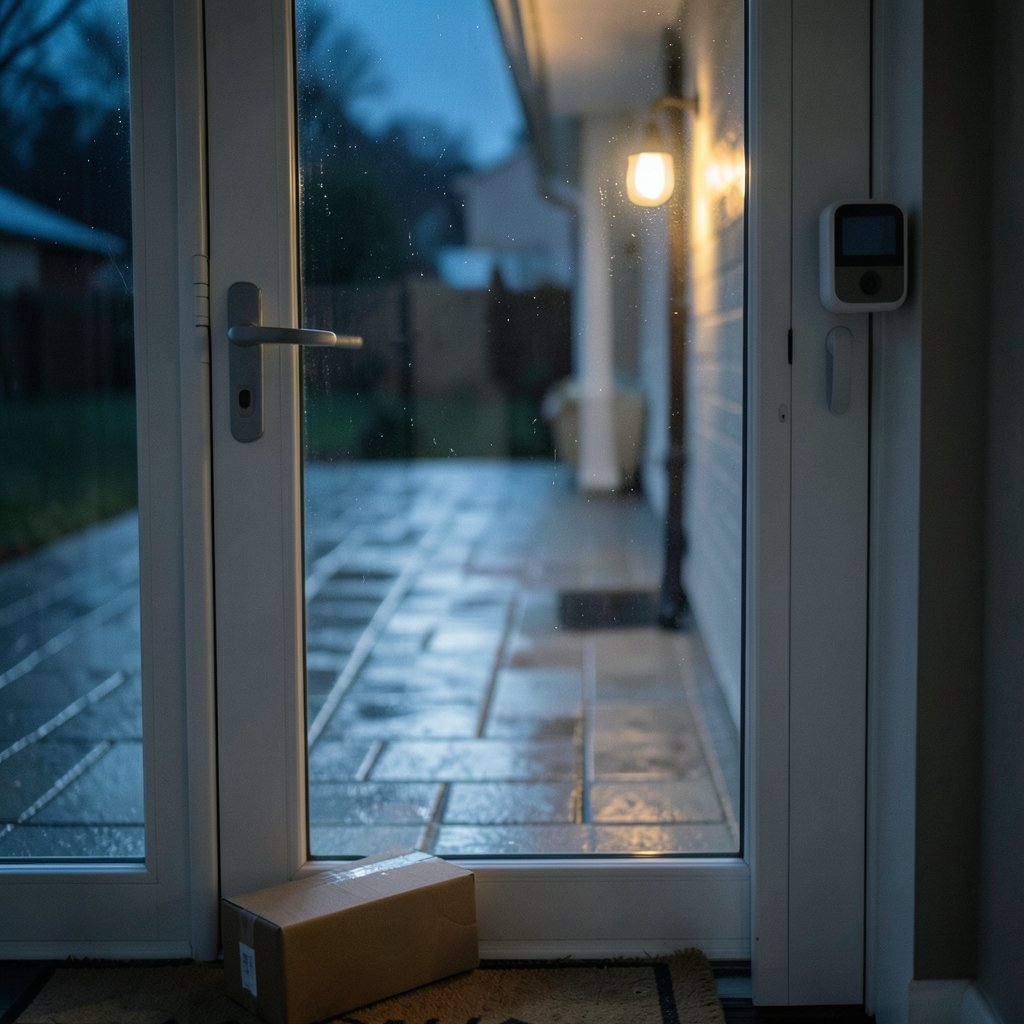
The core idea is simple. Edge computing means processing data near the source instead of shipping it across the internet to a distant server. A phone that recognizes your face without contacting a data center is doing edge computing. So is a smart doorbell that flags a package delivery on the device itself.
For everyday users, this matters because the cloud has limits. Distance creates delay. Bandwidth costs money. And sending raw data off-device raises privacy questions. Edge computing addresses all three, but it introduces new problems of its own. The honest answer is that edge computing is neither a cure-all nor a marketing gimmick. It is a set of trade-offs, and understanding them helps you judge whether a product’s claims hold up. If you want the technical grounding first, this explainer on what edge AI is and how it works lays out the basics clearly.
The Benefits of Edge Computing for Everyday Users
Faster Response Times You Can Actually Feel
Latency is the delay between an action and a response. When processing happens on-device or on a nearby node, that delay shrinks. You notice it in video calls that stop lagging, games that respond instantly, and voice assistants that answer before you finish speaking.
The gain is real but uneven. A local wake-word detector responds in milliseconds. A complex request still travels to the cloud. So the benefit depends on which part of the task runs locally. Products that keep the urgent part on-device and defer the rest tend to feel snappiest.
Less Bandwidth Strain and Lower Data Costs
Every byte processed locally is a byte not uploaded. For households on metered connections or capped mobile plans, that matters. A security camera that analyzes motion on-device only sends clips when something happens, instead of streaming constantly.
This is one of the most practical benefits. It also reduces congestion during peak hours, when everyone in the neighborhood streams at once. The net effect is a smoother experience without upgrading your plan.
Better Privacy in Some Scenarios
Keeping data on-device can reduce exposure. If your fingerprint never leaves your phone, there is no transmission to intercept. That is a genuine advantage.
But be careful with the word can. Edge computing is not automatically private. A device may still phone home with summaries, telemetry, or usage patterns. The privacy benefit depends entirely on how a manufacturer designs the system and what its policy says. Read the data-handling section before assuming local processing means local-only data.
Resilience When the Connection Drops
Local processing keeps some functions alive during outages. A smart lock that verifies credentials on-device still works when the Wi-Fi dies. A car with onboard sensor processing does not need a live connection to brake.
This resilience is partial. Many “edge” services still need cloud coordination for setup, updates, or full features. Test the offline behavior before you depend on it.
Lower Operating Costs Passed Down to You
Running workloads locally can cut cloud bills for manufacturers, and some of that saving reaches consumers through lower subscription fees or cheaper hardware. It is not guaranteed, but it is a common pattern in products that process data on-device rather than in a paid cloud tier.
The Limitations of Edge Computing for Everyday Users
Everyday Devices Have Real Hardware Limits
A phone, router, or speaker has far less compute, memory, and power than a data center. That caps what can run locally. Heavy AI models get compressed, which sometimes means lower accuracy. Batteries drain faster when a device crunches data continuously.
This is the most fundamental limitation. Edge hardware is constrained by physics and cost. Manufacturers balance capability against price, and users feel the compromise in features that work only partially or only on newer models.
Fragmentation Makes Everything Harder
Edge hardware and software are wildly diverse. Different chips, operating systems, and firmware versions mean updates roll out unevenly. A security patch might reach one device model months before another.
For users, fragmentation shows up as inconsistent features, apps that work on one device but not another, and support agents who cannot reproduce your problem. It is an invisible tax on the whole ecosystem.
Physical Security Is Weaker Than a Data Center
A data center has guards, cameras, and controlled access. A smart speaker sits in your kitchen. A router sits in a hallway. Anyone with physical access can potentially tamper with a device.
This does not mean edge devices are unsafe, but it shifts risk. Locking down physical access, changing default passwords, and keeping firmware current matter more than most people assume.
Management and Maintenance Costs Add Up
Distributed computing is harder to run than centralized computing. Devices need remote updates, monitoring, and eventual replacement. Those costs get baked into product prices or subscription fees.
For households with a dozen connected gadgets, the maintenance burden is real: more apps, more accounts, more update prompts. Convenience has an administrative price.
The Privacy Benefit Can Flip
The same local processing that protects data can also obscure what a device collects. If analysis happens on-device, users may have less visibility into what is happening. Transparency depends on the manufacturer, not the architecture.
Edge vs. Cloud: A Side-by-Side Comparison
| Factor | Edge Computing | Cloud Computing |
|---|---|---|
| Response speed | Very fast for local tasks | Depends on network distance |
| Bandwidth use | Lower, data stays local | Higher, data travels to servers |
| Privacy control | Stronger if designed well | Data leaves the device |
| Compute power | Limited by device hardware | Effectively unlimited |
| Offline function | Often works partially | Usually fails without connection |
| Security profile | Weaker physical security | Stronger physical security |
| Updates and management | Fragmented, uneven | Centralized, consistent |
| Cost structure | Hardware and maintenance | Subscription and usage fees |
The table makes the trade-off obvious. Neither model wins outright. Most real products blend both, and the smartest designs put latency-sensitive work at the edge and heavy processing in the cloud.
How This Connects to the Broader Tech Shift
Edge computing is not evolving in isolation. It sits alongside other shifts that change what everyday devices can do. The latest breakthroughs in quantum computing may eventually reshape how certain problems are solved, though that impact is still years away for consumers. Closer to home, neuromorphic computing aims to make on-device processing dramatically more power-efficient, which directly addresses the hardware limits described above.
The comparison between quantum computing and classical computing is a useful reminder that every architecture has a niche. Edge computing’s niche is proximity. It wins when speed, bandwidth, or privacy outweigh raw power.
Practical Tips: What Actually Works
Check the offline claim before buying. Unplug your router and test the device. If it stops working, the “edge” label is mostly marketing.
Look for on-device processing in the specs. Phrases like “processed on-device” or “local inference” are meaningful. Vague claims about “AI-powered” are not.
Update firmware on a schedule. Fragmentation means patches arrive unevenly, so staying current is your best defense.
Change default credentials immediately. Physical access is the weak point of edge devices, and default passwords are an open door.
Read the data policy, not the brochure. The privacy benefit depends on design choices, and only the policy tells you what actually leaves the device.
Match the device to the job. A cheap router cannot run heavy local AI no matter what the box says.
Common Mistakes People Make
The biggest mistake is assuming “edge” means “private.” It does not. Another is expecting desktop-class performance from a device the size of a coaster. A third is ignoring update cycles until a security notice forces the issue.
People also overestimate offline capability. Many edge products need the cloud for setup and full features, and buyers discover this only after the connection drops. Finally, households accumulate gadgets without tracking accounts and passwords, which turns convenience into a management chore.
Conclusion
Edge computing delivers genuine benefits for everyday users: faster responses, lighter bandwidth use, better privacy when designed well, and resilience during outages. It also carries real limitations: constrained hardware, fragmented updates, weaker physical security, and maintenance overhead that never quite disappears.
The practical takeaway is to judge each product on its own merits. Ask where the processing happens, what leaves the device, how updates arrive, and what happens when the connection fails. Edge computing is a powerful tool, but it is a tool with sharp edges. Used thoughtfully, it makes everyday technology feel quicker and more private. Used carelessly, it adds complexity without adding much value.
Frequently Asked Questions
Is edge computing the same as cloud computing?
No. Cloud computing concentrates processing in distant data centers, while edge computing moves it closer to the user or device. Many products combine both, keeping urgent tasks local and sending heavy jobs to the cloud.
Does edge computing always improve privacy?
Not automatically. Processing data locally can reduce exposure, but devices may still transmit telemetry or summaries. The actual privacy level depends on how the manufacturer designs the system and what its data policy states.
Will edge computing make my internet faster?
It can reduce latency for tasks processed locally, which makes some apps feel snappier. It will not raise your connection speed. Benefits show up mainly in responsiveness and reduced bandwidth use, not in raw throughput.
Why do edge devices need updates so often?
Edge hardware and software are highly varied, so patches roll out unevenly across models and versions. Frequent updates reflect ongoing security and compatibility work rather than a sign of poor design.
Can edge devices work without internet?
Some can, partially. Local processing lets certain functions continue during outages, but many products still need cloud coordination for setup, updates, or full features. Test offline behavior before relying on it.
Are edge devices less secure than cloud servers?
They face a different risk profile. Data centers have strong physical security, while edge devices sit in homes and public spaces where tampering is easier. Strong passwords, physical access control, and timely firmware updates close much of that gap.
Taken together, these trade-offs point to a simple rule: the right architecture depends on the task. Anything that needs an instant response, keeps sensitive data close, or must survive a dropped connection belongs at the edge. Anything that needs heavy computation, long-term storage, or centralized oversight belongs in the cloud. Most everyday products already blend the two, and that blend is likely to deepen as on-device chips grow more capable. For users, the practical skill is asking better questions before buying, not picking a side in an architecture debate.



