How to Build an App With Lovable Without Coding
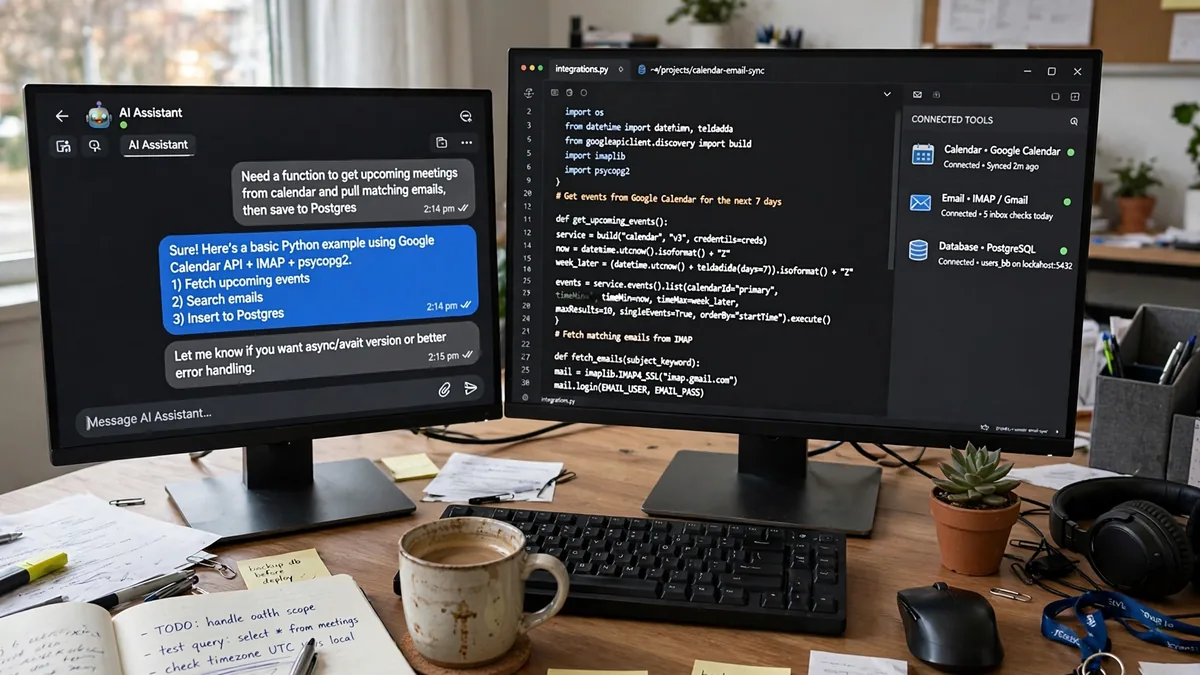
Learning how to build an app with Lovable without coding starts with a simple idea: describe the app you want in plain English, and let the AI turn that description into a working product. Lovable takes a written prompt and generates the screens, buttons, layout, and basic logic of a web app, so you can go from an idea to something clickable in an afternoon.
That speed is what makes Lovable so appealing in 2027. A small business owner can build a booking page, a teacher can build a quiz app, and a hobbyist can build a fitness tracker. The first version will not be perfect, but it is good enough to test an idea and learn what real users want before you spend more money.
This guide walks you through the whole process, from planning your app in plain words to publishing it. You will learn how to write prompts that get better results, how to fix the AI’s mistakes, and how to decide which features are worth adding.
Key takeaways
- Lovable turns a plain-English description into a working web app, with screens, layout, and basic logic generated by AI.
- A clear, specific prompt matters most: name the users, the main task, and the pages.
- Build in small steps, testing each change, instead of asking for everything in one giant prompt.
- Most first versions need several rounds of fixes, especially for logins, payments, and saved data.
- Start on the free or lowest paid plan, and upgrade only when you need more credits or features.
| Stage | What you do | Time needed |
|---|---|---|
| Plan | Define users, task, and pages | 10 to 20 minutes |
| First prompt | Describe the app and generate version one | 5 to 15 minutes |
| Refine | Fix layout and features in small steps | 1 to 3 hours |
| Add data and accounts | Set up sign-in, saved data, and tools | 1 to 2 hours |
| Test and publish | Test on phone and desktop, then share it | 30 to 60 minutes |
What Lovable Is — and What It Is Not
Lovable is an AI-powered app builder that creates web apps from text prompts. You type what you want, and it produces a front end you can see and use. It handles much of the setup that used to require a developer: layout, styling, navigation between pages, and the connection to a database.
It is not a magic tool that builds a flawless, large-scale product in one click. Complex apps with strict security rules or unusual integrations still need experienced developers, and it builds web apps that run in a browser rather than native mobile apps. The sweet spot is a focused tool that solves one clear problem, such as a booking form for a small salon or a dashboard that tracks client projects.
Before You Start: Plan Your App in Plain Words
Good apps start on paper, not on screen. Before you open Lovable, write down who the app is for, what problem it solves, and what the user should do in the first minute. A vague goal such as “an app for my business” produces a vague result, while a clear goal such as “let customers book a haircut, pick a stylist, and pay a deposit” gives the AI something concrete to build. Ten minutes here saves hours of corrections later.

List the pages your app needs, and keep the list short for version one: most small apps need only a home page, one main feature page, and a way to contact you or sign in. Gather your content too: your business name, colours, photos, and prices. Lovable can invent placeholder text, but your real words make the app feel like yours. This plain-language approach is close in spirit to vibe coding, where you describe what you want in natural language and the AI handles the code.
Step 1: Describe Your App in One Clear Prompt
Open Lovable, create a new project, and write your first prompt as if you were explaining the app to a colleague: start with the purpose, then the users, then the pages and features. A strong first prompt might read: “Build a booking app for a small hair salon. Customers should pick a service, choose a stylist, select a date and time, and see a confirmation page. Include a home page with prices and a simple admin view listing today’s appointments.”
Step 2: Review the First Version and Ask for Changes
Refining is where most of the real work happens. Chat with the AI about your app in plain words, and treat each message as one small job. Instead of saying “make it better”, say “make the booking button larger and dark green, and change the heading to ‘Book Your Appointment'”. Specific instructions produce specific results, and they make it easier to spot when a change did not work.
Step 3: Add Pages, Data, and User Accounts
Data needs the most care. When your app saves bookings or user details, test it properly: create a test booking, close the app, reopen it, and check that the booking is still there. If information disappears, tell Lovable exactly what happened and ask it to fix the saving step. If people sign in, test with two different accounts first.
Step 4: Connect Payments, Email, and Other Tools
Connect the one service that matters most first, such as payments or email, and get it working before you add more. Payments deserve extra caution: use the test mode of your payment provider first, and run a full test purchase with a test card before you accept real money. Check that the customer sees a clear confirmation and that the amount is correct. Prices are approximate and change often, so check current pricing for both Lovable and any payment provider before you commit. Test emails the same way: send a test booking to yourself and read it as a customer would.
Step 5: Test Your App Like a Real User
Testing is a habit throughout the build, not a single step at the end. After every few changes, walk through the whole app again from the home page to the final confirmation. Try it on a phone and a desktop computer, because layouts that look fine on a large screen often break on a small one. Ask a friend to try it unaided, and watch where they hesitate.
Step 6: Publish and Share Your App
When the core flow works and your tests pass, publish the app. Lovable gives you a live link you can share, and you can also connect your own domain name for a more professional look. Before you share the link widely, open it in a fresh browser window where you are not signed in, and confirm that a stranger sees what you expect.
Troubleshooting: When Lovable Gets It Wrong
Even a good first version will have problems, and most have simple fixes. If the layout looks broken on a phone, ask Lovable to make that section stack vertically on small screens. If a button does nothing, describe the button, the page, and what should happen when it is clicked. Vague complaints produce vague fixes; precise descriptions usually get the job done.
If the AI misunderstands a feature completely, it is often faster to describe the feature from scratch than to keep correcting it. Delete the confusing part, explain the flow step by step, and ask for a simpler version. Watch your credits, too: every prompt uses credits on a paid plan, so if you have asked for the same fix three times without success, stop, simplify the request, and split it into smaller pieces. If your app also needs a chatbot for common questions, the same plain-language approach applies, and you can read more about how to build an AI chatbot for your website without coding to see how that kind of feature is planned.
How to Choose the Right Plan and Features
Lovable offers a free tier and paid plans, and the right choice depends on how seriously you plan to use the app. The free tier is fine for learning and for a first prototype, but it usually limits how many prompts you can send and whether you can use a custom domain. A paid plan makes sense once you are building something real that other people will use, because you will need more credits for fixes.
When you compare plans, look past the headline price. Check how many monthly credits you get, whether you can connect a custom domain, and what happens when you run out of credits mid-month. Prices are approximate and change often, so check current pricing before you pay. Choose features the same way: by what your users need, not by what sounds impressive. A booking app needs reliable bookings more than a fancy animation. If you are comparing Lovable with other AI builders, it helps to look at the best AI website builders for startups to see how different tools handle the same kinds of projects.
Launch Checklist: 6 Things to Check Before You Publish
- Core flow works end to end: a stranger can complete the main task, such as booking, without help.
- Your app looks right on a phone and a desktop, with no overlapping text or buttons that are hard to tap.
- All prices, hours, contact details, and wording are correct, not placeholder text.
- Saved data stays saved: test bookings or entries are still there after you close and reopen the app.
- Payments and emails work in test mode, with clear confirmations for the customer and a notification for you.
- The live link opens correctly when signed out, and the home page shows what the app does in five seconds.
Frequently Asked Questions
Do I need to know any code to build an app with Lovable?
No. You describe the app in plain English and refine it by chatting with the AI, and you can build a useful first app with no coding knowledge at all.
How much does it cost to build an app with Lovable?
You can start for free with limited credits, and paid plans add more credits, custom domains, and extra features. Prices are approximate and change often, so check current pricing before you pay.
Can Lovable build a mobile app for the App Store?
Lovable builds web apps that run in a browser and work well on phones, but not native apps for the App Store or Google Play. You can share a web link, add the app to a phone home screen, or later wrap it for a store.
Who owns the app I build with Lovable?
You own the app you build, including the content and the project, under Lovable’s terms. You can export the code to move it elsewhere or hand it to a developer.
How long does it take to build a simple app?
A simple app can take an afternoon: an hour or two for the first version and fixes, plus testing. Apps with logins, payments, or saved data often take a few days of part-time work.
What should I do if Lovable cannot build my feature?
Simplify the feature first, and describe it in smaller, concrete steps. If it still does not work, consider whether a simpler version would serve your users. For features that truly need custom work, use Lovable for the prototype and ask a developer to build that one part.
The Bottom Line
Building an app with Lovable without coding is a practical way to turn an idea into something real in 2027. Start with a clear plan, describe your app in specific plain words, build in small steps, and test every change as a real user would. A working app that real people can try is worth far more than a perfect idea in a notebook.
Start with the smallest useful version of your idea, not the full dream. Launch it, listen to your users, and improve it a little at a time. If the app proves its worth, you can upgrade your plan or bring in a developer for the parts that need one.