
Quick Answer: Is ipad worth buying for beginners and everyday use?
It depends. For most beginners who mainly browse, stream, take notes, and handle light documents, a standard iPad is a genuinely good buy that lasts years and asks very little of you. It is not a laptop replacement, though, so anyone expecting desktop software or heavy multitasking will feel the limits quickly. (Best ukulele for beginners)
Cheaper Android tablets and Chromebooks exist, and each trades something away: Android often wins on price, while Chromebooks win on keyboards and file management. Before buying, compare the model generation, storage tier, Apple Pencil compatibility, accessory costs, trade-in or education discounts, and the iPadOS update list.
A $349 tablet that outsells most laptops
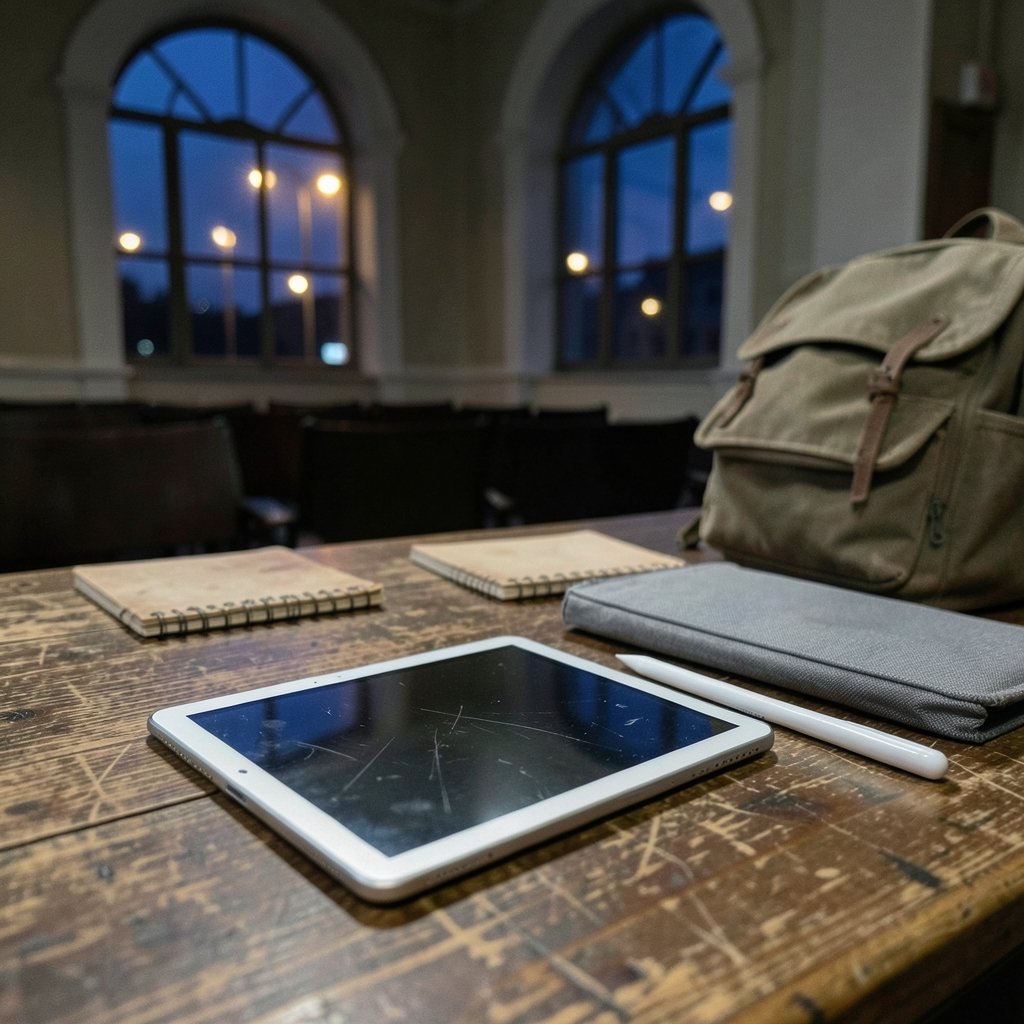
Apple’s current entry iPad starts at $349 for 128GB of storage, up from the cramped 64GB base of the previous generation. That single change matters more than any spec bump. For years, the cheapest iPad was a storage trap; now the base model has enough room for apps, photos, and a semester of notes without constant housekeeping. (iPad)
The iPad has also quietly become the default “first serious tablet” for people who don’t want to think about tablets. That’s the real question here: not whether the iPad is powerful, but whether it fits how a beginner actually uses a device. The answer hinges on three things — what you’ll do with it, what accessories you’ll need, and whether you’re buying new, refurbished, or used.
What beginners actually do with an iPad
Strip away the marketing and most first-time buyers use a tablet for a short list of tasks:
- Reading, browsing, email, and messaging
- Streaming video and music
- Note-taking, either typed or with a stylus
- Light document editing and PDF markup
- Video calls and photo organization
- Casual games
The entry iPad handles every item on that list comfortably. The A16 chip is not a workstation-class processor, but it’s more than enough for split-screen browsing, a video call, and a notes app running at once. Apple rates battery life at “up to 10 hours” of web or video use — a manufacturer figure rather than independent testing, so treat it as a ceiling, not a promise.
Where beginners get into trouble is expectation-setting. An iPad is excellent at consumption and light creation. It is frustrating the moment you need a desktop-only app, a proper file system, or three windows of real work side by side. (Best 3d printer for beginners)
The multitasking story changed, but not completely
The biggest knock on iPads for years was that the hardware outclassed the software. Apple’s iPadOS 26 release in 2025 addressed a lot of that with a redesigned windowing system, a menu bar, and a Preview app — the most substantial multitasking overhaul the platform has seen.
For everyday use, this is a real improvement. Dragging windows around and keeping a reference doc open beside a browser feels closer to a laptop than it used to. But “closer to” is doing a lot of work in that sentence. iPadOS still isn’t macOS. If your day involves spreadsheets with heavy formulas, desktop publishing, or specialized professional software, the iPad will send you back to a computer eventually. (Gameboy Color Games: 15 Classics Still Worth Playing)
For a beginner whose “multitasking” means watching a video while answering texts, none of this matters. It’s plenty.
iPad vs. the alternatives: an honest comparison
| Option | Typical starting price | Best for | Main trade-off |
|---|---|---|---|
| Entry iPad (11th gen) | $349 | Notes, streaming, browsing, light docs | Accessories add up fast |
| Refurbished iPad | Often 15–25% less | Budget-conscious beginners | Older chip, shorter update runway |
| Android tablet | Varies widely | Price-sensitive buyers, media | App quality and update length vary |
| Chromebook | Often under $300 | Typing-heavy schoolwork | Weak as a handheld tablet |
| Budget laptop | $400–$600 | Real desktop software | No touchscreen or stylus workflow |
The pattern is clear: the iPad wins on the tablet experience and loses on laptop tasks. If you need one device to do everything, a laptop is the safer default. If you already own a computer and want a lightweight second screen for reading, notes, and media, the iPad is close to ideal.
The accessory trap that catches almost every beginner
Here’s the mistake that trips up more first-time buyers than any spec sheet issue: budgeting for the tablet but not the accessories.
A keyboard case and a stylus can together add $150 to $300 or more, which pushes a $349 iPad toward laptop territory. That’s fine if you genuinely need both. It’s wasteful if you bought them “just in case” and they live in a drawer by month two.
The stylus situation is messier than it should be. Apple Pencil compatibility is split across the lineup, and the entry iPad supports the USB-C Pencil and the first-generation Pencil via an adapter — not the second-generation Pencil or Pencil Pro. Buyers who assume “any Apple Pencil works” end up returning things. Check the compatibility list for your exact model before you order.
A practical rule: buy the iPad first, use it for two weeks, then buy only the accessory you actually missed. Most people discover they want a stand or a cheap Bluetooth keyboard far more than a $129 stylus.
New, refurbished, or used: where the value actually is
Apple’s certified refurbished store is one of the least-discussed good deals in tech. Refurbished iPads carry a one-year warranty and a fresh battery and shell, which removes most of the risk that scares beginners away from used electronics. The trade-off is an older chip and a shorter runway of software updates.
That update runway deserves real attention. iPadOS 26 dropped support for some older models, including the seventh-generation iPad and earlier. A used iPad that looks like a bargain can be a device that stops receiving security updates within a year or two. Before buying used, confirm the model is on the current compatibility list — this is the single most common used-iPad mistake. (iPad)
Education pricing and trade-in can also shave the effective cost. Education store discounts on the base iPad have historically run in the $20–$30 range, and trade-in credits for an old phone or tablet can offset a meaningful chunk of the price. Neither is dramatic, but both are free money if you qualify.
What the iPad is genuinely bad at
Balance matters, so here’s the other side.
File management still feels like a compromise. If your work involves moving files between folders, drives, and apps all day, iPadOS will annoy you in ways a laptop never does.
Repairs are expensive. A cracked screen on a tablet costs a substantial fraction of the purchase price. A case is not optional for a device that gets carried around.
The entry model has no headphone jack and no expandable storage. You buy the storage you buy, forever. That’s why the jump to 128GB as the base was such a welcome change.
Single-user design. Shared family use is possible but clunky compared with a laptop with separate accounts.
None of these are dealbreakers for a beginner doing beginner things. They’re dealbreakers for someone buying an iPad to replace a work machine.
Who should skip the iPad entirely
Be honest with yourself about these scenarios:
- You need desktop software for work or study — buy a laptop.
- Your main task is typing long documents — a keyboard case gets you there, but a laptop does it cheaper and better.
- You want one device for the whole household — a shared computer makes more sense.
- You’re on a tight budget and mainly want media — a cheaper Android tablet covers streaming fine.
Everyone else, especially anyone who already owns a computer and wants a light, reliable second device, is squarely in iPad territory.
Practical buying checklist for first-timers
If you’ve decided to go ahead, this is the sequence that avoids the usual regrets:
- Pick the generation deliberately. The 11th-generation iPad (released March 2025) is the sensible default for most beginners. Older models are only worth it at a steep discount.
- Confirm the storage tier. 128GB is comfortable for most people; 64GB fills up fast once you add photos, games, and offline video.
- Check stylus compatibility against the exact model before ordering any Pencil.
- Price the accessories you’ll actually use, not the full ecosystem.
- Compare refurbished, education pricing, and trade-in before paying full retail.
- Verify the iPadOS update list if buying used.
That checklist takes fifteen minutes and routinely saves a hundred dollars or more.
Conclusion
So, is an iPad worth buying for beginners and everyday use? For the majority of people who want a dependable device for reading, streaming, notes, video calls, and light document work, yes — the entry iPad at $349 with 128GB of storage is one of the more sensible tech purchases available, and the 2025 multitasking improvements make it more capable than ever without pretending to be a laptop.
The buyers who end up disappointed are the ones who expected a computer, or who spent $250 on accessories they never used. Go in clear-eyed about the limits, budget for one accessory rather than five, and check compatibility before you click buy. Do that, and the iPad earns its place on the couch, in the lecture hall, and in the carry-on bag.
Frequently Asked Questions
Is the base iPad good enough for taking notes in class?
Yes, for most students. Typed notes work well, and stylus handwriting is solid if you buy a compatible Pencil. The main caution is storage and stylus compatibility — confirm both before the semester starts, since the entry iPad does not support every Apple Pencil model.
How long will a new iPad keep getting software updates?
Historically, iPads receive roughly five to seven years of iPadOS updates, though Apple doesn’t guarantee a specific number. The practical takeaway is that buying the newest generation maximizes your runway, while a used iPad several generations old may have only a year or two left.
Do I need a keyboard case to get real use out of an iPad?
Not unless you type a lot. Many beginners buy a keyboard case and rarely use it. If long documents are a regular task, a budget laptop is usually the better spend; if you only type emails and short notes, the on-screen keyboard is fine.
Can an iPad replace a laptop for a beginner?
For browsing, media, notes, and light documents, often yes. For desktop-only software, heavy spreadsheets, or serious multitasking, no. The honest framing is that an iPad complements a computer well but rarely replaces one outright.
Is a refurbished iPad a safe buy for a first-time owner?
Generally yes, especially from Apple’s certified refurbished store, which includes a one-year warranty and a new battery and outer shell. The risk to manage is age: check that the model still supports the current iPadOS version before buying.
What’s the most common mistake first-time iPad buyers make?
Underestimating accessory costs and overestimating what the device can do. A keyboard case plus a stylus can add hundreds of dollars, and buyers who expected laptop-level software often feel let down. Buy the tablet first, then add accessories based on what you actually missed.
One last word on timing and patience
If you’re on the fence, wait for a sale rather than buying in a hurry. Apple’s entry iPad rarely gets deep discounts, but back-to-school season and holiday promotions often bundle gift cards or shave $30–$50 off, and retailers occasionally beat Apple’s own price. Set a price alert and give it a month. The device you want will still be there, and a little patience is the easiest savings in this entire guide.



