Mini PC vs Laptop for a Small Office in 2027
A small office buying computers in 2027 faces a simple-looking choice: a mini PC that sits on the desk, or a laptop that goes everywhere. Both can run the same apps, open the same files, and join the same video calls, so the decision is less about raw power and more about how your team actually works day to day.
The mini PC is the newer idea for many buyers: a full desktop computer squeezed into a box roughly the size of a paperback, designed to live under or beside a monitor and stay there. The laptop is the familiar one — screen, keyboard, and battery in a single package that staff can carry home or to a client.
For a team of five to twenty people, the wrong choice costs real money — in replacements, in repairs, and in desks cluttered with kit nobody uses. This comparison weighs cost, upgrades, portability, and repairs, so you can match the machine to the job.
Key takeaways
- Mini PCs usually cost less per desk for the same performance, and leave more money for good monitors and keyboards.
- Laptops win outright on portability, and are the only sensible choice for staff who regularly work away from their desk.
- Mini PCs are easier and cheaper to repair and upgrade, since parts are standard and nothing is glued to a screen.
- A laptop’s battery and screen are built in, so a power cut or a moved desk does not stop work.
- Many small offices end up with a mix: mini PCs on fixed desks and laptops for the people who travel.
At a glance: mini PC vs laptop
| Factor | Mini PC | Laptop |
|---|---|---|
| Typical starting price | About $250 to $500 for the box, plus monitor and peripherals | About $450 to $900 for a capable business model |
| Portability | None — it stays on the desk | Full — screen, keyboard, and battery included |
| Upgrades | RAM and storage usually user-serviceable | Often limited; many models are sealed |
| Repairs | Cheap parts, easy to swap | Screen and battery repairs cost more |
| Desk space | Tiny box, but needs a monitor | One unit, folds away when done |
| Best for | Fixed desks, reception, back office | Hybrid staff, meetings, travel |
The mini PC: a small desktop that stays put
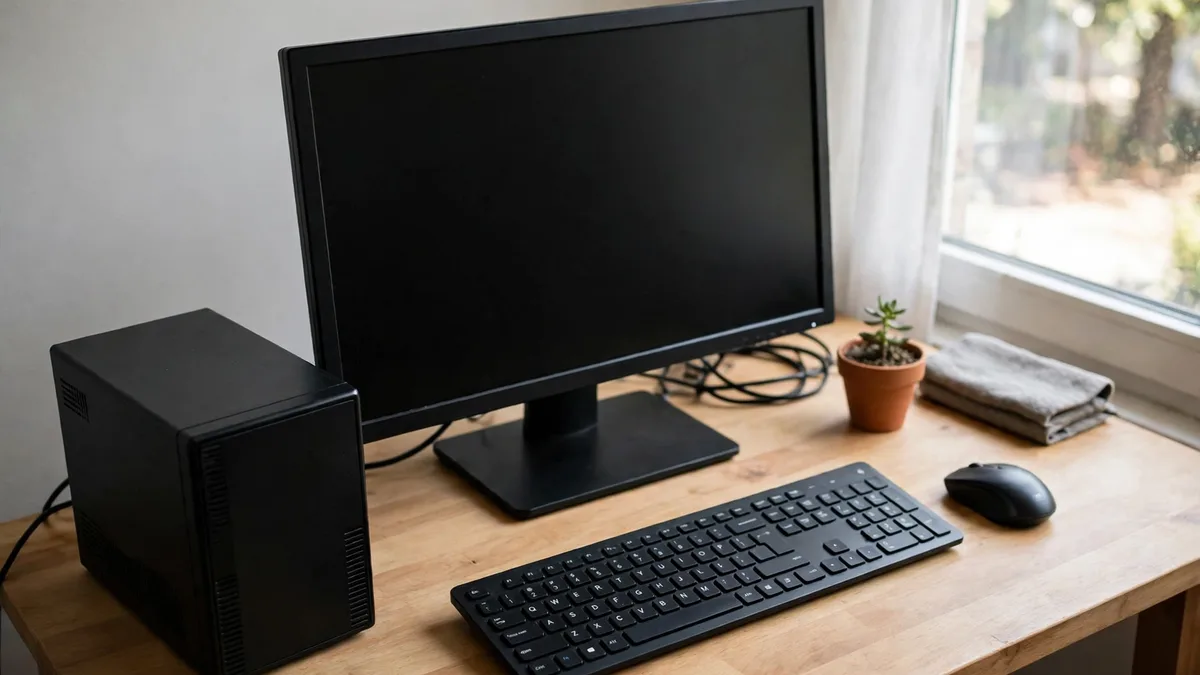
A mini PC is a desktop computer without the tower. The box holds the processor, memory, and storage, and it connects to a monitor, keyboard, and mouse like any desktop. Modern models from makers such as Beelink, Minisforum, Geekom, and Intel’s NUC line run everyday office work — documents, spreadsheets, browsers with many tabs, video calls — without breaking a sweat, and the better ones handle photo editing and light design work too.
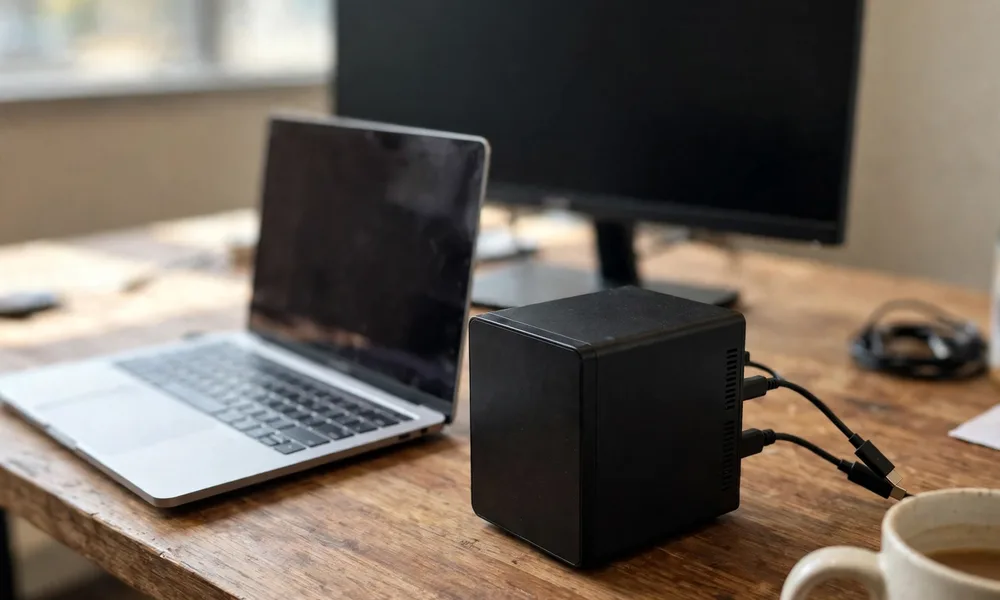
The appeal is partly financial and partly practical. A capable mini PC costs about $250 to $500, and because it has no screen or battery to pay for, the same money buys more processor and memory than a laptop at the same price. When a monitor fails, you replace the monitor, not the computer. When the machine gets slow in three years, you can usually add memory or swap the storage drive in minutes.
There are real limits. A mini PC needs a monitor, keyboard, mouse, and a power socket, so the full setup is not as cheap as the box alone suggests. It also ties a person to one desk, which is fine for reception or accounts but useless for someone who spends half the week at client sites.
Pros: lower cost per desk, easy RAM and storage upgrades, cheap repairs, tiny footprint.
Cons: not portable at all, needs separate monitor and peripherals, tied to one desk.
The laptop: the whole office in a bag
The laptop’s case is simple: everything is built in. The screen, keyboard, trackpad, and battery travel together, so a member of staff can work at their desk, move to a meeting room, and finish the day at home without moving files or re-plugging anything. For hybrid teams, that flexibility is worth a great deal, and it is the reason laptops still dominate small office buying.
A capable business laptop in 2027 starts at about $450 to $900, with thin and light models costing more. Battery life on mainstream models now covers a full working day for office tasks, and the built-in webcam and microphone are good enough for video calls without extra kit. If your team values portability, our roundup of the best ultrabooks in 2027 covers the lightest options in detail.
The trade-offs are cost and repairability. You pay for the screen and battery in every unit, so a laptop with the same performance as a mini PC costs noticeably more. Repairs are pricier too: a cracked screen or a worn battery can cost a large share of the machine’s value, and many modern laptops have memory soldered in place, so you cannot upgrade them later.
Pros: fully portable, built-in screen and battery, ready for meetings and travel, no extra peripherals needed.
Cons: costs more for the same performance, harder and pricier to repair, limited upgrade options.
Cost over three years
The sticker price favours the mini PC, but the full three-year cost is closer than it looks. A mini PC desk needs a monitor, keyboard, mouse, and sometimes a webcam, which adds about $150 to $300 per desk if you buy decent kit. A laptop needs none of that, though many offices still buy a monitor and keyboard for desk use.
Where the mini PC pulls ahead is lifespan and repair. A $350 mini PC with a $150 monitor can keep working for five years, with a cheap memory upgrade in year three. A laptop’s battery usually fades after three years, and a screen repair can cost $200 or more. Over ten desks, that adds up — as long as nobody needs to take their computer home.
Upgrades and repairs
This is the mini PC’s strongest ground. Most models open with a few screws and accept standard memory and storage, so a slow machine can be revived for the price of a memory stick. If a part fails, replacements are cheap and any local repair shop can fit them. The monitor, keyboard, and mouse are separate, so one failure never takes the whole workstation down.
Laptops are the opposite. Thin designs leave little room for upgrades, and many 2027 models have memory and storage fixed to the board. A failed screen, hinge, or battery usually means a premium shop repair or a full replacement. For a small business without an IT person, that difference matters: mini PC problems are small, cheap problems, while laptop problems tend to be big ones.
Portability and desk space
Portability is the laptop’s unanswerable advantage. No mini PC can follow its owner to a client meeting, a home office, or a train, and hybrid working has made that a daily need for many roles. If your team works from home two days a week, laptops are not a luxury; they are the only setup that works without buying two computers per person.
On desk space, the contest is closer. A mini PC itself is tiny and can mount behind a monitor, leaving the desk clear. A laptop takes up more room when open, but it folds away neatly at the end of the day.
Performance and everyday workloads
For everyday office work — email, documents, spreadsheets, browsers, and video calls — there is no meaningful performance gap. A $400 mini PC and a $700 laptop with similar processors feel identical in these tasks, and either will handle a full working day without complaint. The differences only appear at the edges.
Heavy work changes the picture. Video editing, large photo libraries, and data-heavy tasks favour the mini PC, which can sustain higher performance without throttling and is easier to cool. Creative teams should also think about the software side: a studio running demanding apps needs both the right machine and the right tools, as our guide to the best software for photography studios shows. Repetitive admin work is another edge case: copying data between browser tabs can be automated, and our explainer on what AI browser automation is covers how that works on either kind of machine.
Verdict: which one wins for your office
There is no single winner, because the two machines solve different problems. If your team works at fixed desks all week — reception, accounts, order processing — the mini PC wins on cost, repairability, and lifespan. If your team is hybrid, travels, or moves around the building, the laptop wins, and the extra cost is simply the price of that freedom.
The most practical answer for many small offices is a mix. Put mini PCs on the desks that never move, and give laptops to the people who do. That keeps the budget down where portability adds nothing, and spends the laptop premium only where it earns its keep.
Checklist: before you buy
- List who actually works away from their desk each week.
- Count the full cost: monitor, keyboard, and mouse for mini PCs.
- Check memory and storage can be upgraded on the model you choose.
- Test the exact apps your team uses on a demo unit first.
- Ask about warranty length and local repair options.
- Buy one unit first and run it for two weeks before ordering the rest.
Frequently asked questions
Is a mini PC powerful enough for office work?
Yes, for almost all office work. Modern mini PCs handle documents, spreadsheets, browsers with many tabs, and video calls comfortably. Only heavy video editing, 3D work, or very large datasets need something more powerful.
Can a mini PC replace a laptop completely?
Only if nobody needs to work away from their desk. A mini PC has no screen or battery, so it cannot travel. For fixed-desk roles it is a full replacement; for hybrid or travelling staff it is not.
Do mini PCs need a lot of maintenance?
No, they need less than laptops in practice. There is no battery to wear out and no screen to crack, and the parts that do wear — storage and fans — are cheap to replace. Keep the vents clear of dust and they run for years.
Which lasts longer, a mini PC or a laptop?
Usually the mini PC. Its parts are standard and replaceable, and it never gets dropped, so the main reason to replace it is that it feels slow — which a memory or storage upgrade can often fix. Laptop batteries and screens are the usual reason laptops get replaced.
Can I use a mini PC with two monitors?
Most 2027 mini PCs support two monitors, and many support three, through HDMI and DisplayPort or USB-C. Check the exact model’s ports before buying, since the cheapest models sometimes offer only one video output.
Should a small office buy all one type?
Usually not. A mix is the best value: mini PCs on fixed desks and laptops for hybrid and travelling staff. Buying one type for everyone either wastes money on portability nobody uses or strands people at desks they need to leave.
The bottom line
Buy mini PCs for the desks that never move and laptops for the people who do. That split gives a small office the lowest cost where portability adds nothing, and the freedom of a laptop exactly where it earns its price. A fixed-desk team of ten can save a meaningful sum with mini PCs, while a hybrid team will lose more in friction than it saves by going without laptops.
Whichever you choose, buy one unit first and test it with real work for two weeks. Check the apps your team uses daily, the monitors you already own, and the warranty terms.