
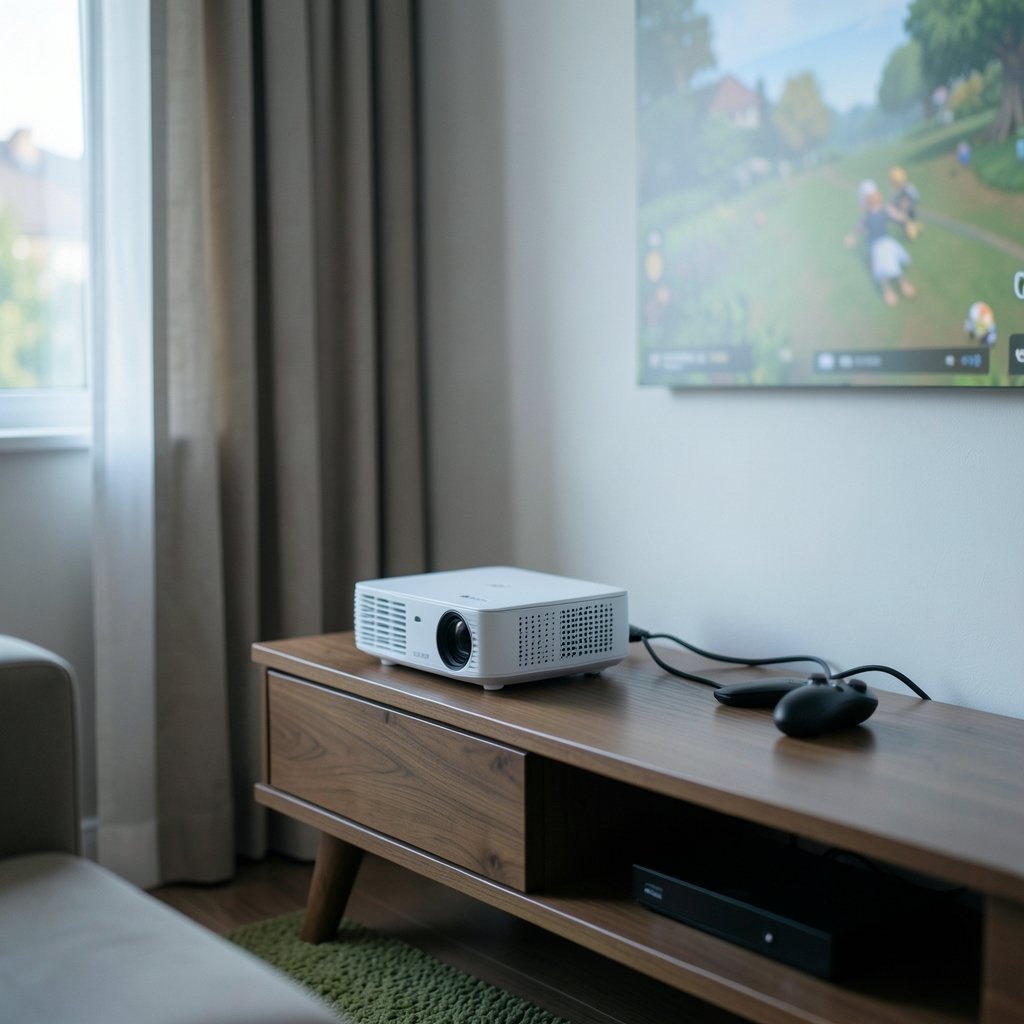
Can a projector ever feel as responsive as a gaming monitor, or is input lag the dealbreaker that keeps serious players on a desk? The honest answer sits somewhere in the middle, and it depends far more on a handful of settings and one measurement than on the price tag. This guide breaks down what input lag really is on a projector, which features add delay, how reviewers measure it, and what to check before you commit.
What input lag actually means on a projector
Input lag is the time between your console or PC sending a frame and the projector starting to display it. It is not the same as pixel response time, which is how fast the pixels themselves change color. Together they make up the total display latency you feel in your hands. (Display lag)
A lot of buyers confuse the two. A projector can have a fast pixel response and still feel sluggish because its internal image processing adds delay before the frame ever reaches the panel. That processing is where most of the lag lives, and it is also the part you can often switch off.
The practical result: two projectors with identical panels can feel completely different depending on how their menus are configured. The spec sheet rarely tells the full story.
Why projectors are usually slower than gaming monitors
Home-theater projectors are built to make movies look good. That means frame interpolation, dynamic contrast, noise reduction, and digital keystone correction, all of which sit in the signal path and cost time. Gaming monitors skip most of that because they are designed for a single purpose.
Typical measured input lag for home-theater projectors has historically landed in the tens of milliseconds, often roughly 20 to 60 ms or more depending on the model and mode. Gaming monitors frequently measure under 10 ms and sometimes in the 1 to 5 ms range. Exact figures swing widely by model, mode, and how the test was run, so treat any single number as a starting point rather than gospel.
The gap has narrowed. The shift toward sub-30 ms “gaming” projector modes is relatively recent, roughly from the late 2010s onward. Early digital and home-theater projectors often pushed well past 50 ms, which is why older forum threads make projectors sound hopeless for fast games. That reputation is outdated but not entirely wrong. (Best Projectors)
The one setting that changes everything
If you take one thing from this article, make it this: game mode (sometimes called low latency mode) is the single most important switch on a gaming projector. Enabling it typically disables much of the image processing that adds lag, including motion smoothing and heavy noise reduction.
Common mistakes people make:
- They buy a projector, plug in a console, and never open the picture menu. The projector stays in its default cinema mode with every enhancement on, and the lag feels terrible.
- They turn on game mode but leave digital keystone correction active, which warps the image in the signal path and is commonly reported to add latency.
- They enable motion smoothing because sports look smoother, not realizing frame interpolation buffers at least one frame and often more.
- They test in the wrong resolution or with HDR off, then blame the projector when the lag number changes.
What actually works in practice is boring but effective: enable game mode, disable frame interpolation, set keystone to zero and fix geometry with optical lens shift and physical placement instead, then re-test. Optical lens shift generally does not add lag the way digital keystone does, though this can vary by model.
How reviewers measure input lag, and why the numbers disagree
Here is a frustration every shopper hits: two respected outlets report figures for the same projector that differ by 10 to 20 ms. That is not dishonesty. It is methodology. Some testers measure at the lens, some at the screen, some with a photodiode, and some with a dedicated latency tester such as a Leo Bodnar-style device. Results from different methods are not always directly comparable.
This is a long-standing issue in display testing, and it means you should compare numbers within a single reviewer’s body of work rather than across outlets. When you read a review, look for whether the tester states the mode, the resolution, and the measurement tool. A number without that context is close to meaningless.
It also helps to understand the arithmetic behind frame interpolation. At 60 Hz, one frame lasts about 16.7 ms. Any feature that buffers a frame adds at least that much delay, and smoothing features often buffer more than one. That single fact explains why “cinema” mode can feel a full beat behind “game” mode on the same machine.
Refresh rate and resolution trade-offs
Many projectors cap at 60 Hz when running 4K, and some only reach 120 Hz at 1080p. Higher refresh rates generally reduce per-frame latency, so a 120 Hz mode can feel noticeably snappier even when the measured input lag figure looks similar on paper.
Some projectors also report different lag in 4K versus 1080p, or with HDR enabled. This is model-specific, so it is worth checking owner forums and professional reviews for your exact unit rather than assuming the flagship number applies everywhere.
For competitive play, the math favors frames over pixels. A 1080p 120 Hz mode with game mode on will usually beat a 4K 60 Hz mode with processing enabled, even on the same projector. If you are building a setup around fast shooters, pair the display decision with a low-latency network path; our guide to the best internet for gaming covers the connection side, and a quality ethernet cable for gaming removes one more variable from the chain.
Projector versus monitor versus TV: a realistic comparison
| Display type | Typical measured input lag | Best use case | Main trade-off |
|---|---|---|---|
| Gaming monitor | Often under 10 ms, sometimes 1 to 5 ms | Competitive shooters, fast reflexes | Small screen, desk-bound |
| Gaming TV | Low in game mode, varies widely | Living-room console play | Room lighting, size limits |
| Projector in game mode | Roughly 20 to 60 ms+ historically, improving | Big-screen immersion, casual and co-op | Ambient light, setup complexity |
| Projector in cinema mode | Often well above 50 ms | Movies only | Poor for fast games |
The table makes the trade-off clear. A projector is not a competitive esports tool in most cases, but it is a spectacular way to play big, cinematic, or local multiplayer games. Racing titles, party games, and story-driven adventures shine on a 100-inch image in a way no monitor matches.
If you are weighing a projector against a full desk setup, it helps to know where the rest of your budget goes. Our roundup of the best gaming pc under 1000 shows how much performance you can pack in, and the best budget gaming monitor for competitive play is the natural comparison point if reflexes matter more than screen size.
Matching the projector to the rest of your setup
A projector is one link in a chain. A slow console, a laggy TV passthrough, or a wireless controller can each add delay that masks the projector’s real performance. Before you blame the projector, isolate the chain.
Practical steps that work:
- Connect the console or PC directly to the projector, bypassing any AV receiver or capture card, and test again.
- Use a wired controller if possible, or at least rule out wireless interference.
- Disable any “enhanced” HDMI processing on the source device.
- Confirm the projector uses its lowest-latency mode rather than a “bright” preset.
- Test with the same game and the same scene each time so your comparison is fair.
Sound matters too, since a big screen invites a big audio setup. A low-latency wireless headset sidesteps the audio delay that some AV receivers introduce, and our list of the best wireless gaming headsets 2026 is a good place to start if you want to keep the chain short.
Common myths about projector lag
A few beliefs refuse to die, and they cost people money.
Myth one: “Higher resolution always means more lag.” Not reliably true. Some projectors are slower at 4K, some are not, and the mode matters more than the pixel count.
Myth two: “Expensive projectors are always faster.” Price buys brightness, lens quality, and contrast. It does not guarantee a fast game mode. A mid-range model with a well-tuned low-latency mode can beat a premium cinema projector for gaming.
Myth three: “Input lag is the only number that matters.” Pixel response time, refresh rate, and motion handling all shape how a game feels. A projector with low input lag but slow pixels can still smear fast motion.
Myth four: “You can fix lag with a firmware update.” Sometimes, but rarely dramatically. Buy for the performance you can verify today, not the patch you hope for.
What to look for on the spec sheet and in reviews
Manufacturers rarely publish input lag, which is exactly why independent testing matters. When you shop, prioritize these signals:
- A clearly labeled game mode or low latency mode.
- Support for 120 Hz at 1080p, and clarity about what happens at 4K.
- Optical lens shift rather than relying on digital keystone.
- Reviews that state the mode, resolution, and measurement tool used.
- Owner reports about firmware behavior and menu quirks.
If you are also upgrading the PC or console feeding the projector, a strong motherboard for gaming keeps the rest of the build from becoming the bottleneck, and knowing what does ddos mean in gaming helps you separate network attacks from display lag when something feels off mid-match.
Conclusion
A projector can absolutely work for gaming, but only if you treat input lag as a setting problem before you treat it as a hardware problem. Enable game mode, kill frame interpolation, drop digital keystone in favor of optical lens shift, and test at the resolution and refresh rate you will actually use. Do that, and a modern projector in the sub-30 ms range feels responsive enough for most living-room play. Skip it, and even a premium model will feel a beat behind. The screen size is the reward; the menu is the price of admission.
Frequently asked questions
Is 30 ms input lag bad for gaming?
For casual, co-op, and story-driven games, 30 ms is perfectly playable and most people will not notice it. For competitive shooters where split-second reactions decide rounds, it is a disadvantage compared with a monitor under 10 ms. Context matters more than the raw number.
Can you reduce a projector’s input lag?
Yes, usually by a meaningful amount. Enable game mode, turn off frame interpolation and noise reduction, disable digital keystone correction, and use optical lens shift and physical placement to square up the image. Each of these removes processing from the signal path.
Do gaming projectors have higher lag than TVs?
Often, yes, though the gap is shrinking. Many gaming TVs in game mode measure very low, while projectors have historically sat in the tens of milliseconds. Modern projectors with dedicated low-latency modes have closed much of that distance, but model-to-model variation is large.
Does 4K increase input lag on a projector?
It can, depending on the model. Some projectors report higher lag at 4K than at 1080p, and enabling HDR can shift the figure again. This is model-specific, so check reviews that test each mode rather than assuming one number applies to all.
Does keystone correction add input lag?
Digital keystone correction is commonly reported to add latency because it warps the image in the signal path. Optical lens shift generally does not add lag in the same way. Whenever possible, position the projector physically and correct geometry optically.
Is a 60 Hz projector good enough for gaming?
For most console and casual PC gaming, 60 Hz is fine, especially with game mode enabled. A 120 Hz mode at 1080p will feel smoother and generally reduces per-frame latency, which helps in fast-paced titles. Choose based on the games you actually play.



