
Quick Answer: How can i protect my devices and accounts from ddos attacks?
You protect your devices and accounts from DDoS attacks mainly by making sure they can’t be hijacked into a botnet and by keeping your online services resilient when traffic floods in. In practice, that means hardening your home router, updating firmware, closing unnecessary open services, and using multi-factor authentication on every important account.
It helps to separate three things that people often blur together: not becoming part of an attack, keeping your own website or server online during an attack, and general account security. A DDoS attack targets availability rather than stealing passwords, so account protection is mostly about stopping attackers from abusing your logins, devices, or recovery channels.
Before you act, check your router model and firmware status, whether remote administration is enabled, which accounts lack multi-factor authentication, whether you run any public-facing services, and how your internet provider handles attack traffic.
A single record-breaking attack in 2025 hit 22.2 million requests per second, according to Cloudflare’s DDoS threat reporting. That number matters because it shows how much junk traffic a determined attacker can summon, often from ordinary home devices that were never locked down. The uncomfortable truth is that most people reading this are not the target of such attacks. They are the ammunition.
That reframing changes everything about how to defend yourself. Protecting devices and accounts from DDoS attacks is less about building a fortress and more about refusing to become a weapon. It also means keeping your own digital life online when someone decides to make noise. Both goals are achievable with fairly boring, consistent habits.
What a DDoS Attack Actually Does
A distributed denial-of-service attack floods a target with traffic from thousands of sources at once until the target’s bandwidth or processing power runs out. The sources are usually compromised computers, routers, cameras, and servers organized into a botnet. The victim’s website or service slows to a crawl or drops offline entirely.
Notice what is missing from that description: stolen passwords, drained bank accounts, leaked photos. DDoS is an availability attack. It does not typically break into your accounts. So why does account protection matter here? Because attackers need infrastructure, and your accounts and devices are prime raw material. A hijacked router, a reused password, or an unprotected cloud account can all be conscripted into someone else’s attack.
There are three broad attack types worth knowing. Volumetric attacks overwhelm bandwidth with raw traffic. Protocol attacks exhaust connection tables on servers and network gear. Application-layer attacks send seemingly legitimate requests that tie up web servers. Each type calls for slightly different defenses, but the consumer-level habits overlap heavily.
Lock Down the Router First
If there is one device to secure before anything else, it is the home router. It sits between your entire network and the internet, and it is the single most common entry point for consumer botnets. Weak default admin passwords and unpatched firmware are the classic weaknesses, which is why official guidance keeps repeating the same short list.
The U.S. Cybersecurity and Infrastructure Security Agency publishes defending internet-connected home routers guidance that boils down to a few actions: change default credentials, update firmware, and disable services you do not use. Practical steps look like this:
- Log into the router’s admin panel and change the default username and password immediately.
- Disable remote or WAN administration so the login page is not reachable from the open internet.
- Turn off features you never use, such as UPnP, Telnet, and open DNS recursion.
- Enable automatic firmware updates, or check for updates monthly.
- Reboot the router occasionally and review the connected-device list for anything unfamiliar.
A common mistake is treating the router as set-and-forget equipment installed by the provider. Another is changing the Wi-Fi password and assuming that secures everything. It does not. The admin login is a separate credential, and it is the one attackers actually want.
Stop Your Devices From Joining a Botnet
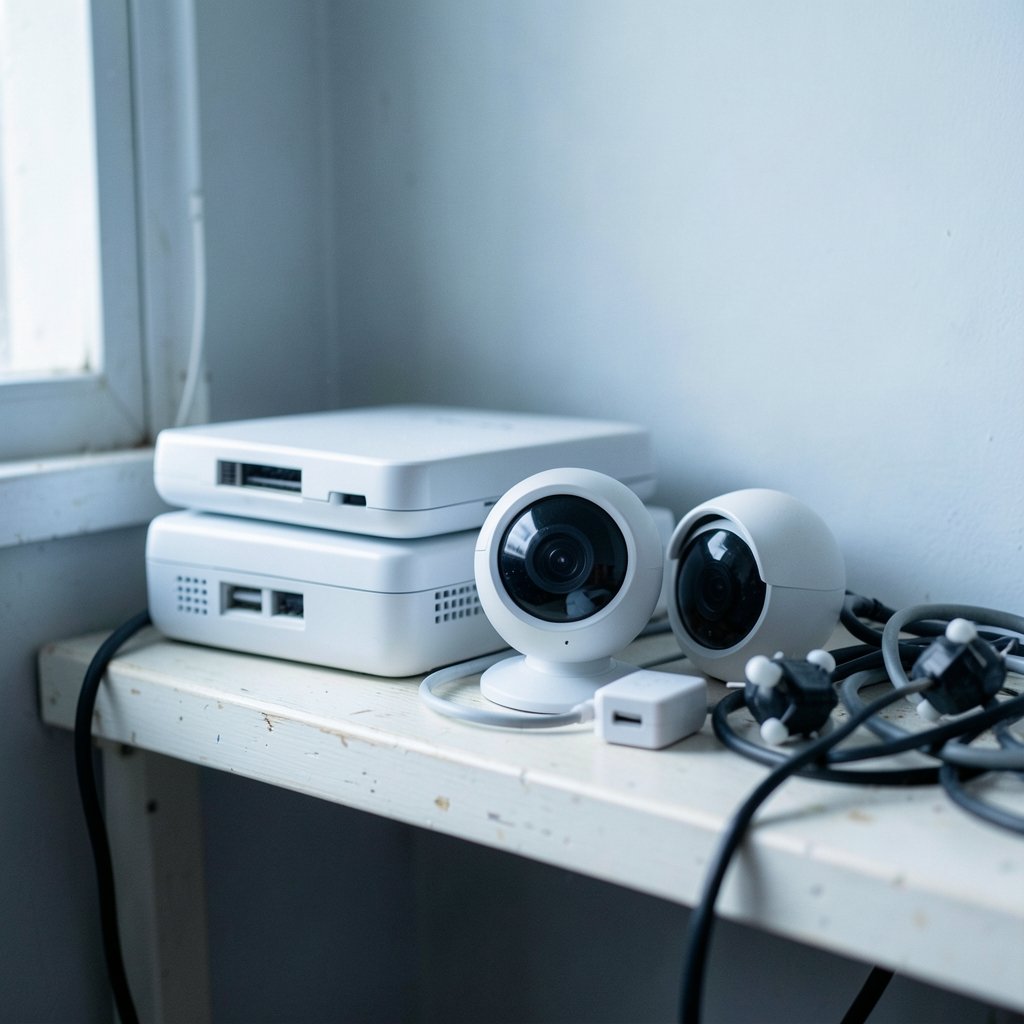
Every connected device is a potential soldier in someone else’s army. Smart cameras, baby monitors, streaming boxes, and even light bulbs run small operating systems that rarely get patched. The Mirai lineage of malware built enormous botnets almost entirely from such devices using default logins. If you want a broader playbook, this guide on malware protection and how to protect your devices covers the fundamentals in more depth.
The most effective structural fix is network segmentation. Put smart home gadgets on a separate Wi-Fi network or guest network from the laptops and phones that hold your email and banking sessions. If a camera gets compromised, the attacker lands on an isolated segment instead of next to your tax returns. Many modern routers support a guest network with client isolation, which is enough for most households.
Device selection matters too. The National Institute of Standards and Technology’s NIST IR 8259 defines core cybersecurity capabilities manufacturers should build in, including device identity, configuration management, and software update support. In plain terms: buy devices that receive security updates, and check before purchase whether the vendor has a track record of shipping them. If you are just starting out, this overview of the best smart home devices for beginners can help you pick gear that is easier to secure.
Harden Your Accounts So They Cannot Be Abused
Accounts rarely launch DDoS attacks directly, but compromised accounts can rent attack capacity, control botnets, or wipe out the recovery options you need when things go wrong. Account security here is about denying attackers a foothold and keeping your own access intact.
Start with multi-factor authentication on email, banking, cloud storage, and anything tied to your domain or hosting. Prefer app-based codes or hardware security keys over SMS, which is vulnerable to SIM swapping. NIST’s digital identity guidelines, published as SP 800-63-4, lay out authenticator requirements and explain why phishing-resistant options are stronger.
Next, use unique passwords stored in a password manager. Reused credentials are how one breached forum turns into ten compromised accounts. Then review connected apps and old sessions, and remove anything you do not recognize. Finally, secure your recovery email and phone number, because attackers who control those can lock you out during an incident.
One underrated step: keep your domain registrar and hosting accounts locked down with strong MFA. If an attacker takes over your domain, they can redirect your traffic, and that is a far worse day than a temporary outage. This broader piece on internet privacy and how to protect it covers related habits around data exposure and account hygiene.
Keep Your Own Website or Server Online
If you run a website, game server, or self-hosted service, you are a plausible DDoS target. The defensive toolkit here is well established. A content delivery network or reverse proxy with DDoS mitigation absorbs and filters attack traffic before it reaches your origin server. Rate limiting, connection timeouts, and caching reduce how much work each request costs you.
CISA’s DDoS quick guide describes the major attack categories and corresponding mitigations, and it is a solid starting reference. Practical priorities look like this:
| Layer | What to do | Why it helps |
|---|---|---|
| DNS and edge | Use a provider with built-in DDoS scrubbing | Attack traffic is filtered before your server sees it |
| Application | Enable rate limits and caching | Cheap requests stop exhausting server resources |
| Hosting | Choose a provider with attack mitigation | Upstream capacity absorbs volumetric floods |
| Monitoring | Set alerts for traffic spikes | You learn about attacks in minutes, not hours |
Gamers face a specific version of this problem, since rivals sometimes target home IP addresses directly. If that sounds familiar, this explainer on what DDoS means in gaming is worth reading, and the mechanics of what a DDoS attack is provide useful background.
Close the Doors Attackers Use for Amplification
Some home network services can be turned into reflectors. An open DNS resolver, an exposed NTP server, or a misconfigured memcached instance will happily answer requests from spoofed addresses, multiplying an attacker’s traffic. Disabling open recursion on your router and turning off services you do not need closes these doors.
The same logic applies to exposed remote desktop, SSH, and database ports. If a service does not need to face the internet, firewall it. If it does, restrict access by IP and require strong authentication. Attackers scan constantly, and an open port is an invitation.
Mobile devices deserve a mention too. A compromised phone can be enrolled in a botnet or used to abuse your accounts. Basic habits go a long way, and this guide on how to protect your smartphone from malware covers the essentials without overcomplicating things.
What to Do When an Attack Hits
When traffic floods in, the first move is not panic. It is triage. Confirm the traffic is malicious and not a legitimate spike. Then enable your mitigation provider’s “under attack” mode if it has one, which typically adds stricter filtering and challenges suspicious visitors. (Cyber Threats and Advisories)
Next, notify your hosting provider and, if relevant, your internet service provider. Many have mitigation capacity you cannot access on your own. Document what happened, including timestamps and traffic patterns, because that record helps with reporting and with future defense. In the United States, incidents can be reported through CISA’s reporting channel.
If accounts were compromised as part of the incident, change passwords from a clean device, revoke active sessions, and re-check recovery settings. Speed matters more than perfection here. A slow, thorough response after an attacker has had hours of access is far worse than a fast, slightly messy one.
Mistakes That Leave You Exposed
Several patterns show up again and again. People assume their internet provider secures the router, when in reality the default credentials often survive for years. People put every device on one flat network, so a cheap camera becomes a bridge to everything else. People skip firmware updates because the router “works fine.”
Security is not a product you install once; it is a set of small habits repeated over time. The households that avoid trouble are rarely the ones with exotic tools. They are the ones who changed the admin password, turned on automatic updates, and segmented their network before anything went wrong.
Another frequent error is ignoring account recovery. Attackers who cannot break your password will happily try to reset it, and an unprotected recovery email is the softest target in the chain. Lock that down first.
Conclusion
Protecting devices and accounts from DDoS attacks comes down to two jobs: refusing to supply the attackers with infrastructure, and keeping your own services and logins resilient. Harden the router, segment the smart devices, patch everything, enable strong multi-factor authentication, and put a mitigation layer in front of anything you run publicly. None of it is glamorous. All of it works. The goal is simple: make your corner of the internet a poor recruiting ground and a hard target, so the next record-breaking flood has to look elsewhere.
Frequently Asked Questions
Can a DDoS attack steal my personal data?
Generally no. DDoS attacks target availability, not data. They overwhelm a service with traffic rather than breaking into accounts. That said, an attack can be a distraction while someone attempts a separate intrusion, so treat any outage as a prompt to review account activity.
Does my antivirus software stop DDoS attacks?
Not in any meaningful way. Antivirus protects individual devices from malware, which helps prevent your equipment from joining a botnet. It cannot filter a flood of traffic aimed at a website or network connection. That job belongs to network-level mitigation.
Is my home internet connection at risk from a DDoS attack?
A direct attack on a home IP address is possible but uncommon outside gaming and streaming. The bigger risk is your router or smart devices being recruited into a botnet. If you host public services at home, consider a proxy or CDN in front of them.
How often should I update my router firmware?
Enable automatic updates if the router supports them, and check manually at least once a month otherwise. Security patches for routers often fix flaws that botnets actively exploit, so a device that has not been updated in a year should be treated as compromised until proven otherwise.
Do I need a VPN to avoid DDoS attacks?
A VPN hides your home IP address from casual observers, which can help in gaming scenarios where rivals target addresses directly. It does not protect a public website, and it does not stop attacks aimed at your hosting provider. Treat it as a privacy tool, not a shield.
What should I do if my smart devices start acting strangely?
Disconnect the device from the network, change its password, and check for firmware updates. If the behavior continues, factory reset it or replace it. Unusual outbound traffic from a camera or plug is a classic sign that it has been pulled into a botnet.



