

Can you turn a plain deadbolt into a smart lock without replacing the whole thing? For millions of renters and homeowners with nice front doors, that question decides whether smart entry is even an option. The short answer: often yes, but compatibility is where most people get burned. A retrofit smart lock only replaces the interior thumb-turn, leaving your exterior keyed cylinder untouched. That sounds simple until you meet a tailpiece that doesn’t match, a backset that’s slightly off, or a deadbolt that simply refuses to cooperate.
This guide breaks down exactly what determines fit, what to measure before buying, which mistakes waste the most money, and how retrofit locks compare with full replacements. By the end, you’ll know whether your door is a good candidate and how to check in about ten minutes.
What a retrofit smart lock actually replaces
A retrofit smart lock is a motorized module that mounts over the inside of your existing deadbolt. You keep the outside key cylinder, so your current keys still work and the door looks unchanged from the street. The module grips the deadbolt’s tailpiece (the flat metal bar that the thumb-turn rotates) and turns it electronically.
That design is why retrofit locks are popular with renters and with anyone who doesn’t want to swap hardware on an expensive door. It’s also why compatibility is narrower than it first appears. A full replacement lock comes with its own bolt, cylinder, and interior assembly, so it fits almost anything with standard prep. A retrofit has to mate with hardware someone else chose, possibly decades ago.
If you’re still mapping out your first smart home purchases, it helps to see where entry hardware sits in the bigger picture. Our roundup of the best smart home devices for beginners covers how locks, hubs, and sensors fit together before you commit.
The five compatibility factors that decide everything
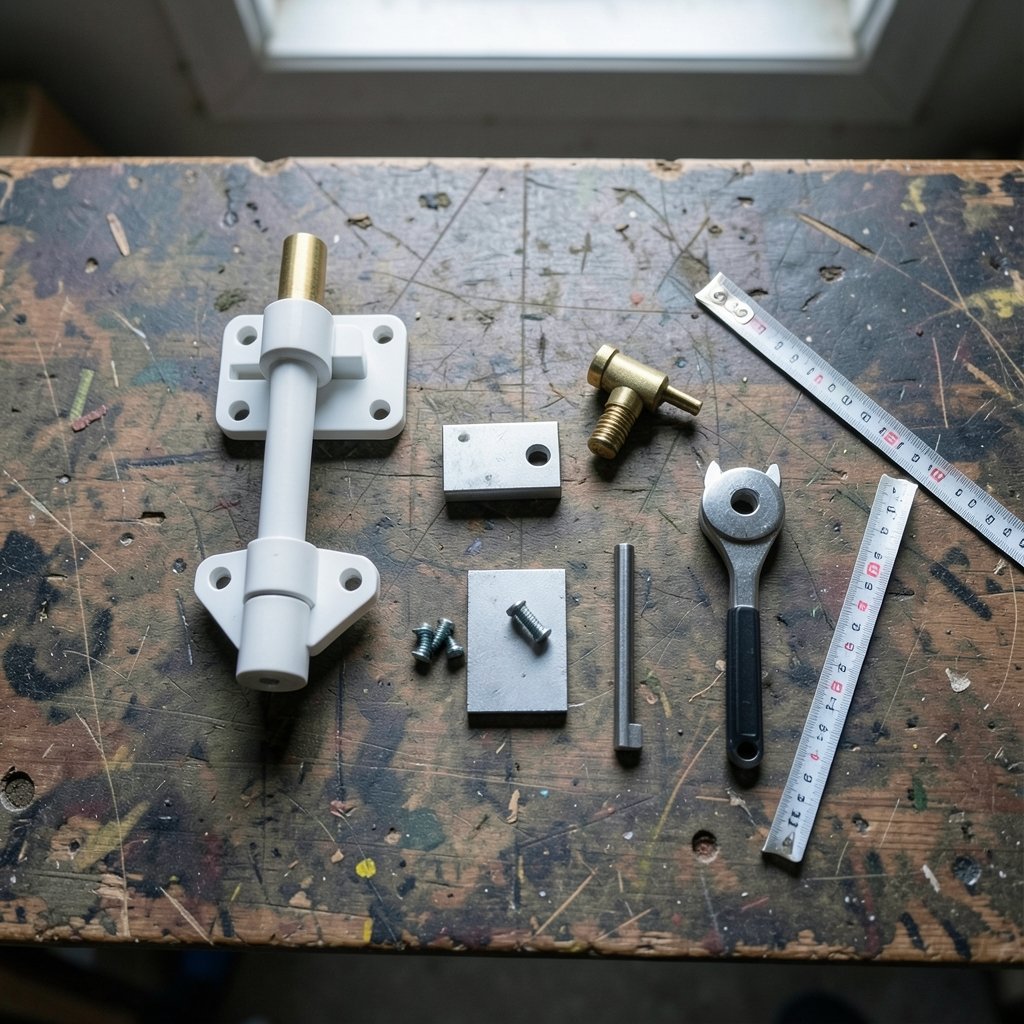
Almost every retrofit fit issue traces back to one of five measurements or hardware traits. Check these before you buy anything.
1. Deadbolt type: single-cylinder vs. double-cylinder
Retrofit locks are built for single-cylinder deadbolts, where a key works the outside and a thumb-turn works the inside. If your door has a double-cylinder deadbolt (keyed on both sides, common in doors with glass nearby), there’s no interior thumb-turn to replace, and most retrofit units won’t work without swapping the deadbolt first.
2. Backset
Backset is the distance from the door’s edge to the center of the deadbolt hole. It’s almost always either 2⅜ inches or 2¾ inches. Most retrofit locks handle both, but confirm it in the spec sheet rather than assuming. A quick tape measure check settles it.
3. Door thickness
Standard doors run about 1⅜ to 1¾ inches thick. Thick entry doors, storm-door combos, and metal doors can fall outside a retrofit’s supported range. The mounting plate has to sit flush, and a too-thick door can leave the module floating or binding.
4. Tailpiece shape
This is the sleeper issue. The tailpiece comes in several shapes: a flat bar, a D-shape, a half-moon, a cross. Some retrofit locks ship with adapters for common shapes; others support only one. If your deadbolt uses an unusual tailpiece, you may need a separate adapter kit, or the lock may be a hard no.
5. Whether the thumb-turn is removable
Some deadbolts have integrated interior assemblies that won’t let you remove the thumb-turn cleanly. Others have decorative rosettes or trim that interferes with the mounting plate. If the existing hardware can’t be disassembled, the retrofit can’t go on.
| Factor | Typical spec | What to do |
|---|---|---|
| Deadbolt type | Single-cylinder | Check for a keyhole on the inside; if present, it’s double-cylinder |
| Backset | 2⅜” or 2¾” | Measure from door edge to deadbolt center |
| Door thickness | 1⅜”–1¾” | Measure the door slab, not the frame |
| Tailpiece | Flat, D-shape, half-moon, cross | Remove the thumb-turn and photograph it |
| Thumb-turn | Removable | Loosen the interior screws and test |
How to check your door in ten minutes
You don’t need special tools. A tape measure, a screwdriver, and a phone camera cover it.
- Measure the backset. Hook the tape on the door edge and measure to the center of the deadbolt faceplate. Write down 2⅜ or 2¾.
- Measure door thickness. Measure the slab at the latch edge, away from weatherstripping.
- Remove the interior thumb-turn. Take out the two mounting screws and pull the interior half straight off. Keep the screws.
- Photograph the tailpiece. Get a clear, straight-on shot. This is the single most useful thing you can bring to a manufacturer’s compatibility checker.
- Note the brand and model stamped on the deadbolt faceplate or latch. Older hardware often has a name on it.
- Run the compatibility checker on the lock maker’s site using your photos and measurements.
Practical tip: do this before you order, not after. Returns are easy on paper and annoying in practice once you’ve mounted a backplate with adhesive.
Common mistakes that cost people money
The most frequent error is buying on brand reputation alone. A lock that’s excellent on a standard builder-grade deadbolt can fail completely on a heavy-duty or decorative set. Compatibility isn’t about quality; it’s about geometry.
The second mistake is skipping the tailpiece photo. People measure the backset, confirm the door thickness, and then discover the adapter doesn’t match. Ten seconds with a camera prevents this.
Third, renters sometimes assume “retrofit” automatically means “lease-safe.” Many retrofit locks are marketed as renter-friendly because the exterior key still works and the change is reversible, but lease terms vary. Read the lease, and keep every original part in a labeled bag so you can restore the door at move-out.
Fourth, people forget about the door’s swing and clearance. A bulky interior module can rub against a door frame, a screen door, or a mudroom wall. Check that the interior side has room for the module plus your hand.
Finally, some buyers ignore the app and hub side of the equation. A lock that only speaks Bluetooth has limited remote access; one that works with a hub fits better into a wider setup. If you’re building out a system, it’s worth comparing how locks pair with the best smart speakers for home automation and whether voice control matters to you. A dedicated hub, like the options in this Home Center Lite smart home hub price and features overview, can also bridge locks that otherwise wouldn’t talk to each other. (NIST Cybersecurity Overview)
Retrofit vs. full replacement: which fits more doors?
Full replacement locks win on compatibility because they bring their own bolt and cylinder. Retrofit locks win on reversibility and cost. Here’s the honest comparison.
| Consideration | Retrofit lock | Full replacement |
|---|---|---|
| Doors it fits | Single-cylinder deadbolts with matching tailpiece and backset | Nearly any door with standard prep |
| Exterior appearance | Unchanged; existing keys still work | New cylinder and keys |
| Installation effort | Low; usually 10–20 minutes | Moderate; requires removing the old deadbolt |
| Reversibility | High; restore original parts at move-out | Low; you’ve changed the hardware |
| Best for | Renters, nice doors, quick upgrades | New builds, worn hardware, maximum features |
If your deadbolt is old, loose, or hard to turn by hand, a retrofit will inherit those problems. Motorized turning amplifies friction, and a sticky bolt can drain batteries fast or cause jam errors. In that case, fixing or replacing the deadbolt first is the smarter move, and a full smart lock may be the better long-term buy. For a broader look at the category, see our guide to the best smart locks for home security.
Where retrofit locks fit in a wider smart home
A smart lock rarely lives alone. It pairs with cameras, door sensors, and lighting routines. That’s where ecosystem compatibility matters as much as physical fit. Check three things: the wireless protocol (Bluetooth, Wi-Fi, Z-Wave, Matter), whether a hub is required for remote access, and whether the lock exposes its state to your automation platform.
Matter, the cross-vendor smart home standard, has been steadily reshaping this space. Locks that support it are more likely to work across platforms without a proprietary bridge, which matters if you plan to add devices over several years. Standards work in home hardware is coordinated through bodies like ANSI, and consumer electronics interoperability is tracked by organizations such as the Consumer Technology Association. Checking a lock’s certification is a reasonable proxy for long-term support.
It’s also worth thinking about the software side of your setup. Automations are only as good as the routines behind them, and a cluttered phone undermines the experience. Our guide to the best app blockers is a small but real quality-of-life upgrade if notifications from a dozen smart devices start running your day.
Installation realities nobody mentions
Even a compatible retrofit has friction points. The mounting plate often uses adhesive plus screws, and adhesive does not like cold weather or textured trim. Clean and dry the surface, and install above about 50°F if you can.
Battery life varies wildly with bolt friction. A smooth deadbolt might run a year on a set of cells; a stiff one might chew through them in weeks. Graphite lubricant on the bolt helps more than people expect.
Calibration matters too. Most retrofit locks run a setup routine that learns the locked and open positions. Skipping it or rushing it produces false “jammed” alerts. If the first pass feels sloppy, run calibration twice.
And keep the original thumb-turn. Label it, bag it, and store it with the spare screws. It’s the difference between a clean move-out and a repair bill.
Conclusion
Retrofit smart lock compatibility comes down to five things: deadbolt type, backset, door thickness, tailpiece shape, and whether the thumb-turn comes off. Measure all five, photograph the tailpiece, and run the manufacturer’s checker before you spend a dollar. If your door passes, a retrofit is one of the fastest, most reversible smart home upgrades available. If it fails, a full replacement lock is the honest answer, and there’s no shame in it. The goal isn’t a clever install; it’s a door that locks reliably every single time.
Frequently asked questions
Do retrofit smart locks work on double-cylinder deadbolts?
Generally no. Retrofit locks replace the interior thumb-turn, and a double-cylinder deadbolt has a keyhole there instead. You’d need to swap the deadbolt for a single-cylinder model first, which changes the job into a partial replacement.
Can I use a retrofit smart lock if I rent?
Often yes, and that’s a big part of their appeal. The exterior key cylinder stays, the change is reversible, and you can restore the original thumb-turn at move-out. That said, lease terms vary, so get permission in writing if your agreement is strict about hardware changes.
What is a tailpiece, and why does it matter?
The tailpiece is the flat metal bar the thumb-turn rotates to throw the bolt. A retrofit lock grips it with a motorized mechanism, so the shape has to match. Common shapes include flat bars, D-shapes, half-moons, and crosses. Some locks include adapters; others don’t.
How do I measure my backset?
Measure from the edge of the door to the center of the deadbolt hole. The result will almost always be 2⅜ inches or 2¾ inches. Write it down and compare it to the lock’s spec sheet before ordering.
Will a retrofit lock drain batteries faster than a full smart lock?
Not necessarily, but friction matters more with retrofits because the motor is fighting your existing bolt. A smooth, well-lubricated deadbolt gives long battery life. A stiff or misaligned one can burn through cells quickly and trigger jam alerts.
Can I install a retrofit lock on a metal or thick door?
Sometimes, but check the supported door thickness range first. Standard doors are about 1⅜ to 1¾ inches thick. Metal doors and unusually thick slabs often fall outside retrofit specs, and the mounting plate may not sit flush.



