
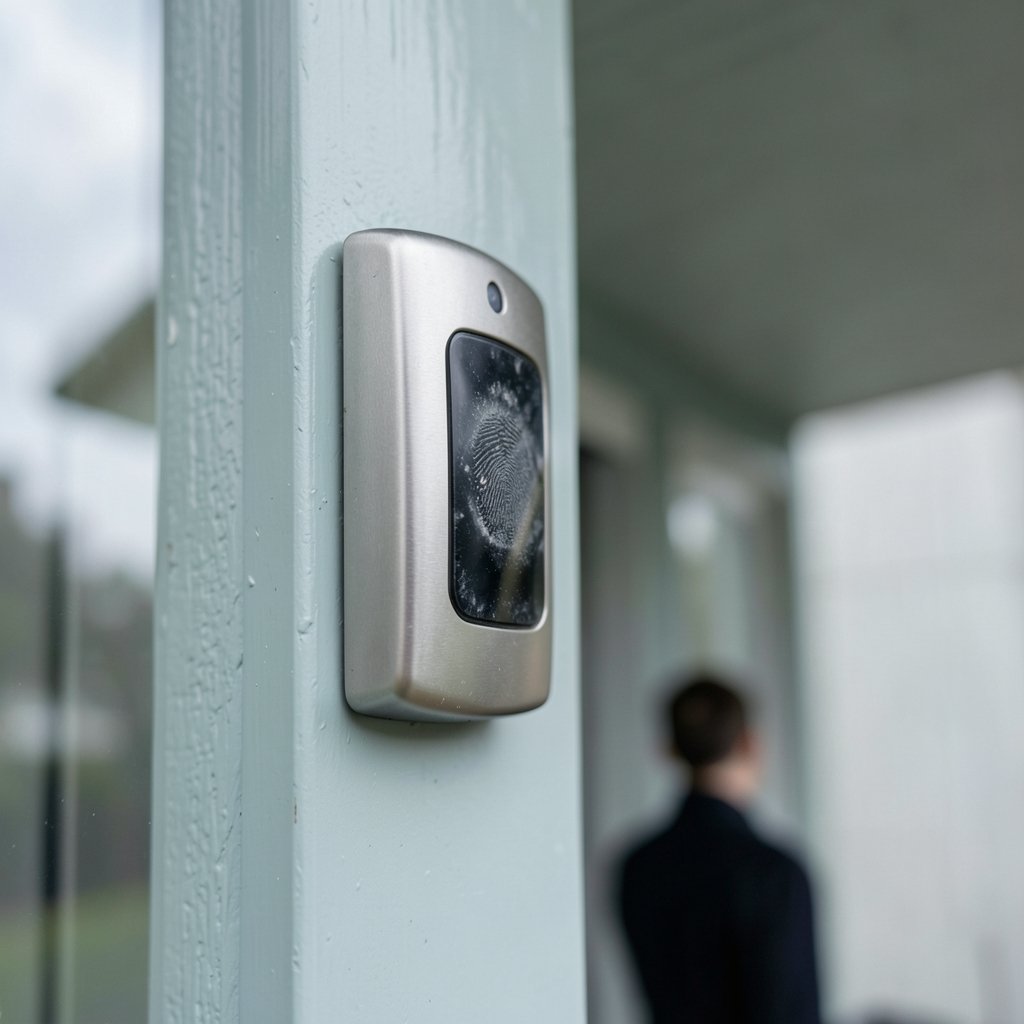
You press your thumb on the pad, the little light blinks, and nothing happens. Again. So what do you do when your smart lock’s fingerprint reader stops recognizing you? (Fingerprint)
It is one of the most annoying smart home failures because it feels so personal. The lock knows your finger. It has opened for you a hundred times. Then one cold morning it acts like it has never met you. The good news is that most fingerprint recognition failures fall into a handful of predictable categories, and nearly all of them have practical fixes you can try in under ten minutes. This guide walks through the real causes, the troubleshooting order that works, and the mistakes people make that turn a five-minute fix into a support ticket.
Why Fingerprint Recognition Fails on Smart Locks
Fingerprint sensors on locks are small, low-power, and built to a price. They are not the same hardware as the sensor on a flagship phone. Most locks use one of two technologies, and each fails in its own way.
| Sensor type | How it reads | Common failure trigger |
|---|---|---|
| Optical | Photographs the ridge pattern | Wet, dirty, or oily fingers; strong sunlight |
| Capacitive | Measures electrical ridge/valley differences | Very dry skin, cracks, calluses, cold hands |
That difference matters. An optical sensor that works flawlessly in summer can struggle after you apply sunscreen, because the residue fills the valleys between ridges and flattens the image. A capacitive sensor that is perfect in humid weather can fail in winter, when dry indoor air and frequent handwashing leave fingertips flaky and poorly conductive. (NIST Image Group)
There is also a matching problem. During enrollment, the lock stores one or more finger templates. When you open the lock, it compares the live scan with those templates. If your finger position, pressure, or skin condition moves far enough from what was stored, the match score falls below the threshold and the lock refuses. The sensor is not broken. It is doing exactly what it was told, using a template that no longer represents your actual finger.
Start With the Simplest Fix: Clean the Sensor
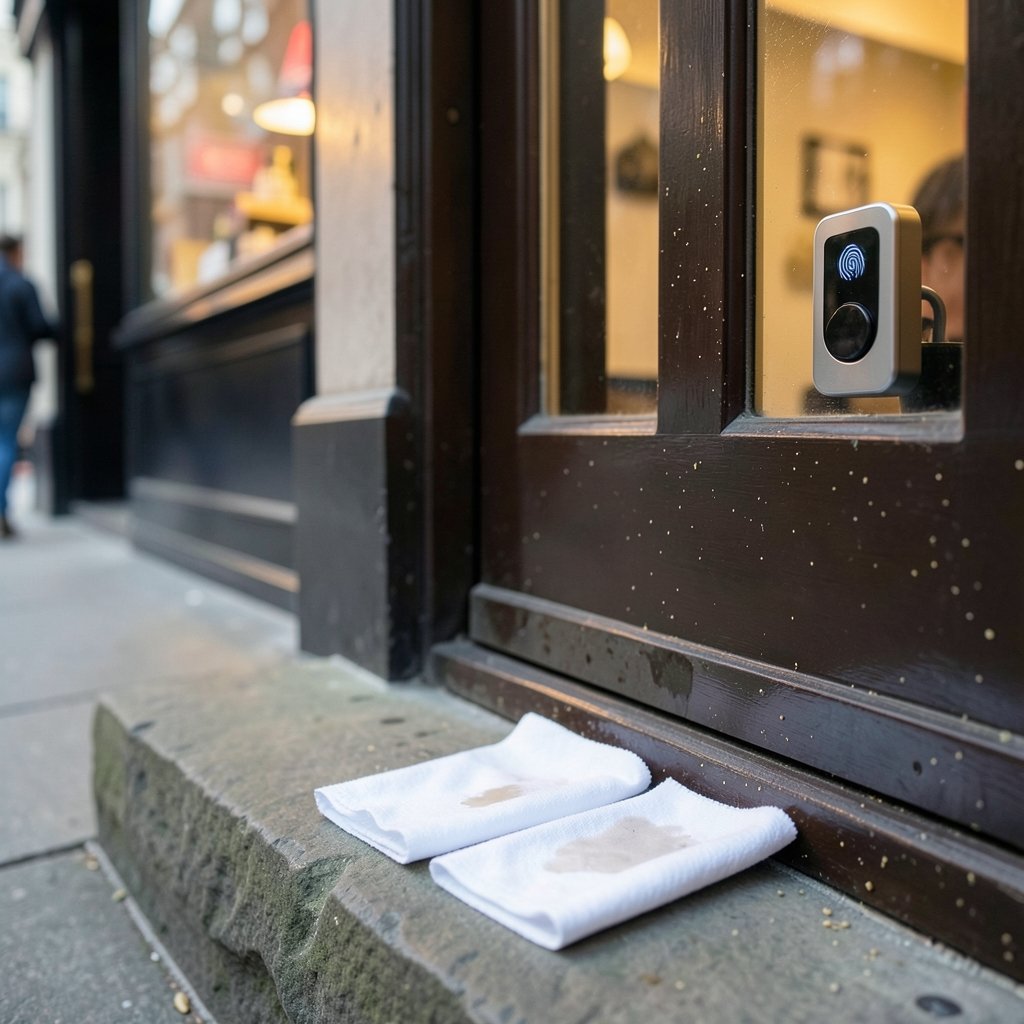
Before you touch any settings, clean the reader. This resolves a surprising share of complaints, and it costs nothing.
- Power the lock into a safe state, or simply leave the door open so you cannot lock yourself out.
- Wipe the sensor window with a dry, lint-free microfiber cloth.
- If there is visible residue, dampen the cloth very slightly and wipe again, then dry fully.
- Avoid spraying cleaner directly onto the sensor, and avoid abrasive pads that can scratch the optical window.
Manufacturers generally advise a dry, lint-free cloth rather than solvents. Scratches on an optical window scatter light and permanently degrade reads, so treat that little glass square gently. If you have kids, check for sticky fingerprints, and if the lock lives on an exterior door, check for pollen, dust, and insect residue after storms.
Check Your Finger as Well as the Lock
Here is the part most people skip. The sensor is half the system. Your finger is the other half.
Dry skin is the single most common cause of winter failures on capacitive locks. Cracked, flaky fingertips do not conduct well. A little hand lotion, rubbed in fully and allowed to dry, often restores reliable reads within minutes. Do not apply lotion immediately before scanning, since wet product smears the reading.
Wet or dirty fingers cause the opposite problem on optical sensors. Wipe your hand and the sensor. Sunscreen, cooking oil, and hand sanitizer residue all interfere.
Placement drift matters more than people expect. If you enrolled with the pad of your thumb flat and centered, but you open the lock by tapping the very tip at an angle, the templates may not cover that variation. Re-enroll the same finger two or three times, deliberately varying the angle and position each time. Most locks store multiple templates per finger precisely for this reason.
Pressure is another variable. Some readers want a firm, still press. Others want a light touch. Try both and notice which one the lock accepts more often.
Rule Out Power and Firmware Problems
A weak battery can degrade sensor behavior before the lock ever announces a low-battery warning. If recognition has become intermittent, especially in cold weather when battery voltage sags, replace the batteries with fresh cells of the recommended type. Do not mix old and new batteries, and do not substitute a different chemistry unless the manual allows it.
Firmware is the second hidden variable. Updates have changed fingerprint matching behavior on some locks, sometimes improving it and occasionally making it stricter. Check the manufacturer’s release notes and app for the current version. If recognition broke right after an update, that timing is a strong clue, and a support ticket with the version number is worth filing.
Re-Enroll the Fingerprint Properly
If cleaning and fresh batteries do not fix it, re-enrollment is the next step. Do it deliberately rather than rushing.
- Delete the existing fingerprint entry in the lock’s app.
- Wash and fully dry your hands.
- Enroll the finger slowly, following the prompts and lifting and replacing your finger each time.
- Enroll the same finger a second time, angled slightly differently.
- Enroll a second finger as a backup, ideally from the other hand.
- Test the new enrollment five times in a row before closing the door.
That last step is the one people skip. Testing repeatedly, while the door is open, tells you whether the enrollment actually took. It also builds a habit of consistent placement.
Use a Backup Method So You Are Never Locked Out
No biometric system is infallible, and treating a fingerprint reader as your only entry method is the real mistake. Every good setup has layers. A keypad code, a physical key stored somewhere secure off-site, and a phone app are the standard trio. Many locks also support a key fob.
If you are still choosing hardware, it helps to compare how different locks handle fallback access. A roundup of the best smart locks for home security covers which models keep a physical keyway and which rely entirely on electronics. Beginners building a first setup may also want a broader look at the best smart home devices for beginners before committing to a specific ecosystem.
When the Sensor Itself Is Failing
Some failures are hardware, not technique. Watch for these signals:
- The sensor no longer lights up or responds to touch at all.
- Recognition fails for every enrolled finger, every time.
- The lock reports a sensor error in its app.
- The failure started after water exposure, a drop, or a battery leak.
Moisture ingress is a documented failure mode in many warranty terms, and it often shows up months after the event. If the lock is under warranty, contact support before disassembling anything, since opening the housing usually voids coverage. A sensor module replacement typically requires a full factory reset and fresh enrollment afterward.
A Troubleshooting Order That Saves Time
Random fixes waste time. Work through the causes in order of likelihood and effort.
| Step | Action | Time | Likely to fix |
|---|---|---|---|
| 1 | Clean sensor and dry hands | 2 min | Dirty or wet finger issues |
| 2 | Moisturize dry skin, retry | 5 min | Winter and dry-skin failures |
| 3 | Replace batteries | 10 min | Intermittent reads |
| 4 | Re-enroll with varied angles | 10 min | Placement mismatch |
| 5 | Check firmware and release notes | 15 min | Post-update regressions |
| 6 | Contact support or claim warranty | Varies | Hardware faults |
This order front-loads the cheap, reversible fixes. It also produces a clean record: if you reach step six, you can tell support exactly what you already tried, which speeds up the resolution considerably.
Practical Habits That Keep Readers Working
A few small habits prevent most repeat problems. Keep a microfiber cloth near the door if the lock is exposed to weather. Re-enroll fingerprints seasonally if you live somewhere with dramatic humidity swings, since skin condition changes with the seasons. Enroll at least two fingers per person, and enroll every household member separately rather than sharing one entry.
For households layering multiple devices, pairing the lock with other automation makes daily life smoother. A smart speaker for home automation can announce door events, and a smart thermostat to save energy can tie arrival detection to climate routines. If you are weighing a hub to coordinate everything, the Home Center Lite hub price and features breakdown is a useful reference point. And if the real problem is a household member who keeps fumbling with apps instead of keys, app-level controls such as these best app blockers can reduce distraction-driven mistakes at the door.
One more habit worth building: keep a written record of your keypad code and enrollment slots somewhere secure. When a fingerprint fails, a code gets you inside in three seconds, and that is the entire point of layered access.
Conclusion
A smart lock that stops recognizing your fingerprint is rarely broken. More often it is dirty, running low on power, matched against a stale template, or reading a finger that has changed since enrollment. Clean the sensor, check your skin and placement, swap the batteries, and re-enroll with deliberate variation. Test while the door is open, keep a keypad code as backup, and treat the fingerprint reader as one convenient layer rather than the only way in. Do that, and the blinking red light becomes a rare annoyance instead of a daily standoff with your own front door.
Frequently Asked Questions
Why does my fingerprint work on my phone but not my smart lock?
Phone sensors are larger, higher resolution, and often ultrasonic, which reads through moisture and residue. Lock sensors are small and built to a tight power budget, so they tolerate far less variation in skin condition and placement. The same finger can pass on a phone and fail on a lock without anything being wrong with either device.
Does cold weather affect fingerprint readers?
Yes. Cold hands have reduced blood flow and drier skin, which weakens capacitive readings. Battery voltage also sags in low temperatures, which can reduce sensor responsiveness. Warming your hands and replacing batteries before winter are the two most effective countermeasures.
How many fingerprints can a smart lock store?
It varies widely by model, from around 20 to over 100 slots. Each person should enroll at least two fingers, and enrolling the same finger twice under different angles improves match rates. Check your model’s manual for the exact limit before planning household enrollment.
Should I delete and re-enroll, or just add another fingerprint?
Try adding a second enrollment of the same finger first, since it is faster and non-destructive. If the lock still refuses, delete the entry entirely and start fresh. A clean re-enrollment removes corrupted templates, which occasionally happens after a failed update or a factory reset.
Can a scratched sensor be repaired?
Minor surface scratches usually cannot be polished out safely at home, and abrasive treatments make optical scattering worse. If scratches cause consistent failures, the sensor module needs replacement. Contact the manufacturer first, because home disassembly typically voids the warranty.
What should I do if the lock fails for every finger?
That points to hardware, power, or firmware rather than technique. Replace the batteries, confirm the current firmware version, and check the app for sensor errors. If all enrolled fingers fail consistently, file a warranty claim and describe every troubleshooting step you completed.



