
What happens when your smart lock’s battery dies while you’re standing outside in the rain? The answer, for most modern locks, is a small port hidden on the exterior keypad. This tiny feature can mean the difference between walking through your front door and calling a locksmith. Understanding how the smart lock emergency power port works, which cable you need, and what to do when it fails is essential knowledge for any connected-home owner.
What the Emergency Power Port Actually Does
A smart lock runs on batteries, usually four AA cells or a rechargeable pack. Batteries fade gradually, and most locks warn you with a beep, a flashing light, or an app notification weeks before they quit. But warnings get ignored. People go on vacation, temperatures drop, and one morning the keypad is dead.
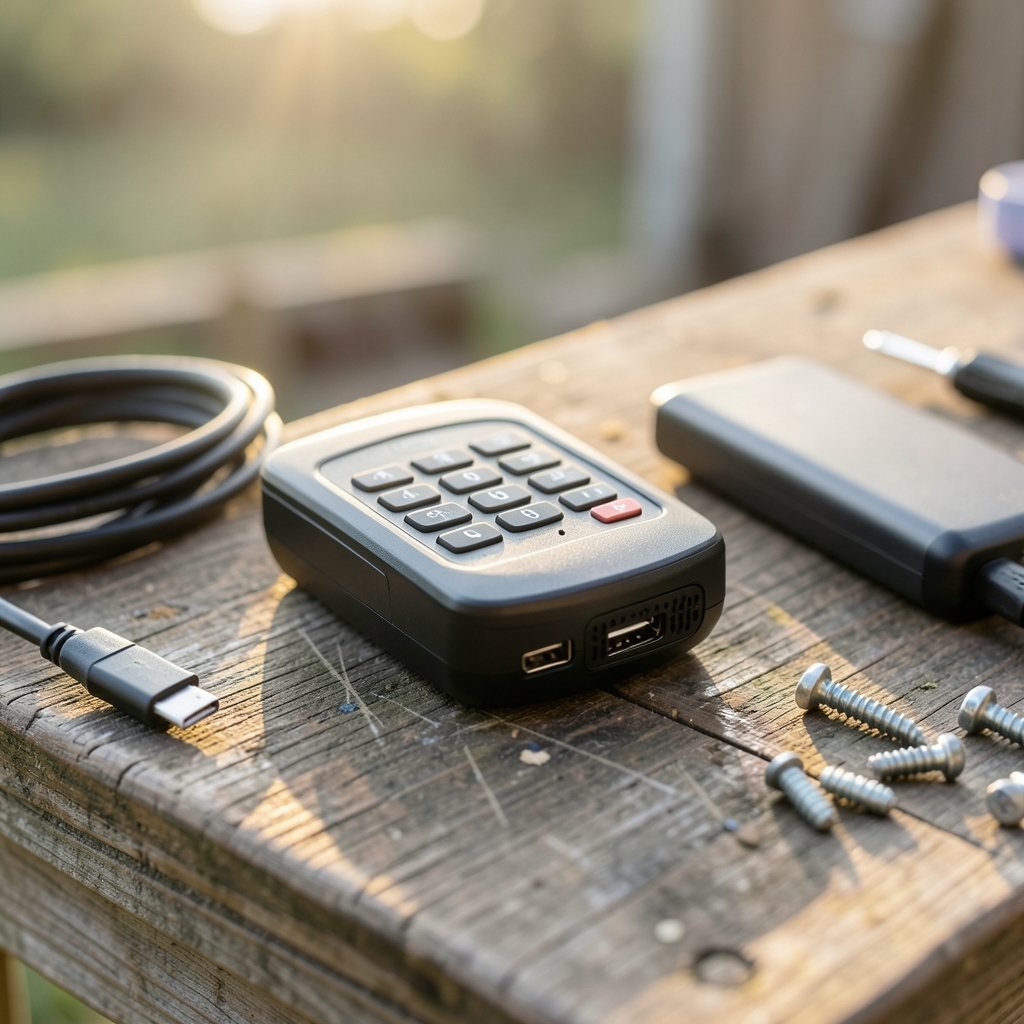
The emergency power port solves that problem. It is a small connector, typically micro-USB or USB-C, mounted on the outside of the lock near the keypad or under a flip-up cover. When you connect a charged power bank to that port, the lock receives just enough current to wake up, accept a keypad code, and unlock the door. You are not charging the lock in any meaningful way. You are jump-starting it for a single entry.
Some locks skip the USB port entirely and use exposed metal contacts instead. You touch a 9-volt battery to two terminals, the lock powers on, and you enter your code. Other models hide a physical keyway under a removable cap, which gives you a purely mechanical backup that works regardless of electronics.
The design logic is simple: never let a dead battery strand a homeowner. A port costs a few cents to add and prevents an expensive, embarrassing lockout.
USB-C vs. Micro-USB vs. Metal Contacts
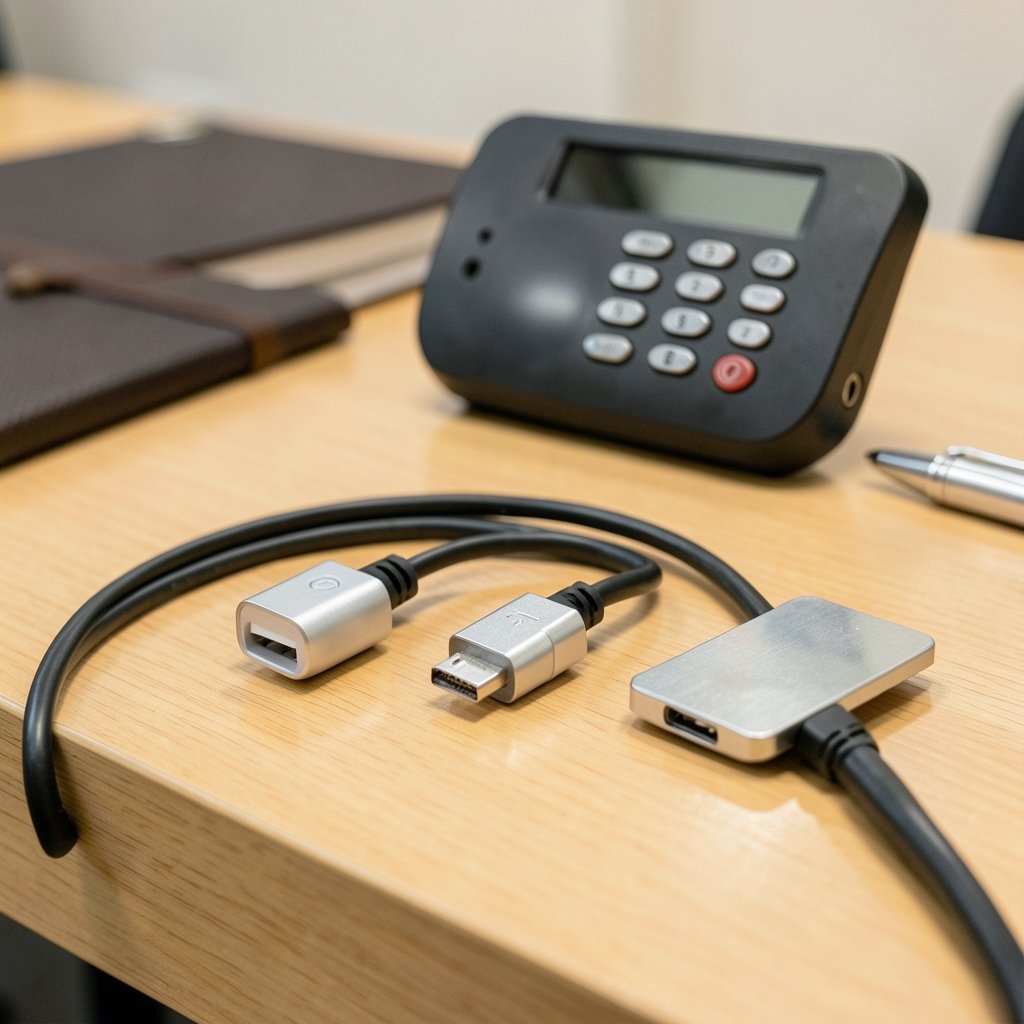
Not all emergency power setups are equal, and the differences matter when you are the one locked out.
| Port Type | Cable Needed | Pros | Cons |
|---|---|---|---|
| USB-C | Standard USB-C cable | Reversible, common, durable | Newer locks only; older power banks may lack the port |
| Micro-USB | Micro-USB cable | Found on many older locks | Fragile connector, increasingly rare on new devices |
| 9V metal contacts | 9-volt battery | No cable required, battery fits in a pocket | Exposed contacts can corrode; easy to misplace the battery |
| Physical keyway | Mechanical key | Works with zero power | Key must be stored somewhere off-site |
USB-C has become the default on newer hardware, largely because regulators and manufacturers have pushed toward a single charging standard. The European Union’s common-charger rules, summarized on the European Commission’s USB-C page, accelerated that shift across consumer electronics, and lock makers followed the trend. If you are buying a lock today, USB-C is the safer bet for long-term cable compatibility.
The practical takeaway: check which connector your lock uses before you need it. A micro-USB cable that disappeared into a junk drawer three years ago is useless when your keypad is dark.
How to Use the Port in an Actual Lockout
Here is the sequence that works in practice, based on how these locks are engineered.
- Locate the port. Look on the exterior keypad, along the bottom edge, or under a small rubber or plastic cover. Some manufacturers hide it behind a removable faceplate.
- Connect a charged power bank. Use the correct cable for your lock. Plug into the lock first, then the power bank.
- Wait a few seconds. The keypad usually lights up or beeps to confirm it has power.
- Enter your code or use the app. Most locks will unlock normally while externally powered.
- Get inside, then replace the batteries immediately. Do not rely on the jump-start as a fix. It is a one-time rescue.
- Test the lock afterward. Confirm the keypad, app, and auto-lock all function normally with fresh batteries.
A few field-tested tips make this smoother. Keep a small power bank and the right cable in your car or a nearby hiding spot, not inside the house. If your lock uses 9-volt contacts, tape a fresh battery inside a weatherproof box near the door. And if your lock has a physical keyway, store the key with a neighbor rather than under the mat.
Common Mistakes People Make
The most frequent error is assuming the port charges the lock. It does not. Disconnecting the power bank immediately kills the lock again, so you must complete the unlock while still connected.
A second mistake is buying the wrong cable. Homeowners often discover their lock uses micro-USB only after their USB-C cable fails to fit. Check the spec sheet or the port itself during installation, and label the cable.
Third, people ignore low-battery warnings for weeks. Most locks give plenty of notice through app alerts and audible chirps. Treat those warnings as deadlines, not suggestions.
Finally, some users try to force a cable into the port in the dark. The connector is small and the housing is plastic. Pushing at the wrong angle can bend pins or crack the cover. Use a light, and align the plug carefully.
Security Concerns Worth Knowing
An exterior power port is, by definition, an exterior access point. Security researchers have long discussed the risks of physical ports on connected devices, since a port can potentially expose debugging interfaces or allow tampering. Reputable lock makers design these ports to accept power only, with no data lines connected to the lock’s controller. Still, the general principle holds: any physical opening on a device deserves scrutiny.
If you want to understand how the broader connected-home ecosystem handles security, the Wikipedia overview of home automation covers the landscape of devices, protocols, and the trade-offs between convenience and exposure. The same logic applies to locks: convenience features like emergency ports are safe when well-designed, but buyers should favor brands with transparent security documentation.
A practical safeguard is choosing a lock that combines an emergency port with a mechanical keyway. That gives you two independent fallbacks, so a failed port or a dead power bank does not leave you stranded.
Choosing a Lock With a Reliable Backup
When shopping, look beyond the port itself. Battery life claims vary widely, and real-world performance depends on usage, temperature, and Wi-Fi or Bluetooth activity. A lock rated for a year of battery life may last six months in a busy household with frequent app checks.
Consider these factors:
- Port type and location. USB-C on the exterior, ideally under a cover, is the most convenient setup.
- Low-battery warnings. Look for app notifications plus an audible alert.
- Mechanical backup. A keyway or 9-volt contacts add a second layer of protection.
- Weather sealing. Exterior ports need proper sealing against rain and dust.
- Brand support. Check that replacement parts and documentation are easy to find.
If you are building out a connected home, it helps to think about the whole system rather than one device. Guides on the best smart locks for home security compare backup options across models, while a rundown of the best smart home devices for beginners explains how locks fit alongside other entry-point gadgets. Pairing a lock with a hub, such as the Home Center Lite, can also centralize battery alerts so you never miss a warning. (Smart lock)
Maintenance Habits That Prevent Lockouts
The emergency port is a safety net, not a maintenance plan. A few habits keep it from ever being needed.
Replace batteries on a schedule rather than waiting for failure. Many owners swap cells once a year, picking a memorable date like a birthday or daylight saving change. Test the emergency port itself every few months by plugging in a power bank and confirming the keypad wakes up. Ports can corrode or collect debris, especially on doors exposed to weather.
Keep the port cover closed and clean. A quick wipe with a dry cloth removes grit that can block a connector. If the port feels loose or the lock only powers on intermittently, contact the manufacturer before it fails completely. (How to Protect Your Privacy Online)
It also pays to think about power more broadly. A whole-home backup plan protects far more than a door lock. Resources on the best home generators and the best solar generators for home backup power explain how to keep essential systems running during outages, which matters if your lock depends on a hub or Wi-Fi bridge. For smaller needs, a charged power bank in the glove box covers the lock itself.
What to Do If the Port Fails
Sometimes the port is dead, the power bank is empty, or the cable is lost. In that situation, fall back to the mechanical key if your lock has one. If it does not, contact the manufacturer’s support line, since many brands can walk you through alternative entry methods or dispatch help.
Avoid drilling or forcing the lock. Damage usually costs more than a locksmith visit. And once you are back inside, replace the lock’s batteries and test every entry method before the next lockout.
Conclusion
The smart lock emergency power port is one of those small features that seems trivial until the day it saves you. A USB-C or micro-USB connector, or a pair of 9-volt contacts, gives your lock a second chance when the batteries quit. The homeowners who handle lockouts calmly are the ones who checked their port type at installation, stored the right cable nearby, and replaced batteries on schedule. Treat the port as insurance, keep a power bank within reach, and your smart lock will keep its promise of convenient, keyless entry without ever leaving you on the wrong side of the door.
Frequently Asked Questions
What is a smart lock emergency power port?
It is a small connector, usually micro-USB or USB-C, on the exterior of a battery-powered smart lock. Connecting a power bank to it provides temporary power so you can enter your code and unlock the door when the internal batteries are dead.
Can I charge my smart lock through the emergency port?
No. The port delivers just enough power to wake the lock for one entry. It does not recharge the internal batteries. You must replace the batteries after using it, or the lock will die again as soon as you disconnect.
Do all smart locks have an emergency power port?
No. Many models include one, but some rely on exposed 9-volt contacts instead, and others provide only a mechanical keyway. Check your lock’s specifications or inspect the exterior housing before you need the feature.
What should I keep on hand for an emergency?
A charged power bank and the correct cable for your lock, stored outside the house, such as in a car or a weatherproof box. If your lock uses 9-volt contacts, keep a fresh battery nearby. A spare mechanical key stored with a trusted neighbor is also wise.
Why is my emergency port not working?
Common causes include a drained power bank, a damaged or wrong cable, corrosion or debris in the port, or a failed lock controller. Try a different cable and power source first. If the keypad still stays dark, contact the manufacturer.
Is an exterior power port a security risk?
Well-designed locks use the port for power only, with no data connection to the lock’s electronics. The risk is low but not zero, since any exterior opening can be probed. Choosing a reputable brand and pairing the port with a mechanical keyway gives you the safest combination.



