
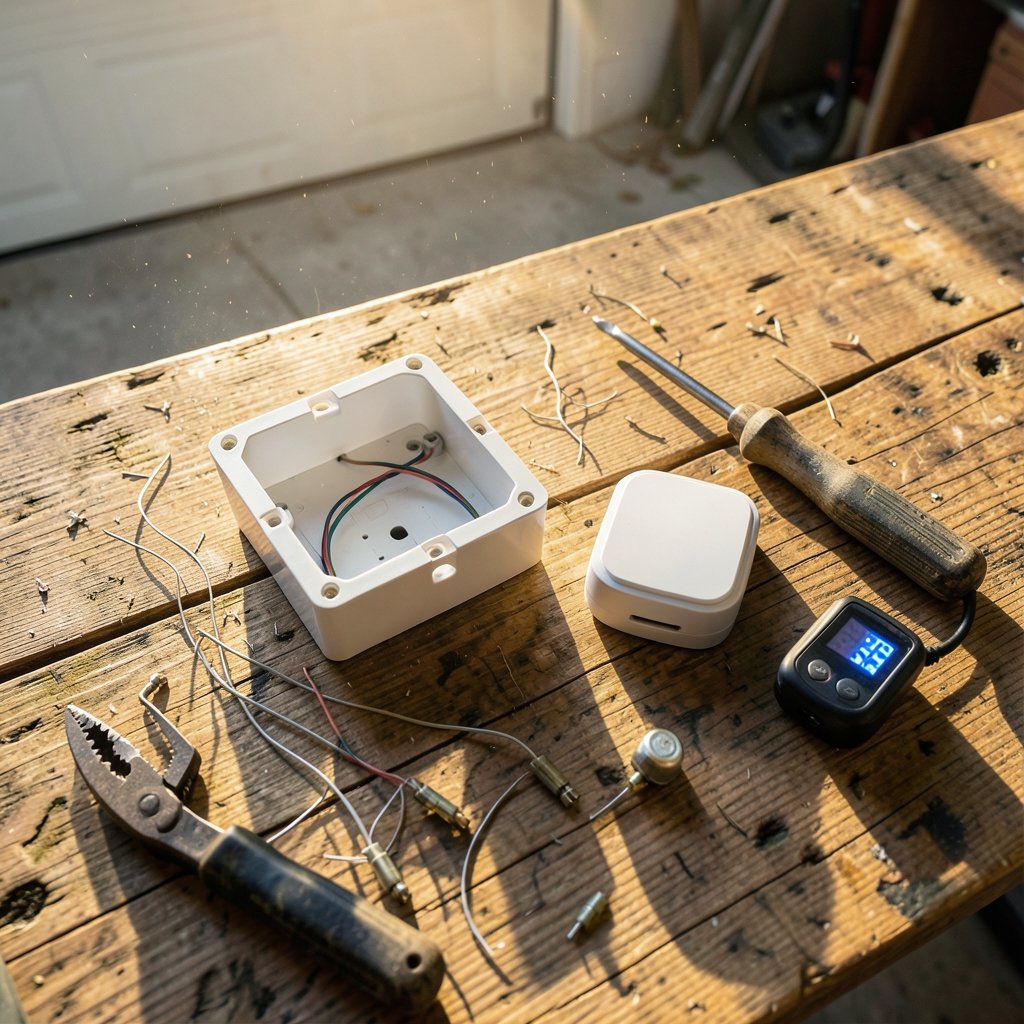
You’ve picked out a smart switch, popped off the old faceplate, and found two wires where you expected three. Now what? If you’re staring at a switch box with no neutral, you’re not alone — millions of homes were wired long before smart switches became a thing. The good news is that you don’t have to rewire the house. The bad news is that most no-neutral setups come with a few quirks that nobody mentions on the product page.
This article walks through how no-neutral switches actually function, where they go wrong, and how to choose one that won’t leave your lights flickering at midnight.
Why So Many Switch Boxes Have No Neutral
In older wiring conventions — especially in the UK and parts of Europe — the lighting circuit loop runs through the ceiling rose, not the wall box. The switch gets only the live feed and the switched live. That’s two wires, and neither of them is a neutral.
In the US, the National Electrical Code has required a neutral conductor at many switch locations in new construction since the 2011 edition, with exceptions. The key word is new construction. If your home predates that rule, or your state adopted it late, your switch box is probably a two-wire box. Retrofits are rarely covered by that requirement, so don’t assume a recent renovation means you’re in the clear. (Electrical)
The practical upshot: a no-neutral switch has to power its own electronics somehow. Instead of returning current through a neutral, it draws a small standby current through the connected lamp. That single design choice explains almost every quirk you’ll read about below.
How a No-Neutral Smart Switch Actually Works
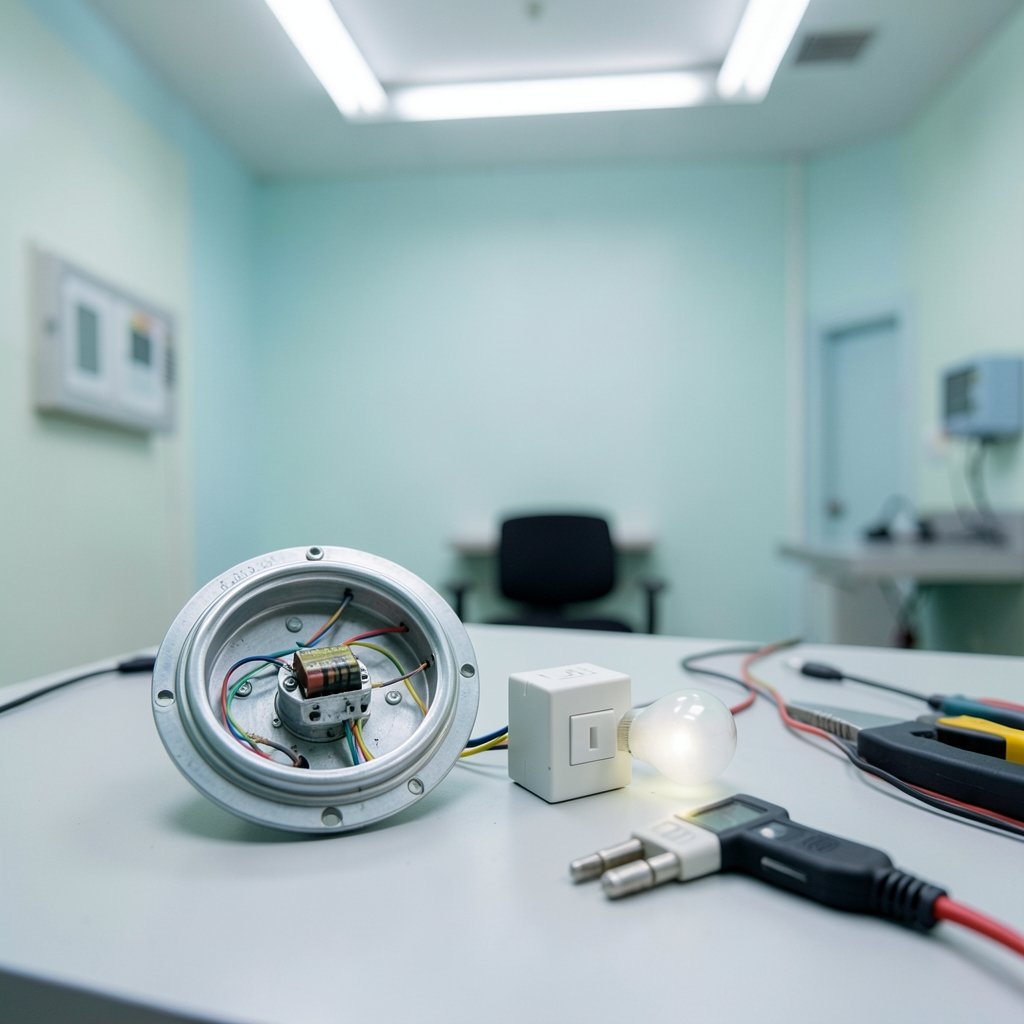
Think of it as a tiny parasite on the lighting circuit. The switch’s radio and relay need a few milliwatts to stay alive. With no neutral, that power has to trickle through the bulb filament or LED driver, keeping the circuit barely closed even when the light is “off.”
That trickle is why no-neutral switches usually specify a minimum load — commonly somewhere between 3 and 25 watts, depending on the model. Below that threshold, the switch can’t harvest enough current to run, and it may drop off your network, reboot randomly, or fail to respond to commands. The exact figure is model-specific, so check the manufacturer’s datasheet rather than trusting a retailer’s summary.
There are two standard fixes manufacturers use:
- A bypass capacitor wired across the luminaire terminals, which gives the standby current a path around the bulb.
- A minimum-load requirement, sometimes met by swapping to a higher-wattage bulb or adding a load resistor.
Some no-neutral switches sidestep the problem entirely by being self-powered — battery or kinetic/energy-harvesting — and communicating wirelessly to a receiver or hub. No standby current through the lamp means no flicker and no minimum load, though you trade that away for battery changes or limited range.
The Problems Nobody Warns You About
Here’s where first-hand installers tend to get frustrated. The failure modes are consistent and predictable.
Flicker and faint glow. LED bulbs are the usual culprit. A bulb that needs very little current to light can glow dimly when the switch is off, because that standby trickle is enough to excite the LEDs. Cheap bulbs are worse. Higher-quality dimmable LEDs with a proper driver often behave better, but not always.
Buzzing. Some LED drivers hum when fed a chopped or partial waveform. If the noise starts only after you install the smart switch, the switch is the cause.
Minimum-load failures. A single 4-watt LED bulb on a switch rated for a 10-watt minimum will misbehave. The light may work fine but the app shows the switch as offline. This is the most common installation mistake: people test with one bulb, declare it broken, and return a switch that was working as designed.
Dimming incompatibility. No-neutral switches generally don’t play nicely with every dimming setup. Mixing one with certain LED drivers or transformers can cause malfunction, strobing, or a dimmer that only works in a narrow range. If dimming matters to you, confirm compatibility with your specific bulb before buying.
Two-wire isn’t always “no neutral.” Vendors use the terms inconsistently. A “two-wire” switch might still require a neutral at the fixture, or it might need a bypass module you have to buy separately. Read the wiring diagram, not the marketing copy.
Comparing Your Options
| Option | Needs neutral? | Handles LED loads well? | Typical catch |
|---|---|---|---|
| Standard smart switch | Yes | Yes | Won’t fit two-wire boxes |
| No-neutral switch + bypass capacitor | No | Usually | Extra module to fit at the light |
| No-neutral switch, minimum load only | No | Sometimes | Needs enough wattage on the circuit |
| Battery or kinetic switch + receiver | No | Yes | Batteries or pairing range |
| Smart bulb + leave the switch alone | No | Yes | Switch must stay on |
That last row deserves attention. If your goal is app control and scheduling rather than a physical smart switch, a smart bulb in a dumb fixture gets you most of the way there with zero wiring drama. The catch is that someone will eventually flip the wall switch and cut power to the bulb. A switch cover or a simple guard solves that. If you’re building out a broader connected home, the same logic applies to picking the right hub hardware — the considerations in this guide to best smart speakers for home automation overlap more than you’d expect with lighting control.
Practical Tips That Actually Work in Practice
Test with the real bulb. Install the switch, then test with the exact bulb you plan to use — not a spare incandescent from the garage. A higher-wattage test load can mask a problem that reappears with your LEDs.
Fit the bypass at the luminaire, not the switch. The capacitor goes across the light fitting’s terminals. If you can’t access the ceiling rose or downlight, a no-neutral switch may not be viable in that location at all.
Check for a neutral you missed. Sometimes the neutral is tucked at the back of the box, capped off, or present in a neighboring gang of a multi-gang box. It costs nothing to look before you buy.
Match bulb quality to the switch. Dimmable, brand-name LEDs with a stable driver cause far fewer flicker complaints than bargain bulbs. This is the single highest-leverage change most people can make.
Confirm certification on the exact model. Look for the regional mark — UL or ETL in North America, CE or UKCA in Europe — on the specific variant you’re buying. No-neutral designs can carry different compliance considerations than three-wire designs, and marketplace listings often mix variants under one product page.
Don’t mix dimming technologies blindly. If you have an existing dimmer circuit, a transformer, or a low-voltage setup, verify compatibility before you commit. The failure is silent until the light starts strobing.
Plan for the switch’s radio, too. Smart switches are radios, and metal boxes, brick walls, and distance from the hub all matter. If your home is large, check whether the switch supports a mesh protocol before assuming it’ll stay connected.
Where No-Neutral Switches Fit in a Bigger Setup
A no-neutral switch is often the first smart device people install, and it tends to set expectations for everything after. Once you’ve dealt with a bypass capacitor and a picky LED, you start thinking about which platform you’re committing to.
That decision matters more than the switch itself. If gaming and entertainment hardware is part of your household’s tech plan, the same platform logic applies — the trade-offs covered in this Switch 2 vs Steam Deck comparison are a good reminder that ecosystem lock-in is a real cost. Lighting is no different. Choose a protocol your hub supports today, or you’ll be replacing switches sooner than you’d like.
Budget also deserves honesty. A no-neutral switch plus a bypass module often costs more than a standard smart switch, and if you need an electrician to fit the bypass at a high ceiling, the gap widens. Before committing, it’s worth knowing the full cost picture — the same way you’d check how much is a Nintendo Switch 2 before pre-ordering. Small hardware purchases add up fast when you’re doing a whole house.
For families wiring up a home, the practical rule is simple: solve the lighting problem first, then expand. A reliable, boring switch that always responds beats a clever one that drops offline. If you’re planning room-by-room upgrades, the approach in this guide to best Nintendo Switch games for families — pick what fits your actual household, not what looks best on a spec sheet — translates directly to smart home gear. And if you’re weighing a broader hardware refresh alongside your lighting project, this look at upcoming Switch 2 games is a useful reminder that timing purchases around releases usually beats buying early.
One more consideration: standby power. No-neutral switches draw a small continuous current, and across a whole house of them, that adds up. It’s modest per device, but it’s real. If energy monitoring is part of your plan, factor it in.
Common Installation Mistakes, Ranked
- Buying before checking the box. Pop the faceplate and photograph the wiring before you order anything.
- Skipping the bypass module. Many switches ship without one, and the listing buries that detail.
- Testing with the wrong bulb. A 60-watt incandescent will convince you everything works. Your LEDs will disagree.
- Ignoring the minimum load. Add up the wattage on the circuit before you assume a single bulb is enough.
- Assuming dimming will just work. Verify compatibility or buy a non-dimming switch.
- Forgetting the hub. Some no-neutral switches need a specific bridge. Check before you commit.
Conclusion
A smart switch without a neutral wire is entirely workable — it just isn’t plug-and-play. The design relies on a small standby current through the lamp, which is why minimum loads, flicker, and buzzing show up so often. Understand that one mechanism and the rest of the quirks make sense.
The winning approach is unglamorous: check your box first, buy a switch with a documented bypass or a clear minimum-load spec, test with the actual bulbs, and confirm certification on the exact model. If wiring access is a problem, a battery or kinetic switch paired with a receiver, or simply a smart bulb behind a guarded switch, will get you 90% of the benefit with none of the ceiling work. Pick the option that fits your wiring reality rather than the one with the best product photos, and you’ll only do the job once.
FAQ
Do I need a neutral wire for a smart switch?
Not always. Many smart switches are designed specifically for two-wire boxes and work without a neutral by drawing a small standby current through the connected lamp. The trade-off is a minimum load requirement and a higher chance of flicker with low-wattage LED bulbs. Check the product’s wiring diagram before buying.
What is the minimum load on a no-neutral smart switch?
It varies by model, commonly falling somewhere between 3 and 25 watts. Below that threshold the switch may not get enough current to operate reliably and can drop offline or reboot. Always check the manufacturer’s datasheet, because retailer listings often omit or misstate the figure.
Why does my LED bulb glow faintly when the switch is off?
That faint glow is the switch’s standby current passing through the bulb. LEDs need very little current to emit light, so a trickle that would be invisible on an incandescent can make an LED glow. Fitting a bypass capacitor across the light fitting usually solves it, and switching to a higher-quality dimmable LED often helps too.
Can I use a no-neutral smart switch with dimming?
Sometimes, but compatibility is narrow. No-neutral switches generally don’t work with every dimming setup, and mixing one with certain LED drivers or transformers can cause strobing or malfunction. If dimming is essential, confirm compatibility with your exact bulb and driver before purchasing, or choose a switch rated for your load type.
What is a bypass capacitor and do I need one?
A bypass capacitor is a small module wired across the luminaire terminals that gives the switch’s standby current a path around the bulb. Many no-neutral switches need one to prevent flicker and to keep the switch powered. It’s often sold separately, and it must be fitted at the light fitting, not at the wall switch.
Are no-neutral smart switches safe and legal to install?
They’re widely sold and certified, but the specific model should carry the appropriate regional mark — UL or ETL in North America, CE or UKCA in Europe. No-neutral designs can carry different compliance considerations than three-wire designs. If you’re unsure about your wiring, have a qualified electrician confirm the installation.



