
What if the smart home gadget you just bought refuses to connect, not because it’s broken, but because you’re missing a piece of network plumbing you didn’t know existed? That’s the situation thousands of people hit when they buy their first Thread-enabled sensor or a Matter light bulb. The box says “works with Matter.” The app says “add a hub.” And somewhere in the fine print you see two terms that sound almost interchangeable: Thread Border Router and Matter controller. (Matter (standard)))
They are not interchangeable. One is a network bridge. The other is a management role. Confusing them leads to wasted money, duplicate purchases, and setups that half-work. This guide untangles the two, shows where they overlap, and explains what actually matters when you’re standing in a store aisle or staring at a setup screen.
The Short Answer: Two Different Jobs in One Smart Home
A Thread Border Router (TBR) is infrastructure. It connects a low-power Thread mesh network, which runs on the 802.15.4 radio standard, to your regular home IP network over Wi-Fi or Ethernet. Without a border router, Thread devices can talk to each other but can’t reach the internet or your phone.
A Matter controller is a role, not a box. It’s the software and hardware combination that commissions Matter devices onto a fabric, stores the credentials, and sends commands. Your phone app plus a hub usually fills this role. (Matter)
Here’s the cleanest way to hold it in your head: the border router is the road, and the Matter controller is the dispatcher. You need both to move traffic, but they do completely different things.
| Question | Thread Border Router | Matter Controller |
|---|---|---|
| Primary job | Bridges Thread mesh to IP network | Commissions and controls Matter devices |
| Layer | Network infrastructure | Application layer |
| Required for Wi-Fi Matter devices? | No | Yes |
| Required for Thread Matter devices? | Yes | Yes |
| Can one device do both? | Yes, often | Yes, often |
| Typical examples | Smart speakers, smart displays, some routers | Phone apps paired with a hub |
What a Thread Border Router Actually Does
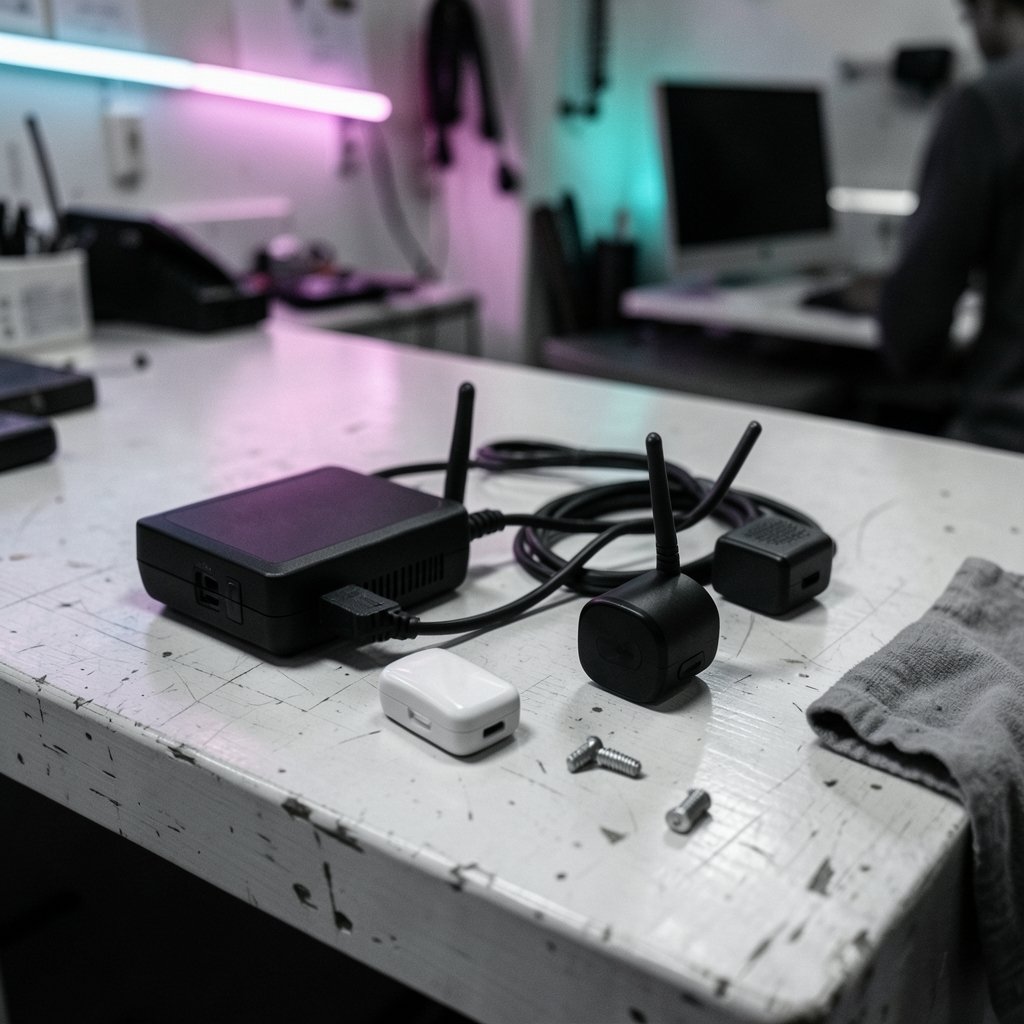
Thread is a mesh networking protocol built for small, battery-friendly devices: door sensors, thermostats, contact sensors, buttons. Those devices form their own mesh, hopping messages from node to node. The problem is that a mesh alone is an island. Nothing in it speaks Wi-Fi.
The border router is the bridge. It forwards traffic between the Thread mesh and your local network, and it handles the translation work that lets Thread devices reach IPv6 endpoints on the wider internet. That translation layer is why border routers matter for firmware updates, cloud features, and remote access.
A few practical points people get wrong:
- A border router is not a hub in the old sense. It doesn’t store your automations or run your scenes. It’s plumbing.
- You can often run more than one. Running multiple border routers on the same network improves coverage and resilience, a capability that matured with the Thread 1.3 specification. If one drops offline, the mesh usually keeps working.
- Placement matters more than specs. A border router tucked in a metal cabinet or at the far end of the house will strand your Thread devices. Central placement beats a fancier model every time.
- Not every “hub” is a border router. Some older smart home bridges handle Zigbee or proprietary protocols and have nothing to do with Thread.
If you’re also sorting out the networking gear underneath all this, it helps to understand how your router handles many simultaneous connections; a solid foundation makes mesh networks far less flaky, and resources like this guide to the best modem router combo cover that groundwork well.
What a Matter Controller Really Is
Matter is an application-layer standard. It defines how devices describe themselves, how commands are structured, and how security works across vendors. None of that happens without a controller.
The controller does four things:
- Commissioning. It gets a new device onto a fabric using a setup code or QR code.
- Credential storage. It holds the certificates and keys that prove the device belongs to your fabric.
- Command routing. It sends on/off, dimming, temperature, and other commands.
- Fabric management. It handles multi-admin, letting more than one vendor platform control the same device.
That last point is where a lot of confusion lives. A Matter device can belong to multiple fabrics at once. That’s how an Apple Home user and a Google Home user in the same house can both control the same bulb. Multi-admin support has improved with later Matter versions, though vendor implementation still varies and changes with firmware updates.
Crucially, a Matter controller is required even if your device connects over Wi-Fi. You cannot commission a Matter device without one. The controller is the gatekeeper.
Where the Two Roles Overlap
This is the part that trips people up. Many popular smart speakers and displays are both a Thread Border Router and a Matter controller at the same time. That’s why the “vs.” framing can feel misleading: on a single shelf, one device may be doing both jobs.
The overlap creates two common mistakes.
Mistake one: assuming you need to buy a separate border router. If you already own a recent smart speaker from a major smart-home vendor, you may already have one. Check the product’s current documentation, because firmware updates have added and occasionally removed these roles over time. Date-stamp any claim you read online, including this article’s general framing.
Mistake two: assuming one brand’s controller will manage another brand’s Thread network. Cross-vendor commissioning works through multi-admin, but the experience depends on vendor policy, app support, and firmware. It is genuinely better than it was in 2022, and genuinely still inconsistent.
A useful analogy: think of a smart home platform as an office building. The border router is the building’s network cabling. The Matter controller is the facilities manager with the key card. Different vendors can share the cabling. Sharing the manager takes negotiation.
Do You Need Both? A Decision Guide
Work through this in order.
- List your devices. Separate them into Thread devices and Wi-Fi or Ethernet Matter devices.
- Check what you already own. Smart speakers, smart displays, and some mesh Wi-Fi systems already include border router and controller roles.
- Count your Thread devices. If you have none, you don’t need a border router at all. You still need a controller.
- Check coverage. If Thread devices sit far from your existing border router, add a second one rather than buying a bigger single unit.
- Decide on ecosystems. If you want two ecosystems to control the same devices, confirm multi-admin support before buying.
That sequence saves money. Most people who think they need a new hub actually need better placement or a second border router.
For anyone building out a broader setup, the same principle of matching hardware to actual use applies elsewhere too. Picking a controller for gaming is a similar exercise in matching device to need, and a roundup of the best Xbox controller shows how much difference the right fit makes versus the most expensive option.
The Technical Layer Most People Skip
Two mechanisms do the heavy lifting inside a Thread Border Router, and understanding them explains a lot of troubleshooting.
NAT64 and DNS64. Thread devices are IPv6-only. Most home networks and nearly all consumer ISPs still lean on IPv4. The border router translates between them so a tiny battery sensor can reach an IPv6 endpoint. When this translation fails, you get devices that pair fine but never update firmware or reach cloud features.
Mesh depth and hops. Thread meshes route through powered nodes. Battery devices don’t usually act as routers. If your mesh is thin, messages take longer paths and reliability drops. Adding a second border router or a mains-powered Thread device often fixes “random” dropouts that look like software bugs.
Fabric isolation. Each fabric has its own credentials. A device on two fabrics is effectively two logical devices with shared physical state. That’s elegant when it works and confusing when one platform shows a device as offline while the other controls it fine.
None of this is exotic. It’s just rarely explained at the point of sale.
Common Setup Mistakes and What Actually Works
After the theory, here’s what tends to go wrong in practice and how to avoid it.
| Mistake | Why it happens | Fix |
|---|---|---|
| Buying a border router when a controller is missing | Terms sound similar | Confirm you have a Matter controller app plus hub first |
| Placing the border router in a closet | Aesthetics | Move it central and high |
| Assuming all hubs are border routers | Marketing language | Check the spec sheet for Thread and Matter roles |
| Expecting instant cross-brand control | Multi-admin complexity | Test with one device before committing |
| Ignoring firmware versions | Roles change over time | Update hubs before troubleshooting |
Two habits pay off. First, keep a simple inventory of which device holds which role in your home. Second, when something breaks, check the border router’s link before you factory reset anything. Nine times out of ten, the device is fine and the bridge is the problem.
There’s a broader lesson here that applies to any connected technology: understanding what a layer actually does beats memorizing product names. The same holds for the models running behind your smart assistant, and a plain-language explainer on what is AI inference and why does it matter makes a good companion read for anyone curious about where the intelligence in “smart” devices really sits.
How This Fits the Bigger Smart Home Picture
The split between infrastructure and control isn’t unique to Thread and Matter. It mirrors how the internet itself works: physical routing underneath, applications on top. Once you see the pattern, product announcements get easier to read. A speaker that adds Thread support is announcing infrastructure. An app that adds multi-admin is announcing control.
The practical upshot is that most households end up with a small number of devices doing double duty, plus one or two dedicated pieces for coverage. That’s a healthy setup. Complexity creeps in when people stack ecosystems without checking roles, which is why the inventory habit matters more than any single purchase.
It also explains why the smart home industry keeps pushing toward standards. Shared plumbing means fewer proprietary bridges, and fewer proprietary bridges means fewer boxes in the closet. Progress is real, just uneven. The teams building these systems deal with the same coordination problems at massive scale; anyone curious about how large engineering organizations manage complexity might enjoy the story of Anthropic scion source control and 30,000 merges in 2026, which is a surprisingly good analogy for multi-admin fabric management.
And if you’re the type who likes understanding systems from the ground up, the social rules that make shared networks work are worth a look too. A piece on what netiquette is and why it matters is a reminder that protocols, whether technical or social, only work when everyone agrees on the rules.
Conclusion
The Thread Border Router versus Matter controller question has a clean answer once you separate the layers. The border router is network infrastructure that bridges a low-power mesh to your IP network. The Matter controller is the application-layer role that commissions devices, holds credentials, and sends commands. Many devices fill both roles, which is exactly why the confusion persists.
For most people, the practical path is simple: check what your existing speakers and displays already do, confirm you have a working Matter controller, then add border router coverage only if your Thread devices sit far from the nearest bridge. Buy for placement and coverage, not for spec sheets. And when something misbehaves, check the bridge before you reset the device.
Get those two roles straight and the rest of the smart home gets a lot less mysterious.
Frequently Asked Questions
Is a Thread Border Router the same as a Matter controller?
No. A Thread Border Router is a network bridge that connects a Thread mesh to your home IP network. A Matter controller is a management role that commissions devices, stores fabric credentials, and sends commands. Many smart speakers and displays perform both roles at once, which is why the two get confused.
Can I use a Matter device without a Thread Border Router?
It depends on the device’s connection type. Matter devices that connect over Wi-Fi or Ethernet don’t need a border router at all. Matter devices that use Thread do need one, because Thread devices can’t reach your network without a bridge.
Do I need a Matter controller if I already have a border router?
Yes. A border router provides connectivity but doesn’t commission devices or manage fabrics. You still need a Matter controller, typically a phone app paired with a compatible hub, to add and control devices.
Can two ecosystems control the same Matter device?
Often yes, through a Matter feature called multi-admin, which lets a device belong to more than one fabric. In practice, the experience depends on vendor support, app implementation, and firmware versions, so it’s worth testing with a single device before committing to a setup.
Why do my Thread devices keep going offline?
The most common causes are poor border router placement, a thin mesh with too few mains-powered nodes, or a failed translation between IPv6 and IPv4 on your network. Moving the border router to a central location or adding a second one usually resolves it.
Will a smart speaker I already own work as a border router?
Possibly. Several recent smart speakers and displays include both Thread Border Router and Matter controller roles. Because these capabilities have been added and changed through firmware updates, check the manufacturer’s current documentation rather than relying on older reviews.



