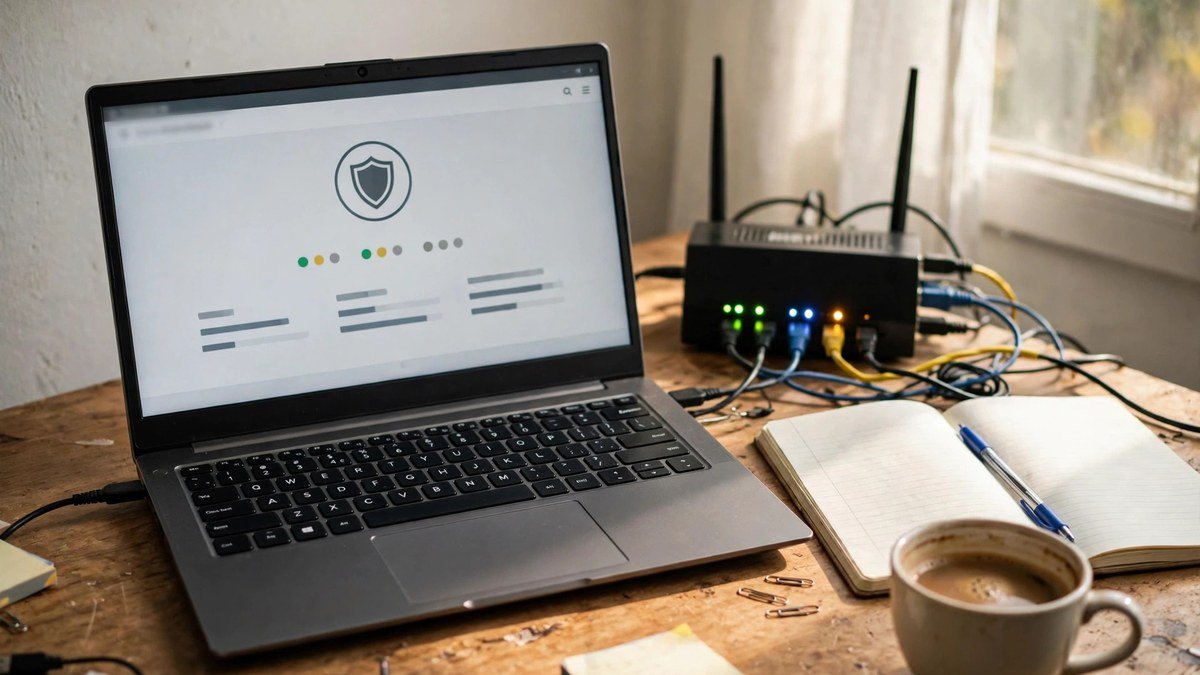
A business website firewall is a security filter that sits between the internet and a company website, checking every visitor and every request before it reaches the site. When the request looks normal, it passes through. When the request looks like an attack, the firewall blocks it. For a small business, that filter often stands between a working website and the automated bots that probe every site on the internet.
Most small business websites are attacked whether the owner knows it or not. Bots test login pages with stolen passwords, look for outdated plugins with known flaws, and send fake form submissions designed to break the site. A firewall does not stop every threat, but it stops the large share of attacks that follow known patterns, before the attack ever touches the website.
This guide explains the concept in plain terms: what a website firewall is, how it decides what to block, how it differs from a network firewall and from antivirus software, and when a small business actually needs one. It keeps the focus on how the protection works and what it can and cannot do.
Key takeaways
- A website firewall, often called a WAF, inspects web traffic and blocks requests that match known attack patterns.
- It differs from a network firewall: a WAF protects one website, while a network firewall protects a whole office network.
- It blocks login attacks, injection attacks, malicious bots, and floods of fake traffic.
- It works best alongside updated software, strong passwords, backups, and an SSL certificate.
- A small business needs one as soon as the site takes payments or stores customer data.
What a website firewall actually is
A website firewall, also known as a web application firewall or WAF, is a filter for web traffic. Every time someone visits a website, their browser sends a request to the server, and the server sends back a page. The firewall sits in the middle of that exchange and reads each request before the server sees it. It checks the request against a list of rules that describe what attacks look like.
The rules cover the attacks that small business sites face most often. A login attack sends hundreds of password guesses at a login page in a few minutes. An injection attack hides database commands inside a search box or a form field, hoping the site will run them. A cross-site scripting attack tries to plant malicious code on a page that other visitors will then load. A bad bot scrapes prices or submits spam through contact forms. The firewall recognises each of these and stops them at the gate.
There are three common ways to run a website firewall. A cloud firewall sits in front of the site, so traffic passes through the provider network first and only clean traffic reaches the server. A plugin firewall runs inside the website software itself, which makes it easy to install but means attacks reach the server before they are stopped. A server firewall runs on the hosting server and protects every site on that server. Many small businesses start with a cloud firewall or a plugin.
It helps to picture the difference with a simple comparison. A network firewall is a guard at the door of a whole building, checking everyone who enters. A website firewall is a guard at the desk of one office inside that building, checking only the people who come to that office. Both guards are useful, and they protect different things. A business with a website needs the website guard even if the office network already has one.
How it blocks attacks, step by step
The firewall reads the address each request came from, the page it asks for, and the data it carries. It compares those details against its rule list, which is updated regularly as new attack patterns appear. A request from an address already known for attacks is blocked at once, and a request that carries a known injection pattern is blocked too. A normal request from a real visitor passes through, usually in a fraction of a second.
Rate limiting is one of the simplest and most effective tools it uses. A real visitor clicks a few pages a minute, while an attack tool may send hundreds of requests a second. The firewall counts requests from each address and slows down or blocks the ones that behave like a machine. That single rule stops most login guessing attacks.
Bot management is the second layer. Not every bot is bad: search engines use bots to index pages, and that traffic should pass. The firewall tells good bots from bad ones by checking behaviour, such as how fast the bot moves. Bad bots get blocked or shown a challenge page, while search engine bots continue normally.
Virtual patching is the feature that matters most for sites built on popular platforms. When a flaw is found in a common plugin or theme, attackers start using it within hours, long before many site owners update. A firewall can block the specific attack pattern for that flaw, which protects the site during the gap between the flaw becoming public and the update being installed.
Finally, the firewall keeps a log of what it blocked and why. That log shows the owner what kind of attacks the site faces. It also provides a record if something goes wrong, showing whether an attack was blocked and when it happened.
When a small business needs one, and what it cannot do
The short answer is that most small business websites benefit from a firewall as soon as they do anything beyond a static brochure page. A site that takes payments, stores customer details, runs a login area, or accepts form submissions has something worth protecting, and it is exactly the kind of site that automated attacks target.
There are clear signs that a site needs protection now rather than later. Repeated failed login attempts in the server log, spam coming through contact forms, pages that load slowly because of bot traffic, or a warning from the hosting provider about unusual traffic are all signals. A site that has already been hacked once should also get a firewall as part of the cleanup.
Cost is a common worry, but the range is wide. Many hosting plans include a basic firewall, and several plugin firewalls offer a free tier that covers the essentials. Paid cloud firewalls usually charge a monthly fee that is small next to the cost of a hacked site: lost sales while the site is down and the cost of cleaning up.
It is just as important to know what a firewall cannot do. It cannot fix weak passwords, it cannot update outdated software, and it cannot protect a site if an attacker already has a valid login. It does not replace backups, and it does not replace an SSL certificate, which encrypts the connection between the visitor and the site. The guide to how to set up a business website SSL certificate on this site explains that second layer: the certificate protects data in transit, while the firewall blocks bad requests before they arrive.
The caveats that matter
A website firewall is a strong layer of protection, but it is not a guarantee. The table below lists the misunderstandings that matter most.
| Detail | What is known |
|---|---|
| WAF vs network firewall | A WAF protects one website from web attacks; a network firewall protects a whole office network. |
| WAF vs antivirus | Antivirus protects devices from malware; a WAF protects a website from malicious web requests. |
| Cloud vs plugin firewall | Cloud firewalls block attacks before they reach the server; plugin firewalls run on the server itself. |
| Login attacks | Rate limiting and bot checks stop most password guessing, but strong passwords are still needed. |
| Virtual patching | A firewall can block attacks on a known flaw before an update is installed, but it does not replace updating. |
| False positives | Strict rules can block real visitors; check the block log in the first week. |
| SSL and backups | A firewall does not encrypt traffic or back up the site; both are still needed. |
| Free vs paid | Free tiers cover the basics for a small site; paid plans add stronger bot protection. |
One more point deserves emphasis. A firewall is only as good as its rule updates. Attack patterns change constantly, and a firewall that has not been updated in months will miss new attacks. Choose a service that updates its rules automatically.
Checklist: judging a website firewall honestly
- Confirm it is a WAF for the website, not only a network firewall for the office.
- Check that it blocks login guessing, injection attacks, and bad bots.
- Make sure the rules update automatically, so new attack patterns are blocked.
- Look for a block log that shows what was stopped and why.
- Test it in the first week and allow any real visitors blocked by mistake.
- Keep it alongside updated software, strong passwords, an SSL certificate, and backups.
Frequently asked questions
What is a website firewall in simple terms?
It is a filter that sits in front of a website and checks every visitor request before it reaches the site. Normal requests pass through, and requests that match known attack patterns are blocked.
Is a website firewall the same as a network firewall?
No. A network firewall protects a whole office network by controlling traffic in and out of the building. A website firewall protects one website by inspecting web requests in detail. The guide on how to set up a business firewall for your team covers the network side.
Does a firewall replace antivirus software?
No. Antivirus protects individual computers and phones from malware, while a website firewall protects the website from malicious web requests. A small business should have both.
Will a firewall slow down my website?
A cloud firewall can actually make a site faster, because it blocks bot traffic before it reaches the server. A plugin firewall adds a small load to the server, but the difference is rarely noticeable.
Do I need a firewall if my site is small and nobody knows about it?
Yes, because attacks on small sites are automated and do not depend on fame. Bots scan the whole internet for sites running a particular platform or plugin, and they attack every match they find. A small site with a contact form or a login page is already a target.
How do I choose between a free and a paid firewall?
Start with the free tier if the site is small and takes no payments, and check the block log for a month to see what it catches. Move to a paid plan when the site takes payments or stores customer data. The best firewall for small business roundup on this site compares the main options and their prices for 2027.
The bottom line
A business website firewall is a filter that understands web attacks and stops them before they reach the site. It blocks login guessing, injection attacks, malicious bots, and floods of fake traffic, and it protects the site during the gap between a flaw becoming public and the update being installed. For a small business that takes payments or stores customer data, it is one of the cheapest layers of protection available.
It is not a complete security plan on its own. It works best as part of a small set of habits: keep the software updated, use strong passwords, keep an SSL certificate in place, and keep backups that have been tested. With those layers together, a small business website can face the daily background noise of automated attacks.
Note: Firewall features, prices, and attack patterns change over time, so treat this guide as a general explainer and check the current features of any service before choosing it.