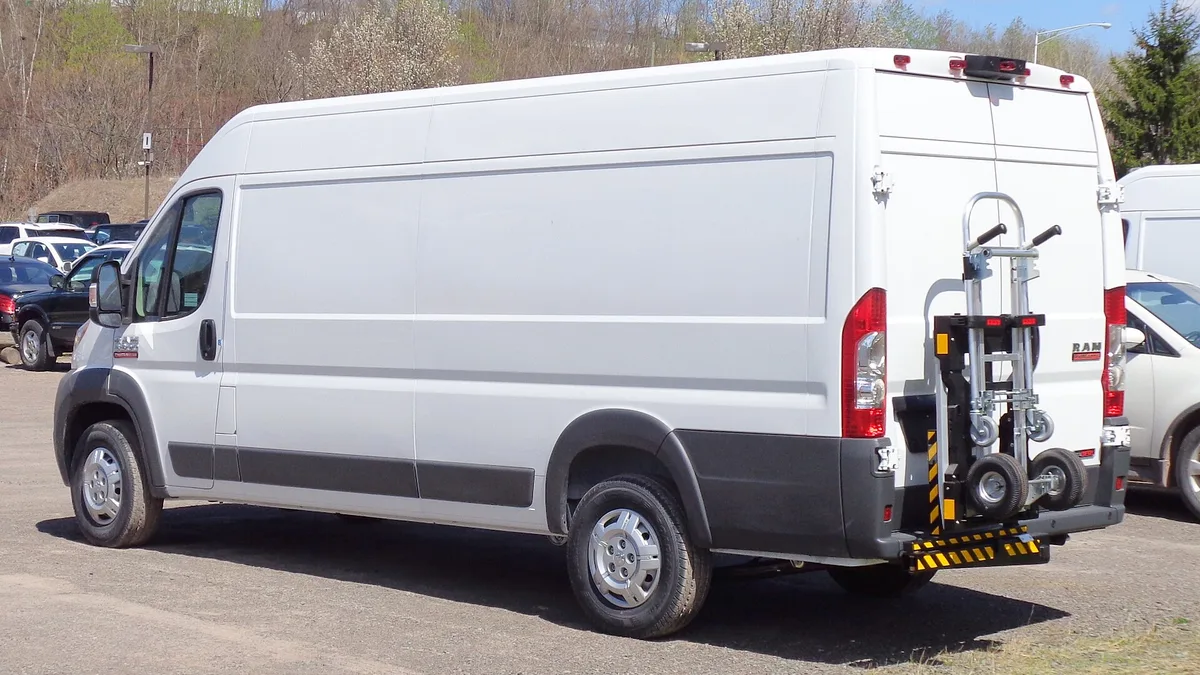
What Is Dispatch Software?
Dispatch software decides which driver, technician, or crew goes to which job, and in what order. Instead of phone calls, paper lists, and a whiteboard, the software holds every job, worker, and vehicle in one place, then helps the dispatcher match them up. When a new job comes in, the dispatcher can see who is free, who is nearest, and who has the right skills, and send it to their phone in seconds.
It matters because dispatching by hand breaks down as soon as a business grows past a handful of jobs a day. A missed call means a job nobody attends, two crews at one address means wasted fuel, and a customer kept waiting means a lost repeat booking. Dispatch software does not remove the dispatcher. It removes the guesswork, so the dispatcher spends their time on the decisions that need judgement.
This guide explains what dispatch software is, how it works, the main types, what it does well, where it falls short, and how it differs from the wider field service systems it is often confused with. It is written for small and mid-sized businesses that send people out to jobs.
Key takeaways
- Dispatch software assigns jobs to workers and vehicles from one screen, and tracks each job until it is done.
- Its core job is matching: the right person, with the right skills, at the right address, at the right time.
- Most tools combine a dispatcher dashboard with a mobile app for the worker on the road.
- It cuts empty driving, missed jobs, and phone tag, but it cannot fix bad job data or an unrealistic schedule.
- Prices usually start from around $29 to $49 per user a month; check current pricing before you commit.
What dispatch software actually does
At its simplest, dispatch software answers three questions all day: what jobs need doing, who can do them, and where is everyone right now. Jobs arrive from phone calls, online bookings, emails, or another system, and land on a single board the dispatcher can see. Each job carries the address, the time window, the customer, and what has to be done. The dispatcher drags it onto a worker’s schedule, and the worker sees it on their phone.
Once the job is assigned, the software keeps watching it. It records when the worker sets off, when they arrive, and when the job is marked complete, often with a photo or a signature as proof. If a job runs late, the dispatcher sees it straight away and can warn the next customer or send help. At the end of the day, the board shows what was finished, what was missed, and what goes back on tomorrow’s list.
How dispatch software works
Most dispatch tools have two halves that talk to each other. The first is the dispatcher’s screen, usually a map with the day’s jobs pinned on it and a list of workers beside it. The second is the worker’s mobile app, which shows their jobs, the route between them, and a way to update each job with a tap. When the dispatcher changes an assignment, the worker’s phone updates within seconds, and when the worker marks a job done, the board updates too.
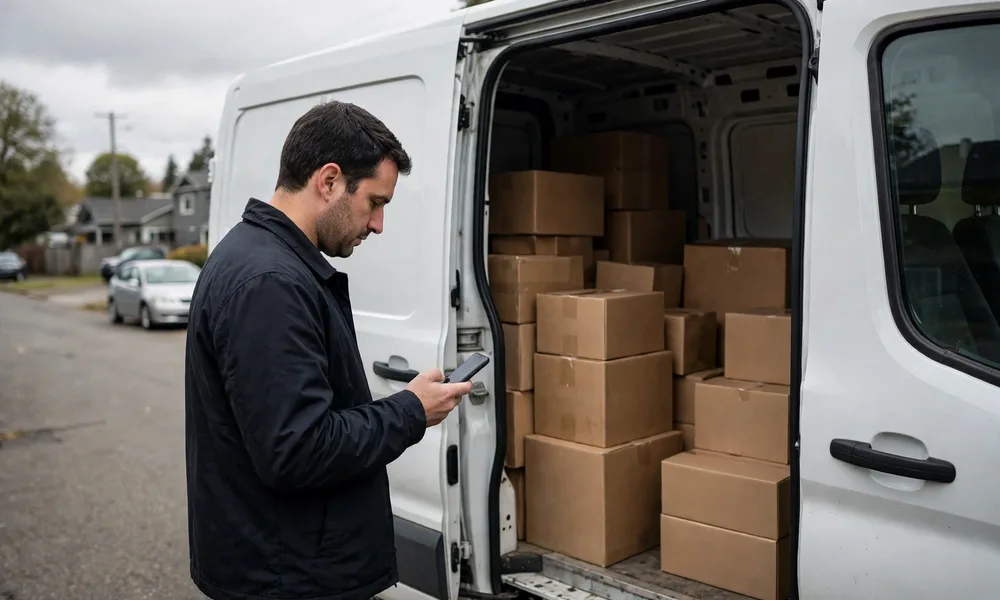
Underneath, the software keeps three records in step: the job list, the people, and the vehicles. The job list holds every booking and its status, the people record holds skills, hours, and location, and the vehicle record holds capacity, fuel, and maintenance. The matching itself is usually done by the dispatcher, although many tools suggest a job order based on distance and time windows. The dispatcher can accept it, change it, or ignore it.
The main types of dispatch software
Dispatch tools differ mainly in what kind of work they are built for. A courier dispatcher cares about parcels per hour; a plumbing dispatcher cares about skills, parts, and job length. The table below covers the main types and what each one is built around.
| Type | Built for | What it tracks most closely |
|---|---|---|
| Delivery and courier dispatch | Parcels, food, and local deliveries | Drop order, delivery windows, proof of delivery |
| Field service dispatch | Repairs, installs, and home services | Skills, job duration, parts, and customer history |
| Transport and fleet dispatch | Trucks, vans, and taxi or ride work | Vehicle location, loads, fuel, and driver hours |
| Emergency and on-demand dispatch | Breakdowns, urgent call-outs, and same-day work | Nearest available worker and response time |
Some tools cover several of these at once, and most add the same extras: messaging between office and worker, customer notifications, and simple reports on jobs completed and miles driven. What matters is whether the tool understands time windows, handles recurring jobs, and works when the signal drops, so test those with your own jobs, not a demo.
What dispatch software does well
The biggest gain is fewer empty miles and fewer missed jobs. When a dispatcher can see every worker on a map, they stop sending someone across town when another worker is nearby. Jobs stop falling through the cracks, because every booking sits on one board instead of in someone’s head. Customers get better answers too: the dispatcher can say when the worker will arrive, and the worker can message the customer if they are running late.
The second gain is proof. Every completed job leaves a record: who did it, when, and what was done, often with a photo or signature. That record settles most disputes before they start, and shows the owner the day at a glance. Over weeks, the reports show which jobs take longest, which areas cost the most driving, and which workers are overloaded.
The risks and limits
Dispatch software is only as good as the information fed into it. If addresses are wrong, time windows are guesses, or durations are understated, the software builds a neat schedule that falls apart by mid-morning. It cannot know that a road is closed, that a customer is never home before noon, or that a job always takes twice as long as booked. Those facts live in the dispatcher’s head, and the software needs them typed in before it can help.
There are practical limits too. The mobile app needs a charged phone and a signal, at least some of the time, so workers in dead zones will fall behind the board. Some tools charge per user, which adds up fast for a large crew, and some lock your job history inside, which makes switching painful. The software can also tempt a business to over-schedule: a board that looks full is not a day that is doable. A good dispatcher still says no to the extra job that would break the day.
Dispatch software in the real world
Consider a courier firm with twenty vans. Before dispatch software, the dispatcher took bookings by phone, wrote them on a list, and rang each driver with the next drop. Drivers rang back for directions, customers rang to ask where their parcel was, and nobody knew which van was nearest. With dispatch software, new jobs appear on the board, the dispatcher assigns them to the nearest van, and the driver follows the route on their phone. The customer gets a message when the van is on its way.
The same pattern fits field service teams, where the job is a repair or an install rather than a drop. A heating engineer needs the right parts and skills for the boiler in front of them, not just the nearest address. Our roundup of the best AI tools for field service teams in 2027 covers tools that add smart scheduling and customer messaging to that kind of work. In both cases the win is the same: fewer phone calls, fewer wasted miles, and a customer who knows what is happening.
Dispatch software vs field service management software
Dispatch software and field service management software are often sold as if they were the same thing: most field service systems include dispatch. The difference is scope. Dispatch software does one job, which is getting the right person to the right place. Field service management software does that job plus the rest of the business around it: quotes, invoices, customer records, stock, and payments.
A small courier firm may need only dispatch, since the business is a simple price per drop. A plumbing company usually needs the wider system, because a job starts as a quote, needs parts from stock, and ends as an invoice. If you are comparing the two, our explainer on what field service management software is sets out the full picture. For a head-to-head on two of the best-known field service tools, see Jobber vs ServiceTitan in 2027. The rule is simple: buy dispatch alone when the job is only about getting there, and buy the wider system when it also needs quoting, billing, and customer history.
How to choose, and what it costs
Start with your own jobs, not with a feature list. Write down how many jobs a day you run, how many workers and vehicles you have, and what goes wrong most often. Then test two or three tools with real jobs for a week. Check the mobile app on a real phone in a real van, and check what happens when the signal drops. A tool that looks good in a demo can still fail on a housing estate with poor coverage.
On cost, most dispatch tools start from around $29 to $49 per user a month, with simpler tools cheaper and fleet-wide systems dearer. Check current pricing before you commit, and ask what counts as a user and whether your job history can be exported if you leave. A free trial is worth little unless you test it with real jobs, real drivers, and real addresses.
Frequently asked questions
What is dispatch software in simple terms?
It assigns jobs to workers and vehicles from one screen, then tracks each job until it is finished. The dispatcher sees every job and worker in one place, and the worker sees their jobs on a phone.
Is dispatch software the same as fleet tracking?
No. Fleet tracking shows where vehicles are. Dispatch software uses that location to assign jobs, and adds the job list, the schedule, and customer updates on top.
Do small businesses need dispatch software?
A business with two or three jobs a day can manage with a phone and a diary. Once the jobs pass about ten a day, dispatch software starts paying for itself in missed jobs avoided and miles saved.
Does dispatch software replace the dispatcher?
No. It replaces the whiteboard, the paper list, and the phone tag. The dispatcher still makes the hard calls: which job matters most, and what to do when a van breaks down.
Can dispatch software work offline?
Most mobile apps store the day’s jobs on the phone, so a worker can keep working without a signal and sync later. Check this before you buy if your workers cover rural areas.
What does dispatch software cost?
Most tools start from around $29 to $49 per user a month. Check current pricing at your team size, and ask whether messaging is included or charged separately.
The bottom line
Dispatch software is not complicated, and that is its strength. It takes the everyday work of matching jobs to people and vehicles and puts it on one screen. The result is fewer missed jobs, fewer wasted miles, and customers who know when to expect their worker. None of that needs the newest technology; it needs a clear board, honest job data, and a dispatcher who trusts it.
If you send people out to jobs, try it with your real schedule for a week. The test is whether the end of the day is calmer, the board is clearer, and fewer customers ring to ask where their worker is.