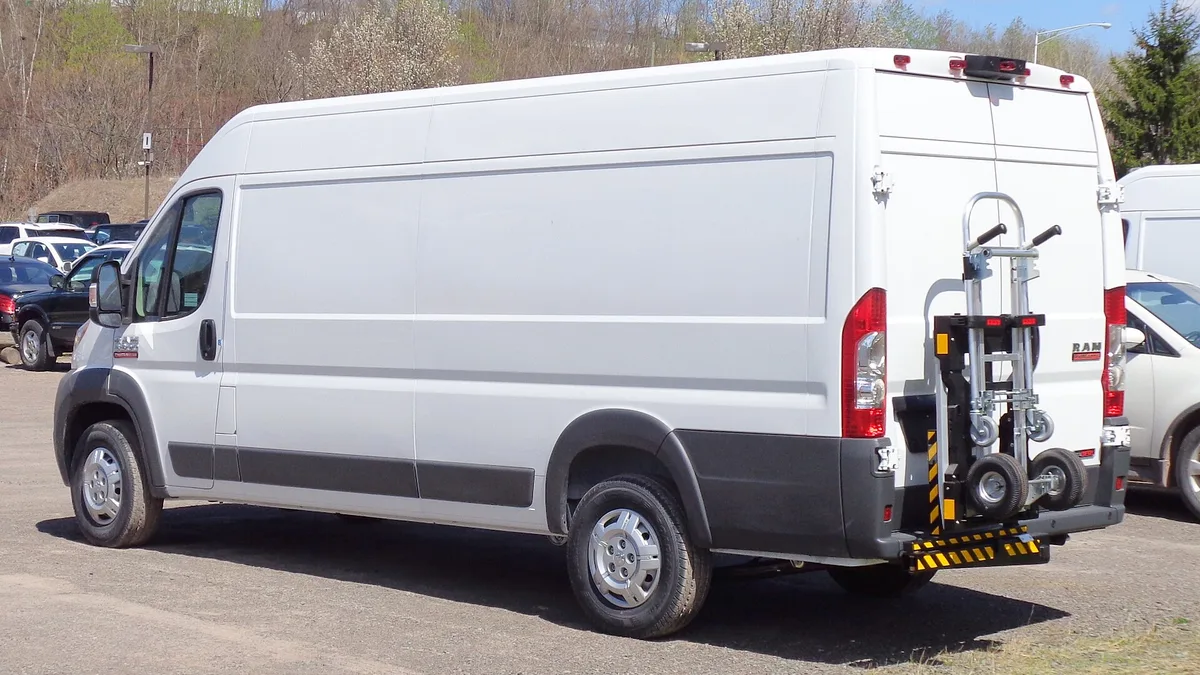
Field service management software is the system that turns a messy day of jobs, vans, and phone calls into a plan a whole team can follow. If your business sends technicians to customer sites, you already do field service management, whether you call it that or not. The software simply takes the scheduling, dispatch, work orders, and invoicing that used to live on whiteboards and spreadsheets and puts them in one place.
A dispatcher needs to know which technician is free, which van has the right part, and which customer is waiting. The technician needs the job details, the address, and a way to record what was done. The customer wants a time window that is kept and an invoice that makes sense. When any of those links break, jobs get missed, vans drive empty miles, and customers call to ask where their technician is.
This guide explains what field service management software is, how it works day to day, the main types on the market, and what it can and cannot do for a business.
Key takeaways
- Field service management software coordinates the whole job lifecycle: booking, scheduling, dispatch, on-site work, invoicing, and follow-up.
- Its core value is visibility: dispatchers, technicians, and customers all see the same job status in real time.
- The mobile app is the heart of the system — if technicians will not use it in the field, the rest of the software cannot help.
- FSM tools range from simple scheduling apps for small teams to full platforms with inventory, quoting, and customer portals.
- Buying the software is the easy part; getting the team to use it consistently is what decides whether it pays off.
At a glance: field service management software
| Area | What the software does | Who benefits |
|---|---|---|
| Scheduling | Books jobs into technician calendars | Dispatchers and customers |
| Dispatch | Assigns jobs by skill, location, and availability | Dispatchers and technicians |
| Work orders | Carries job details, history, and checklists | Technicians |
| Mobile app | Updates jobs, photos, and signatures on site | Technicians and office staff |
| Invoicing | Turns completed work into bills and payments | Office staff and owners |
What field service management software is

Field service management software, often shortened to FSM software, is a category of business software built for companies whose work happens at customer sites. It combines a scheduling board, a dispatch tool, digital work orders, a mobile app for technicians, and invoicing into one system.
The key idea is that the job is the centre of everything. A customer books a visit, the system creates a job with the address, the problem, and the customer history, and that job then travels through the day: assigned to a technician, updated on site, signed off by the customer, and turned into an invoice. For teams that also want to compare the AI-assisted options on the market, our roundup of the best AI tools for field service teams covers the newer products adding scheduling and routing assistance.
How it works, from booking to invoice
A typical day starts with the schedule. Jobs arrive by phone, email, web form, or a customer portal, and the dispatcher places each one on a technician’s calendar, taking into account skills, location, and how long each job should take. The system flags clashes, long drives between jobs, and technicians who lack the certification a job needs.
On site, the technician opens the job on the mobile app, checks in, and works through any checklist attached to the job. They can add photos of the work, record parts used, note anything unexpected, and capture the customer’s signature when the work is done. That update flows back to the office instantly, so the dispatcher knows the job is complete and the next one can start.
Core features every FSM platform shares
Scheduling and dispatch sit at the centre. A visual calendar or map view shows who is doing what and where, and drag-and-drop rescheduling lets a dispatcher react when a job overruns or an emergency comes in.
Work order management is the second pillar. A digital work order carries the customer, the address, the problem description, the job history, attached photos and documents, and a checklist of tasks. Customer management, quoting, inventory tracking, and invoicing usually sit alongside: the same system that books the job can quote for it, check whether the part is in the van or the warehouse, and bill for it when the work is done. Reporting ties it together, showing jobs completed per day, average time on site, first-time fix rates, and revenue per technician.
Types and variants of FSM software
The simplest FSM tools are scheduling apps aimed at small teams: a shared calendar, customer records, and basic invoicing, with a mobile app for the field. Mid-range platforms add dispatch optimisation, quoting, inventory, and customer messaging, and they suit growing teams that need the office and the field to stay in sync through the day.
At the top end are enterprise platforms built for large fleets and complex work: multi-depot inventory, contract and warranty management, asset tracking, and integrations with accounting and enterprise resource planning systems. The right type depends on team size, job complexity, and how much of the business you want in one system.
Benefits for field teams and customers
The clearest benefit is fewer wasted hours. Dispatchers spend less time on the phone, technicians spend less time driving between badly ordered jobs, and nobody re-enters the same information three times.
Customers notice the difference too. Automated reminders cut missed appointments, live arrival updates reduce the “where is my technician” calls, and digital invoices with photos of the completed work build trust. That data turns gut feeling into decisions about hiring, pricing, and which services to promote. Similar coordination gains show up in other vehicle-based businesses, which is why fleet-heavy firms also look at the best software for trucking companies when they review their operations stack.
Risks and limitations to know about
FSM software is not magic, and the biggest risk is adoption. If technicians find the mobile app slow or fiddly, they will go back to paper and phone calls, and the office will be working from an empty system. Check offline support before buying, especially for rural or basement work.
Cost and complexity are the other risks. A platform that does everything can take weeks to set up, and a team that only needs scheduling will drown in features it never uses. Finally, the software cannot fix a broken process. If jobs are booked without enough information or parts are never in the van, the system will simply record the chaos more neatly. Fix the process first, then automate it.
Real-world uses across trades
HVAC companies use FSM software to manage seasonal peaks, scheduling maintenance visits in quiet months and emergency repairs in heatwaves, with technicians carrying the service history of each unit. Pest control businesses schedule recurring visits, record what was treated at each site, and generate the compliance reports their customers need.
The pattern repeats in less obvious trades. Appliance repair teams use the job history to decide whether a machine is worth fixing again. Cleaning companies coordinate crews across multiple sites with checklists per location. Telecom and utilities firms manage installations and fault repairs across large territories, and medical equipment services track maintenance schedules for devices where a missed visit has regulatory consequences.
Smaller service businesses use the same pattern at a smaller scale. A two-person landscaping crew still benefits from a shared job list, customer notes about gates and pets, and invoices that go out the same day instead of at the end of the month. The software does not care how big the team is — it cares whether the job information reaches the person doing the work.
FSM software vs spreadsheets and generic tools
A spreadsheet can hold a schedule, and a shared calendar can hold appointments, but neither knows that a job moved, a part was used, and an invoice is due. Generic tools need a person to carry information between them, and every handoff is a chance for something to be forgotten.
That said, a very small team with a handful of regular customers may not need a full platform yet. A calendar, a messaging app, and an invoicing tool can carry a one-van business perfectly well. When you do compare products, head-to-head reviews help: our Jobber vs ServiceTitan comparison shows how two leading platforms differ on price, features, and the size of team each one suits.
How to choose field service management software
Start with the mobile app, because that is where the system lives or dies. Give it to two technicians for a trial week on real jobs and watch what happens: if they complete jobs faster and without complaints, the app works; if they keep a paper backup, it does not.
Price is usually a monthly subscription per user, and the range is broad: simple scheduling tools often start around $30 to $60 per user per month, mid-range platforms around $60 to $150, and enterprise systems higher still, sometimes with setup fees — check current pricing before budgeting, as plans change often. Weigh that against the cost of a missed job or an empty van hour.
Your field service management checklist
- Mobile app tested by real technicians on real jobs, including offline use.
- Scheduling and dispatch handle your edge cases: overruns, emergencies, multi-day jobs.
- Work orders carry customer history, photos, checklists, and signatures.
- Inventory tracked from warehouse to van to job, with parts billed automatically.
- Invoicing and payments flow from completed jobs without re-entering data.
- Your data can be exported in full, so you can leave the platform if you need to.
Frequently asked questions
What does field service management software do?
It manages the whole lifecycle of field jobs: booking, scheduling, dispatching technicians, tracking work on site through a mobile app, and turning completed work into invoices.
Who needs FSM software?
Any business that sends workers to customer sites: HVAC, plumbing, electrical, appliance repair, pest control, cleaning, telecom, and equipment maintenance.
How much does field service management software cost?
Most products charge a monthly subscription per user, often starting around $30 to $60 per user per month for simple tools and rising to $150 or more for full platforms, with some charging setup fees.
Does FSM software work offline?
Good mobile apps do: the technician can view jobs, complete checklists, and record photos without signal, and the app syncs when the connection returns.
Can FSM software replace my accounting system?
No, and it should not try. FSM software handles jobs and field invoicing, while accounting software handles the books, tax, and payroll. Look for a solid integration between the two so invoices flow across without manual re-entry.
How long does it take to set up?
A simple tool can be running in a day or two. A full platform with imported customer data, parts catalogues, and custom checklists can take several weeks.
The bottom line
Field service management software is, at its core, a shared source of truth for work that happens away from the office. It books the job, gets the right technician there with the right information, records what happened, and turns it into an invoice — and it lets everyone involved see the same picture at the same time.
If you are choosing a system, start with the technicians, not the sales demo. A tool they will actually use on a roof, in a basement, or at a kitchen table is the one that will pay for itself.