
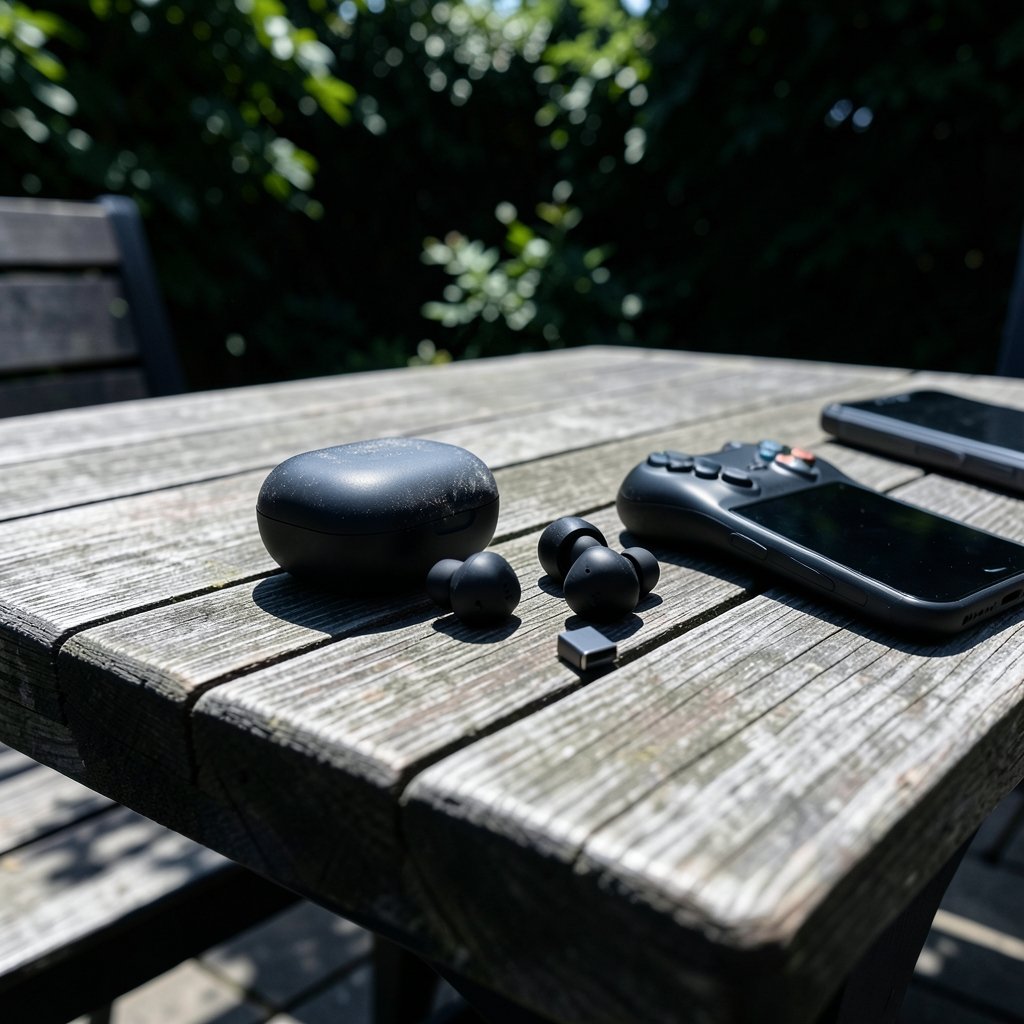
Quick Answer: Which budget gaming earbuds are worth buying?
The budget gaming earbuds worth buying are the ones that prioritize a low-latency connection and a secure fit over flashy spec sheets. In plain terms, shoppers should look for a dedicated 2.4 GHz dongle or a proven low-latency mode, a comfortable tip seal, and honest battery expectations rather than trusting big marketing numbers. Buyers can act on this by shortlisting models with a USB-C receiver for console or PC play, and Bluetooth sets with a reliable game mode for phone gaming.
Alternatives split mainly into two camps: 2.4 GHz dongle earbuds that trade wireless freedom for stability, and Bluetooth earbuds that offer convenience and multipoint but higher delay. The key factors to compare before buying are codec support, latency mode, fit and tip sizes, IP water resistance, real-world battery life, app and firmware support, and multipoint.
A cheap pair of earbuds can ruin a good game night faster than a bad teammate. You line up a shot, tap the trigger, and the sound arrives a half-second late, like the game is mocking you. So which budget gaming earbuds are actually worth your money?
The honest answer is that most budget earbuds are fine for casual play, and a small number are genuinely good for competitive gaming. The trick is knowing which specs matter and which ones are just marketing noise. This guide walks through what to check, what to ignore, and how to spend wisely.
Why latency is the spec that decides everything
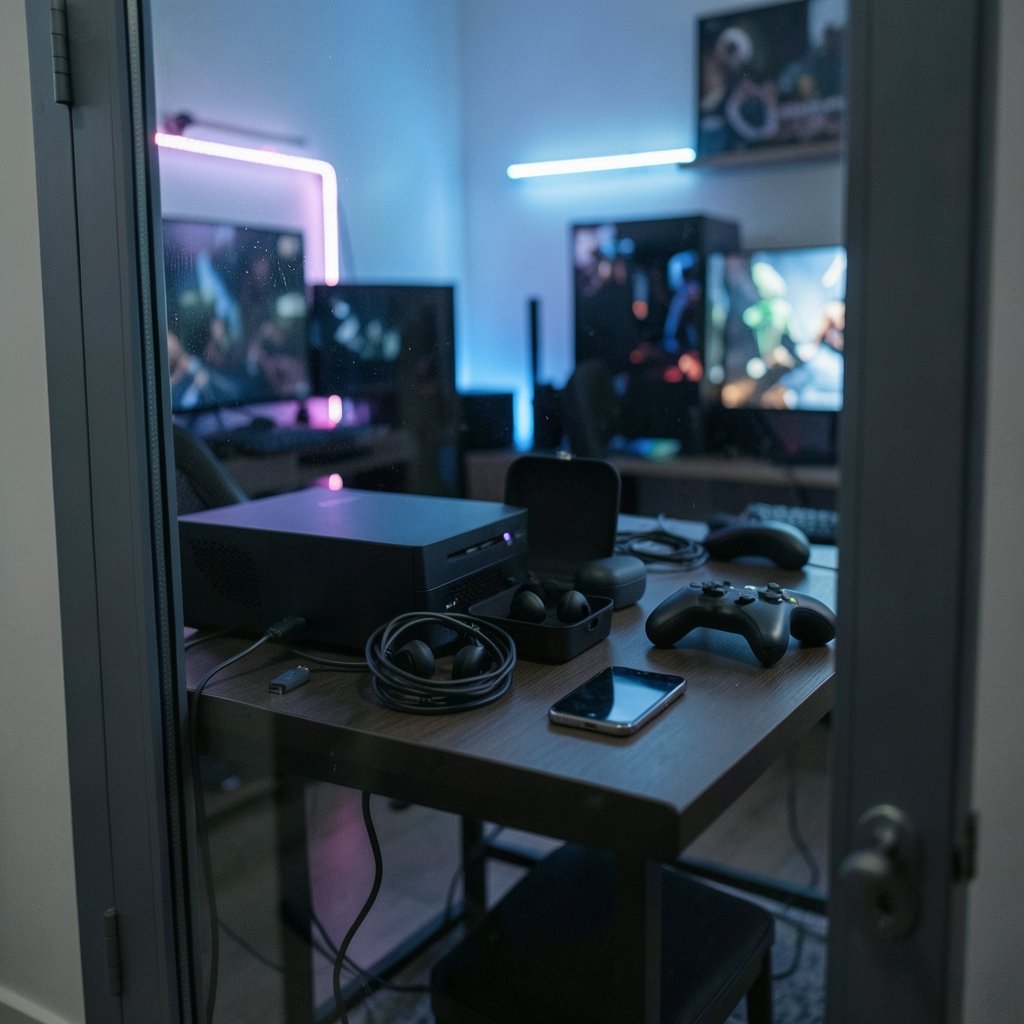
Audio delay, or latency, is the gap between what happens on screen and what you hear. On standard Bluetooth connections using common codecs like SBC or AAC, that gap is often noticeable. It is the reason lip-sync looks off in videos and why footsteps feel disconnected from the action.
Low-latency modes, whether a vendor “game mode” or a codec built for the job, reduce that gap. But there is usually a catch: these modes can sacrifice audio quality or drain the battery faster. Vendors love to quote latency figures like 40 to 60 milliseconds, but those numbers are rarely measured under real conditions or independently verified. Treat every advertised millisecond count as unconfirmed until you see a hands-on test.
Here is the practical rule that actually works: if competitive play matters, a 2.4 GHz dongle beats Bluetooth almost every time. A dedicated USB-C or USB-A receiver gives a lower, more stable connection than Bluetooth, and stability matters as much as raw speed. A connection that stutters mid-match is worse than one that is slightly slow but consistent.
Bluetooth versus 2.4 GHz: pick your trade-off
| Feature | Bluetooth earbuds | 2.4 GHz dongle earbuds |
|---|---|---|
| Latency | Higher, varies by codec and game mode | Lower and more stable |
| Device support | Phones, tablets, laptops, handhelds | Mostly PC, console, some handhelds |
| Convenience | Multipoint on some models, pocket-friendly | Dongle must stay plugged in |
| Battery impact | Game modes can drain faster | Generally consistent draw |
| Best for | Casual and mobile gaming | Competitive and console sessions |
Neither option wins outright. A Bluetooth set that supports multipoint can hop between a phone and a laptop, which is great for everyday use. A dongle set is the better pick if you mainly play on a console or desktop and care about tight timing.
One trap worth flagging: codec support depends on both ends of the connection. The earbuds might support a low-latency codec, but if your phone or console does not, you get none of the benefit. Check the source device before you assume a feature will work.
What “budget” should actually mean
“Budget” is a moving target, so define your own ceiling before you shop. A reasonable approach is to set a hard price limit and refuse to creep past it for features you will rarely use. Premium extras like top-tier active noise cancellation rarely earn their keep at this price point.
Active noise cancellation is a good example of a trade-off. It helps immersion and blocks out household noise, but it can add slight processing delay and drains battery faster. Budget ANC is also usually weaker than premium ANC, so do not pay a big premium for it on a cheap set.
What deserves your money instead? A secure fit, a good tip seal, and a connection that does not drop. On budget models, fit and seal affect perceived sound quality more than driver specs do. A proper seal improves bass and isolation, and many budget earbuds ship with only a couple of tip sizes, so check what is in the box.
If you are building out a whole budget setup, it helps to think about the ecosystem. A guide to the best gaming laptops under 1000 that actually fit a budget pairs well with earbud shopping, since the laptop’s Bluetooth chipset and ports decide what your earbuds can do. Likewise, if you split time between a desktop and a handheld, a rundown of the best handheld gaming consoles in 2026 and which one actually fits will tell you whether a dongle or Bluetooth makes more sense for your play style.
The checklist that separates good buys from regrets
Before buying any budget gaming earbuds, run through this list. It takes five minutes and saves a lot of returns.
- Confirm the connection type: 2.4 GHz dongle, Bluetooth, or both.
- Check whether the low-latency mode works with your specific phone or console.
- Look at the included tip sizes and whether replacement tips are easy to find.
- Verify the IP rating (IPX4 or better is a sensible minimum for sweat and light rain).
- Read independent battery tests rather than trusting the box.
- Check whether a companion app exists for EQ and firmware updates.
- Confirm multipoint support if you juggle two devices.
That fourth point matters more than people think. The IP rating scale is defined by the IEC 60529 standard, and IPX4 means splash resistance, not waterproof. If you sweat heavily or game outdoors, do not assume a low rating will survive it.
Firmware updates are the quiet hero of this category. Some budget earbuds get updates that improve connection stability or tweak latency, while others are abandoned at launch. A model with an app and an update history is a safer long-term bet.
Common mistakes that waste money
The most common mistake is buying on advertised latency alone. A quoted 45 milliseconds means little without context, and independent measurements often disagree with vendor claims. If a deal looks too good, look for hands-on reviews before committing.
The second mistake is ignoring fit. Earbuds that do not seal properly sound thin and leak noise, and no EQ setting fixes a bad seal. The third is overpaying for ANC on a budget set when a better fit would block more noise anyway.
The fourth mistake is forgetting the source device. A low-latency codec is useless if your console or phone does not support it. The fifth is trusting battery claims at face value. Battery life is usually quoted at around 50 percent volume with ANC off, so real-world runtime is typically lower. Check measured figures from independent testers.
Finally, do not ignore the rest of your desk. A monitor with high input lag can make even great earbuds feel sluggish, so it is worth reading a practical buying guide on whether a gaming monitor is worth buying for beginners before you blame the audio. And if you stream or chat while you play, a webcam worth buying for beginners and everyday use rounds out the setup without blowing the budget.
Matching earbuds to how you actually play
Different players need different things, and the right pick depends on where the earbuds will live.
Console players should lean toward 2.4 GHz dongle models. Stability wins in fast games, and a receiver that stays plugged into the console removes pairing headaches.
PC players have the most flexibility. A dongle set gives the best timing, but a Bluetooth set with a solid game mode is fine for slower, story-driven titles.
Mobile players should prioritize Bluetooth convenience, multipoint, and battery life. Latency matters less in casual genres, and pocketability counts.
Handheld players sit in the middle. Check whether the handheld supports USB-C audio dongles, since that decides whether a low-latency set is even an option. The same logic applies to other everyday gadgets: a tablet worth buying for beginners and everyday use is only as good as the accessories it accepts.
Where budget earbuds genuinely shine
It is easy to focus on what cheap earbuds cannot do, but the value story is real. At budget prices, you can get a comfortable fit, decent isolation, and a stable connection, which covers most casual gaming and everyday listening. Many budget sets also handle calls and music well enough that you do not need a second pair.
The category has also improved. Multipoint and companion EQ apps, once premium features, now show up at lower price points, though support varies widely by model. The key is verifying per model rather than assuming.
One underrated benefit: budget earbuds are easy to replace. If you lose one on the bus or crack a case, the financial sting is small. That peace of mind has real value for commuters and students.
How to test new earbuds in the first week
Once the earbuds arrive, test them properly before the return window closes. Play a game with clear directional audio and listen for whether footsteps and shots line up with the screen. Try a video and check lip-sync. Swap through every tip size and pick the one that seals without pressure.
Then stress the connection. Walk into another room, put a wall between you and the device, and see whether the audio drops. Check the battery after a long session and compare it with the claim. If the app supports firmware updates, install them early, since updates can change latency and stability.
If something feels off, return the set. A budget pair that fits well and connects reliably is worth keeping. One that stutters or hurts your ears after an hour is not, no matter how good the spec sheet looks.
Conclusion
The budget gaming earbuds worth buying are the ones that match your setup, not the ones with the biggest claims on the box. Prioritize a low-latency connection you can actually use, a fit that seals properly, and honest battery expectations. Treat advertised latency numbers with skepticism, verify codec support on your own devices, and let independent tests guide your final call. Do that, and a modest pair of earbuds can deliver a genuinely good gaming experience without wrecking your budget.
FAQ
Do budget gaming earbuds actually reduce latency?
Some do, but only when the low-latency mode works with your device. A 2.4 GHz dongle connection is the most reliable way to cut delay at this price point. Bluetooth game modes help, but results vary by model and by the phone or console you pair with.
Is a 2.4 GHz dongle better than Bluetooth for gaming?
For competitive play, generally yes. A dedicated receiver gives a lower and more stable connection than Bluetooth. The trade-off is convenience, since the dongle takes up a port and usually only works with certain devices.
How much should I spend on budget gaming earbuds?
Set a firm ceiling and stick to it. Spending more mainly buys better noise cancellation, nicer materials, and stronger app support, not dramatically better latency. Decide which of those you actually need before raising your limit.
Can cheap earbuds handle both gaming and music?
Yes, most budget sets handle both fine. Look for a companion EQ app if you want to tune the sound, and check independent reviews for audio quality. Fit and tip seal will affect what you hear more than the driver specs on the box.
What IP rating do I need for gaming earbuds?
IPX4 or better is a sensible minimum if you sweat or game outdoors. Remember that IPX4 means splash resistance, not waterproofing, so do not submerge them. The rating scale is defined by the IEC 60529 standard.
Do firmware updates really matter on budget earbuds?
They can. Updates sometimes improve connection stability or adjust latency, and models with an active app tend to get more support over time. Check whether the model has an app and a history of updates before you buy.



