
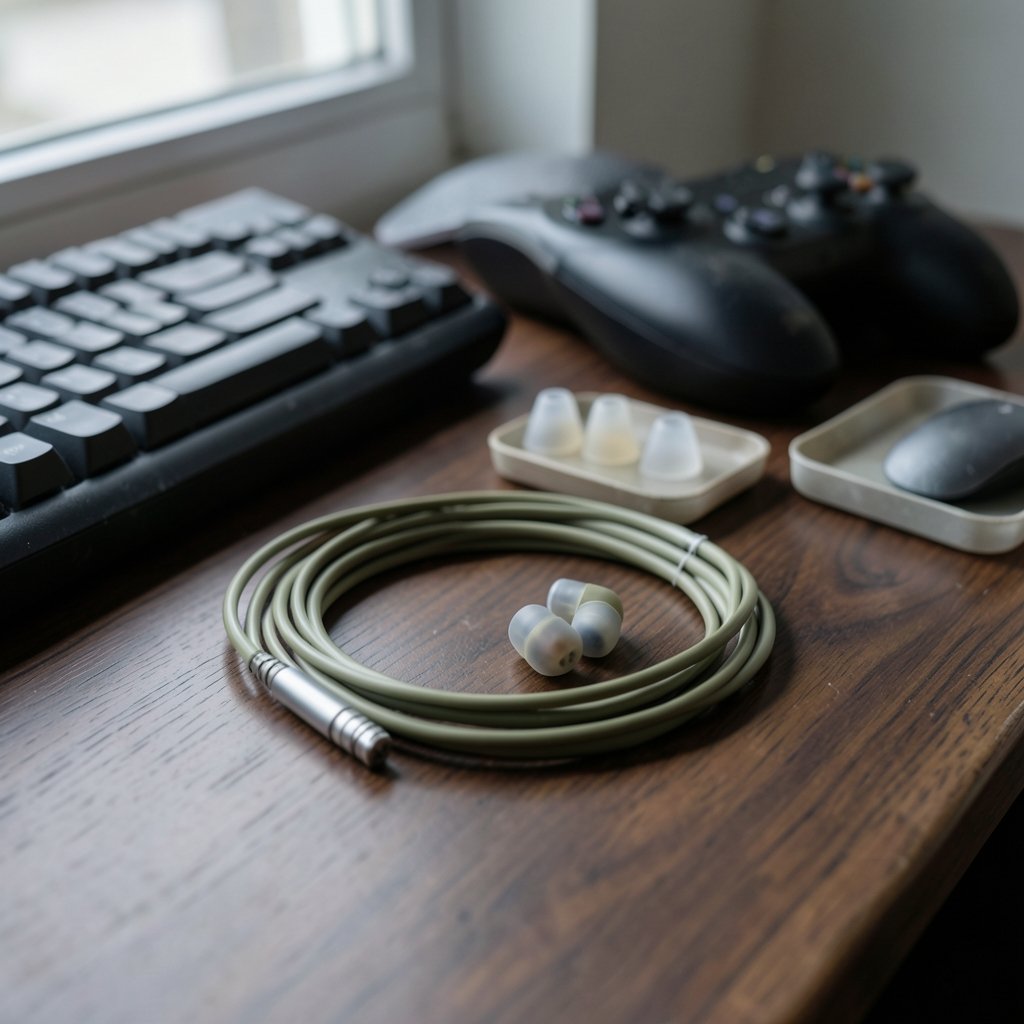
Quick Answer: Which gaming earbuds are best for competitive gaming?
For competitive gaming, wired earbuds with accurate stereo imaging and a tight, isolating seal are the safest choice, because a cable adds effectively no audio delay and good passive isolation keeps outside noise from muddying positional cues. Players can act on this by prioritizing connection type, fit, and consistent sound over flashy features, whether they compete on PC, console, or mobile.
Wireless options can work, but Bluetooth introduces delay that varies by codec and device, so it suits casual play better than twitch-reaction shooters. A small number of earbuds now use low-latency wireless links, though these are still uncommon.
Before buying, compare connection type, latency, tip and seal quality, stereo imaging, microphone quality, comfort for long sessions, and platform compatibility.
Why Earbuds Are a Real Choice for Competitive Play
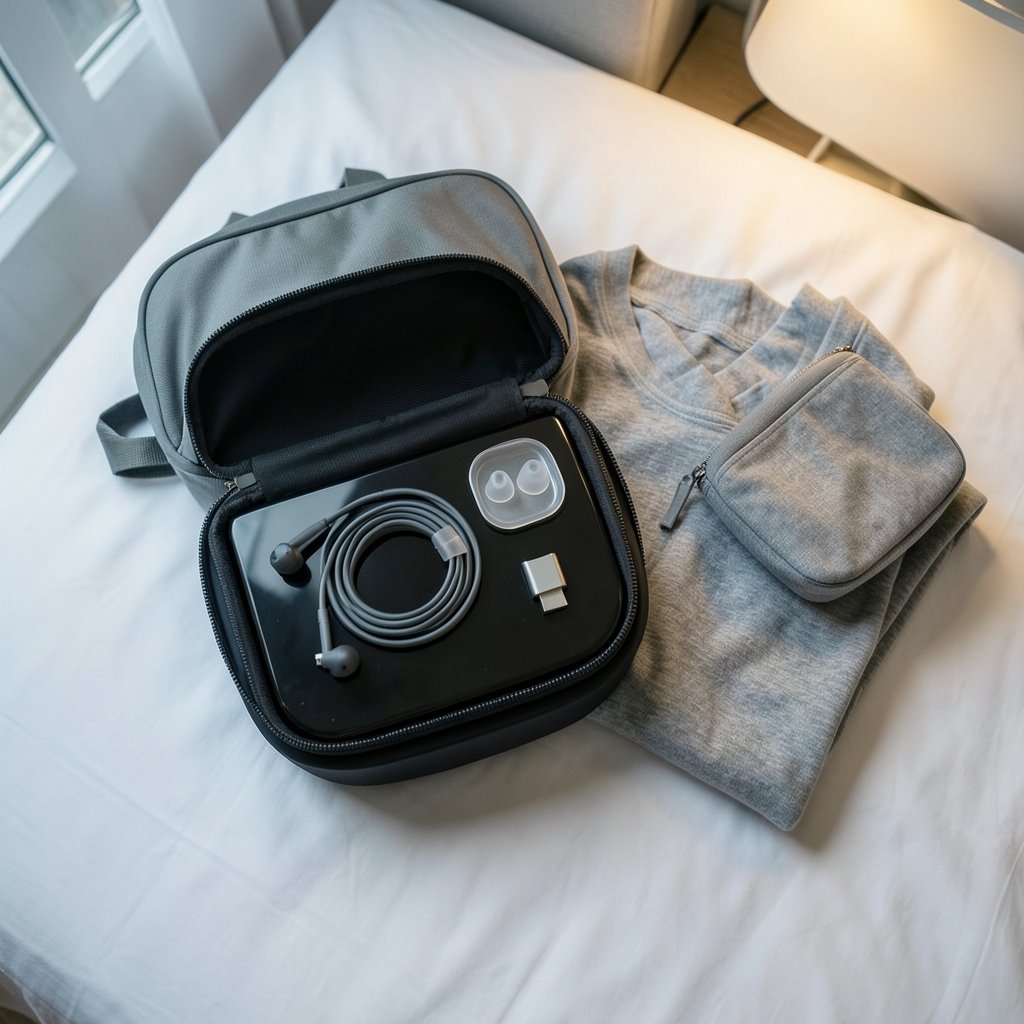
Ever lost a round because you heard footsteps a half-second too late? In competitive gaming, audio is not decoration. It is information. A footstep, a reload click, a distant ability cast, all of it arrives through your ears before your eyes can process it. That is why the earbud question keeps coming up.
Earbuds used to be the cheap alternative to a headset. Not anymore. Plenty of serious players now prefer them: they are lighter, they do not flatten your hair or trap heat, and they slip into a bag for LAN events or travel. But the market is crowded with marketing noise, and “gaming” on the box often means a colored logo rather than better audio.
The honest answer is that no single pair wins for everyone. What wins is understanding the handful of factors that actually affect competitive performance, then matching them to how you play.
Connection Type Decides More Than Any Driver Spec
If you take one thing from this article, take this: the connection matters more than the marketing. Here is how the main options stack up.
| Connection | Added latency | Best for | Trade-offs |
|---|---|---|---|
| Wired (3.5 mm or USB-C) | Effectively none | Competitive shooters, tournaments | Cable snag, dongle hassle on some phones |
| Bluetooth (standard codecs) | Noticeable, varies by codec and device | Casual and mobile play | Delay can blur fast audio cues |
| Bluetooth LE Audio (LC3) | Lower than older codecs | Newer phones and dongles | Requires compatible hardware on both ends |
| 2.4 GHz dongle | Typically lower than Bluetooth | Low-latency wireless setups | Rare on earbuds, common on headsets |
Wired is the reference point. A cable adds no meaningful delay, so what you hear matches what you see. For anyone playing fast-paced competitive titles, that reliability is hard to beat.
Bluetooth is where things get fuzzy. Delay depends on the codec, the phone or dongle, and how the manufacturer implemented it. The Bluetooth SIG specified LE Audio and the LC3 codec to improve latency, power use, and audio quality compared with older codecs, with the specification published in 2020 and products arriving from roughly 2022 onward. That is genuine progress, but “supports LE Audio” on a box does not guarantee a low-latency experience in every app.
2.4 GHz dongle connections usually beat Bluetooth on latency, but they are common on gaming headsets and still rare on earbuds. If low-latency wireless earbuds are the goal, check the current model list carefully rather than assuming.
One practical mistake: buying Bluetooth earbuds for a competitive shooter and blaming the game for “bad audio.” The delay is in the link, not the mix. If you want to go deeper on connection quality for online play, the debate over ethernet vs wi-fi gaming follows similar logic: stability beats convenience when every millisecond counts.
Fit and Seal: The Free Upgrade Most Players Skip
Here is the least glamorous, most underrated factor. A good seal does more for competitive audio than most feature lists.
Passive isolation blocks outside noise without any processing. That matters because active noise cancellation can alter the soundstage, and a shifted soundstage means shifted positional cues. A well-sealed earbud simply lets less of the room in, so quiet in-game details stay audible.
Tip selection drives the seal. Foam tips generally isolate more than silicone, though silicone often feels more comfortable for long sessions. The right size matters more than the material: too small and bass leaks away, too large and your ears ache within an hour.
A quick test that actually works: play a familiar track or a game menu loop at moderate volume, then cup your hands over your ears. If the sound barely changes, your seal is good. If it suddenly gets fuller, air is leaking and you are missing low-end information.
Fit also affects consistency. Competitive players rely on sounds sounding the same every session. An earbud that shifts slightly as you move changes the frequency response, and suddenly that footstep you could always place sounds like it is coming from nowhere.
Stereo Imaging Beats Virtual Surround
Virtual surround sounds impressive in a demo. In competitive play, it can smear the cues you need. The advantage comes mainly from accurate stereo imaging and a consistent frequency response, not from simulated channels that place sounds where they are not.
Think about what you actually need to hear: direction and distance. A clean stereo signal with well-behaved mids and treble delivers both. Heavy bass boosts, meanwhile, can mask the exact frequencies where footsteps and reloads live. A slightly lean, clear tuning often outperforms a “cinematic” one when the goal is information rather than immersion.
This is also where the platform conversation matters. If you are weighing a console against a PC for competitive play, the ps5 pro vs gaming pc comparison covers how each setup handles audio and peripherals, which shapes what earbuds can even do for you. Console players often face more connection restrictions, while PC players usually have more wired and USB-C options.
Microphone Quality: The Weak Spot of Earbuds
Team communication is half of competitive gaming, and this is where earbuds struggle. A microphone sitting near your ear is farther from your mouth than a boom mic, so it picks up more room noise and sounds thinner.
That does not make earbuds unusable. It does mean expectations should be realistic. If clear callouts matter more than portability, a headset with a boom mic usually wins. If you insist on earbuds, a separate clip-on or desktop mic solves the problem cleanly and often sounds better than any built-in option.
A common mistake is judging mic quality by a quick solo test. Test it in the actual app you use, at the volume you actually speak, with game audio running. That is the condition your teammates hear.
Matching Earbuds to Your Platform and Setup
The “best” earbud depends heavily on where you play. A few practical notes:
- PC: Wired or USB-C earbuds are simple and reliable. A dedicated DAC or sound card is optional, not mandatory.
- Console: Check what your controller or console accepts. Some support 3.5 mm directly, others push you toward wireless.
- Mobile and cloud: This is where Bluetooth and LE Audio make the most sense. Cloud services add their own latency, so it is worth reading how xbox cloud gaming vs ps plus premium handle streaming before blaming your earbuds.
If you are still deciding on the bigger hardware picture, the roundup of best gaming consoles 2026 helps frame which platform ecosystem you are buying earbuds for. Handheld players face their own trade-offs, covered in this look at best handheld gaming consoles 2026, where wired earbuds often remain the simplest low-latency answer.
And if your audio cues keep getting lost in a blurry display, the guide to best gaming monitors for competitive gaming pairs well with this one. Audio and visuals work as a team.
Practical Tips, Common Mistakes, and What Works
What actually works in practice tends to be unglamorous.
Set volume safely. Loud, long sessions damage hearing, and damaged hearing ends competitive careers quietly. The World Health Organization’s Make Listening Safe guidance recommends keeping personal audio at or below 80 dB for 40 hours per week for adults. The EN 50332 standard also limits portable-audio output levels, which is useful context when comparing loudness claims.
Test before you trust. Spend a session in a practice range or bot match learning how your earbuds place sounds. Every pair images slightly differently, and adaptation beats upgrading.
Fix the cheap things first. New tips cost little and can transform isolation and bass. A cable with a proper inline mic can beat a wireless link for clarity.
Avoid these mistakes: buying on driver size alone, assuming “gaming” branding means better positional audio, using ANC during competitive play, and judging mic quality in a quiet room instead of in a real match.
Keep a backup. Earbuds fail at the worst times. A cheap wired pair in your bag has saved more tournaments than any firmware update.
Conclusion
So which gaming earbuds are best for competitive gaming? The ones that add no delay, seal well, and image accurately. For most competitors, that means wired earbuds with foam or well-fitted silicone tips, a lean and clear tuning, and a realistic plan for voice chat. Wireless options are improving fast, and LE Audio plus the LC3 codec are genuinely narrowing the gap, but low-latency wireless earbuds remain the exception rather than the rule.
The smartest approach is to stop shopping for a universal winner and start matching the four factors that matter: connection type, seal and fit, stereo imaging, and microphone. Get those right and a modest pair will outperform an expensive one chosen for the wrong reasons. Get them wrong and no price tag will save your reaction time.
FAQ
Are wired earbuds better than wireless for competitive gaming?
For competitive play, wired earbuds are the safer default because a cable adds effectively no audio delay. Wireless can work well, especially with LE Audio and the LC3 codec, but latency still varies by codec and device, so results depend on your specific hardware pairing.
Does Bluetooth latency actually matter in fast shooters?
It can. Bluetooth delay varies by codec and implementation, and in fast-reaction games that gap can blur the link between what you see and what you hear. Casual and mobile play tolerate it far better than ranked shooters where a fraction of a second changes outcomes.
Should I use noise cancellation while competing?
Generally no. Passive isolation from a good seal blocks room noise without processing the audio, while active noise cancellation can alter the soundstage and shift positional cues. Save ANC for travel and use a proper seal during matches.
Is virtual surround sound helpful for locating enemies?
It is debated, and the safer bet is accurate stereo imaging with a consistent frequency response. Virtual surround can distort the very positional cues players rely on, so many competitors prefer a clean stereo signal over simulated channels.
Can earbuds replace a headset for team voice chat?
They can, but with a trade-off. Earbud microphones sit farther from your mouth than a boom mic, so they usually pick up more room noise and sound thinner. A separate clip-on or desktop mic closes most of that gap.
How do I know if my earbuds seal properly?
Play a familiar loop at moderate volume and cup your hands over your ears. If the sound barely changes, the seal is good. If it suddenly gets fuller, air is leaking, and trying different tip sizes or foam tips usually fixes it.



