
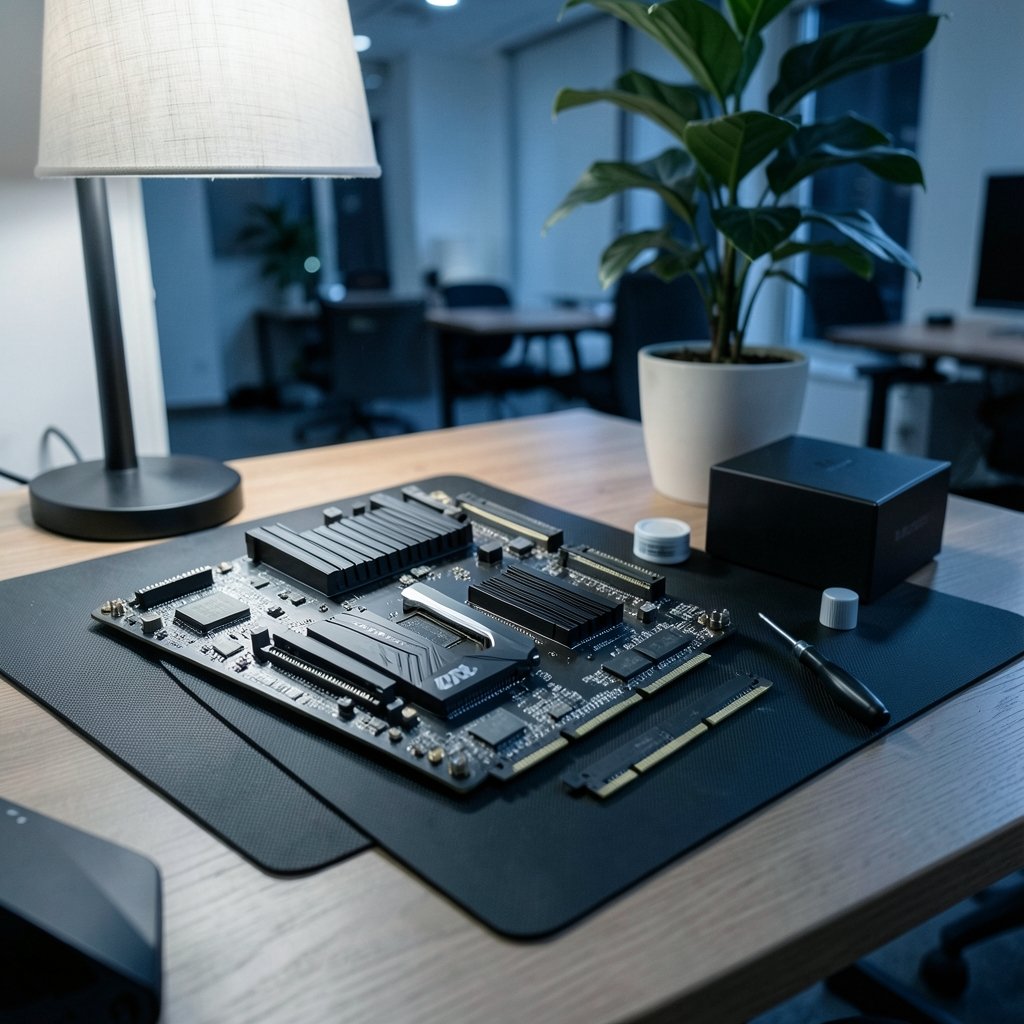
Quick Answer: Which gaming motherboards are best for competitive gaming?
The best competitive gaming motherboard is a mid-range board built on a chipset that lets you use the CPU and memory performance you paid for, not the most expensive model on the shelf. In practice, that means an AMD B650 or B850 board, or an Intel Z-series board if overclocking matters to you, paired with a strong VRM and stable BIOS support.
Premium flagship boards add features like PCIe 5.0 slots, Wi-Fi 7, and extra M.2 storage, but those extras rarely move frame rates in competitive titles. A cheaper board with the right chipset and a sensible memory kit will usually match them in-game.
Before buying, compare chipset overclocking support, VRM quality and cooling, memory QVL and EXPO/XMP support, M.2 and USB connectivity, network hardware, form factor, and BIOS update history.
Why the Motherboard Rarely Wins You a Round
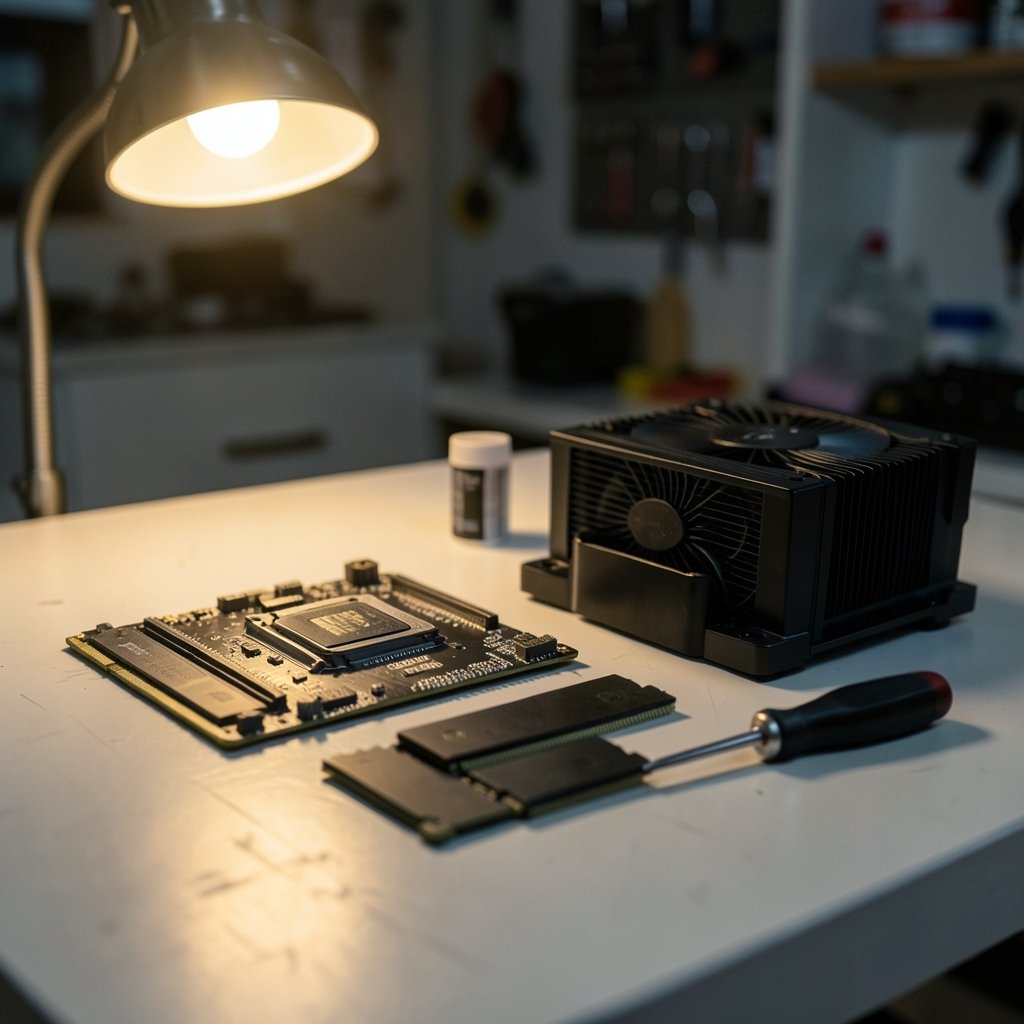
Can a motherboard make you faster? Not directly. It does not render frames, and it does not lower your ping by magic. What it does is decide whether your CPU and RAM can run at full speed, stay cool, and keep working after the third BIOS update of the year.
That distinction matters because competitive players often overspend in the wrong place. A $400 board paired with a mid-tier CPU will lose to a $180 board paired with a better CPU and a well-tuned memory kit. The board is an enabler, not a performer.
Where the motherboard genuinely shapes a competitive setup:
- CPU headroom: VRM quality and cooling determine whether a high-core CPU holds boost clocks during long sessions.
- Memory speed: EXPO and XMP support plus a good QVL list decide whether your DDR5 kit hits its rated speed.
- Stability: BIOS quality and update cadence affect crashes, memory compatibility, and security patches.
- Connectivity: M.2 slots, USB ports, and network hardware shape how your desk and setup come together.
Everything else, from RGB to heatsink styling, is decoration. If you are still mapping out the rest of your build, it helps to see how the pieces fit together, and a comparison like best gaming consoles 2026 which system actually fits your can clarify whether a PC is even the right platform for the games you play.
Chipset First, Everything Else Second
The chipset is the single most important decision, and it is the one buyers most often get wrong. It determines CPU compatibility, overclocking support, and how many high-speed lanes and ports you get.
On Intel platforms, only Z-series chipsets allow CPU overclocking. B-series and H-series boards generally do not. If you plan to tune a K-series chip, the chipset choice is made for you. On AMD’s AM5 platform, both B650-class and X670/X870-class chipsets support CPU overclocking, so the gap between mid-range and flagship narrows considerably.
| Platform | Chipset tier | CPU overclocking | Typical buyer |
|---|---|---|---|
| Intel | Z-series (e.g., Z790, Z890) | Yes | Players who tune CPU and memory |
| Intel | B-series / H-series | No | Stock-speed builds, budget focus |
| AMD AM5 | B650 / B850 | Yes | Most competitive builds |
| AMD AM5 | X670 / X870 | Yes | Players who need more lanes and ports |
The practical takeaway: on AMD, a mid-range board gives you nearly everything a competitive player needs. On Intel, the chipset decision is more consequential because it gates overclocking entirely.
One caution: chipset lineups refresh regularly, and new chipsets have appeared since the Z890 and X870 launches in late 2024. Confirm the current lineup before you commit to a socket.
PCIe Generation Is Mostly a Spec-Sheet Story
PCIe 5.0 slots are now common on premium boards, and marketing departments love them. For competitive gaming, the honest answer is that PCIe 4.0 x16 already exceeds what current graphics cards need for gaming. PCIe 5.0 offers headroom for future hardware, but it delivers little measurable frame-rate gain today.
That does not make PCIe 5.0 useless. Fast Gen5 M.2 slots can matter if you move huge files or run storage-heavy workloads. But if the choice is between a Gen5 slot and a better VRM or a stronger CPU, take the VRM and the CPU every time.
Memory Support: Where Cheap Boards Actually Cost You
This is the quiet failure point. A board may list support for high-speed DDR5, but reaching rated speeds depends on the memory kit, the board’s qualified vendor list, and how many DIMM slots you populate.
Two practical rules work in the real world:
- Enable EXPO or XMP on day one. This is the main way to reach rated DDR5 speeds. Boards often boot at a conservative default until you turn the profile on.
- Prefer two sticks over four. Populating all four DIMM slots frequently forces lower speeds on DDR5. A 2x16GB or 2x24GB kit at a realistic speed beats four sticks at a heroic one.
Also check the board’s QVL before buying a kit, and re-check it after BIOS updates, because memory compatibility changes over time. A board with a strong BIOS update cadence will quietly fix compatibility issues that a neglected board never addresses.
VRM Quality and Cooling: The Sustained-Load Test
Competitive play means long sessions at high refresh rates, often with a CPU that is working hard. That is where VRM design earns its keep. Boards with adequate power phases and properly heatsinked VRMs hold boost clocks more consistently than stripped-down designs.
You do not need the most elaborate power delivery on the market. You do need a board that independent reviewers have tested under sustained load with a CPU in your performance class. Motherboard reviews that measure VRM temperatures under load are far more useful than any marketing claim about “military-grade components.”
Form factor plays into this. ATX boards generally offer more phases, more slots, and more headers. Micro-ATX and mini-ITX boards can absolutely serve a single-GPU competitive build, but they often have fewer M.2 slots and tighter VRMs. If small is the goal, choose carefully rather than assuming the small version of a good board is equally good.
Network Hardware: Honest Expectations
Every mid-range board and up now ships with 2.5GbE, and Wi-Fi 6E or Wi-Fi 7 is increasingly standard. That sounds like a competitive advantage. It mostly is not.
For online play, latency is dominated by your internet path, your router, and the distance to the game server, not by the network chip on the board. Onboard “gaming” LAN prioritization software has limited measurable effect. If you want a real latency improvement, the connection type matters more than the NIC, and a breakdown of ethernet vs wi fi gaming which connection actually wins is a better use of your time than comparing LAN chips.
Audio follows the same pattern. Most boards use Realtek codecs in the ALC897 to ALC4080 range, and differences between them are small compared with using a dedicated DAC, amp, or a decent headset. Do not pay a premium for an audio codec badge.
BIOS Quality: The Unglamorous Differentiator
Here is something spec sheets never show: how often the manufacturer ships BIOS updates, and whether those updates are stable. Frequent, stable updates bring memory compatibility fixes and security patches, including microcode updates for CPU vulnerabilities. A board with great hardware and abandoned firmware is a long-term liability.
Before buying, check the support page for the specific model. Look at the date of the most recent BIOS release and skim the changelogs. A steady cadence of fixes is a better signal than any feature list.
Matching the Board to Your Whole Setup
The motherboard is one node in a chain, and the weakest link sets your experience. A high-refresh monitor you cannot drive is wasted money, and a fast board behind a slow display changes nothing. If you are still deciding on the display side, best gaming monitors competitive gaming actually wins you covers where the real competitive gains live.
The same logic applies to the platform question. Whether you build a PC or buy a console changes what the motherboard even means for you, and ps5 pro vs gaming pc which one actually fits your setup is worth reading before you spend on either path. If you lean toward PC but want flexibility on where you play, cloud options are worth understanding too, and xbox cloud gaming vs ps plus premium which cloud service explains how those services compare.
One more practical note: if you buy game keys to stock your library, the store you choose affects your budget for hardware. A look at eneba vs cdkeys vs green man gaming which key site fits your can help you keep more money for the parts that matter.
Common Mistakes Buyers Make
A few patterns show up again and again among competitive players building or upgrading:
- Buying the flagship board and a mid-tier CPU. The CPU and GPU set your frame rate. Spend there first.
- Ignoring the QVL and then blaming the board. Memory that will not hit rated speed is often a compatibility issue, not a defective board.
- Leaving EXPO or XMP off. A surprising number of builds run at default memory speed for months without anyone noticing.
- Paying for Wi-Fi 7 on a wired desktop. If you use Ethernet, put that money into the VRM tier or storage.
- Skipping the BIOS check. Five minutes on the support page prevents years of frustration.
- Forgetting the case and cooler clearance. Large CPU air coolers and thick radiators can collide with VRM heatsinks and tall memory.
A Sensible Buying Checklist
Before you commit, run through this list in order:
- Confirm the chipset supports the CPU you want and, if relevant, CPU overclocking.
- Check independent reviews for VRM temperatures under sustained load with a comparable CPU.
- Verify the memory QVL includes a two-stick DDR5 kit at a realistic speed.
- Confirm M.2 slot count and whether the primary slot is CPU-connected.
- Check the BIOS release history on the manufacturer’s support page.
- Match form factor to your case and confirm cooler and GPU clearance.
- Only then compare Wi-Fi, audio, and RGB extras.
Conclusion
The best competitive gaming motherboard is not the most expensive one. It is the board that lets your CPU and memory run at full speed, stays cool under long sessions, and receives steady BIOS updates. On AMD’s AM5 platform, a well-reviewed mid-range B650 or B850 board covers nearly everything a competitive player needs. On Intel, the Z-series chipset is the price of admission if you want to overclock.
Spend your budget in order: CPU and GPU first, then a monitor that can actually show the frames, then a board with a solid VRM, good memory support, and honest connectivity. Skip the flagship tax unless you have a specific reason to pay it. Your frame rate will not notice the difference, but your wallet certainly will.
FAQ
Do I need a premium motherboard for competitive gaming?
No. A mid-range board with a capable VRM, good memory support, and regular BIOS updates performs the same in-game as a flagship model. Premium boards add connectivity and overclocking extras, not frame rates.
Is PCIe 5.0 worth paying extra for in a gaming build?
Rarely. PCIe 4.0 x16 already exceeds the bandwidth current graphics cards need for gaming, so Gen5 slots deliver little measurable gain today. They are useful for fast storage and future headroom, not current frame rates.
Does a better network chip lower my ping?
Not meaningfully. Online latency is dominated by your internet path, router, and distance to the game server. Onboard gaming LAN prioritization software has limited measurable effect compared with fixing your connection type.
How much does RAM speed matter on a gaming motherboard?
It matters, but only if you enable EXPO or XMP and pick a kit on the board’s QVL. Two sticks usually reach higher stable speeds than four on DDR5. Running at default speed leaves performance on the table.
Is micro-ATX or mini-ITX fine for a competitive build?
Usually yes, for a single-GPU setup. The trade-offs are fewer M.2 slots, fewer headers, and tighter VRM cooling. Check reviews for the specific small board rather than assuming it matches its full-size sibling.
How often should I update my motherboard BIOS?
Update when a release fixes a problem you have, adds memory compatibility, or patches a security issue. Check the support page a few times a year and read the changelog before flashing.



