
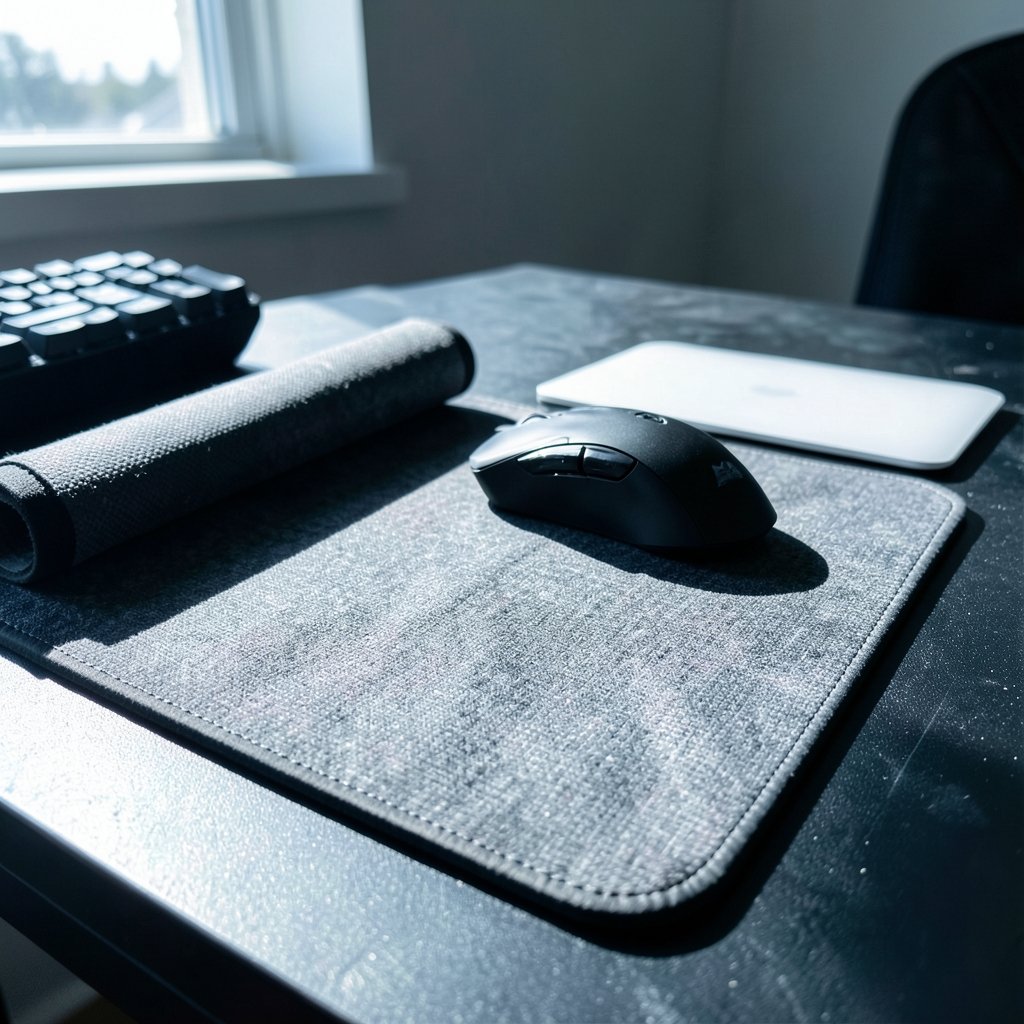
Quick Answer: Which gaming mouse pads are best for competitive gaming?
There is no single best gaming mouse pad, because the right choice depends on your game, your sensitivity, and how you grip the mouse. Low-sensitivity FPS players usually do best with a large cloth control pad, while tracking-heavy players often prefer a faster, low-friction surface.
Cloth pads favor stopping power and comfort, while hard pads (plastic, glass, or aluminum) offer a quicker glide but can wear down mouse feet faster. Hybrid and extended desk mats sit in between and suit players who want one surface for both mouse and keyboard.
Before buying, compare surface material, friction and stopping power, pad size, thickness, edge stitching, sensor compatibility, and how easy the pad is to clean.
Few things in a gaming setup feel more personal than the surface under your mouse. A new headset or a faster monitor gets all the attention, yet the pad you glide across quietly shapes every flick, every micro-adjustment, and every clutch shot you take. So it is fair to ask: does the mouse pad actually matter, or is it just desk decoration? The honest answer is that it matters more than most players expect, but not in the way marketing departments would have you believe. There is no magic “esports-grade” sheet that instantly makes you better. What exists is a small set of trade-offs between speed, control, size, and durability, and the best pad is simply the one whose trade-offs match how you play.
Why the mouse pad deserves more credit than it gets
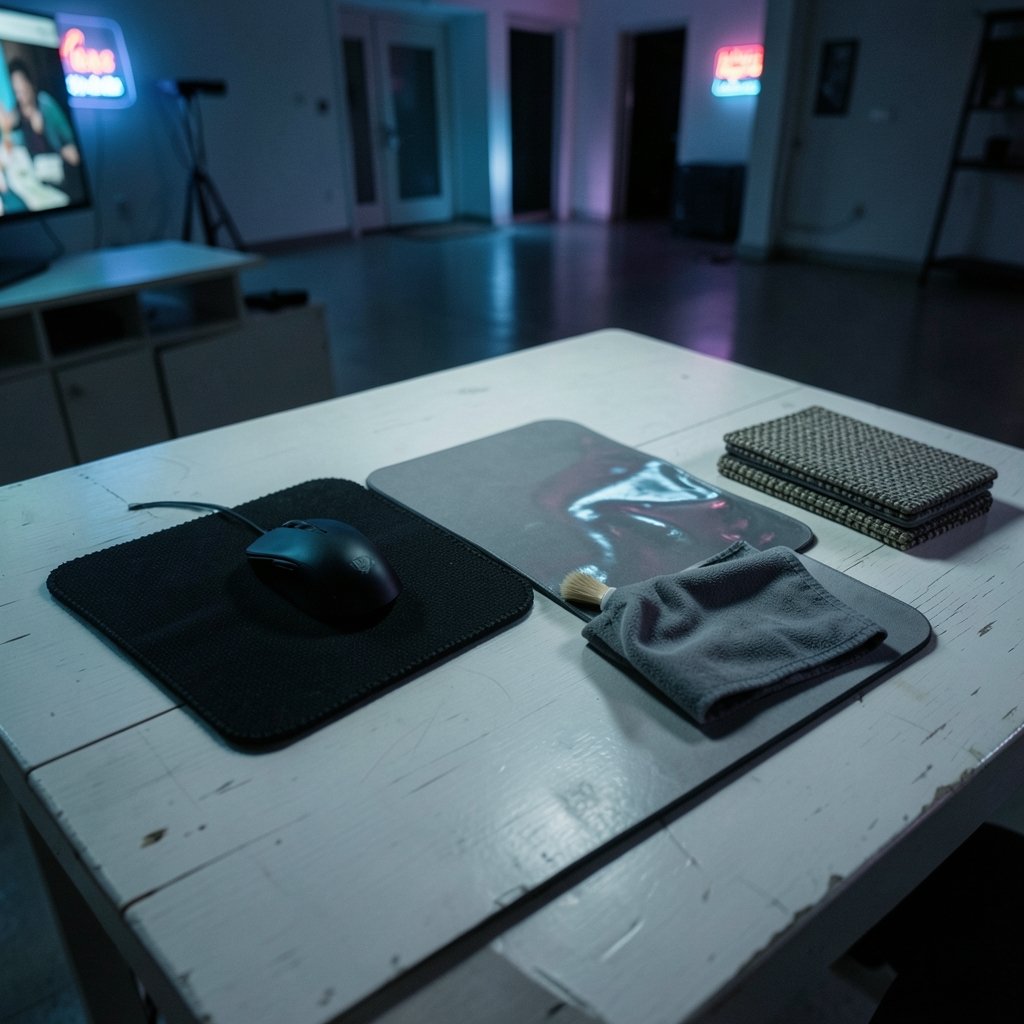
Think about what happens during a flick shot. Your hand moves the mouse, the sensor reads the motion, and the pad decides how much friction fights back. A surface with too much glide can make your crosshair overshoot. A surface with too much drag can make tracking feel like pushing through sand. Neither is “wrong” on its own; each suits a different style.
The problem is that this whole category runs on vibes. There is no official standards body publishing a gaming-mousepad performance standard, so labels like “tournament-ready” or “pro-grade” are marketing terms rather than certified specs. Even the enthusiast community relies heavily on anecdotal reports and vendor spec sheets. Peer-reviewed studies comparing pad surfaces for competitive performance are essentially absent from the public record. That does not mean pads are snake oil. It means you should trust your own testing over a shiny badge on the box.
Speed versus control: the choice that actually matters
Nearly every mouse pad decision comes down to one axis: friction. Speed pads have a slick, low-friction surface that rewards fast flicks and smooth tracking. Control pads have a grippier weave that helps you stop precisely and make tiny corrections without sliding past your target.
| Surface type | Glide speed | Stopping power | Best for | Watch out for |
|---|---|---|---|---|
| Cloth control | Slower | High | Tactical FPS, low sensitivity, precision aiming | Can feel sluggish for very fast tracking |
| Cloth speed | Fast | Moderate | Tracking-heavy shooters, mid sensitivity | Less forgiveness on micro-stops |
| Hard plastic | Very fast | Low to moderate | Fast flicking, players who like minimal drag | Wears mouse feet faster |
| Glass or aluminum | Fastest | Low | Enthusiasts chasing pure glide | Reflective surfaces can upset some sensors |
| Hybrid | Fast | Moderate | Players who want a bit of both | Feel varies a lot between models |
The practical takeaway is simple. If you play a game where you hold an angle and need to stop dead on a pixel, lean toward control. If you spend your matches tracking strafing targets, lean toward speed. If you genuinely cannot decide, a hybrid or a medium-speed cloth pad is the safest starting point, because it rarely feels terrible at anything.
Cloth versus hard: what actually holds up over time
Cloth pads dominate for good reason. They offer more stopping control, they are quieter under the mouse, and they feel gentler on your wrist during long sessions. The catch is maintenance. Cloth collects dust, skin oils, and sweat, and over weeks that buildup changes how the pad glides. A washable cloth pad solves most of this, though “washable” is a manufacturer claim rather than a standardized guarantee, so follow the care instructions closely.
Hard pads flip the equation. Plastic, glass, and aluminum surfaces deliver lower static friction and a faster glide out of the box, but they tend to wear down mouse feet faster and can feel unforgiving. They are also less forgiving of a dusty desk, since grit on a hard surface acts like sandpaper on your mouse skates.
A common mistake here is buying a premium hard pad and then pairing it with cheap, worn mouse feet. The surface gets blamed for scratchiness that the feet actually caused. Check your mouse feet before you blame the pad.
Size, thickness, and stitching: the details people skip
Size is where competitive players most often underbuy. Low-sensitivity FPS players make wide arm sweeps, and a small pad forces them to lift and reset mid-fight. Large pads in the region of 400×400 mm and up keep a full sweep on the surface. There is no formal standard for pad sizes, so measure your desk and your swing before ordering.
Thickness affects comfort and how the pad sits over desk imperfections. Stitched edges reduce fraying over time, which matters if you plan to keep a pad for years rather than months. These are product-design claims rather than independently tested specs, but they are easy to judge in person or from close-up photos.
If you are building out a full competitive setup, it helps to think about the whole chain rather than the pad alone. The wrong monitor can undo a great pad’s precision, which is why it is worth reading up on the best gaming monitors for competitive gaming that actually win you rounds before you spend. Likewise, a stable connection keeps your inputs consistent, so the debate over ethernet vs wi-fi for gaming and which connection actually wins is not separate from aim talk. And if you are still deciding what to plug that mouse into, a look at the best gaming consoles of 2026 and which system actually fits your setup rounds out the picture.
Sensor compatibility: the quiet dealbreaker
Modern optical sensors generally track well on cloth and most hard pads. The trouble starts with very reflective or glass surfaces, which can cause tracking issues on some sensors. Before you buy a glass pad for its gorgeous glide, check your mouse’s official documentation for surface guidance. A pad that looks incredible but makes your sensor stutter is a downgrade, not an upgrade.
A practical tip that costs nothing: test a new pad on your actual mouse, in your actual game, for at least a week before judging it. Aim feels change slowly, and the first hour on a new surface almost always feels wrong simply because it is unfamiliar. Give your hand time to adapt before you decide the pad is bad.
Matching the pad to your game and grip
Genre is the best starting filter. Tactical shooters reward control and stopping power. Arena shooters and tracking-heavy titles reward glide. Strategy and MOBA players, who mostly make short, precise cursor movements, often do fine with a medium-speed cloth pad and rarely need a giant surface.
Your sensitivity matters just as much. Low-sensitivity players benefit most from large pads with reliable stopping power. High-sensitivity players can get away with smaller pads and often prefer a faster surface, since their movements are shorter.
Then there is the desk itself. An extended desk mat that runs under both keyboard and mouse keeps everything on one consistent surface and looks tidy, but it can be harder to clean and may not offer the specialized glide a dedicated pad provides. Many competitive players end up with a large dedicated mouse pad and a separate keyboard mat, which is the more flexible arrangement.
Common mistakes that quietly hurt your aim
The first mistake is chasing a pro’s setup without matching their sensitivity or grip. A speed pad that suits a high-sensitivity tracking player can feel uncontrollable to a low-sensitivity tactician.
The second is ignoring cleanliness. A grimy cloth pad glides differently than a fresh one, and the change happens gradually enough that players blame their mouse or their aim instead of the surface.
The third is buying a pad too small for their swing, then compensating with awkward arm positions that cause fatigue.
The fourth is skipping the mouse feet check. Worn feet make any pad feel scratchy.
The fifth is overthinking it. Pad choice is a real factor, but it sits well below practice, sleep, and a stable setup in importance. Treat it as a fine-tuning step, not a magic fix.
How to test a pad properly before committing
- Note your current sensitivity and the size of your typical mouse sweep.
- Pick a surface type that matches your game’s demands, not a random recommendation.
- Measure your desk space and confirm the pad size fits with room to spare.
- Check your mouse’s documentation for any surface warnings.
- Use the pad exclusively for a week in real matches before judging it.
- Keep the packaging until you are sure, so you can return it if the glide is wrong.
That process sounds fussy, but it prevents the most expensive mistake in this hobby: collecting pads that never quite fit how you play. If you enjoy comparing gear across categories, the same logic applies to the best handheld gaming consoles of 2026 and which one actually fits your hands, where comfort and fit beat raw specs every time.
Conclusion
The best gaming mouse pad for competitive gaming is the one that matches your game, your sensitivity, and your tolerance for maintenance. Large cloth control pads remain the safest bet for most precision-focused players, fast cloth and hard pads suit tracking and flick-heavy styles, and hybrid surfaces split the difference for anyone unsure. Ignore the “esports-grade” language, check your sensor documentation, clean your pad regularly, and give any new surface a full week before you judge it. Get those basics right and the pad stops being a variable you worry about and becomes the quiet, reliable foundation your aim deserves.
FAQ
Do pro players really use special mouse pads?
Many do, but not because the pads are magic. Pros tend to use large cloth pads with consistent glide and replace them regularly as they wear. The pattern matters more than any specific brand: a big surface, predictable friction, and a fresh pad.
How often should I replace a cloth mouse pad?
It depends on use and care. A washable pad cleaned regularly can last a year or more, while a heavily used pad that has gone shiny and slick in the center is usually past its best. Replace it when the glide feels inconsistent across the surface.
Is a glass mouse pad bad for my mouse?
Not inherently, but glass is reflective, and some sensors can struggle on very reflective surfaces. Check your mouse’s official documentation before buying. Glass also tends to wear mouse feet faster, so factor in replacement skates.
Does pad thickness actually matter?
It matters for comfort and for smoothing out minor desk imperfections. Thicker pads can feel plusher and reduce fatigue, while thinner pads sit closer to the desk. Neither is objectively better; it comes down to preference.
Can a mouse pad improve my aim?
It can remove friction-related inconsistency, which helps, but it will not replace practice. The pad is a fine-tuning tool. Players often see the biggest gains from matching surface speed to their sensitivity rather than from buying the most expensive option.
Should I use an extended desk mat or a dedicated mouse pad?
An extended mat keeps mouse and keyboard on one consistent surface and looks clean, but it can be harder to wash and less specialized. A dedicated pad gives you more control over glide and is easier to clean or replace, which is why many competitive players choose it.



