
What if the biggest decision in console gaming isn’t which brand to pick, but which version of the same box? That’s the puzzle Microsoft handed players in November 2020, when it launched two consoles at once: the Xbox Series X and the smaller, disc-free Xbox Series S. Nearly six years later, that pair still shapes how millions of people buy games, choose TVs, and budget for storage. The two machines share a family name and a game library, yet they serve very different rooms, budgets, and expectations.
This guide breaks down what actually separates them, where the cheaper model cuts corners, and which one tends to make sense for which kind of player. No hype, no brand loyalty, just the practical stuff you notice after the box is unplugged in your living room.
Two Consoles, One Family, Very Different Jobs
Microsoft announced both consoles in December 2019 and released them on 10 November 2020. The idea was simple: offer a premium 4K machine for people with big TVs and big budgets, and a compact 1440p machine for people who mostly play on a monitor or a modest screen.
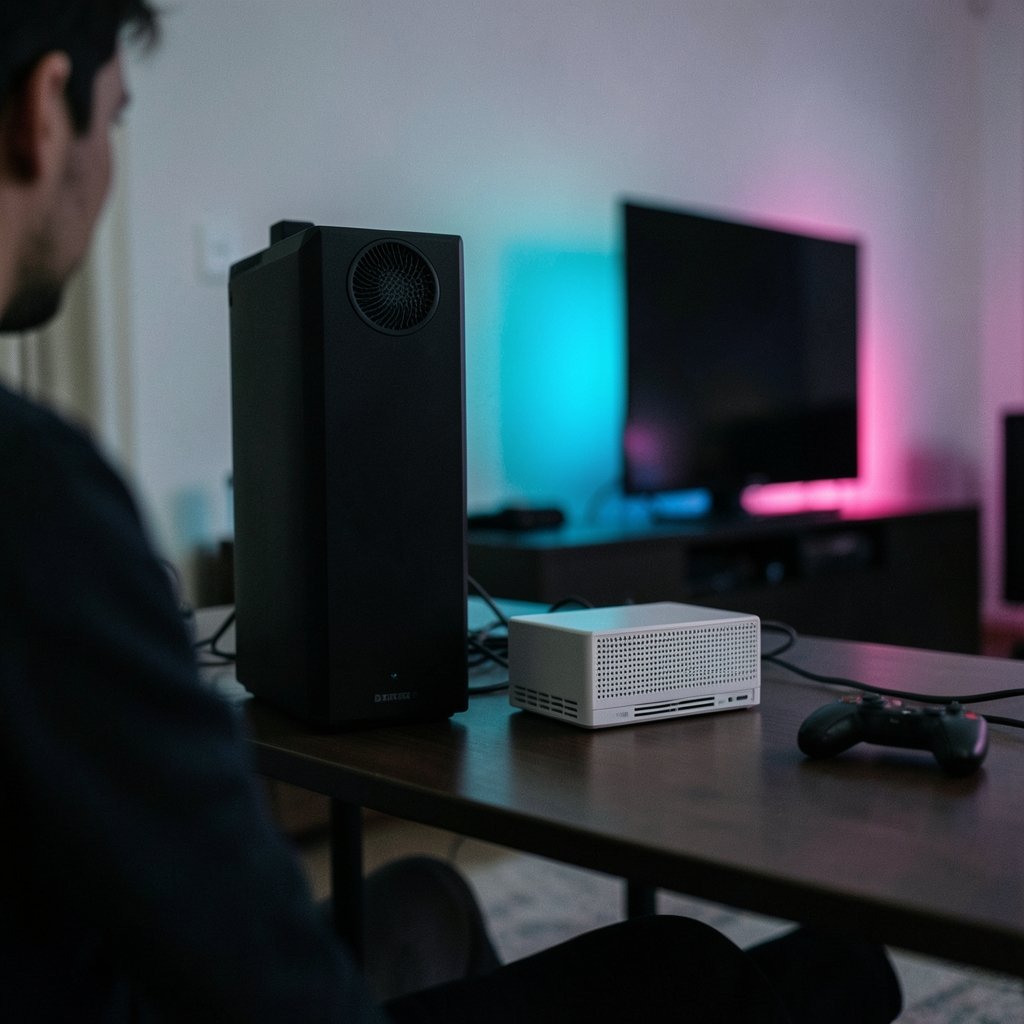
The Series X is the flagship. It has a disc drive, a beefy power supply, and a tall, rectangular tower design meant to sit upright or lie flat. The Series S is roughly the size of a thick book, ships without a disc drive, and is designed to disappear into a shelf.
Both run the same games. That’s the crucial part. Unlike the old days, when a cheaper console got a different, lesser library, the Series S plays the same titles as the Series X. The difference lives in resolution, frame rates, and storage, not in which games exist.
Specs Side by Side: What the Numbers Actually Mean
Here’s the comparison most buyers want, stripped of marketing language. The figures below come from launch-era official specifications.
| Feature | Xbox Series X | Xbox Series S |
|---|---|---|
| GPU power | 12 teraflops (RDNA 2) | 4 teraflops (RDNA 2) |
| Memory | 16 GB GDDR6 | 10 GB |
| Internal storage | 1 TB NVMe SSD | 512 GB at launch (1 TB model later) |
| Disc drive | Yes, 4K UHD Blu-ray | No |
| Target resolution | 4K | 1440p |
| CPU | 8-core AMD Zen 2 | Same CPU family |
| Backward compatibility | Yes | Yes |
| Quick Resume | Yes | Yes |
The 12 teraflops figure gets quoted constantly, and it’s genuinely the clearest single number for separating the two. But teraflops don’t tell the whole story. The Series S runs the same CPU family, which means game logic, loading behavior, and most gameplay systems work the same way. What shrinks is graphical headroom: fewer effects, lower resolutions, and sometimes lower frame rate modes.
The 10 GB of memory on the Series S is the spec that quietly matters most. Several developers have noted that memory, not raw GPU power, is the tightest constraint on the cheaper machine. That’s why some late-generation games ship on Series S with noticeably softer textures or reduced detail. It’s not laziness; it’s math.
Price, Value, and the Real Cost of Going Cheap
The sticker price gap between the two consoles is the headline. The Series S costs substantially less, and it’s often bundled with subscription offers that make the entry point feel almost trivial. If you’re weighing that against Sony’s options, a direct PS5 vs Xbox Series X price comparison helps frame the decision in real money rather than brand preference.
But the cheap console has hidden costs, and this is where first-time buyers get burned.
Storage is the big one. The 512 GB Series S fills up fast. Modern blockbuster games routinely weigh 80 to 150 GB each. After the operating system takes its share, you might fit four or five large games before you’re juggling installs. The proprietary expansion cards that add space cost real money, and on the Series S that upgrade can erase much of the savings.
Disc drives save money over time. The Series X plays physical discs, which means used games, sales, borrowed copies, and Blu-ray movies. Over a console’s lifespan, that flexibility often pays back the price difference. The Series S locks you into digital storefront prices.
Trade-in value differs. The premium model holds resale value better, which softens the true cost of ownership.
If you’re tracking how the market has shifted, it’s worth seeing where Xbox Series X pricing in 2026 has landed, since discounts and bundles change the calculus every few months. And if you’re shopping the budget end, this breakdown of how much an Xbox Series S costs covers the entry price and what comes in the box.
Performance in Practice: What You See on Screen
Spec sheets are tidy. Real games are messy. Here’s how the gap shows up in actual play.
On a 4K TV, the difference is obvious. The Series X renders natively at 4K in many titles. The Series S typically targets 1440p and upscales. On a large screen viewed from a couch, the softer image is noticeable in fine detail like distant foliage, text, and hair. On a 1080p TV or a desk monitor, most people won’t spot it.
Frame rate modes favor the Series X. When a game offers a 120 fps performance mode, the Series X usually hits it more consistently. The Series S often caps at 60 fps or drops resolution harder to hold frame rate.
Load times are close. Both use fast NVMe storage, and both support Quick Resume, which lets you suspend multiple games and jump between them in seconds. This is one of the generation’s genuinely great features, and the cheaper console gets it too.
Backward compatibility is identical. Both machines run most Xbox One, Xbox 360, and original Xbox titles, with select games getting FPS Boost and auto-HDR enhancements. If you have a shelf of old discs, though, only the Series X can read them.
The Setup Reality Check Most Buyers Skip
Here’s the practical advice that rarely makes it into spec comparisons: your screen decides more than your console does.
If you own a 65-inch 4K OLED, buying a Series S is like putting economy tires on a sports car. You’ll see every compromise. If you game on a 24-inch 1080p monitor at a desk, the Series X is largely wasted horsepower unless you specifically want disc-based games or the extra storage.
A few habits that actually work in practice:
- Measure your storage needs before you buy. Count the games you play regularly and add up their install sizes. If the total exceeds 400 GB, budget for expansion from day one.
- Check your TV’s refresh rate. A 120 Hz panel enables performance modes; a 60 Hz panel makes those modes irrelevant.
- Sit at your real viewing distance. At couch distance, upscaled 1440p looks better than you’d expect. Up close, it doesn’t.
- Decide on discs early. If you buy used games or borrow from friends, the Series S is the wrong tool no matter how good the price looks.
- Factor in the subscription. Both consoles lean heavily on Xbox Game Pass, which changes the value math considerably. A cheap console plus a subscription can cost less than a premium console plus full-price games.
One common mistake: buying the Series S for a shared family room with a big TV, then discovering the kids’ games look soft and the storage is full by month three. Another: buying the Series X for a bedroom monitor setup where its 4K muscle never gets used.
For anyone comparing the setup experience across platforms, this walkthrough of a Steam Machine vs Xbox Series X first boot shows how much friction the out-of-box experience adds or removes.
Which One Should You Buy?
The honest answer depends on three questions: What screen do you own? Do you buy physical games? How many games do you keep installed at once?
Choose the Series X if you have a 4K display, you want a disc drive, you play big single-player blockbusters, or you plan to keep the console for five-plus years. The extra memory and storage headroom age much better.
Choose the Series S if you play on a 1080p or 1440p screen, you’re a digital-only buyer, you want a second console for a bedroom or dorm, or you’re buying for a younger player who mostly runs a handful of live-service games.
There’s also a middle path worth considering: a used or discounted Series X often costs close to a new Series S once you factor in an expansion card. That trade deserves a hard look. The broader Steam Machine vs Xbox Series X comparison is useful context if you’re also weighing a PC-style living room box, since the value question now stretches beyond consoles.
Market data also tells a story about momentum. Analysis of Xbox Series X sales figures from September 2026 suggests the premium model still carries weight with core buyers even as the cheaper tier grows. And for anyone cross-shopping the other camp, this look at Xbox Series X vs PS5 pricing rounds out the picture.
Conclusion
The Xbox Series X and Series S aren’t rivals. They’re two answers to two different questions. The Series X asks whether you want the full experience with no compromises, and it delivers for people with the right screen and the budget to match. The Series S asks whether you’d trade some graphical polish for a much lower entry price, and for a huge number of players, that trade is smart.
What matters is honesty about your own setup. Match the console to the TV, the storage to your library, and the disc drive to your buying habits. Do that, and either machine will serve you well for years. Skip that step, and you’ll spend the generation wishing you’d picked the other box.
Frequently Asked Questions
Is the Xbox Series S worth it compared to the Series X?
Yes, for specific buyers. The Series S makes sense if you play on a 1080p or 1440p screen, buy games digitally, and don’t need much storage. It plays the same games as the Series X. If you have a 4K TV, buy discs, or keep many large games installed, the Series X is worth the extra money.
Do Xbox Series X and Series S play the same games?
Yes. Both consoles share the same game library, including new releases and most backward-compatible Xbox One, Xbox 360, and original Xbox titles. The difference is performance, not availability. Some games run at lower resolution or reduced visual detail on the Series S.
Does the Xbox Series S have a disc drive?
No. The Series S is all-digital, so you can only play downloaded games. The Series X includes a 4K UHD Blu-ray drive that plays physical games and movies. If you rely on used discs, borrowed games, or Blu-ray films, only the Series X supports them.
How much storage do the two consoles have?
The Series X ships with a 1 TB custom NVMe SSD. The Series S launched with 512 GB, and a 1 TB model was later introduced. Both support proprietary expansion cards and standard USB external drives for backward-compatible games. Most players with large libraries will need extra space eventually.
Can the Xbox Series S output 4K?
It can output a 4K signal to a TV, but games are designed to target 1440p and then upscale. The result looks sharp on most screens, though it won’t match the native 4K detail of the Series X. On a 1080p display, the difference is largely invisible.
Is Quick Resume available on both consoles?
Yes. Quick Resume works on both the Series X and Series S, letting you suspend several games and switch between them in seconds without reloading. It’s one of the few headline features that isn’t reserved for the premium model, and it makes a real difference in daily use.



