
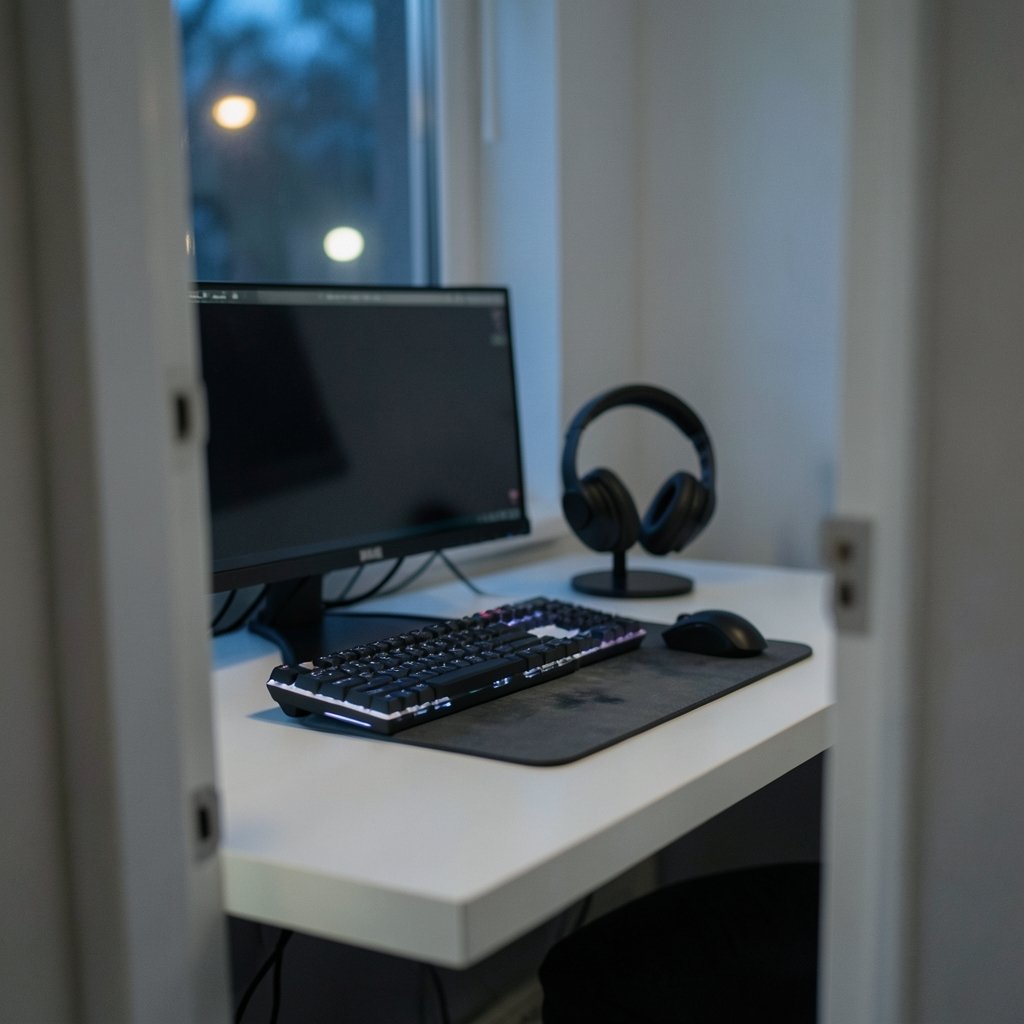
A 1000 Hz mouse reports its position every single millisecond. That sounds instant. Yet competitive players still argue about whether 4000 Hz or 8000 Hz polling rates make any measurable difference — and independent testing keeps landing on “barely.” That gap between marketing claims and real-world performance is the whole story of professional gaming gear. The best accessories for pro gamers are not the ones with the biggest spec sheet. They are the ones that remove friction, hold up under thousands of hours of use, and stay reliable when a match is on the line.
This guide breaks down what professionals actually use across mice, keyboards, headsets, monitors, and the less glamorous support gear. It also covers the mistakes amateurs make when copying a pro’s setup, and why a sponsored loadout is not always an honest recommendation.
Why “Professional-Grade” Is a Marketing Term, Not a Standard
There is no certification body that labels a mouse or keyboard “esports approved.” When a product page claims pro-level performance, that phrase has no technical definition behind it. What exists instead are measurable traits: sensor accuracy, click latency, build durability, and consistency between units. (Computer keyboard)
That matters because the peripheral market runs on sponsor money. Esports organizations are funded partly by hardware brands, and players are contractually obligated to use their sponsors’ gear on stage. A pro using a particular headset is evidence that the headset is good enough for competition — not proof that it is the best option available. Readers shopping for their own setup should treat pro loadouts as a starting filter, not a final answer.
The more useful approach is to look at categories where professionals converge despite different sponsors. When players from rival teams with different contracts end up on similar specs, that’s a real signal.
Mice: The One Accessory Worth Overthinking
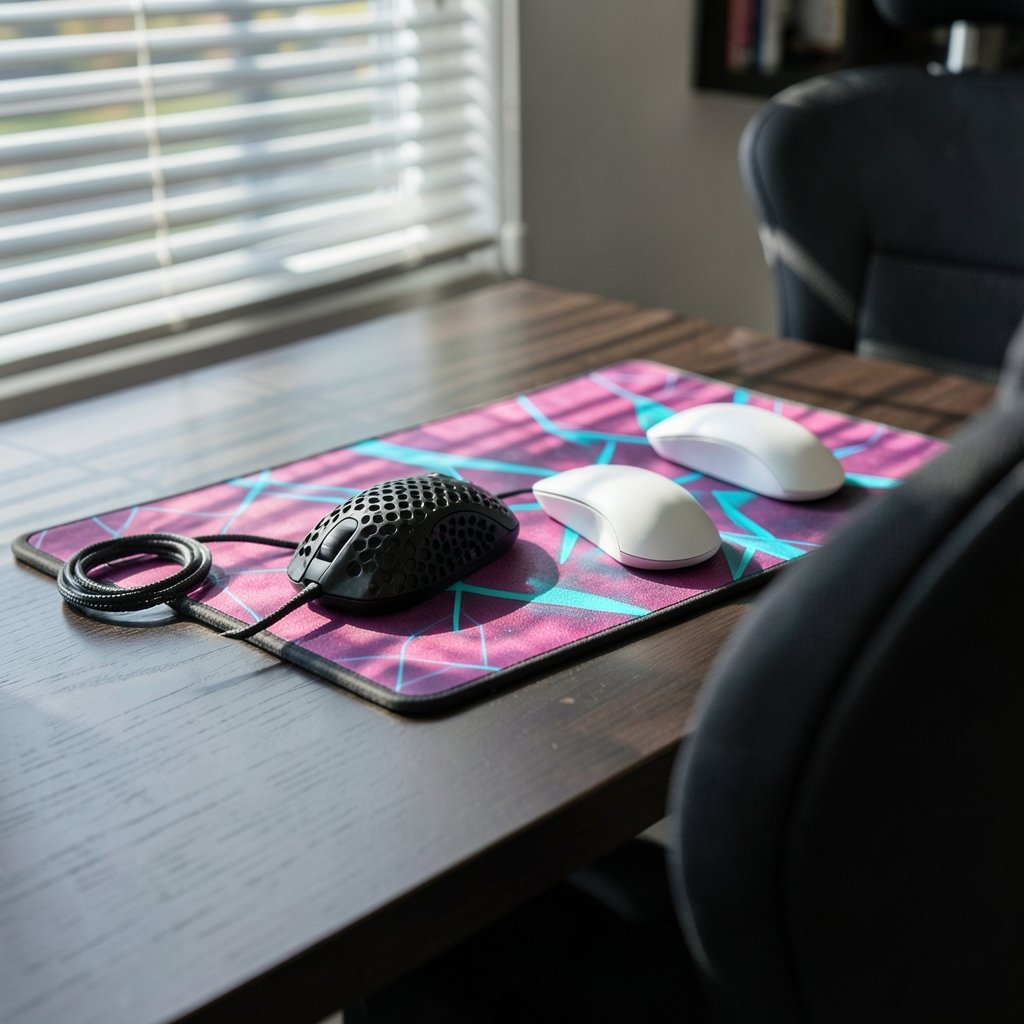
The mouse is the highest-leverage purchase in competitive gaming. Aim is a direct function of hand movement translated into cursor movement, so sensor quality, weight, and shape matter more here than anywhere else.
What the specs mean in practice
Polling rate describes how often the mouse reports to the PC. 1000 Hz (one report per millisecond) was the competitive standard for well over a decade. Higher rates — 4000 Hz and 8000 Hz — have been sold since roughly 2021 to 2023. The honest position: gains above 1000 Hz are contested in independent testing, and they demand more CPU headroom. A stable 1000 Hz mouse beats a stuttering 8000 Hz one every time.
Weight has settled into a narrow band. Competitive players gravitate toward lightweight shells, generally in the 50–65 gram range, because lower mass reduces the effort needed for fast flicks. Extremely light mice trade durability and stability, so there’s a floor to how far this should go.
Shape is the spec nobody markets and everybody notices. Hand size, grip style (claw, palm, fingertip), and whether you aim from the wrist or the arm all determine which shell works. This is why copying a pro’s exact mouse often disappoints — their hand is not your hand.
Practical buying advice
- Prioritize shape and weight over polling rate.
- Check the sensor’s maximum tracking speed and acceleration only if you play at very low sensitivity.
- Buy from a retailer with a real return window; a mouse needs a week of use to judge.
- Replace worn mouse feet and grips rather than replacing the whole mouse.
If you’re building a full desk setup around a new mouse, it’s worth pairing it with a solid foundation — the best motherboard for gaming determines whether your USB ports deliver consistent polling without dropouts under load.
Keyboards: Optical and Magnetic Switches Changed the Conversation
Mechanical keyboards dominated for years, and the debate was mostly about switch color and actuation force. Since roughly 2022 to 2023, the competitive conversation has shifted to optical switches and magnetic (Hall-effect) switches with adjustable actuation points.
The appeal is concrete. Hall-effect switches let you set how far a key must travel before it registers, and some support rapid trigger, which resets the key the instant it lifts. For movement-heavy games, that can translate into faster counter-strafing. Whether it improves your results depends on whether you’ll actually tune it — most players set it once and never touch it again.
What to look for
| Feature | Why it matters | Priority |
|---|---|---|
| Switch type | Optical/magnetic enable adjustable actuation | High for competitive FPS |
| Polling rate | 1000 Hz is standard; higher is marginal | Medium |
| Layout (TKL/60%) | Frees desk space for mouse movement | High |
| Build rigidity | Prevents flex during heavy keypresses | Medium |
| Keycap material | PBT resists shine better than ABS | Medium |
A common mistake is buying a 60% board for the aesthetic and then discovering you need dedicated function keys. Another is chasing the lowest possible actuation point — set too shallow, it causes accidental inputs during tense moments. Most players land somewhere in the middle after experimenting.
Headsets: Wired Still Wins on Stage
Tournament setups overwhelmingly favor wired audio. The reasons are practical: no battery to die mid-match, no wireless interference in a venue packed with dozens of active transmitters, and no pairing step. Wireless headsets have become genuinely excellent for practice and streaming, but the stage default remains a cable.
For anyone building a competitive setup at home, the calculation is different. A quality wireless headset removes cable snags and lets you move freely, and modern low-latency wireless is fine for everything short of a LAN final. If you want to explore that route, there’s a solid roundup of the best wireless gaming headsets 2026 worth reading before you commit.
What actually matters in a competitive headset:
- Footstep clarity in the mid-to-high frequencies, not thumping bass
- Comfort over four-hour sessions, which means low clamping force and breathable pads
- A reliable mic, since communication is half of team play
- Consistent volume — no sudden spikes when a grenade goes off
The bass-heavy tuning that makes games feel cinematic is often the same tuning that buries the audio cues you need to win. Look for headsets with a flat or slightly bright signature, or ones with software EQ you’ll actually use.
Monitors: Refresh Rate Is Only Half the Story
Competitive players moved to 240 Hz panels around 2016 to 2018. Since roughly 2020 to 2023, 360 Hz and even 500 Hz+ displays have reached the market. The catch is that a monitor can only display frames your system produces.
A 360 Hz panel fed by a PC that averages 180 frames per second delivers no advantage over a 240 Hz screen. This is where amateur setups go wrong most often: money spent on the display, nothing spent on the pipeline feeding it. Frame pacing, consistent frame times, and low input latency across the whole chain matter more than the panel’s peak number.
Panel technology also matters for different genres. Fast-twitch shooters reward raw refresh rate and pixel response. Strategy and simulation players benefit more from resolution and color accuracy. Buying a 500 Hz panel for a game that runs at 90 FPS is money burned.
The Support Gear Nobody Talks About
Professionals spend real attention on the boring stuff, because it’s what keeps a setup stable across a season.
Network stability is the highest-impact upgrade most players ignore. A wired connection beats Wi-Fi for consistency, and a quality cable costs a fraction of a new mouse. If you’re troubleshooting lag, start with the best ethernet cable for gaming before blaming your hardware. Understanding what a DDoS attack in gaming looks like also helps you tell the difference between an attack and ordinary congestion — they feel similar but need different fixes. Choosing genuinely best internet for gaming service in your area closes more gaps than any peripheral.
Desk and seating affect performance through fatigue. A stable desk that doesn’t wobble under aggressive mouse movement, a chair that supports your arm at desk height, and a large low-friction mousepad all reduce the micro-corrections that throw off aim over a long session.
Cable management sounds trivial until a snagged mouse cable costs you a round. Bungees and arm-mounted cable guides exist for a reason.
Backup gear is standard among pros. A spare mouse and keyboard, pre-configured, means a hardware failure doesn’t end a tournament run. Amateurs rarely do this and then panic when a switch starts double-clicking.
How to Build a Setup Without Wasting Money
The order of spending matters more than the total budget. Here’s a sequence that reflects where performance actually comes from:
- Fix the network first. Wired connection, stable router, appropriate plan.
- Buy the mouse that fits your hand, not the one your favorite player uses.
- Get a keyboard with the layout you need — adjustable switches are a bonus, not a requirement.
- Match your monitor to your frame rate, then upgrade the PC before the display.
- Add audio that prioritizes clarity over immersion.
- Spend the remainder on comfort and stability: desk, chair, mousepad, cables.
A modest, well-matched setup will outperform an expensive mismatched one almost every time. If the budget is tight, a gaming PC under 1000 paired with a genuinely good mouse and a 144–240 Hz monitor is a far more competitive package than a flagship GPU driving a 60 Hz screen. (Computer Workstations)
Common Mistakes When Copying Pro Setups
The single biggest error is treating a pro’s gear list as a shopping list. Three specific traps show up again and again.
Ignoring sensitivity and DPI. A pro’s mouse settings reflect years of muscle memory. Copying their DPI without adjusting your own in-game sensitivity usually makes you worse, not better.
Overbuying on specs. 8000 Hz polling, 500 Hz refresh, and adjustable actuation all have ceilings on real benefit. Past a certain point, the returns are psychological.
Skipping the break-in period. New gear feels wrong for the first week. Players abandon good equipment because it doesn’t instantly match the old familiar feel. Give any change at least seven days of consistent use before judging it.
Sponsorship is the invisible variable in every pro gear list, and it’s the one nobody mentions on stream.
Conclusion
The best gaming accessories for professional gamers are not a fixed shopping list — they’re a set of priorities. A mouse that fits your hand, a keyboard with the layout and switches you’ll actually use, audio tuned for clarity, a monitor matched to your frame rate, and a network stable enough to make all of it count. Everything else is refinement.
The pros have one advantage amateurs can copy for free: they treat their setup as a system and test changes one at a time. Do the same, resist the pull of the biggest number on the box, and your gear will stop being the reason you lose.
Frequently Asked Questions
Do professional gamers really use 8000 Hz mice?
Some do, but the advantage above 1000 Hz is contested in independent testing and depends on CPU headroom. Many professionals still compete at 1000 Hz because consistency matters more than a spec number. If you’re choosing between a higher polling rate and a mouse that fits your hand properly, pick the fit.
Is wireless gear allowed in esports tournaments?
It varies by event, but wired peripherals remain the default on stage because they avoid battery failures and wireless interference in crowded venues. Wireless headsets and mice are widely used in practice and streaming. Always check the specific tournament’s equipment rules before relying on wireless gear.
How much should I spend on a gaming mouse?
Spending more buys better sensors, lighter shells, and more durable switches, but the curve flattens quickly. A mid-range wired mouse from a reputable brand will perform at a competitive level. Put the savings toward a better monitor or a stable network connection, which affect performance more.
Does a higher refresh rate monitor make you a better player?
It raises the ceiling on what you can perceive, but only if your PC produces enough frames to fill it. A 360 Hz monitor fed by a system averaging 150 FPS offers no advantage over a 240 Hz panel. Match the display to your hardware, then upgrade the hardware.
Are magnetic switches worth it for competitive gaming?
They’re worth it if you’ll actually tune the actuation point and use rapid trigger for movement-heavy games. Players who set it once and forget it see little difference from a good optical or mechanical board. Try one before buying — the feel is distinct and not universally loved.
What is the most overlooked accessory for competitive gaming?
Network stability. A wired connection, a quality cable, and a reliable plan eliminate lag spikes that no peripheral can fix. After that, a stable desk and a large mousepad matter more than most players expect, because they reduce the small corrections that erode aim over long sessions.



