
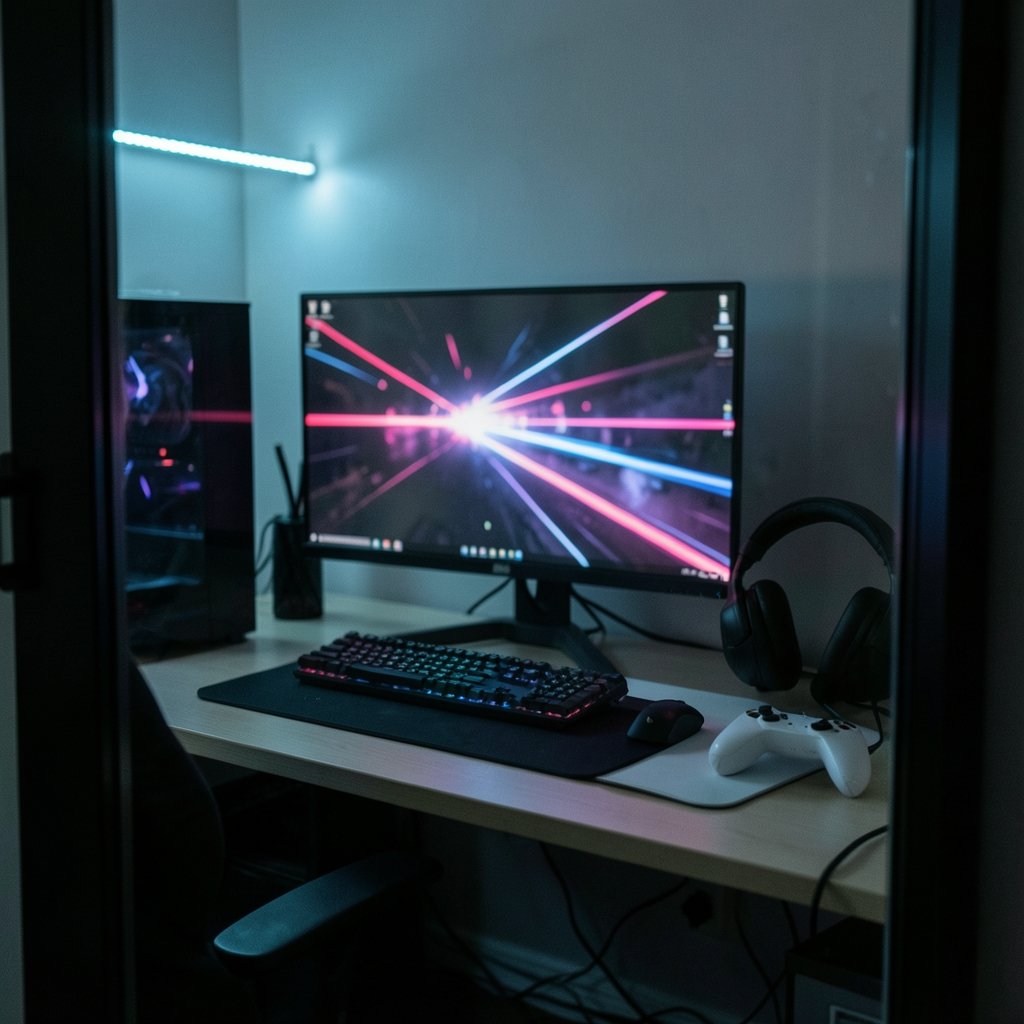
A millisecond sounds like nothing. It isn’t. In a game running at 60 frames per second, each frame stays on screen for about 16.7 milliseconds. At 240 Hz, that drops to roughly 4.2 milliseconds. When a duel is decided by who peeks a corner first, the difference between those two numbers is the difference between a highlight reel and a respawn screen. That’s why competitive players obsess over refresh rate, response time, and motion clarity — and why the monitor is often the most underrated upgrade in a gaming setup.
This guide breaks down what actually matters for competitive play, which specs are marketing noise, and how to pick a panel that fits your GPU, your desk, and your budget.
Why the Monitor Matters More Than You Think
Most players upgrade their GPU first, then their CPU, and treat the monitor as an afterthought. That’s backward. A monitor caps everything upstream of it. If your panel refreshes at 144 Hz, a GPU pushing 300 frames per second is producing frames your eyes never see. (Monitor Reviews)
The monitor also determines how clean motion looks. Two displays with identical refresh rates can feel completely different depending on pixel response, overdrive tuning, and whether the panel uses backlight strobing. This is why lab-measured reviews matter more than spec sheets — vendors quote peak refresh rates, but independent testing reveals how much smearing and overshoot you actually get.
There’s a broader point here too: esports has grown into a genuinely massive industry, and manufacturers now design entire product lines around competitive play. According to Wikipedia’s overview of esports, competitive gaming now draws audiences and prize pools comparable to traditional sports. That commercial pressure has pushed high-refresh technology down into budget territory, which is good news for anyone shopping today.
The Specs That Actually Decide Duels
Refresh Rate
Refresh rate is how many times per second the panel redraws. The jump from 60 Hz to 144 Hz is transformative. The jump from 144 Hz to 240 Hz is real but subtler. Beyond 240 Hz — into 360 Hz and 480 Hz territory — gains become increasingly marginal for most players, though pros chasing every edge still notice.
The honest advice: match your refresh rate to the frame rates your system can actually sustain. A 360 Hz monitor fed by a GPU that averages 150 fps is wasted money. Check your in-game frame counter before you buy.
Response Time and Pixel Transition
Vendor-quoted “1ms” figures are marketing shorthand, usually referring to a best-case gray-to-gray transition rather than real-world performance. What matters is the average transition time across the full range of colors, plus how well the manufacturer tuned overdrive — the voltage boost that speeds up pixel transitions.
Turn overdrive too high and you get overshoot: bright halos trailing behind moving objects. Too low and you get smearing. Good monitors let you adjust this; great ones ship with a well-calibrated default.
Adaptive Sync
Adaptive sync eliminates tearing and stutter by matching the monitor’s refresh rate to the GPU’s output. NVIDIA’s G-Sync and AMD’s FreeSync are the two branded implementations, both built on the VESA Adaptive-Sync standard. FreeSync tiers (Premium, Premium Pro) add requirements for refresh range and HDR performance.
In practice, most modern gaming monitors support both ecosystems, and the experience is close to identical. Don’t pay a large premium for one brand’s badge alone.
Panel Type
| Panel | Strengths | Weaknesses | Best For |
|---|---|---|---|
| TN | Fastest traditional response, cheapest | Weak colors, poor viewing angles | Pure budget esports builds |
| Fast IPS | Strong color, fast response, good angles | Higher cost, some backlight bleed | Most competitive players |
| OLED | Near-instant pixel response, perfect contrast | Burn-in risk, brightness limits, price | Enthusiasts, dark-room play |
| VA | Deep blacks, high contrast | Slower dark transitions, smearing | Single-player, not twitch shooters |
For competitive play, Fast IPS and OLED are the current sweet spots. TN still has a place if budget is the hard constraint.
Resolution and Size
1080p remains the competitive standard because it’s the easiest resolution to drive at very high frame rates. 1440p high-refresh is a popular middle ground for players who want sharper visuals without sacrificing too much performance. 24 to 27 inches is the typical competitive size — big enough to see detail, small enough to keep everything in peripheral vision.
Matching the Monitor to the Rest of Your Build
A monitor is one part of a chain. Pairing a 240 Hz panel with a mid-range GPU and a slow motherboard chipset is like putting racing tires on a sedan.
Start with the foundation. If you’re building fresh, it’s worth reading up on the best motherboard for gaming so your platform can sustain high frame rates without bottlenecking. From there, consider a gaming PC under 1000 if you need a complete system rather than a single component — prebuilt value has improved considerably, and many now ship with high-refresh displays bundled in.
Network stability matters too, and it’s routinely ignored. Frame drops from a congested Wi-Fi connection feel identical to GPU stutter, and players often blame the monitor for lag that’s actually coming from their router. Wired is still king: a quality ethernet cable for gaming costs almost nothing and removes an entire category of problems. If you’re weighing connection types, this breakdown of the best internet for gaming covers latency and jitter in practical terms.
Motion Blur Reduction: The Feature Nobody Explains
Backlight strobing — sold under names like ULMB, ELMB, and DyAc — flickers the backlight in sync with the refresh cycle, effectively blanking the screen between frames. The result is dramatically sharper motion, similar to how a CRT looked.
The catch: strobing usually conflicts with adaptive sync, dims the image, and can cause visible flicker for sensitive viewers. It’s genuinely useful in fast-paced shooters where tracking targets matters more than pretty visuals, but it’s not a set-and-forget feature. Test it in your actual game before committing.
A related trap is input lag obsession. On modern gaming monitors, input lag is typically a few milliseconds — rarely the deciding factor. Response time and refresh rate dominate. Buyers who chase the lowest lag number while ignoring smearing are optimizing the wrong variable.
Common Buying Mistakes
Buying the highest refresh rate you can’t drive. Check your sustained frame rates first. A well-tuned 1440p 165 Hz panel beats an unoptimized 1080p 360 Hz one.
Ignoring the stand and mounting. Competitive players often run secondary monitors or move setups between LANs. A monitor without height adjustment or VESA mounting becomes a hassle fast. Budget for a monitor arm if the included stand is flimsy.
Trusting the box over the review. Spec sheets omit overdrive tuning quality, backlight bleed, and pixel response curves. Independent lab testing is the only reliable source for these.
Overlooking the whole desk. A gorgeous panel paired with a mushy keyboard and a headset that cuts out mid-round is a frustrating experience. If you’re upgrading, the best wireless gaming headsets 2026 roundup is a sensible companion purchase. And if you’re running a multi-monitor desk, a solid UHD monitor as a secondary screen pairs well with a fast primary display.
Budget vs. Enthusiast: Where the Money Goes
At the entry level, expect 1080p at 144–165 Hz with Fast IPS or TN panels. These are genuinely excellent for competitive play and represent the best value in gaming hardware right now. A budget gaming monitor for competitive play can carry a player to a very high rank — skill matters far more than the panel.
Mid-range money buys 1440p at 165–240 Hz with better overdrive tuning and improved color accuracy. This is the sweet spot for most players who want one monitor for both competitive and single-player games.
Enthusiast territory means OLED or 360 Hz+ panels. OLED’s pixel response is genuinely in a different class, and the contrast transforms dark scenes. But burn-in risk is real for players who leave static HUDs on screen for hours, and peak brightness in bright rooms remains a limitation. Buy OLED for the motion clarity, not for the marketing.
One more consideration: DDoS attacks and server-side lag can mimic display problems. If your game stutters only in online matches, the monitor isn’t the culprit. Understanding what DDoS means in gaming helps you diagnose the difference between a hardware issue and a network one before you spend money on the wrong fix.
How to Set Up a New Competitive Monitor
- Set the refresh rate manually. Windows often defaults to 60 Hz even on a 240 Hz panel. Check display settings immediately after connecting.
- Use DisplayPort, not HDMI, where possible. Older HDMI versions cap refresh rates at higher resolutions.
- Enable adaptive sync in both the monitor’s OSD and your GPU control panel.
- Tune overdrive to the middle setting as a starting point, then adjust based on what you see in fast motion.
- Turn off extra processing — dynamic contrast, sharpening, and “game mode” presets often add latency or distort the image.
- Calibrate brightness to your room. Blasting brightness at maximum washes out dark detail and causes eye strain during long sessions.
- Test in your actual game, not a demo. Motion clarity preferences are personal.
The single most common mistake is skipping step one. Plenty of players run 240 Hz monitors at 60 Hz for months without noticing.
Conclusion
The best gaming monitor for competitive play isn’t the one with the biggest number on the box. It’s the one that matches your frame rates, delivers clean motion with well-tuned overdrive, and fits comfortably on your desk for long sessions. Fast IPS at 1440p and 165–240 Hz remains the most sensible choice for most players. OLED is the premium path for those who prioritize motion clarity above all else. Budget 1080p high-refresh panels remain shockingly capable.
Spend on the panel that fits your system, set it up correctly, and put the saved money toward the things that actually move your rank: practice, a stable wired connection, and gear that doesn’t fight you mid-match.
Frequently Asked Questions
Is 240 Hz worth it over 144 Hz for competitive gaming?
For most players, 144 Hz delivers the biggest single jump in perceived smoothness. Moving to 240 Hz is a genuine but smaller improvement, and it only pays off if your system consistently sustains frame rates above 144. If your GPU averages 120 fps, a 240 Hz panel won’t help. Match the refresh rate to real performance.
Is OLED better than IPS for competitive shooters?
OLED has near-instant pixel response and essentially no smearing, which makes fast motion look exceptionally clean. IPS panels are brighter, cheaper, and immune to burn-in. For pure competitive play in a controlled room, OLED has an edge. For mixed use with static HUDs and bright rooms, IPS is the safer, more practical pick.
Do I need G-Sync or FreeSync?
You need some form of adaptive sync, but the brand matters less than it used to. Most modern monitors support both ecosystems, and the practical experience is nearly identical. Prioritize a wide variable refresh range and good overdrive tuning over a specific certification badge.
What size monitor is best for competitive gaming?
24 to 27 inches is the competitive sweet spot. Smaller screens keep the entire image within your central vision, which helps with target tracking. Larger displays are more immersive for single-player games but force more eye movement, which can slow reaction time in fast shooters.
Does response time really matter if refresh rate is high?
Yes. Refresh rate sets how often the screen updates; response time determines how fast individual pixels change color. A high refresh rate panel with slow pixel transitions produces smeared, blurry motion despite the fast update cadence. Both numbers matter, and measured performance beats quoted specs.
Can a monitor fix lag I’m experiencing in online matches?
Usually not. Network latency, jitter, and server-side issues cause most online lag, and no display can compensate. Test in an offline mode first. If the game feels smooth offline and sluggish online, the problem is your connection or the game’s servers, not your monitor.



