Roughly 40% of the money people spend on a first gaming PC goes toward parts that add zero frames per second. That is not a knock on anyone. It is just how the market is set up. Flashy cases, oversized power supplies, and RAM kits with tall heat spreaders all look important on a spec sheet, and none of them push pixels when a game is running.
A smart budget build flips that logic. It puts cash where performance is born, trims everywhere else, and leaves room to upgrade later. This guide walks through what that looks like in practice, which shortcuts are worth taking, and which ones quietly ruin builds.
Why the “Best” Budget Build Depends on Timing
Here is the uncomfortable truth about budget PC building: the parts list is never finished. Prices swing week to week, sales come and go, and a configuration that is brilliant in March can be mediocre by June. Anyone who hands over a fixed list without a date attached is doing you a disservice.
So instead of memorizing parts, learn the logic behind them. A budget build is a balancing act between four things:
- Raw performance per dollar on the parts that render games
- Upgrade path so the machine does not become a dead end
- Reliability so cheap parts do not fail in month three
- Total cost of ownership, including things like a Windows license and a decent monitor
When those four are in tune, the build works. When one gets ignored, you feel it later. This is also why experienced builders treat the whole PC as a system, not a shopping list. The same mindset applies to peripherals, which is why guides like this roundup of the best budget gaming monitor for competitive play focus on panel speed over marketing claims.
The Two-Part Split: CPU/GPU Versus Everything Else
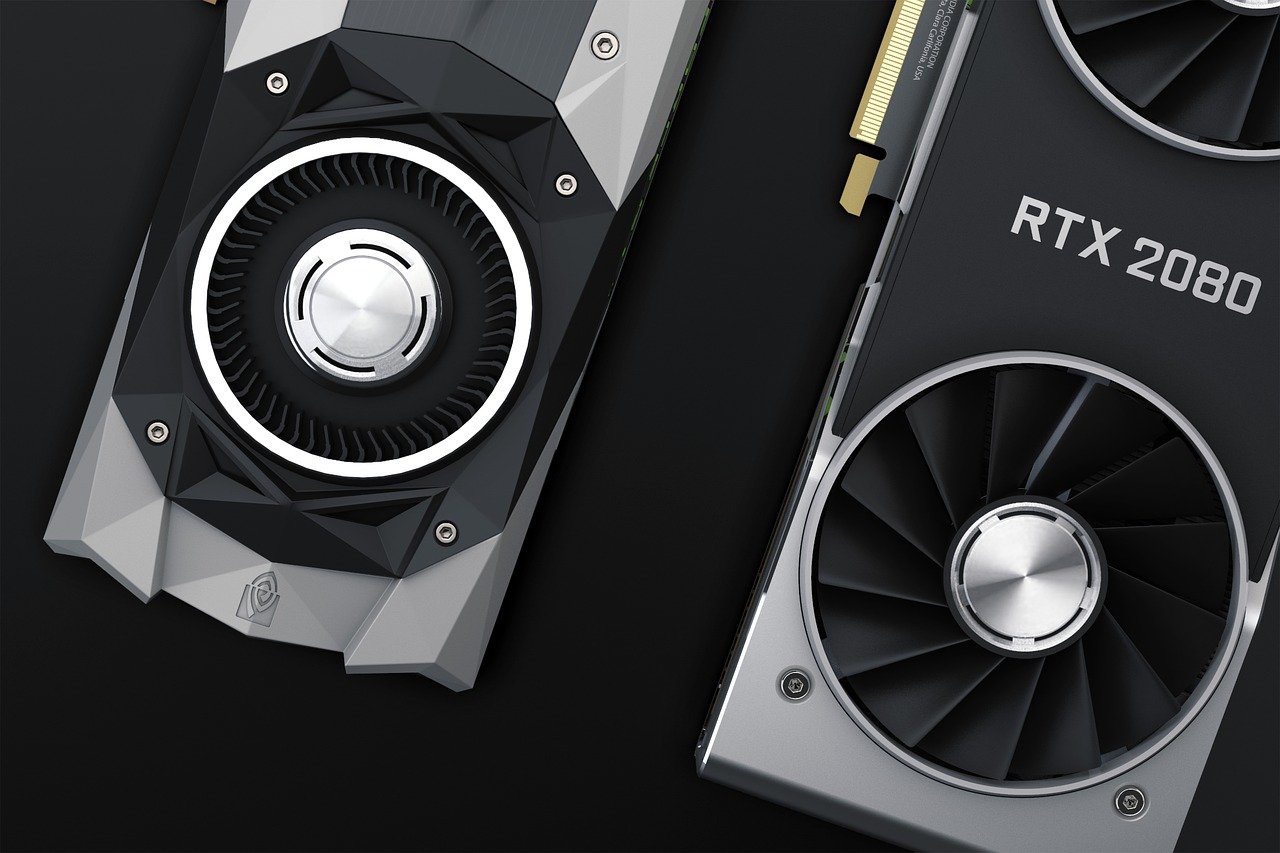
A useful rule of thumb for budget builds is to spend roughly half the total budget on the CPU and graphics card combined. The rest goes to the motherboard, memory, storage, case, and power supply.
| Component | Share of Budget | What to Prioritize |
|---|---|---|
| Graphics card | 35–45% | Raw performance, enough VRAM |
| CPU | 15–20% | Modern socket, good single-core speed |
| Motherboard | 8–12% | Chipset support, upgrade headroom |
| RAM | 6–10% | Dual-channel, sensible speed |
| Storage | 6–10% | NVMe SSD, 1TB minimum |
| Power supply | 6–9% | Reputable brand, real reviews |
| Case and cooling | 5–8% | Airflow over aesthetics |
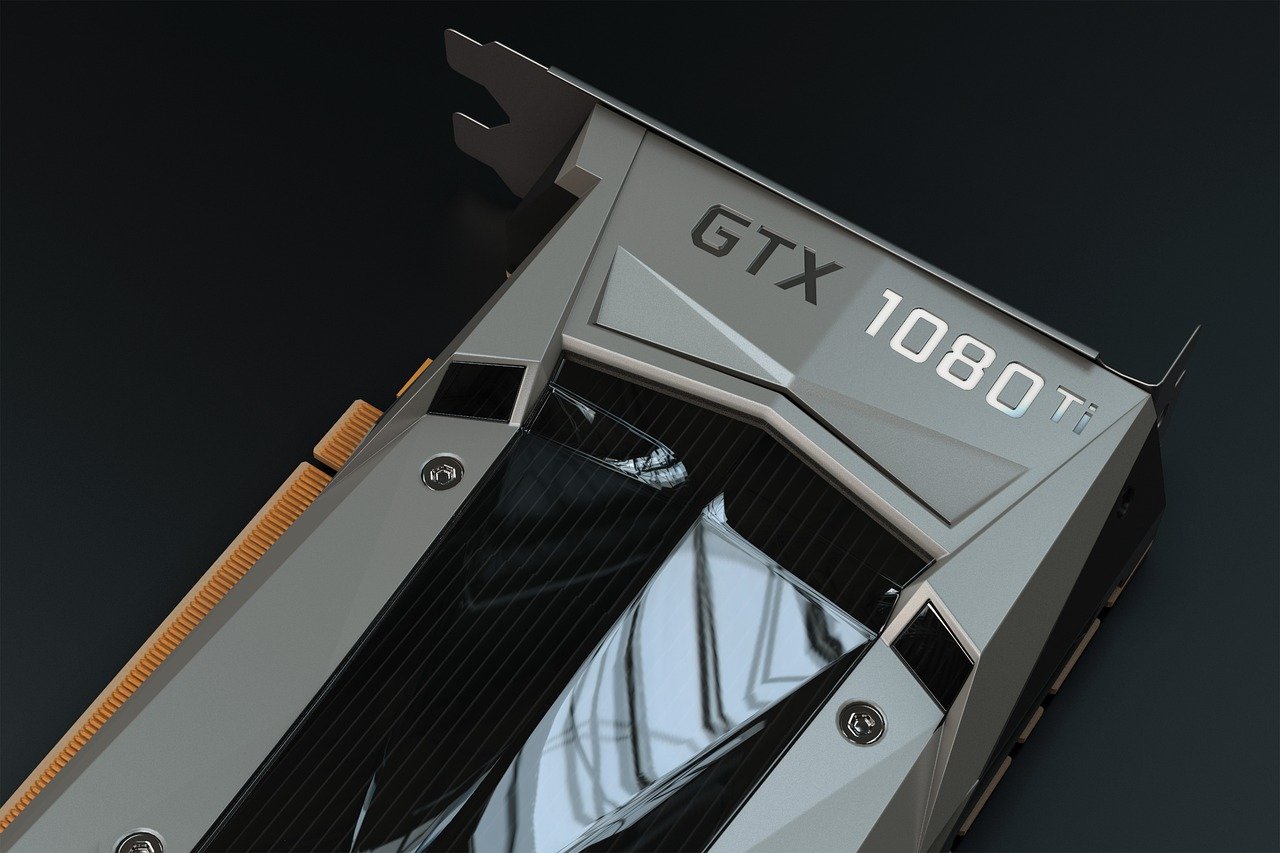
The graphics card is the single biggest lever. In most modern titles, the GPU determines your frame rate far more than the CPU does. A mid-range CPU paired with a strong GPU will beat a premium CPU paired with a weak GPU almost every time in gaming workloads.
Where People Overspend
Three classic mistakes show up again and again:
- Buying a flagship CPU for a budget build. Most games do not need it, and the money is better spent on graphics.
- Paying for RGB and tempered glass. A $40 case with good airflow cools better than a $120 case with a solid front panel.
- Buying a 1,000W power supply “for future upgrades.” A quality 650W unit handles most mid-range builds comfortably.
Where People Underspend
The flip side is just as damaging:
- Cheap power supplies. A no-name unit can take the whole system down with it. Look for independent reviews, not brand names alone.
- Single-channel RAM. Two sticks always beat one, even at the same total capacity.
- Tiny SSDs. A 256GB drive fills up fast once Windows and a few games are installed.
That last point matters more than people expect. Modern games routinely pass 100GB, so a 1TB drive is the practical floor for a build meant to last.
Integrated Graphics Changed the Entry-Level Math
One of the biggest shifts in budget building is that you no longer need a discrete graphics card to get a working gaming machine. Modern integrated graphics in recent AMD and Intel desktop chips handle esports titles, older games, and everyday tasks without breaking a sweat. (Graphics processing unit)
That opens up a two-stage strategy that works beautifully for tight budgets:
- Stage one: Build with integrated graphics and no GPU. Play lighter titles while you save.
- Stage two: Add a discrete graphics card later, when prices are right.
This approach has one hard requirement: the power supply and case need to leave room for that future card. Skipping that step is a common mistake. People buy a 400W unit to save $30, then discover they cannot add a GPU without replacing it.
Motherboards: Buy for the Socket, Not the Features
The motherboard is where budget builders most often get talked into spending more than they need. Unless you plan to overclock heavily or run multiple graphics cards, a mid-tier chipset covers everything a gamer needs.
What actually matters:
- Socket longevity. Pick a platform that will still accept newer CPUs in a couple of years.
- Memory support. Confirm the board handles the RAM speed you plan to buy.
- Expansion slots. At least one NVMe slot and room for a graphics card.
- Rear I/O. Enough USB ports for your peripherals.
If you are weighing options, this guide to the best motherboard for gaming breaks down which chipsets justify their price and which are just paying for a label. The short version: spend on the chipset, not the heatsink artwork.
RAM and Storage: The Quiet Performance Drivers
Memory and storage do not get much attention, but they shape how a build feels. A machine with fast storage boots quickly, loads levels without stutter, and stays responsive under pressure.
For RAM, the practical guidance is simple. Buy two matched sticks, aim for a mainstream speed that the platform officially supports, and do not chase extreme frequencies that cost a premium for marginal gains. Capacity matters more than speed for most gamers, and 16GB remains a sensible starting point for a budget machine.
For storage, an NVMe SSD is now the default. The difference between a SATA drive and an NVMe drive is noticeable in load times, and the price gap has narrowed considerably. One terabyte is the sweet spot.
A Note on Volatility
Memory and storage prices move in cycles. When supply tightens, RAM and SSD costs climb, and budget builds get squeezed. That is another reason to treat any parts list as a snapshot rather than gospel. Check prices on the day you buy, not the day you read a guide.
Power Supplies: The Part Nobody Brags About
The power supply is the least glamorous component and the one most likely to cause a catastrophe. A bad unit can fail under load, damage other parts, or simply shut down at the worst moment.
Budget buyers should look for three things:
- Independent testing. Reputable technical reviewers publish load tests and ripple measurements. Trust those over marketing copy.
- Real wattage headroom. Aim for 20–30% above your estimated peak draw.
- Modern connectors. Make sure the unit supports the GPU you plan to run.
A quality 550W to 650W unit covers most budget and mid-range builds comfortably. Spending a little more here is not overspending. It is insurance.
Cases, Cooling, and the Airflow Trap
Budget cases are fine. Bad airflow is not. The difference usually comes down to one thing: whether the front panel lets air in.
Mesh front panels beat solid glass panels for cooling, full stop. A case with two included fans and a mesh front will outperform a prettier case with a sealed front and one weak fan. If a budget case includes only one fan, adding a second intake fan is one of the cheapest cooling upgrades available.
For CPU cooling, the stock cooler bundled with many budget processors is genuinely adequate for gaming. Aftermarket coolers make sense when you want quieter operation or plan to push the chip harder.
Peripherals Deserve a Line in the Budget
A fast PC hooked to a slow monitor is a waste. If the build targets high frame rates, the display needs to keep up. Similarly, a mushy keyboard or a headset with poor positional audio undercuts the whole experience.
Budget builders often forget this line item entirely, then wonder why their new machine does not feel like an upgrade. A modest allocation for peripherals pays off immediately. Roundups like this look at the best wireless gaming headsets 2026 for buyers who want audio quality without a premium price, and the same principle applies across the board: match the peripheral to the machine.
New Versus Used: The Honest Trade-Off
Used and refurbished graphics cards are a legitimate budget strategy. They can deliver dramatically more performance per dollar than new cards at the same price. (AnandTech)
The catch is risk. Warranty terms vary by seller, condition grades mean different things at different marketplaces, and a card that ran hot in a mining rig may have a shortened lifespan. Buyers should verify return policies, test the card immediately on arrival, and avoid listings without clear photos or documentation.
For CPUs and RAM, used parts are generally lower risk. For power supplies, buy new. Always.
A Practical Build Strategy That Works
Rather than a fixed parts list, here is a repeatable process:
- Set a hard total budget, including the operating system and at least one peripheral.
- Allocate roughly half to CPU and GPU, weighted toward the GPU.
- Choose the platform based on upgrade path, not current features.
- Buy the power supply and case last, once you know what the system needs to hold.
- Check prices the day you order, and compare at least three retailers.
- Leave 10% of the budget unspent for a sale, a cable, or a surprise.
That last step saves more builds than any single component choice. Budgets always spring leaks.
Common Mistakes That Sink Budget Builds
A short list of traps worth avoiding:
- Buying parts over months. Return windows expire, and a dead-on-arrival part discovered late is a nightmare.
- Skipping the BIOS update. Newer CPUs sometimes need a firmware update before they boot.
- Forgetting thermal paste. Some coolers include it, some do not. Check.
- Ignoring case clearances. Long graphics cards and tall coolers do not always fit.
- Not testing outside the case first. A quick bench test before final assembly catches dead parts early.
None of these are exotic. They are just the details that separate a smooth build from a frustrating one.
Conclusion
The best budget gaming PC build is not a specific list of parts. It is a philosophy: spend where frames are made, save where they are not, and keep one eye on the upgrade path. Graphics and CPU get the money. Power supply and storage get enough to be reliable. Cases, coolers, and aesthetics get whatever is left.
Prices shift constantly, so the smartest move is to learn the ratios, set a firm budget, and buy everything within a single return window. Do that, and a modest budget produces a machine that punches well above its price for years. The build that wins is not the one with the longest spec sheet. It is the one that is still running happily when the flashier builds have been parted out.
FAQ
How much should a budget gaming PC cost?
Most entry-level gaming builds land in a range that covers a modern CPU, a mid-range graphics card, 16GB of RAM, and a 1TB SSD. The exact figure moves with component prices, which shift frequently, so the practical answer is to set a total budget that includes the operating system and at least one peripheral, then allocate roughly half of it to the CPU and GPU combined.
Is it better to buy a prebuilt or build it yourself?
Building usually delivers more performance per dollar and better upgrade options, because you choose every part. Prebuilts win on convenience and warranty simplicity. For anyone willing to spend an afternoon with a screwdriver, building is generally the better value at a tight budget.
Can a budget PC run modern games well?
Yes, provided the graphics card is chosen carefully. A mid-range GPU paired with a competent CPU handles most modern titles at sensible settings. The key is prioritizing graphics performance over premium extras like RGB lighting or oversized cases.
Do I need a graphics card if my CPU has integrated graphics?
Not immediately. Modern integrated graphics handle esports titles and older games, which makes a two-stage build viable: start without a GPU, then add one later. The catch is that the power supply and case must be chosen with a future graphics card in mind.
How much RAM does a budget gaming build need?
16GB in two matched sticks is the sensible baseline. Dual-channel configuration matters more than raw speed, and buying two sticks instead of one delivers a real performance benefit for very little extra cost. Going beyond 16GB is rarely worth it on a tight budget.
Which part should never be cheap?
The power supply. A low-quality unit can fail under load and take other components with it. Look for independent load testing and ripple measurements rather than trusting brand names or wattage numbers alone. A quality 550W to 650W unit is plenty for most budget builds.