For most of the past two decades, the safe advice for a new gaming PC build was simple: pick Intel. That advice no longer holds. AMD’s 3D V-Cache design, introduced with the Ryzen 7 5800X3D in 2022, changed the shape of the gaming CPU market, and every generation since has pushed the gap wider in some games and narrower in others. By 2026, the question is not which brand is faster. It is which brand is faster for the games you play, at the resolution you play them, and at the price you can actually pay.
That nuance matters more than brand loyalty. A CPU that leads at 1080p with a flagship graphics card can look nearly identical to a cheaper rival once you move to 1440p or 4K. This guide breaks down what actually separates AMD and Intel for gaming in 2026, where each brand still holds an edge, and the mistakes buyers make when they pick a side before picking a use case. (Graphics processing unit)
Why the AMD vs Intel question changed
The old rule was that Intel won on raw clock speed and single-core performance, while AMD won on price and core count. That framing is now outdated. Modern game engines lean heavily on cache and memory latency, which is why AMD’s X3D chips, with their stacked L3 cache, often post large frame-rate gains in simulation, strategy, and open-world titles. Intel has responded by pushing higher boost clocks and refining its hybrid core architecture, which pairs performance cores with efficiency cores.
The practical result is a split decision rather than a knockout. AMD tends to lead in average frame rates in cache-sensitive games. Intel often holds its own or leads in titles that reward single-thread speed, and it frequently offers stronger multi-core value for people who stream, edit, or run heavy background workloads on the same machine. The 2026 market also includes a wildcard: Nvidia’s reported entry into PC processors, which is already pressuring pricing across the board, as covered in this analysis of Intel and AMD stock sliding on Nvidia’s N1X PC chip.
Gaming performance: where each brand leads
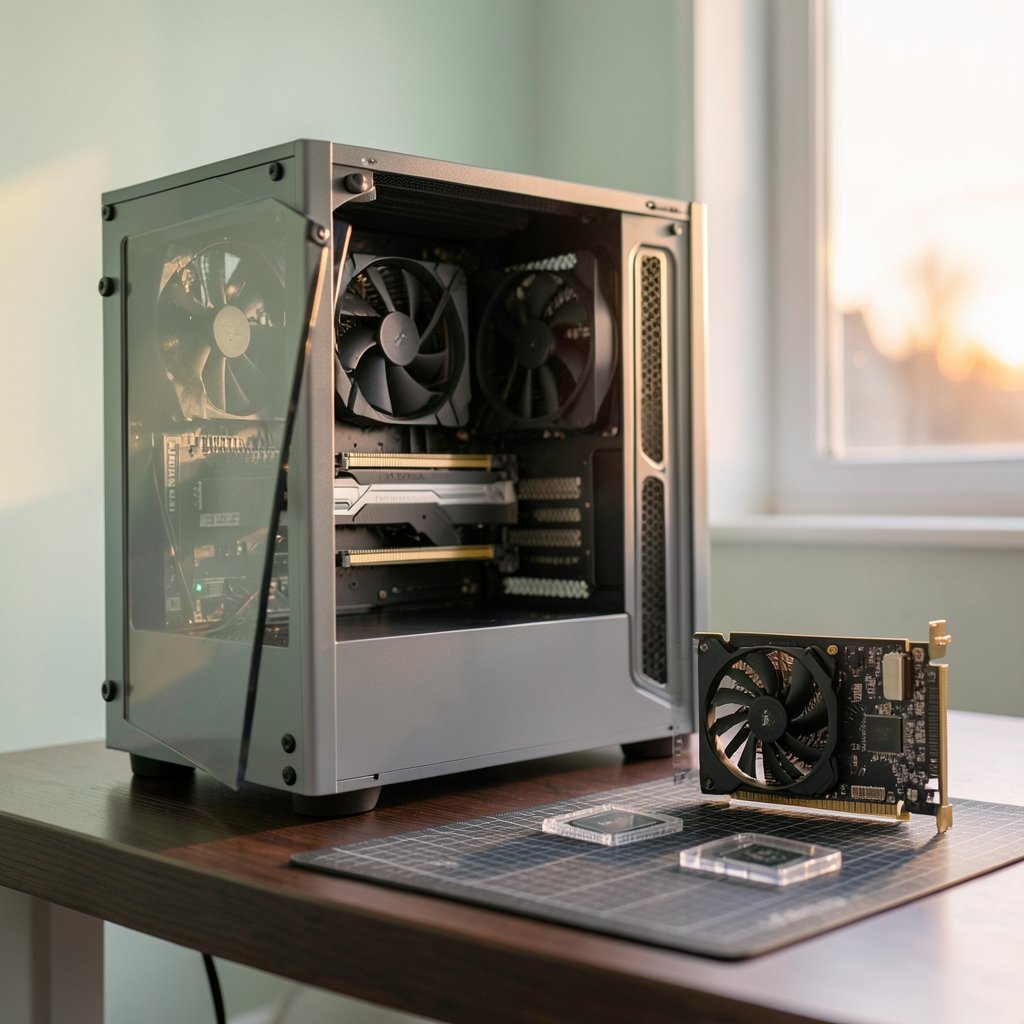
Benchmark charts get shared as if they settle the debate. They do not, because the result depends on four variables: the game, the resolution, the GPU pairing, and whether upscaling or frame generation is enabled. A responsible comparison states all four. With that caveat, broad patterns hold across recent generations.
| Scenario | Typical AMD advantage | Typical Intel advantage |
|---|---|---|
| 1080p, high-end GPU | Larger average frame-rate leads in cache-heavy games | Competitive in single-thread-bound titles |
| 1440p | Lead shrinks as GPU becomes the limit | Often within a few percent |
| 4K | Differences mostly disappear | Differences mostly disappear |
| Streaming + gaming | Strong with high core counts | Strong with hybrid core scheduling |
| Productivity mixed in | Good, but not always the value pick | Often better multi-core price-to-performance |
| Platform longevity | Longer socket support history | More frequent socket changes |
The takeaway is unglamorous but useful: at 1080p with a flagship card, the CPU choice can swing frame rates noticeably. At 1440p and above, the graphics card does most of the work, and paying a premium for a few extra CPU frames is often money poorly spent. Buyers who game on a 4K TV and wonder why their expensive CPU did not transform the experience are usually bumping into a GPU bottleneck, not a brand problem.
The cache effect, explained simply
AMD’s X3D chips stack extra cache directly on the compute die. Games that constantly look up data in memory benefit enormously because that data sits closer to the cores. Think large strategy maps, crowded open worlds, and physics-heavy simulations. Intel’s approach favors raw frequency and scheduling flexibility, which shines in titles that lean on a few fast threads. Neither design is universally better. They are tuned for different workloads, and the “best” chip depends on which workload describes your library.
Resolution is the great equalizer
This is the single most misunderstood point in the entire debate. CPU benchmarks are usually run at 1080p precisely because that isolates processor differences. Real buyers often play at 1440p or 4K, where the GPU is the limiter. If a buyer is choosing between a mid-range and high-end graphics card and agonizing over CPU brands, the honest advice is to spend the money on the GPU first. The CPU gap only becomes visible once the GPU stops being the bottleneck.
Platform longevity and upgrade paths
AMD has historically kept a single socket alive across multiple CPU generations, which means a buyer can upgrade the processor years later without replacing the motherboard. Intel has changed sockets more frequently, which raises the cost of future upgrades. For budget-conscious builders who plan to upgrade in stages, this is a real financial difference, not a spec-sheet detail.
The counterargument is that platform longevity only pays off if the buyer actually upgrades within the socket’s lifespan. Many people keep a CPU for five or more years and never touch it again. If that describes you, socket longevity is a nice-to-have, not a deciding factor. If you upgrade every two years, it can save a meaningful amount of money.
Power, heat, and the cost nobody benchmarks
Efficiency comparisons shift with every generation, and vendor TDP figures are not a reliable guide. Independent power-draw measurements at the wall are the only honest metric. Higher power draw means a beefier cooler, a stronger power supply, and potentially a louder system. In small form-factor builds, that difference can decide the entire parts list.
The practical tip here is to budget for cooling as part of the CPU decision, not as an afterthought. A chip that costs less upfront but demands a premium cooler and power supply can erase its own price advantage. Check real system power draw in reviews, not the box numbers.
Price, RAM, and the 2026 market reality
Memory pricing has become a genuine factor in 2026 builds. New CPU launches and shifting RAM costs interact in ways that change the value math month to month, which is why launch coverage of the Ryzen 5 5500F and 7500 alongside RAM price moves is worth reading before locking a budget. A CPU that looks like a bargain can stop being one if it forces a more expensive memory kit or motherboard.
Street prices also fluctuate far more than launch prices suggest. Any “AMD is cheaper” or “Intel is cheaper” claim needs a date attached. Cite a dated price snapshot or skip the claim entirely.
Common mistakes buyers make
Several errors show up again and again in build advice threads and buyer regret posts. Avoiding them matters more than picking the “right” brand.
- Choosing a CPU before choosing a resolution and GPU. This inverts the entire decision. Pick the display and graphics card first, then size the CPU to match.
- Trusting vendor benchmark slides. First-party performance charts are marketing. Cross-check against independent reviewers who publish their test methodology.
- Ignoring the cooler and PSU budget. A cheap CPU with high power draw is not cheap once cooling is included.
- Overpaying for 1080p gains at 4K. If you play on a TV, a mid-range CPU plus a better GPU beats a flagship CPU plus a weaker GPU nearly every time.
- Assuming a socket upgrade will happen. Only pay the longevity premium if you genuinely plan to use it.
- Forgetting the rest of the build. A great CPU paired with a slow SSD or a cramped case will feel worse than a good CPU in a well-balanced system.
What actually works in practice
The builds that satisfy people long-term share a pattern. They start from the display and the games, not the brand. They allocate roughly a sensible share of the budget to the GPU, then pick a CPU that will not bottleneck it at the target resolution. They leave headroom in the power supply and pick a cooler matched to real measured power draw, not the box figure.
For most 1440p and 4K gamers, a mid-range CPU from either brand paired with the strongest GPU the budget allows is the winning formula. For competitive 1080p players chasing maximum frame rates, the cache-heavy AMD options often justify their premium. For people who stream, edit video, or run heavy multitasking alongside games, Intel’s multi-core value frequently wins on total cost of ownership. (Intel Core Processors)
It also helps to watch the wider hardware market. Deals cycles move CPU and GPU prices in ways that can flip a recommendation overnight, and tracking seasonal sales patterns, like these Black Friday car deals that illustrate how timing changes pricing, is a useful reminder that when you buy can matter as much as what you buy. The same logic applies to peripherals and accessories, where roundups such as this guide to the best wireless gaming headsets show how quickly value leaders shift year to year.
How to decide in five minutes
If you want a fast decision framework rather than another benchmark table, work through these questions in order.
- What resolution and refresh rate will you actually play at?
- What is your total budget, and what share can go to the GPU?
- Do you play cache-sensitive genres (strategy, simulation, open world) or fast single-thread titles (esports, older engines)?
- Will you stream, edit, or multitask heavily on the same PC?
- Do you plan to upgrade the CPU within the current socket’s life?
- What are real street prices today, not at launch?
Answer those six honestly and the brand question usually answers itself. The people who regret their CPU choice are rarely the ones who picked the “wrong” brand. They are the ones who picked a CPU for a use case they do not have.
Conclusion
AMD vs Intel for gaming in 2026 is not a rivalry with a permanent winner. It is a set of trade-offs that shift with resolution, game genre, budget, and how long you keep your parts. AMD’s cache-heavy designs often lead where frame rates matter most at 1080p, and its longer socket support rewards serial upgraders. Intel frequently delivers better multi-core value for mixed gaming and productivity workloads, and it remains competitive wherever single-thread speed decides the outcome.
The balanced answer is to stop shopping by logo. Start with your display and your games, size the GPU first, budget honestly for cooling and power, and check dated street prices before you commit. Do that, and either brand will serve you well. Skip it, and even the fastest chip on the chart will feel like the wrong purchase.
FAQ
Is AMD or Intel better for gaming in 2026?
Neither brand wins universally. AMD’s 3D V-Cache chips tend to lead in cache-sensitive games at 1080p, while Intel is often competitive or ahead in single-thread-bound titles and mixed productivity workloads. The right pick depends on your resolution, game library, and budget.
Does the CPU brand matter at 4K gaming?
Much less than at 1080p. At 4K the graphics card is almost always the bottleneck, so differences between comparable AMD and Intel CPUs shrink to a few percent or less. Spend the extra budget on the GPU instead.
Is AMD’s socket longevity worth paying for?
Only if you actually plan to upgrade your CPU within the socket’s lifespan. If you keep a processor for five or more years without touching it, the longevity premium rarely pays off.
Are vendor benchmarks reliable for comparing AMD and Intel?
Treat first-party benchmark slides as marketing claims. They are usually run under conditions that favor the vendor. Independent reviews that publish their test methodology, resolution, and GPU pairing are far more trustworthy.
Do I need a better cooler for one brand?
It depends on the specific chip, not the brand. Always check independent wall-power measurements rather than box TDP figures, then budget for a cooler and power supply that match real draw. A cheaper CPU with high power draw can cost more overall.
Should I wait for new CPU launches before buying?
Only if you are not in a hurry and the launch is close. Otherwise, buy when you need the machine and check dated street prices. Timing sales cycles often matters more than waiting for the next generation.