
The global gaming PC market is now worth more than $45 billion, and the prebuilt segment is growing faster than the DIY crowd likes to admit. That shift matters, because buying a gaming desktop in 2026 is no longer a scavenger hunt for a graphics card. It is a decision about support, upgrade paths, and how much markup you are willing to pay for someone else to do the cable management.
This guide cuts through the noise. It explains what separates a genuinely good gaming PC from a spec sheet that looks good on a product page, which categories of machine suit which buyers, and the mistakes that cost people money every single year.
The 2026 Baseline: What a Good Gaming PC Looks Like
Before comparing brands, it helps to know the floor. A gaming desktop worth buying in 2026 should handle 1440p at high settings without drama, boot from a solid-state drive measured in terabytes rather than gigabytes, and leave room for at least one meaningful upgrade. (Best wireless gaming headsets 2026) (Gaming computer)
A practical checklist:
- GPU first, everything else second. The graphics card decides your frame rates. A mid-tier card paired with a flagship CPU will lose to the reverse in almost every game.
- At least 16GB of RAM, ideally 32GB. Modern titles and background apps eat memory fast, and 32GB is now the comfort zone for a machine you plan to keep four years.
- A 1TB NVMe SSD minimum. Game installs routinely pass 100GB. A 512GB drive fills up in a weekend.
- A power supply with headroom. Look for 750W or more from a recognizable brand, not a no-name unit rated optimistically.
- Standard, replaceable parts. Proprietary motherboards and oddball power supplies turn a simple upgrade into a rebuild.
If a listing fails two or more of these, it is a compromise, not a deal. The same discipline applies across categories: the logic behind picking a machine is close to the logic behind choosing a good wireless gaming headset, where comfort and longevity beat headline specs.
Prebuilt vs. Custom: The Honest Trade-Off
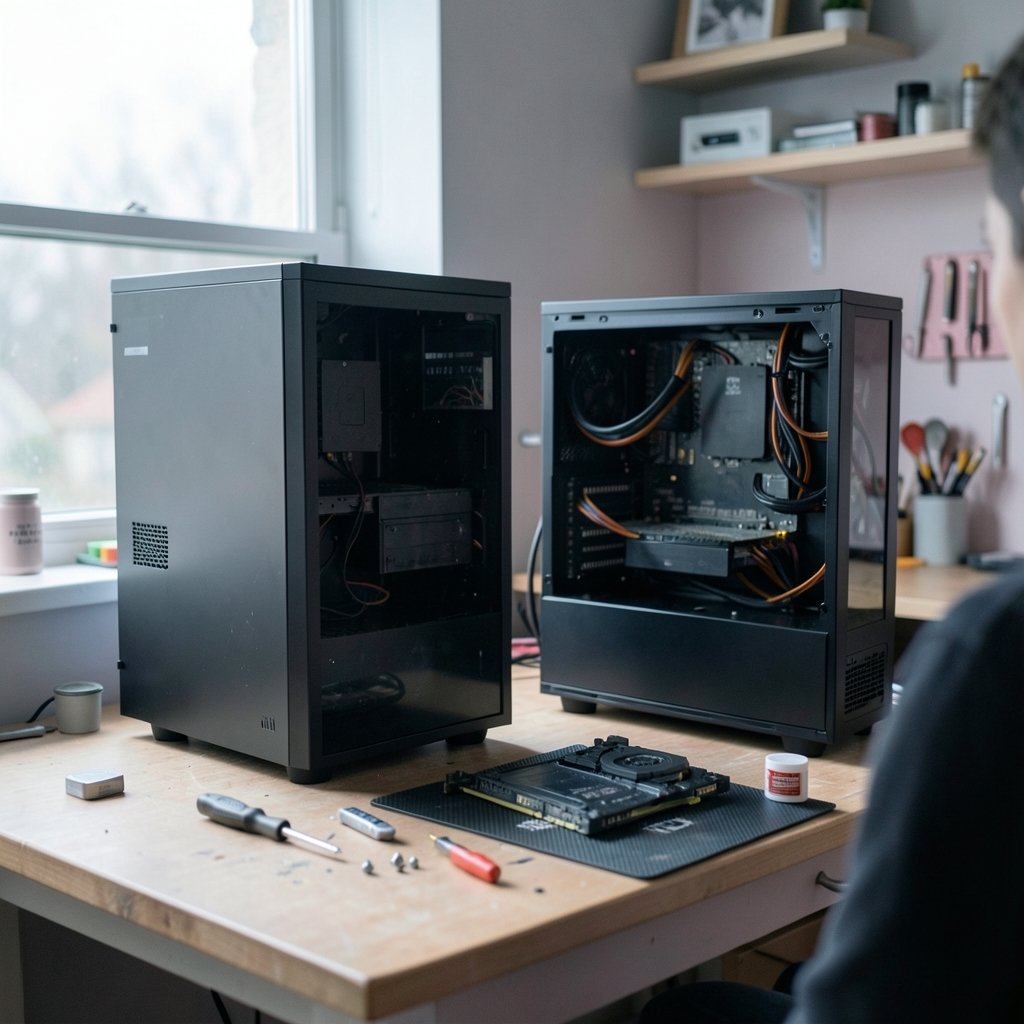
The prebuilt-versus-build-your-own debate has cooled, mostly because graphics card pricing made DIY less of a bargain. Here is how the two paths actually compare.
| Factor | Prebuilt | Custom / DIY |
|---|---|---|
| Time to first game | Hours | A full evening or weekend |
| Upfront cost | Higher, includes assembly and support | Lower on paper, before tools and OS |
| Warranty | Single point of contact | Per-component claims |
| Upgrade flexibility | Varies wildly by brand | Total control |
| Troubleshooting | Support line | Your own problem-solving |
The hidden variable is the case and motherboard. Some big-box prebuilts use standard ATX parts and are easy to upgrade. Others use custom boards with locked BIOS settings, which means a future CPU upgrade may be impossible. Ask before buying, or check the spec sheet for the word “proprietary.”
The cheapest prebuilt is rarely the cheapest machine to own. A $150 premium for standard parts often pays for itself the first time you swap a graphics card instead of replacing the whole tower.
Matching the Machine to the Monitor
Most buyers overspend on the PC and underspend on the display, or the reverse. Frame rate targets should drive the build, not the other way around.
- 1080p at 144Hz or higher: A mid-range GPU is plenty. Spending more here is wasted unless you plan to upgrade the monitor soon.
- 1440p at 144Hz to 165Hz: The sweet spot for 2026. This is where most of the money should go.
- 4K at 60Hz to 144Hz: The expensive tier. Expect to pay significantly more for every additional frame, and expect heat and noise to rise with it.
- Ultrawide 1440p: Demanding, but a great fit for racing and simulation titles.
A useful rule of thumb: the monitor should cost roughly a third to half of the PC budget. A $2,000 tower feeding a $150 panel is a waste of silicon.
Where the Money Goes: Budget Tiers That Make Sense
Rather than naming a single winner, it is more honest to describe tiers, because configurations and prices move constantly.
Entry tier: about $800 to $1,200
This is the 1080p zone. Expect a current-generation mid-range GPU, 16GB of RAM, and a 1TB SSD. Machines in this range often cut corners on the power supply and case airflow, so read reviews that measure temperatures under load, rather than frame rates alone.
Mid tier: about $1,200 to $2,000
The 1440p workhorse. This is where most buyers should land. Look for 32GB of RAM, a 2TB SSD, and a case with at least three intake fans. This tier also tends to offer the best balance of performance per dollar for people who keep a machine for four or five years.
Enthusiast tier: $2,000 and up
4K and high-refresh ultrawide territory. At this price, build quality, cooling, and noise matter as much as raw speed. A loud machine that throttles under sustained load is worse than a slightly slower one that stays quiet.
Bundling strategy matters too. Waiting for seasonal sales events can shift pricing meaningfully, much like tracking Black Friday car deals teaches you to compare against a baseline rather than a discount percentage. Knowing the normal price is the whole game.
Cooling, Noise, and the Spec Sheet Trap
Marketing loves big numbers. Real-world performance depends on whether the machine can sustain those numbers for an hour.
Three things to check in any review:
- Sustained CPU and GPU temperatures after 30 minutes of load, not a two-minute benchmark.
- Noise levels in decibels at idle and under load. Above roughly 45 dB under load, a desktop becomes noticeable in a quiet room.
- Fan quality and dust filtration. Cheap fans fail first, and mesh front panels without filters turn into dust magnets.
Air cooling remains excellent in 2026. A well-designed tower cooler handles most gaming CPUs quietly and costs far less than a liquid loop. Liquid cooling earns its place in small cases and high-wattage builds, but it is not automatically better. (Humble bundle vs fanatical vs green man gaming 2026) (Best Gaming PCs)
The most common mistake buyers make is paying for a component they will never stress. A 24-core processor in a gaming machine is money that should have gone to the graphics card.
Upgrade Paths and Longevity
A gaming PC is a five-year purchase for most households. Planning the upgrade path at the point of sale is the difference between a machine that ages gracefully and one that becomes e-waste.
Look for these signals:
- Standard ATX or micro-ATX motherboard with a documented BIOS update history.
- A power supply rated well above current draw, with modular cabling.
- Two M.2 slots so storage can grow without removing a drive.
- Accessible RAM slots that are not buried under a cooler.
- A case with clearance for a longer graphics card than the one shipping today.
Graphics cards keep growing. A case that fits today’s card with two centimeters to spare may not fit the next one. That single measurement has saved more buyers from premature rebuilds than any other spec.
Platform churn is a real risk too. The industry moves fast, and hardware roadmaps shift on the strength of a single announcement. Component supply and pricing can turn overnight. Buy for the games you play now, not for a hypothetical future patch.
Software, Bloatware, and the First Hour
The first hour with a new prebuilt often decides how much you enjoy it. Practical steps that work:
- Uninstall the trial software. Antivirus trials and vendor dashboards slow boot times and nag constantly.
- Update the graphics driver directly from the chip maker, not the system builder’s outdated portal.
- Check that the RAM is running at its rated speed in the BIOS. Many prebuilts ship with memory at default, slower settings.
- Run a stress test in the return window. If temperatures spike or the machine crashes, you want to know on day two, not day thirty.
- Confirm the warranty terms in writing before you open the case. Some builders void coverage if you so much as add a stick of RAM.
That last point trips up a lot of people. If upgrading is part of your plan, buy from a builder that explicitly allows it.
Brand Comparison: What to Actually Compare
Rather than crowning a single brand, compare on the dimensions that affect ownership.
| What to compare | Why it matters |
|---|---|
| Warranty length and terms | One year is common; three years is a real advantage |
| Support channel quality | Phone and chat beat email-only support |
| Parts standardization | Determines whether upgrades are possible |
| Case airflow design | Drives noise and sustained performance |
| Return window | Your only real safety net |
Boutique builders typically charge more but offer better support and cleaner builds. Big-box retailers offer convenience and easy returns but often use custom parts. Neither is wrong. The mistake is buying a boutique build for the price of a big-box one without checking which compromises were made.
Value hunting in PC hardware resembles the bundle-store math familiar to anyone who has compared game key storefronts: the sticker price is only half the story, and the fine print decides the winner.
Common Mistakes That Cost Real Money
These come up again and again in buyer discussions and return data.
- Buying on CPU alone. Gaming performance is GPU-bound at high resolutions. A flagship CPU with a mid-tier card is a mismatched build.
- Skipping the power supply check. A cheap unit can fail and take other components with it.
- Ignoring the monitor. The display is half the experience and the part you look at every session.
- Assuming liquid cooling means quiet. Pump noise and fan curves matter more than the cooling type.
- Not measuring desk space. A full tower is genuinely large. Measure before ordering.
- Forgetting the peripherals budget. Keyboard, mouse, and headset add up quickly.
There is also a timing trap. Prices for graphics cards and memory swing with supply, and platform announcements can reset the market overnight. A single legal or regulatory decision can reshape pricing across an entire ecosystem in short order. Hardware is no different.
Conclusion
The best gaming PC in 2026 is not the one with the longest spec sheet. It is the one that matches your monitor, fits your desk, survives its own heat, and can be upgraded in three years without a full rebuild. Start with the graphics card and the display, insist on standard parts and a power supply with headroom, and treat every discount as a question rather than an answer. Buyers who follow that order consistently end up with machines they keep for years, and they spend less doing it. If you take one thing away, take this: verify the return window and the warranty terms before you fall in love with a configuration.
FAQ
What is the best GPU tier for 1440p gaming in 2026?
A current-generation mid-range graphics card is the right target for 1440p at high refresh rates. Spending more only makes sense if you plan to move to 4K or ultrawide within a year or two. Match the card to the monitor you own today, not the one you might buy later.
Is a prebuilt gaming PC worth the markup?
Often, yes. The premium covers assembly, a single warranty, and testing. It becomes a bad deal when the builder uses proprietary parts that block upgrades or hides a weak power supply behind a strong CPU. Check the spec sheet for standard ATX components before buying.
How much RAM do I need for gaming in 2026?
32GB is the comfortable standard for a machine you plan to keep several years. 16GB still works for most titles but leaves little room for background apps, streaming, or heavily modded games. RAM is one of the cheapest upgrades, so buy headroom up front.
Should I choose air cooling or liquid cooling?
Air cooling handles most gaming processors quietly and costs less. Liquid cooling earns its place in small cases, high-wattage builds, and situations where the CPU sits under sustained load. Neither is automatically quieter; fan curves and pump quality matter more than the cooling type.
How often should I replace a gaming PC?
Most buyers get four to six years from a well-chosen desktop with one mid-life graphics card upgrade. Machines built with standard parts and a generous power supply tend to last longest. Replacing the whole tower usually becomes necessary only when the motherboard platform itself is obsolete.
What should I check first when a new gaming PC arrives?
Confirm the RAM is running at its rated speed, update the graphics driver from the chip maker, remove trial software, and run a stress test inside the return window. If temperatures spike or the system crashes, return it immediately rather than troubleshooting a new purchase.



