

In 2006, Amazon launched a service that let anyone rent space on its servers by the gigabyte. Nearly two decades later, that idea, object storage, underpins a huge share of the apps and websites people use daily. Yet most users still picture “the cloud” as a mystery box. This guide cuts through the marketing and explains cloud storage in plain terms: how it works, what it costs, where it fails, and how to pick the right setup for your files.
What Cloud Storage Actually Is
Cloud storage is a model where data lives on remote servers owned by a provider and is accessed over the internet. Your device keeps a local cache or a pointer; the master copy sits in a data center, often replicated across multiple machines or regions.
That sounds simple, and architecturally it mostly is. The complexity comes from the layers built on top: sync engines, sharing permissions, versioning, encryption, and billing meters. A useful way to think about it is that you are not buying a hard drive. You are renting a service with rules attached. For a deeper walkthrough of the fundamentals, see what cloud storage is and how it works.
The U.S. National Institute of Standards and Technology gave cloud computing its most-cited formal definition back in 2011, describing essential traits like on-demand self-service, broad network access, resource pooling, rapid elasticity, and measured service. Cloud storage inherits all five. You provision it yourself, reach it from anywhere, share underlying hardware with strangers, expand in seconds, and pay by usage.
The Three Main Flavors of Cloud Storage
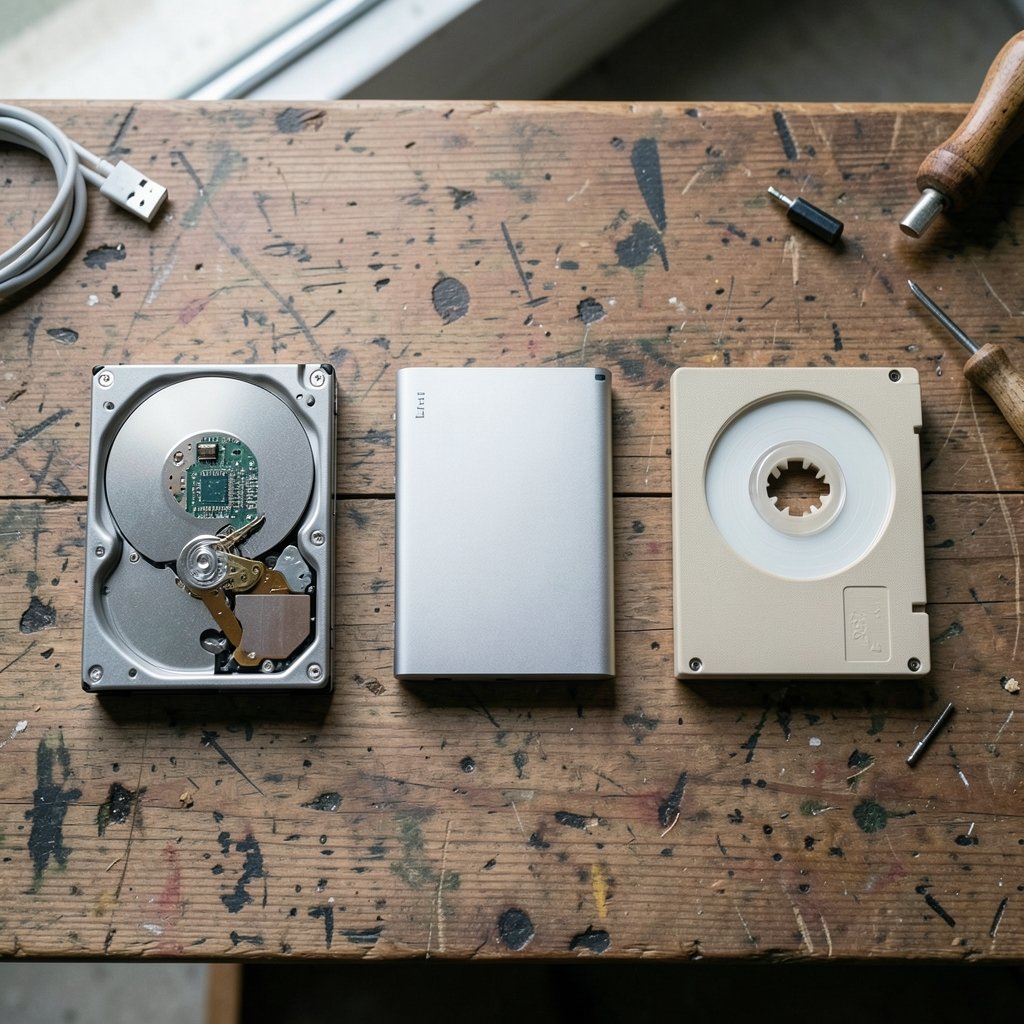
Not all cloud storage behaves the same. Providers typically sell three distinct types, and mixing them up is one of the most common mistakes people make.
| Type | How data is organized | Typical use | Example services |
|---|---|---|---|
| Object storage | Files as objects with metadata, in flat buckets | Backups, media, web assets, archives | Amazon S3, Google Cloud Storage, Azure Blob |
| Block storage | Raw volumes attached to a machine | Databases, virtual machine disks | Cloud provider disk volumes |
| File storage | Shared folders with hierarchy | Team drives, home directories | Managed network file systems, consumer sync apps |
Consumer products like Google Drive, Dropbox, and iCloud sit mostly on top of object storage but present a friendly file-and-folder interface. Businesses often combine all three: block volumes for servers, file shares for departments, object buckets for long-term retention.
If you are weighing a provider, a comparison of the best cloud storage services helps frame the trade-offs between price, speed, and sharing features.
How Your Files Travel: Sync, Backup, and Hybrid
Three words get used interchangeably and shouldn’t be.
Sync keeps two or more locations identical. Delete a file on your laptop and it vanishes from the cloud and every other device. Convenient, but risky if you mistake it for a backup.
Backup keeps a separate, point-in-time copy. If ransomware encrypts your laptop, a proper backup still holds an unencrypted version from yesterday.
Hybrid means part of the data stays on local hardware, with the cloud acting as overflow, archive, or disaster recovery. Many small businesses land here because a fast local network drive plus a cloud copy beats either option alone.
The practical rule: sync for convenience, backup for safety, hybrid for control. Using one tool for all three jobs is where people get burned.
What It Costs and Why Bills Surprise People
Cloud storage pricing looks cheap per gigabyte until the invoice arrives. Providers typically charge on three separate meters:
- Storage — the amount of data sitting there per month.
- Operations — requests to read, write, or list files.
- Egress — data transferred out of the provider’s network.
That third meter is the trap. Uploading is often free; downloading in bulk can cost real money. Regulators have noticed. The UK’s communications regulator, Ofcom, examined the cloud services market and flagged egress fees and switching barriers as areas of concern in its 2023 study, which you can review on the Ofcom cloud services market study page.
For personal users, the math is simpler: most plans bundle a fixed quota and charge a flat monthly fee. The surprise usually comes from photo libraries quietly ballooning. A phone shooting 4K video can generate several gigabytes in a single afternoon of filming.
To understand where the money actually goes, it helps to compare the key differences between cloud storage and local storage, especially the hidden cost of hardware replacement cycles versus recurring subscriptions. (Cloud storage)
Durability, Availability, and the “Nines” Game
Providers love to advertise eleven nines of durability — 99.999999999%. That figure describes the probability that a given object will not be lost over a year, achieved through replication and error-checking across many disks. It is a provider-published engineering claim, not an independently audited measurement, so treat it as a strong signal rather than gospel.
Durability is not availability. A service can keep your data perfectly safe and still be unreachable for an hour because of a network fault or a misconfiguration. Availability is usually expressed in a service level agreement, often 99.9% or higher, and many agreements offer service credits rather than guarantees of no downtime.
The practical takeaway: no single provider is a substitute for the 3-2-1 rule — three copies of important data, on two different media, with one offsite. Cloud storage makes the offsite copy easy. It does not make the other two optional.
Security and Privacy: What the Provider Can and Cannot See
Most major providers encrypt data at rest and in transit by default. That protects files from someone intercepting traffic or stealing a physical disk. It does not necessarily stop the provider itself from accessing content, because the provider holds the keys.
Client-side encryption changes that equation. You encrypt before upload and hold the key, so the provider stores ciphertext it cannot read. The trade-off is real: lose the key and the data is gone forever, and features like server-side search or thumbnail previews stop working.
Regulatory context matters too. Europe’s General Data Protection Regulation, in force since 2018 and published in full on EUR-Lex, restricts where personal data can be stored and transferred. That is why providers offer regional data centers and why “where is my data physically located” is a legitimate question for any business buyer.
Practical advice: enable two-factor authentication first, before anything else. It stops more real-world account takeovers than any encryption toggle. Then decide whether your threat model justifies client-side keys.
Business Architecture: Where Cloud Storage Fits
For organizations, storage is rarely a standalone decision. It is tied to compute, networking, and identity. The three hyperscalers, AWS, Microsoft Azure, and Google Cloud, each bundle storage into a much larger platform, and the differences matter more at scale than at the consumer level. A side-by-side look at AWS vs Azure vs Google Cloud shows how storage tiers, pricing structures, and regional footprints diverge.
One emerging wrinkle is confidential computing, where data is encrypted even during processing. Apple’s approach to private cloud compute, which routes sensitive AI requests through hardened servers, is an interesting case study in how far providers will go to reassure users. The details are worth reading in this explainer on Apple private cloud compute and Google Cloud. (NIST Cloud Computing Program)
For most teams, the sensible sequence is: define data classification first, map workloads to storage types second, then negotiate pricing and egress terms. Doing it in the reverse order is how organizations end up locked into a tier they don’t need.
Common Mistakes That Actually Cause Data Loss
Years of watching cloud migrations go wrong surface the same handful of errors again and again.
- Treating sync as backup. A deleted file syncs everywhere in seconds. Versioning histories help, but they expire.
- Skipping the restore test. A backup nobody has restored is a hypothesis, not a backup. Test quarterly.
- Ignoring egress in the budget. A one-time migration out of a provider can cost thousands.
- Sharing links with “anyone” access. Public links get forwarded, indexed, and scraped.
- Forgetting account recovery. Old phone numbers and dead email addresses lock people out permanently.
- Assuming the provider handles compliance. Shared responsibility means you configure it correctly.
What actually works is unglamorous: named owners for critical data, documented retention rules, and a written restore procedure that someone has actually executed.
Cloud Storage vs Physical Storage: An Honest Comparison
Local drives still win on some dimensions, and pretending otherwise does a disservice to readers. A fast NVMe drive offers latency no network can match. It also works on a plane with no Wi-Fi.
Cloud wins on accessibility, redundancy, and collaboration. Two people in different cities can edit the same document without emailing attachments. A fire or flood does not touch data in a distant data center.
Many households and small firms end up with a hybrid: a local drive for working files and a cloud tier for archives and offsite copies. If physical space itself is the constraint, storage unit deals can be a cheaper answer for boxes of paper and old hardware than any digital service.
How to Choose: A Practical Checklist
Work through these in order and most decisions resolve themselves.
- Estimate your real volume, including photos, video, and email archives. Add 30% headroom.
- Identify your access pattern. Frequently opened files need hot storage; tax records from 2015 do not.
- Check device support. Does it work on your phone, laptop, and that one old tablet?
- Read the sharing model. Granular permissions beat “anyone with the link.”
- Confirm the recovery path. Can you export everything in a standard format?
- Price the exit. What does it cost to leave in three years?
- Test the restore. Once, before you trust it.
Skipping step seven is the single most common failure. It takes twenty minutes and saves careers.
Conclusion
Cloud storage is neither magic nor a scam. It is rented infrastructure with metered billing, layered security, and a set of trade-offs that reward careful planning and punish assumptions. The core ideas are stable: object, block, and file storage serve different jobs; sync is not backup; durability is not availability; and egress fees deserve a line in every budget. Get those right, add two-factor authentication, and test a restore before you need one, and the cloud becomes exactly what it promises: someone else’s computer, doing a genuinely useful job.
Frequently Asked Questions
Is cloud storage safe for sensitive documents?
For most people, yes, provided basic hygiene: a strong unique password, two-factor authentication, and encryption enabled. The risk profile shifts for regulated data. If you handle health records or financial data, check the provider’s compliance certifications and confirm data residency before uploading anything.
How much cloud storage do I actually need?
Start by checking current disk usage, then add 30%. A typical household with photos and some video lands between 200 GB and 2 TB. Heavy video creators or small businesses often need more. Buying a tier above your need is usually cheaper than repeatedly upgrading mid-cycle.
What happens to my files if I stop paying?
Policies vary, but most providers freeze the account first, then restrict access, then delete data after a grace period that can run from 30 to 90 days. Some keep read-only access during that window so you can download. Check the specific terms before you rely on it, and always keep an independent copy of anything irreplaceable.
Can cloud storage replace an external hard drive?
It can replace the offsite copy, but rarely the working drive. Network latency makes editing large video files directly from the cloud frustrating, and internet outages cut access entirely. The sturdier setup is a local drive for active work plus cloud storage for backup and sharing.
Is free cloud storage worth using?
Free tiers are fine for testing and light personal use, typically 5 to 15 GB. They usually come with trade-offs: slower speeds, fewer version history days, and aggressive upsells. Never store the only copy of anything important on a free plan, because terms and quotas can change with little notice.
Why is downloading my data sometimes expensive?
Providers meter egress, the data leaving their network, because bandwidth costs them money and because it discourages customers from leaving. Uploads are often free for the same reason. If you plan to move large volumes, calculate the exit cost before committing, and ask whether a migration credit is available.



