

Quick Answer: Is power supply unit worth buying for beginners and everyday use?
Yes. A power supply unit is worth buying for beginners and everyday use, and it is one of the few PC parts where spending a little more genuinely protects everything else in the case. Beginners can act on this in three practical ways: buy from a reputable brand, match wattage to the actual build, and insist on safety certification.
The alternative is a cheap bundled unit, which often looks fine on paper but uses lower-grade parts and weaker protection circuits. A good PSU does not make a PC faster, but a bad one can make it unstable, noisy, or permanently broken.
Before buying, check the wattage headroom, the 80 PLUS or Cybenetics efficiency rating, the +12 V rail output, the warranty length, the safety marks (UL, ETL, or TÜV), and whether the unit supports modern ATX 3.x connectors if a recent GPU is planned.
Most people never think about the box hiding in the bottom of their PC case. Yet that box quietly decides whether the machine lasts five years or five months. Here is the number that should wake a beginner up: a power supply typically converts wall current to usable DC power at roughly 80 to 90 percent efficiency, which means a 500 W load can pull well over 550 W from the wall. That gap is heat, and heat is the slow enemy of every component nearby. Understanding that trade-off is the whole game.
Why the Power Supply Matters More Than Its Price Tag Suggests
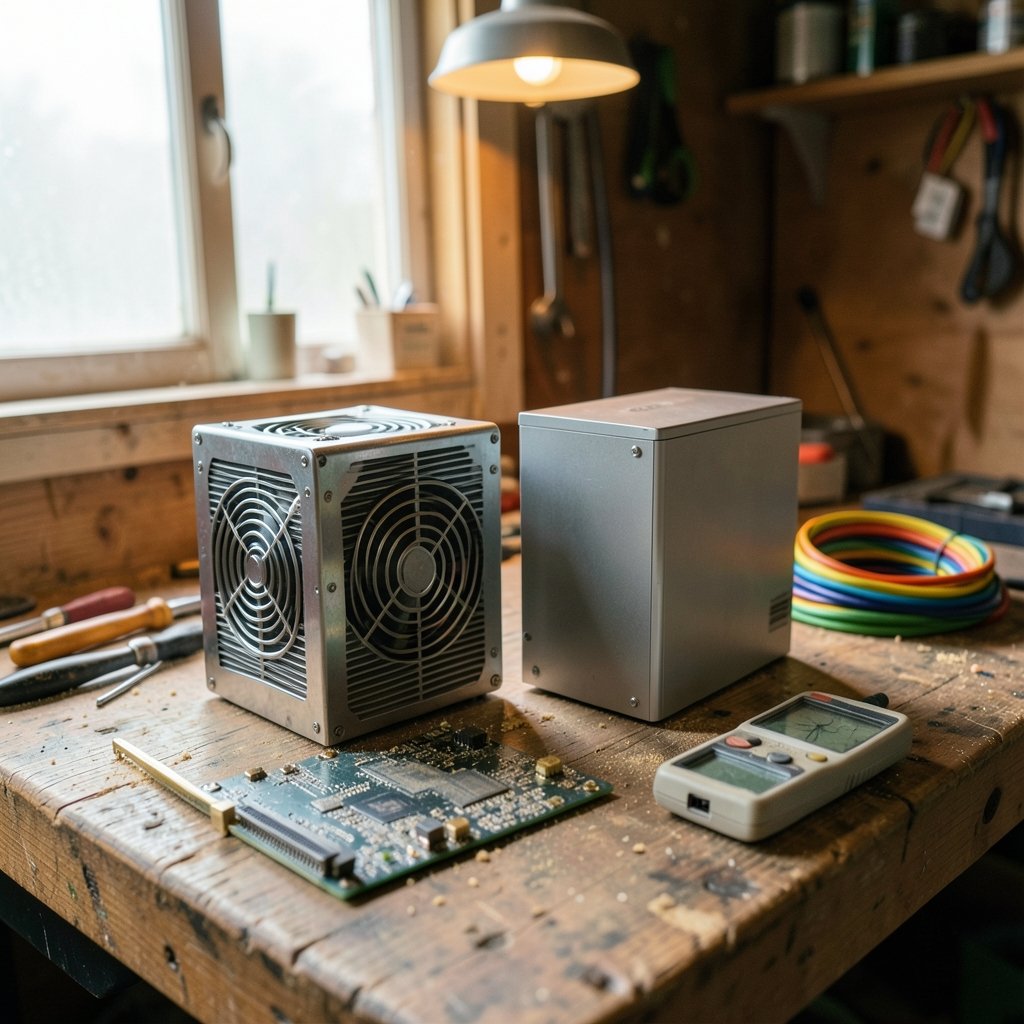
The power supply unit, usually shortened to PSU, turns alternating current from the wall into the regulated direct current that a motherboard, processor, and graphics card actually need. It supplies several voltage rails, but the +12 V rail now carries the overwhelming majority of the load because modern CPUs and GPUs draw most of their power there.
That makes the PSU a single point of failure with unusual leverage. If it fails quietly, the machine crashes under load and the user blames the RAM. If it fails badly, it can take the motherboard and drives with it. For beginners, this is the key mental shift: a PSU is not a peripheral you upgrade later. It is infrastructure, and infrastructure is boring right up until it isn’t.
There is also a simple economic argument. A decent 550 W unit costs a modest amount more than a no-name equivalent, and it will often outlive two builds. Spread over six or seven years, the difference is trivial. Spread over a single failed motherboard, it is a bargain.
What Beginners Actually Get Wrong
Most first-time builders do not make exotic mistakes. They make predictable ones, and every one of them is avoidable.
Buying wattage like it is horsepower
More watts is not automatically better. A PSU runs most efficiently somewhere around 40 to 60 percent of its rated load. A 1000 W unit in a system that idles at 60 W and peaks at 300 W spends its life in an inefficient, sometimes noisier zone. Matching wattage to the build, with modest headroom for a future GPU, beats maxing out the spec sheet.
Trusting the box art over the certification
The 80 PLUS program is a voluntary efficiency certification with tiers running from White through Bronze, Silver, Gold, Platinum, and Titanium. It measures efficiency, not build quality and not safety. A unit can carry a Gold badge and still use mediocre capacitors. Treat the badge as one data point, never the whole story.
Ignoring the safety marks
This is the mistake that matters most. Look for recognized safety certification from a testing body such as UL Solutions, plus active power factor correction. A unit with genuine safety marks has passed fault and insulation testing that a counterfeit never will.
Forgetting the connectors
A modern graphics card may need a 12V-2×6 connector, the updated version of the older 12VHPWR design introduced with the ATX 3.x specifications. Buying a PSU without the right cable means buying an adapter, and adapters are where beginners get into trouble.
How to Choose a PSU Without Getting Lost in Specs
A short checklist beats a long spec sheet. Work through these in order and the decision mostly makes itself.
- Estimate real power draw. Add the CPU and GPU figures, then add roughly 100 W for the board, drives, fans, and memory. Add 20 to 30 percent headroom. Most everyday gaming builds land between 550 W and 750 W.
- Check the +12 V rail. It should deliver nearly the full rated wattage on its own. If the label splits +12 V into small, weak rails, that is a warning sign.
- Confirm safety certification. UL, ETL, or TÜV marks plus active PFC. No marks, no purchase.
- Look at the efficiency rating. Gold is the sensible sweet spot for most buyers. Bronze is fine on tight budgets. Titanium rarely pays for itself outside of always-on systems.
- Read independent testing. Cybenetics publishes efficiency and noise ratings that complement the 80 PLUS label and often disagree with it. Disagreement is useful information.
- Check the warranty. Five to ten years is common on better units, and it signals how much confidence the maker has in its own capacitors.
- Verify cable length and type. Fully modular is easier for beginners because unused cables stay in the box.
A practical shortcut: if a listing cannot tell you the +12 V rating, the capacitor brand, and the safety certifications, that silence is the answer.
Cheap PSU vs. Decent PSU: What the Money Buys
| Feature | Budget no-name unit | Decent branded unit |
|---|---|---|
| Efficiency rating | Often unrated or exaggerated | Verified 80 PLUS Bronze to Gold |
| Capacitors | Generic, shorter lifespan | Japanese-brand, rated for heat |
| Safety certification | Missing or unverifiable | UL, ETL, or TÜV marked |
| +12 V rail | Weak or split | Near-full rated output |
| Protections | Basic or absent | OVP, OCP, OPP, SCP, OTP |
| Warranty | 1 to 2 years | 5 to 10 years |
| Noise under load | Often whiny or loud | Quiet fan curve |
| Risk to other parts | Real | Very low |
The right-hand column is not luxury. It is the difference between a part that quietly does its job and a part that becomes the reason a build gets rebuilt.
Where the PSU Fits in a Beginner’s Overall Budget
Beginners often treat the PSU as the leftover line item after the GPU and CPU have eaten the budget. Flip that thinking. The PSU is the cheapest insurance in the entire build, and unlike a graphics card it does not go obsolete in two years.
The same logic of buying once and buying well shows up in other beginner purchases. People comparing a best ukulele for beginners quickly learn that the cheapest instrument is the one that gets replaced, and the same holds for a best 3D printer for beginners where a slightly better machine saves months of frustration. A PSU belongs in exactly that category: unglamorous, foundational, and worth doing properly the first time.
For anyone building on a strict budget, a useful rule is to cap the PSU at roughly 8 to 10 percent of total build cost. Below that share, quality usually suffers. Above it, returns flatten fast.
Everyday Use: Does a Good PSU Change Anything You’d Notice?
Honestly? Mostly no, and that is the point. A good PSU is invisible. It does not add frames per second or make files open faster. What it does is remove a category of problems: random shutdowns during a game, coil whine that hums through the case, boot loops after a power flicker, and the slow degradation that turns a three-year-old machine into a mystery.
For an office or study PC drawing 150 W, almost any certified 400 W unit will do the job for years. For a gaming rig with a hungry GPU, the PSU becomes a genuine performance enabler because transient power spikes, brief surges well above average draw, can trip an undersized unit’s protection circuits. Modern ATX 3.x specifications tightened exactly these transient requirements, which is why a newer certified unit handles a spiky GPU better than an older high-wattage one.
The pattern is consistent: the PSU never makes a system better, but a weak one reliably makes it worse.
When It Is Fine to Spend Less
Balance matters, so here is the honest counterargument. Three situations justify a cheaper unit. (ENERGY STAR Computers)
First, a low-power everyday desktop that will never see a discrete GPU. A certified Bronze 400 W unit is genuinely adequate.
Second, a temporary or secondary machine where the stakes are low and the budget is genuinely fixed.
Third, a prebuilt system still under warranty, where swapping the PSU may void coverage. In that case, leave it alone and note the model for later.
What is never fine is an uncertified unit of unknown origin inside a machine holding work that matters. Storage is a good parallel: people happily hunt for storage unit deals to protect physical belongings, yet leave digital work behind an unverified power supply). The protection instinct should point both ways.
Common Myths Worth Retiring
Myth one: higher wattage always means better quality. Wattage is a capacity number, not a quality number. A 1200 W no-name unit loses to a 550 W Gold unit from a serious brand every time.
Myth two: the brand on the box made the unit. Many brands outsource manufacturing to a handful of large OEM factories. Two differently branded PSUs can share the same internal platform, which is why independent reviews matter more than logos.
Myth three: efficiency equals safety. They are separate. Efficiency is about wasted power; safety is about what happens during a fault. A unit can be efficient and still lack proper protection circuitry.
Myth four: a bigger PSU future-proofs everything. It future-proofs wattage, not connectors, not standards, and not capacitor age. Buy for the next build, not the one after that.
Conclusion
A power supply unit is worth buying for beginners and everyday use, and the reasoning is refreshingly simple. It is the one component whose failure can destroy the others, it outlives most of the build around it, and the price gap between adequate and excellent is small compared with the cost of a single failure. Beginners do not need a flagship unit. They need a certified one from a known brand, sized sensibly, with a real warranty and honest safety marks.
Buy once, match it to the build, and then forget about it. That is exactly what a good PSU is for. If the budget is tight, take the money from the case lighting before taking it from the power supply.
FAQ
How many watts does a beginner actually need?
Most everyday builds with a mid-range graphics card are comfortable at 550 W to 650 W. Add up the CPU and GPU power figures, add about 100 W for everything else, then add 20 to 30 percent headroom. Office PCs without a dedicated GPU rarely need more than 400 W.
Is an 80 PLUS Bronze unit good enough?
For most budget and everyday builds, yes. Bronze certifies a reasonable efficiency level and is widely available from reputable brands. Gold is the better long-term pick if the price difference is small, but Bronze from a trustworthy maker beats an uncertified unit with a fancy label.
Can a cheap power supply damage other components?
It can. A failing unit may deliver unstable voltages or fail to shut down cleanly during a fault, and in the worst cases it takes the motherboard or drives with it. That risk is why the PSU is one of the few places where cutting corners is genuinely expensive.
Do I need an ATX 3.x power supply?
Only if the build uses a recent graphics card that relies on the 12V-2×6 connector or has aggressive power spikes. For older or lower-power cards, a good ATX 2.x unit with the right PCIe cables works perfectly well.
How long does a decent power supply last?
A well-made unit typically serves through five to ten years, often spanning two builds. Capacitor quality and cooling matter most. A unit that has run hot for years will age faster than one with good airflow and a sensible fan curve.
Should beginners buy a modular power supply?
Fully modular units are easier to build with because unused cables stay in the box, which improves airflow and tidiness. They usually cost a little more. Semi-modular is a fine middle ground, and non-modular units are perfectly safe, just messier.



