
Why does a robot vacuum clean the hallway three times and skip the bedroom entirely? It happens more often than most owners expect, and the cause is almost always the same handful of problems: a bad map, a confused sensor, or a setting that quietly blocks a doorway. The good news is that most cases have a practical fix you can apply in an afternoon. (Vacuum Cleaners Buying Guide)
How a Robot Vacuum Decides Which Rooms to Clean
A robot vacuum does not “see” a home the way a person does. It builds a map, tracks its position on that map, and then plans a path across it. When any of those three steps breaks down, rooms go missing.
Most models on the market use one of three navigation systems:
| Navigation type | How it works | Typical weakness |
|---|---|---|
| LIDAR (laser turret) | Spins a laser to measure distances and build a precise floor plan | Struggles with low obstacles and reflective surfaces |
| Camera-based vSLAM | Uses a camera to spot landmarks and estimate position | Confused by darkness, mirrors, and featureless floors |
| Gyroscope only | Tracks wheel turns and heading without a real map | Wanders, overlaps, and misses areas over time |
Gyroscope-only robots are the most likely to leave rooms untouched, because they have no true map to check their work against. LIDAR models are generally the most reliable, which is why they dominate the mid-range and premium segments. If a home has multiple floor types and thresholds, that reliability gap matters even more.
The Real Reasons Rooms Get Skipped
The map is incomplete or corrupted
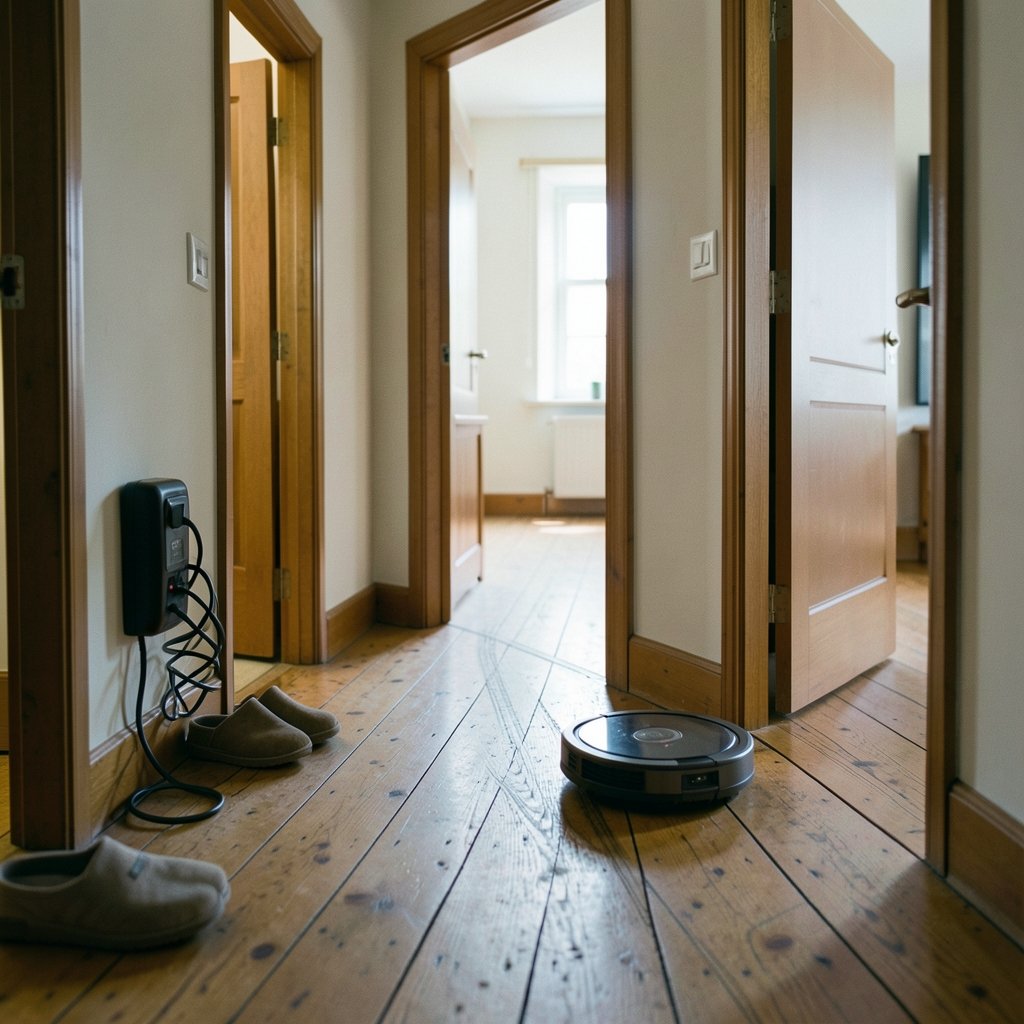
This is the single most common cause. A robot that started a mapping run from a dock it could not reach, or that was interrupted halfway through, saves a partial map. Every later “clean by room” command draws from that broken plan, so the missing room simply does not exist as far as the robot is concerned.
The fix is usually a full map reset followed by one uninterrupted mapping run with doors open, cables lifted, and nobody walking through the space. It feels tedious. It solves the problem more often than any other single step.
No-go zones and virtual walls are misconfigured
App-based no-go zones are drawn by hand, and hands slip. A rectangle dragged a few centimeters too far can seal off an entire doorway. Virtual walls placed in the wrong spot do the same thing. Anyone who has recently edited a floor plan should check those boundaries first, before assuming a hardware fault.
Multi-floor maps load the wrong level
Households with two or more saved maps sometimes find the robot cleaning against the wrong floor plan. It thinks it is upstairs while sitting downstairs, so it ignores rooms that exist only on the other level. Deleting unused maps and confirming the active map before each run prevents this.
Dark floors, mirrors, and glass doors confuse cameras
Camera-based robots need visual landmarks. A dark rug, a mirror, or a floor-to-ceiling glass door can throw off their position estimates. The robot may decide it has already covered an area, or it may refuse to enter a room it cannot make sense of. Closing blinds during a mapping run and adding a small amount of contrast (a mat, a piece of furniture) often helps.
Thresholds and cliff sensors trigger false stops
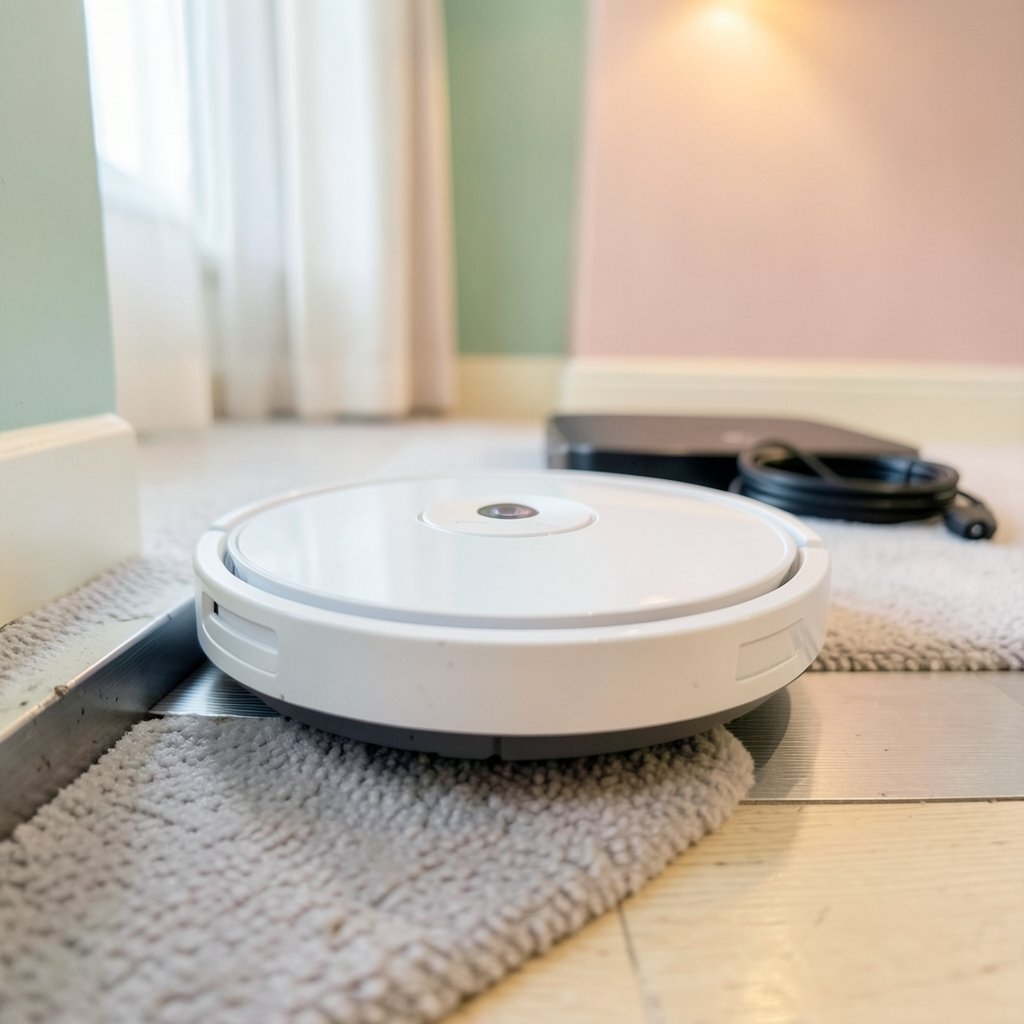
A thick threshold, a dark strip of flooring, or a deep-pile rug edge can look like a drop-off to a cliff sensor. The robot stops, turns around, and never enters. Raising the sensor sensitivity in the app, or adding a slim ramp at the threshold, resolves many of these cases.
Firmware updates change behavior
Mapping logic gets revised between firmware versions. A robot that cleaned reliably for a year can start skipping a room after an update. Checking the manufacturer’s release notes and, if needed, rolling back or waiting for a patch is a legitimate troubleshooting step that few owners think to try.
A Step-by-Step Troubleshooting Sequence
Work through these in order. Most people find the cause within the first four steps.
- Delete the existing map in the app and run a fresh mapping pass with all interior doors open.
- Inspect no-go zones and virtual walls for boundaries that overlap a doorway.
- Confirm the correct map is active, especially in multi-floor homes.
- Clear the floor of cables, socks, pet toys, and loose rugs before the run.
- Check the wheels and brushes for hair wraps that cause the robot to stall and abort a room.
- Clean the sensors — the LIDAR turret window, the front bumper, and the cliff sensors underneath.
- Review the cleaning history in the app to see whether the robot entered the room at all or entered and left early.
- Update firmware, then re-test with a single-room clean.
That last point deserves emphasis. Running a single-room clean isolates the problem fast. If the robot finds the room on its own but skips it during a whole-home run, the issue is in the map or the schedule. If it cannot find the room even when sent there directly, the problem is navigation or hardware.
What Actually Works in Practice
Experienced owners tend to converge on a few habits that prevent most missing-room complaints.
Map once, carefully, and then leave the map alone. Re-mapping constantly resets room labels and boundaries. A stable map is a reliable map.
Name rooms clearly and verify them. Room segmentation is automatic on most modern robots, and it sometimes splits one room into two or merges a closet with a bedroom. Renaming and merging rooms in the app takes two minutes and prevents a lot of confusion.
Keep the dock in a fixed, open spot. Moving the dock forces a re-localization, and a robot that cannot find its starting point may abandon parts of the plan.
Schedule whole-home runs when the house is quiet. Motion, pets, and people crossing the robot’s path all degrade mapping accuracy.
Treat dark flooring as a known risk. Homes with very dark hardwood or black tile benefit from LIDAR models rather than camera-only ones. The same logic applies when choosing among the best vacuum for carpet, where navigation quality matters as much as suction.
Match the tool to the mess. A robot that handles pet hair well may still need a manual pass in corners, and a best vacuum mop combo unit adds its own mapping quirks because the mop module changes how the robot approaches thresholds and rugs.
When the Problem Is the Hardware
Some missing-room cases are not software at all. A failing LIDAR motor produces a characteristic error message and a robot that spins in place. A worn bumper sensor causes the robot to bounce off invisible obstacles. A swollen battery can cut runs short before the robot reaches the far end of the house.
Signs that point to hardware rather than configuration include:
- The same room is skipped every single time, regardless of map resets
- The robot reports a navigation or sensor error in the app
- Cleaning runs end far earlier than the battery should allow
- The robot circles repeatedly in open space
In those cases, warranty service is the right move. Robot vacuums are mechanical devices with moving sensors, and parts do wear out. Checking the manufacturer’s support pages for the specific error code is faster than guessing.
How Robot Vacuums Compare With Other Cleaning Tools
It helps to keep expectations realistic. A robot vacuum is a maintenance tool, not a deep-cleaning replacement. It handles daily dust and pet hair well, but it will never reach the way a full-size machine does. Owners who expect robot-level coverage from a handheld, or the reverse, tend to be disappointed.
The same principle applies across categories. A best car vacuum is judged on reach and cordless runtime, not on mapping. A best pool vacuum is judged on suction and debris capacity. Robot vacuums are unusual in that navigation is often the deciding factor, not raw cleaning power. That is why a mid-priced robot with good LIDAR frequently outperforms a more powerful camera-only model in a cluttered home. (Robotic vacuum cleaner)
Common Mistakes That Cause Repeat Problems
A few habits reliably make missing-room issues worse.
Re-drawing the map after every small glitch. Each reset wipes room labels and boundaries. Fix the underlying cause instead.
Leaving the robot’s dock behind furniture. The robot needs a clear line of sight to start and finish runs confidently.
Ignoring app notifications. Most robots log the reason a run ended early. That log is the fastest diagnostic tool available.
Assuming a firmware update is always an improvement. Some updates change coverage behavior. Reading release notes before installing is a small habit with real payoff.
Placing virtual walls “just in case.” Extra restrictions accumulate over time and quietly shrink the cleaning area.
For anyone curious about how automated systems handle human verification puzzles, the I am not a robot game is a fun contrast: those tests are designed to be hard for machines, while robot vacuum mapping is designed to be easy for them, and both reveal how much depends on clean sensor input.
The Bigger Picture: Automation Is Only as Good as Its Inputs
The robotics industry has spent years improving coverage path planning and simultaneous localization and mapping, the two technical pillars behind every robot vacuum. The practical lesson for homeowners is simple: the robot’s performance depends on the quality of the information it receives. A clean map, a stable dock, and unobstructed doorways matter more than any spec sheet number.
That pattern shows up far beyond vacuuming. Companies making big hardware bets, from autonomous vehicles to delivery robots, run into the same fundamental constraint. Even ambitious programs like the Tesla robotaxi, semi, and roadster hardware bets ultimately depend on sensors making sense of a messy physical world. A robot vacuum skipping a bedroom is a small-scale version of a problem that engineers are still working on at every scale.
Conclusion
A robot vacuum that misses rooms is rarely broken. In most cases, the map is incomplete, a no-go zone is misplaced, or a sensor is confused by the environment. The reliable fix is methodical: reset the map, run one clean mapping pass, check the app’s boundaries, and test with a single-room clean to isolate the cause. Hardware faults do happen, but they are the exception rather than the rule.
Owners who treat mapping as a one-time setup task, keep the dock in a fixed spot, and read the app’s run logs tend to stop worrying about missing rooms altogether. The technology is good enough to handle a typical home. It just needs the right conditions to do it.
Frequently Asked Questions
Why does my robot vacuum skip the same room every time?
A consistent skip almost always points to a map problem or a misconfigured boundary. Delete the saved map, run one uninterrupted mapping pass with doors open, and check that no virtual wall or no-go zone overlaps the doorway. If the room is still skipped after a clean remap, the issue is likely a sensor or navigation fault.
Do robot vacuums work on dark floors?
They can, but camera-based models struggle because dark surfaces offer little visual contrast. LIDAR models handle dark flooring far better. If a home has very dark hardwood or black tile, choosing a LIDAR-equipped robot is the most reliable path.
How often should I re-map my home?
Rarely. A stable map is a reliable map, and frequent resets wipe room labels and boundaries. Re-map only after major furniture changes, a move, or a persistent navigation problem that other steps have not solved.
Can furniture confuse a robot vacuum’s mapping?
Yes. Chairs with thin legs, floor mirrors, and low sofas can all create blind spots or false obstacles. Lifting chairs onto tables before a mapping run and closing blinds produces a cleaner, more accurate floor plan.
What should I do if the robot stops before finishing?
Check the app’s cleaning history first, since most robots log why a run ended. Common causes are a full dustbin, a tangled brush, a low battery, or a cliff sensor triggering on a dark rug edge. Clearing the obstruction and re-running usually resolves it.
Is it worth upgrading to a robot with LIDAR?
If missing rooms is a recurring frustration, yes. LIDAR navigation is the most significant upgrade available for coverage reliability, and it typically costs far less than moving to a premium model with extra features you may not need.



