
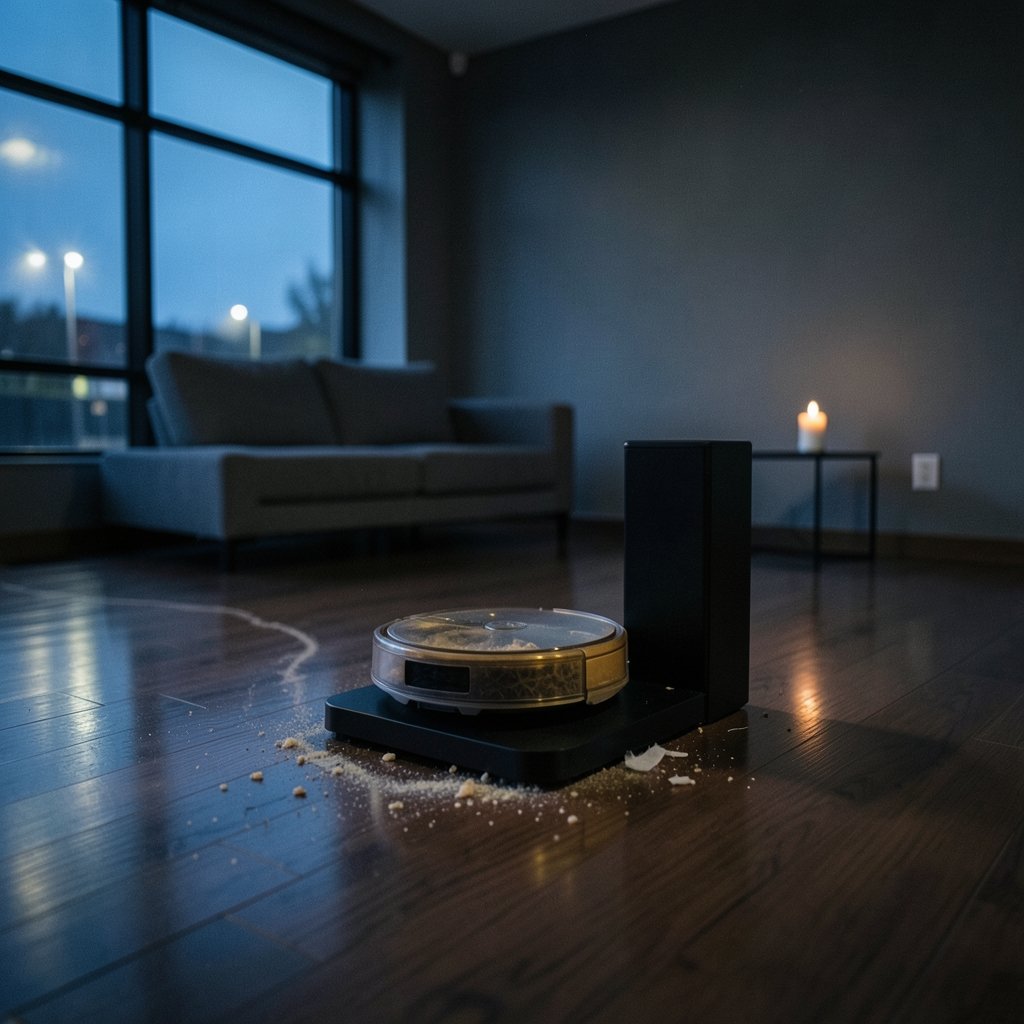
Is your robot vacuum rolling back to its dock after a long cleaning run, only to leave a trail of dust on the floor and flash an error you have never seen before? A clogged self-empty dock is one of the most common reasons a robot vacuum stops emptying itself properly. The robot keeps working, the app keeps sending cheerful notifications, and yet the dustbin stays full. The good news is that most dock clogs are simple to diagnose and fix at home, often in under fifteen minutes.
What a Self-Empty Dock Actually Does
A self-empty dock is a small vacuum in its own right. When the robot returns, the dock’s suction motor pulls debris out of the robot’s dustbin through a short duct and into a sealed bag or canister. That system has three main choke points: the robot’s dustbin outlet, the flexible duct inside the dock, and the bag or canister inlet. Debris has to travel through all three to get where it belongs, and any one of them can block the whole chain.
That is why a dock clog can look mysterious. The robot itself may be perfectly healthy. The problem lives in the transfer path, not in the cleaning hardware. Understanding this split between robot and dock saves a lot of pointless troubleshooting.
Signs Your Dock Is Clogged, Not Broken
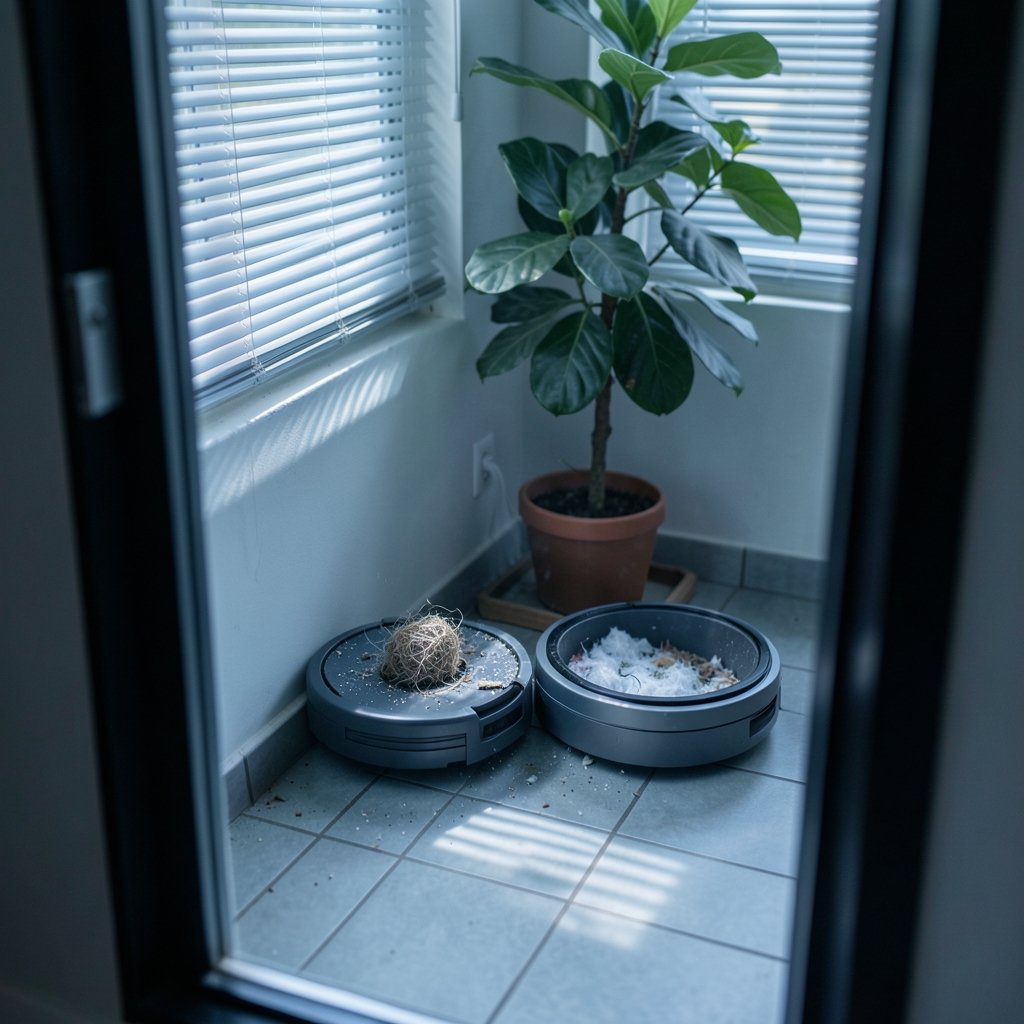
Before you start taking things apart, confirm the diagnosis. Several symptoms point specifically to a clog rather than a dead motor or a software glitch.
- The robot’s dustbin is still full after a self-empty cycle.
- The app reports a “bag full,” “dock blocked,” or “suction abnormal” error even though the bag is new.
- You hear the dock’s motor spin up, but the pitch sounds strained or muffled.
- Dust spills out of the robot’s dustbin when you lift it off the dock.
- A visible clump of hair or debris sits at the dustbin outlet or the dock inlet.
If the dock motor makes no sound at all during a manual empty cycle, that points to a power or motor problem instead. If it runs loudly but moves no debris, a clog is the far more likely culprit. Many brands surface dock issues as specific error codes in the app, but the codes differ by brand and even by firmware version, so treat them as hints rather than gospel.
The Most Common Causes of a Clogged Dock
Overfilled or badly seated bags
A bag that is roughly 80 to 90 percent full loses airflow fast. Pushing past that point is the single most common cause of self-empty problems. A bag that is seated crookedly, or whose cardboard collar is not fully pushed home, leaks air and stops the suction from grabbing debris. Always check the seating before assuming something is broken. (Indoor Air Quality)
Hair wrapped around the dustbin outlet
Long hair and pet fur wrap around the robot’s dustbin outlet flap and the dock’s inlet. This is especially common in homes with shedding pets, which is also why choosing the right cleaning hardware matters. If your household battles fur everywhere, it helps to pair a well-maintained robot with a machine built for the job, such as one of these best robot vacuums for pet hair. A monthly check of the outlet takes two minutes and prevents most of these clogs.
Debris stuck in the dock duct
The flexible duct between the dock inlet and the bag is narrow by design. Small objects like crumbs, wrappers, or clumps of wet dust can wedge there and stay put. A soft brush or a wooden chopstick usually dislodges them without damage.
Worn seals and gaskets
Rubber gaskets around the bag opening and the dock inlet keep the system airtight. When they harden, tear, or slip out of place, suction drops and debris never makes the full trip. Inspect the seals whenever you change the bag.
Damp debris turning into paste
If the robot picks up spilled liquid or damp dust, the debris can turn into a paste that coats the duct. This is a slow-building clog that shows up as gradually weaker emptying rather than a sudden failure.
Step-by-Step: How to Clear a Clogged Self-Empty Dock
Work through these steps in order. Most people find the problem within the first three.
- Power down the dock. Unplug it or switch it off before touching anything inside.
- Remove the bag. Check its fill level and how it was seated. If it is near full or crumpled, replace it with a fresh one.
- Inspect the robot’s dustbin. Lift the robot off the dock, open the bin, and look at the outlet flap. Clear any hair or debris wrapped around it, and confirm the flap opens and closes freely.
- Check the dock inlet and duct. Shine a light into the opening. Use a soft brush or a blunt stick to pull out debris. Never use anything sharp or metal, which can puncture the duct.
- Reseat or replace the seals. Make sure every gasket sits flat in its channel with no tears or twists.
- Run a manual empty cycle. Most apps offer a “start emptying” or “empty dustbin” command. Listen for a clean, steady motor tone and watch for debris moving into the bag.
- Repeat if needed. A stubborn clog sometimes takes two passes, especially if damp debris has compacted.
If the dock still will not empty after all seven steps, the problem may be the suction motor itself. At that point, manufacturer support is the right call.
A Maintenance Routine That Prevents Most Clogs
Prevention beats repair, and the routine is short. Check the dock duct and the robot’s dustbin outlet once a month. Replace bags when they reach roughly 80 to 90 percent full rather than waiting for the app’s warning, since thresholds vary by brand and model. Wipe the dock inlet with a dry cloth every few weeks, and keep an eye on the gaskets each time you swap a bag.
Households with pets or long-haired residents should double the frequency. It also pays to keep other cleaning tools in good shape, because the same habits carry over. Anyone who also maintains a vacuum mop combo or a vacuum for carpet will recognize the pattern: small, regular checks prevent big, annoying failures. (Vacuum cleaner)
One practical tip that rarely appears in manuals: empty the robot’s dustbin by hand every week or two, even if the dock is doing its job. It gives you a free look at the outlet and catches hair before it becomes a clog.
Common Mistakes People Make
The biggest mistake is replacing the bag without checking the duct. A new bag on a blocked duct changes nothing, and the frustration builds. The second is skipping the robot’s dustbin outlet entirely, since the clog often starts there and never reaches the dock.
Another frequent error is forcing the bag into place. If it does not slide in smoothly, something is misaligned, and pushing harder usually damages the collar. Finally, some people run the empty cycle with the dock lid open to “see what happens.” That breaks the seal, drops suction, and can scatter dust. Keep the lid closed during every cycle.
When a Clog Is a Sign of a Bigger Problem
Sometimes a clog is a symptom rather than the disease. If the dock clogs weekly despite regular maintenance, check whether the robot is picking up too much damp debris, whether the bag is the correct model for your dock, and whether the gaskets are aging. Persistent clogs on older units often trace back to worn seals that no longer hold pressure.
It is also worth checking the robot’s own filter. A clogged filter reduces airflow into the dustbin, so less debris arrives at the dock, and the dock has to work harder to pull it through. Clean or replace the filter on the schedule your manual recommends.
There is a broader lesson here about self-emptying systems in general. Automation shifts work from daily chores to occasional maintenance, but it never removes maintenance entirely. The same principle applies to other self-operating machines, from pool cleaners to the self-driving systems covered in reports on man trapped self driving car robotaxi incidents 2026 and analyses of the HPE self-driving network 70 80 percent Rahim 2026. Autonomous hardware still needs a human to check the fundamentals now and then.
Dock Types and How Clog Behavior Differs
| Dock type | Typical clog point | Maintenance cadence |
|---|---|---|
| Bagged dock | Bag inlet and collar seal | Replace bag at 80–90% full |
| Bagless canister dock | Canister filter and lid seal | Empty and rinse monthly |
| Dock with built-in mop wash | Duct plus wash tray drain | Check weekly for damp debris |
| High-suction premium dock | Duct and robot dustbin outlet | Inspect monthly, seals quarterly |
Bagged docks clog most often at the bag inlet, especially when the bag is overfilled. Bagless canisters tend to clog at the filter, since fine dust compacts there. Docks that also wash mops face a distinct risk: damp debris from the wash tray can migrate into the dust path and form paste. If your model does both jobs, check the duct more often than the manual suggests.
FAQ
Why does my robot vacuum say the bag is full when it is empty?
A false “bag full” warning usually means the dock cannot sense proper airflow. A clog in the duct, a bag seated crookedly, or a slipped gasket can all trigger it. Clear the duct, reseat the bag firmly, and run a manual empty cycle to reset the sensor reading.
How often should I check the self-empty dock for clogs?
Once a month suits most homes. Households with pets, long hair, or frequent damp debris should check every two weeks. The check takes a couple of minutes: look into the dock inlet, inspect the robot’s dustbin outlet, and confirm the bag is seated properly.
Can a clogged dock damage the robot vacuum?
A clog rarely damages the robot itself, but it does mean debris stays in the dustbin and gets redeposited on your floors. Over time, a strained dock motor can wear out faster. Clearing clogs promptly protects both the dock and your cleaning results.
What should I use to clear debris from the dock duct?
A soft brush, a dry cloth, or a blunt wooden stick works well. Avoid metal tools, knives, and wire, which can puncture the duct or scratch the seals. Never pour water into the duct; wipe it with a barely damp cloth only.
Why does my dock clog only with pet hair?
Pet hair wraps tightly around the dustbin outlet flap and the dock inlet, forming a mat that blocks airflow. Brushing the outlet weekly and choosing a robot rated for pet hair reduces the problem a lot. A quick visual check after each full cleaning run also helps.
Is it safe to run the dock with the lid open to watch the emptying cycle?
No. Opening the lid breaks the airtight seal, which drops suction and can scatter dust back into the room. Always run empty cycles with everything closed, and inspect the duct afterward instead.
Conclusion
A clogged self-empty dock is rarely a serious failure. In most cases, the fix is a fifteen-minute routine: pull the bag, check the robot’s dustbin outlet, clear the dock duct, reseat the seals, and run a manual empty cycle. The real secret is frequency. A monthly inspection, bags replaced before they hit their limit, and a quick look at the gaskets keep the system running quietly for years.
Treat the dock as a machine that deserves the same care as the robot. When something goes wrong, work from the dustbin outward, one choke point at a time. That habit solves most clogs on the first try and tells you quickly when a problem is genuinely worth a support call.



