
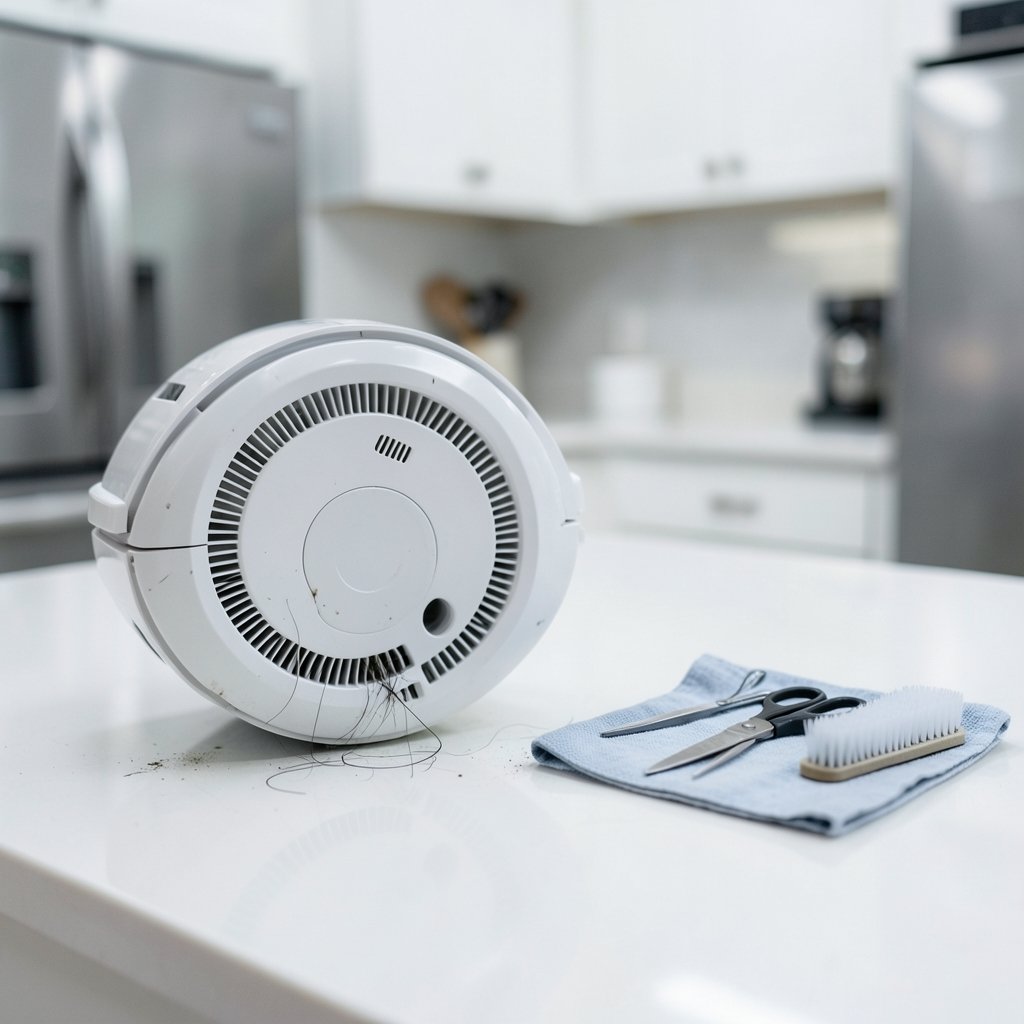
What’s the point of a robot vacuum that sweeps half the floor and leaves the rest of the crumbs in place? If you’ve noticed your robot’s side brush sitting still while the machine scoots around the room, you’re not alone. It’s one of the most common complaints in owner forums, and the good news is that most causes are simple, mechanical, and fixable at the kitchen table. The bad news is that a small number of cases point to a dying motor, and those need a different plan. This guide walks through the realistic diagnostic order, the mistakes people make along the way, and how to tell a five-minute fix from a repair that isn’t worth it.
Why the side brush matters more than people think
The side brush is the robot’s edge specialist. It flicks debris out of corners and away from baseboards so the main roller can grab it. When it stops spinning, the vacuum doesn’t fail loudly. It just quietly misses the perimeter of every room, and over a few weeks you notice a gray band of dust hugging the walls.
Some robots run the side brush constantly. Others spin it only in edge mode, slow it on carpet, or pulse it on a schedule. That difference matters, because “not spinning” sometimes means “not spinning right now, by design.” Before tearing anything apart, watch the robot for a full cleaning cycle on hard floor and confirm the brush truly never moves.
The most common cause: hair wrapped around the axle
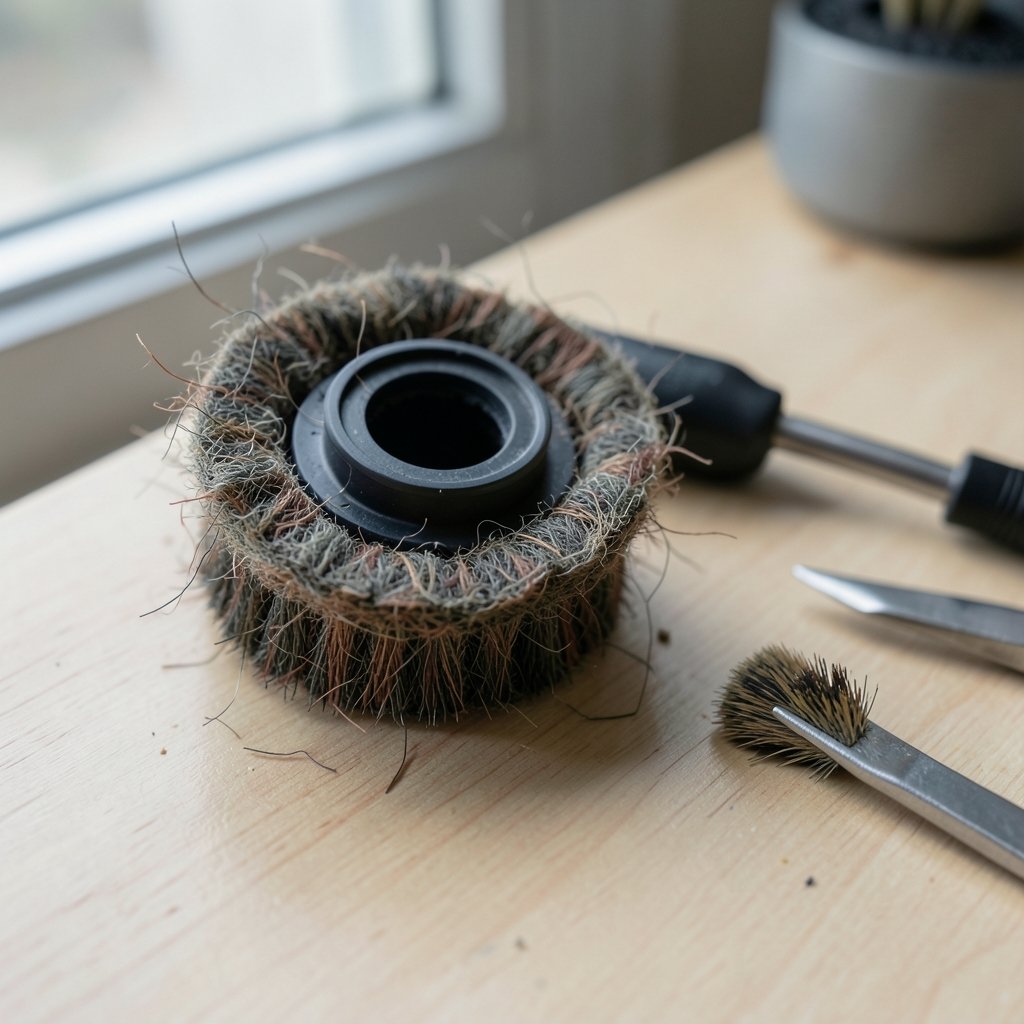
Nine times out of ten, the culprit is hair, thread, or carpet fiber wound tightly around the brush hub or the axle underneath it. Long hair from a household with two people and a dog can wrap the axle in a dense felt-like collar within a few weeks. The motor is still trying to turn, but the load is too heavy, so the brush stalls or spins in weak, jerky bursts.
The fix is straightforward but needs patience:
- Power the robot off completely and, if the manual calls for it, remove the battery before working near the brush motor.
- Pull the side brush straight up or unscrew it, depending on your model’s attachment style.
- Use scissors or a seam ripper to cut through the wrapped hair lengthwise. Don’t yank it, because pulling can bend the axle.
- Clear the hub cavity with tweezers and a dry brush.
- Spin the bare axle with a finger. It should turn freely with almost no resistance.
If the axle feels gritty or stiff even after cleaning, there may be debris packed deeper behind the hub, which usually means removing the bottom plate.
A worn or damaged brush is the second suspect
Side brushes are consumables, not permanent parts. Bristles splay outward, flatten, and lose their flick. The plastic hub can crack, and the internal splines that grip the axle can strip smooth. When that happens, the motor spins happily while the brush sits still or wobbles loosely.
Hold the brush up to a light and check three things: whether the bristles still point outward in a clean fan, whether the hub has visible cracks, and whether the mounting hole is round rather than oval or chewed up. A brush that slides onto the axle without any grip is done. Most manufacturers sell replacement side brushes in multi-packs, and swapping one takes under a minute. Keep a spare set on hand if you have pets, because you’ll go through them faster than you expect.
The screw, cap, or magnet that holds it all together
Attachment designs vary widely, and each has its own failure mode. A small screw can back out from vibration and vanish into the carpet. A push-on cap can loosen until the brush spins on the shaft instead of with it. Magnetic mounts can collect fine metallic grit that weakens the hold.
If your model uses a screw, check that it’s present and snug but not overtightened, since cranking it down can crack the hub. If it uses a cap, press it firmly and confirm the brush can’t be lifted off by hand. Losing that tiny screw is such a common problem that many owners keep a small bag of spares, and it’s a cheap insurance policy.
Software, modes, and settings that pause the brush
Before assuming hardware failure, rule out behavior. Some robots intentionally stop or slow the side brush when they detect carpet, when they switch into a quiet mode, or when the battery drops below a threshold. Others have a setting in the app that toggles edge sweeping.
A practical test: run the robot on a hard floor in its standard or maximum power mode and watch the brush during the first two minutes. If it spins there but not on rugs, you’ve found a design feature, not a fault. If it never spins in any mode, move on to hardware checks.
A reset is worth trying, but treat it as a last software step rather than a first one. On many models a reset wipes the saved map and schedule, so you’ll be re-teaching the robot your floor plan. Check your model’s manual for the exact button sequence, because the hold times and combinations differ from brand to brand.
When the problem is the motor or wiring
If the brush is clean, intact, properly attached, and the robot still shows no movement at all, the fault may sit inside the brush motor or its wiring. Warning signs include a brush that never twitches even with the brush removed, a burning smell, unusual noise from the brush housing, or an error code in the app that references the side brush.
This is where DIY repair gets serious. Replacing a side brush motor means opening the chassis, disconnecting the battery, and handling small connectors. It’s doable for confident tinkerers with the right guide and tools, but it voids warranties and risks damaging the mainboard. For a robot still under warranty, contact support first. For an older unit where a motor replacement costs a meaningful fraction of a new robot, weigh the repair against an upgrade, especially if the vacuum is also struggling on carpet or losing suction. (Businessperson’s Guide to Federal Warranty Law)
A quick diagnostic table
| Symptom | Most likely cause | What to try first |
|---|---|---|
| Brush spins weakly or stutters | Hair wrapped around the axle | Remove brush, cut away hair, clear the hub |
| Brush sits still but wobbles loosely | Stripped hub or missing screw | Inspect hub and mounting hardware |
| Brush works on hard floor only | Carpet mode behavior | Check app settings and model manual |
| No movement at all, even detached | Motor or wiring fault | Check error codes, contact support |
| Brush falls off mid-clean | Loose cap, screw, or magnet | Reattach and confirm a firm hold |
Practical habits that prevent repeat failures
Prevention beats repair here. A few habits make a real difference:
- Clear the brush after every few runs if you have pets or long hair in the house. Thirty seconds with scissors saves a motor.
- Keep the main roller clean too. A clogged roller strains the whole cleaning system and can trigger behavior changes that look like brush faults.
- Trim stray carpet threads and tassels. Loose fibers are the raw material for axle wraps.
- Store spare brushes. They’re inexpensive, and having one on hand means you fix the problem the moment you spot it.
- Watch the first minute of a cycle occasionally. Most failures announce themselves early with a stalled brush or an odd noise.
Common mistakes that make things worse
The biggest error is pulling hard on a hair-wrapped brush to yank it free. That bends the axle or cracks the hub, turning a cleaning job into a parts order. The second is overtightening the retaining screw, which cracks plastic. The third is skipping the power-off step, which risks a short if a tool slips near the motor contacts. And the fourth is resetting the robot before checking the hardware, which erases maps and schedules for no reason.
One more mistake deserves a mention: assuming every brand behaves the same. Brush behavior, reset sequences, and replacement intervals vary by manufacturer and model, so the manual for your specific robot is the only reliable reference for those details.
How this fits into the bigger picture
A stalled side brush is usually a maintenance issue, not a sign that the robot is finished. The same logic applies across the category: edge performance depends on small parts doing their job. If you’re comparing machines for a home with pets, it’s worth reading up on the best robot vacuums for pet hair, since brush design and tangle resistance vary a lot between models. Households that want one device for both sweeping and mopping should look at a best vacuum mop combo, where edge brushes matter just as much. And if your main complaint is deep cleaning on rugs rather than edges, a dedicated best vacuum for carpet may serve you better than a robot altogether. (Vacuum cleaner)
Conclusion
A robot vacuum side brush that won’t spin is rarely a mystery. Work through the causes in order of likelihood: wrapped hair first, worn brush second, loose mounting hardware third, settings fourth, and motor last. Most owners solve the problem in under ten minutes with scissors, tweezers, and a spare brush. The few who don’t are usually looking at a motor repair, and that decision comes down to warranty status and the age of the machine. Keep the brush clean, keep a spare on hand, and your robot will keep sweeping its edges the way it should.
Frequently Asked Questions
Why did my robot vacuum’s side brush suddenly stop spinning?
The most likely reason is hair or thread wrapped around the brush axle, which overloads the small motor and stalls it. A cracked hub, a missing retaining screw, or a stripped mounting hole are the next most common causes. Software settings and motor faults are possible but less frequent.
Can I use the robot without the side brush?
Yes, the robot will still run, but it will miss debris along walls, in corners, and around furniture legs. The main roller can’t reach those edges on its own. Running without the brush is fine as a temporary measure while you wait for a replacement part.
How often should side brushes be replaced?
There’s no universal schedule, and recommendations vary by manufacturer. As a practical rule, replace the brush when the bristles splay flat, the hub cracks, or the brush no longer grips the axle firmly. Households with long hair or pets typically replace them more often.
Will resetting the robot fix a side brush that won’t spin?
Only if the cause is software, which is uncommon. A reset won’t help with hair wraps, worn brushes, or loose hardware. It can also erase your saved map and schedule on many models, so check the hardware first and reset only as a last software step.
Is a non-spinning side brush covered under warranty?
Often yes, if the robot is within its warranty period and the fault is a defective motor or hub rather than normal wear. Side brushes themselves are usually treated as consumable parts and excluded. Contact the manufacturer’s support with your model number and purchase date before attempting any repair.
How can I stop hair from wrapping around the side brush?
Brush the robot’s side brush clean every few runs, trim loose carpet threads, and keep long hair off the floor where possible. Some newer models have tangle-resistant brush designs, which is worth checking if hair wraps are a constant battle in your home.



