
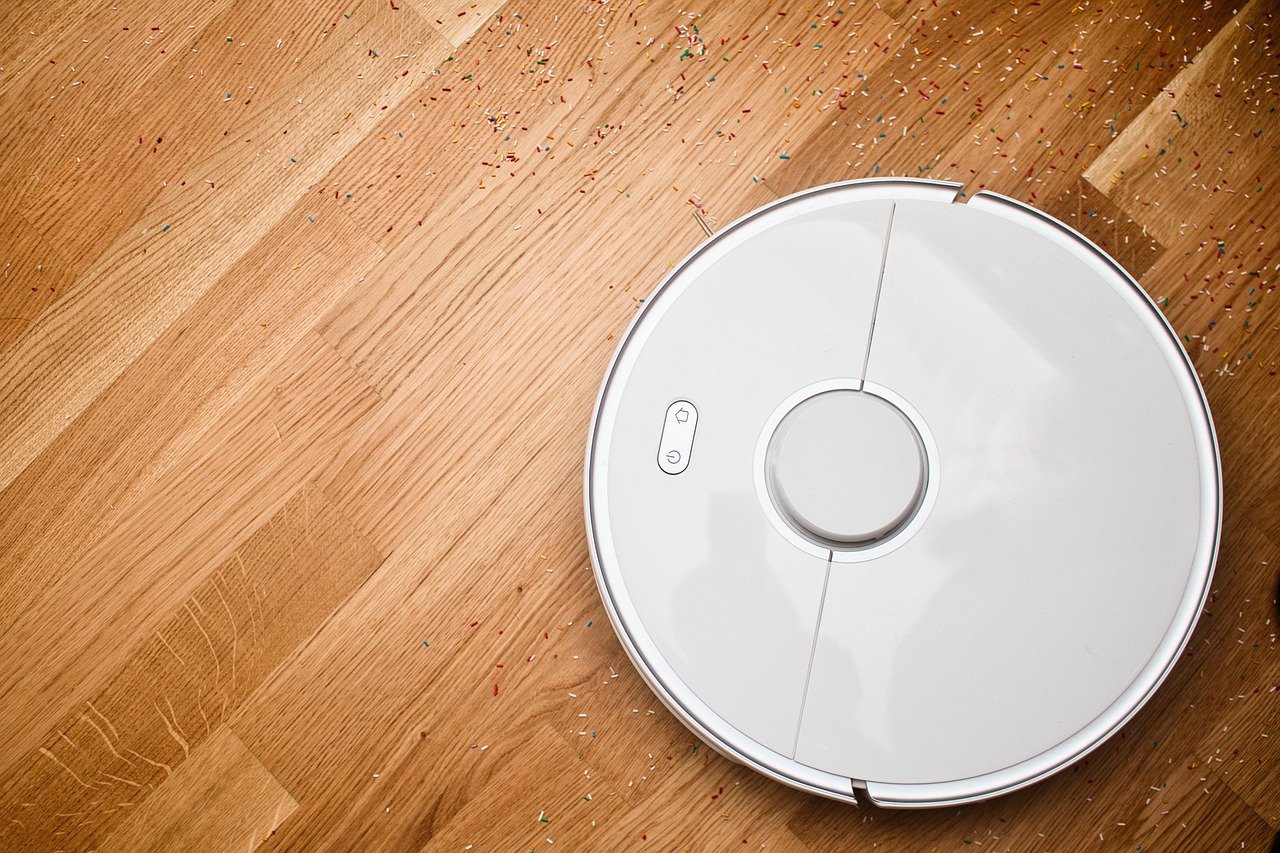
Your robot vacuum beeps, stops mid-clean, and the app flashes a message: wheel stuck. You flip the robot over, look at the wheels, and see nothing obviously wrong. So why did it quit? (Best vacuum for carpet) (Robotic vacuum cleaner)
The wheel stuck error is one of the most common robot vacuum faults, and it is also one of the most misunderstood. It does not always mean something is jammed in the wheel. Sometimes the robot thinks a wheel is stuck when the real problem is a rug, a threshold, a dirty sensor, or a worn drive motor. Knowing the difference saves you a frustrating afternoon and possibly a repair bill.
This guide breaks down what the error actually means, the causes that show up most often in real homes, and the steps that fix it in most cases. It also covers when to stop tinkering and contact support.
What the Wheel Stuck Error Actually Means
Robot vacuums use small drive wheels, usually one on each side, to move and turn. Each wheel sits on a spring-loaded suspension arm so the robot can climb over rugs and small obstacles. Sensors track whether the wheel is turning and whether it has contact with the floor.
When the robot reports a wheel error, one of two things has happened:
- The robot detects that a wheel is not rotating as expected while the motor is trying to drive it.
- The robot detects that a wheel has lost floor contact, which the suspension sensor reads as a lifted or stuck wheel.
That second point matters. A robot that climbs onto a thick rug, a cable, or a doorway threshold can lift a wheel off the ground just enough to trigger the fault. The wheel is not jammed at all. The robot simply thinks it is.
Error naming varies by brand. iRobot Roomba models have historically reported left and right wheel faults as separate numbered errors, while Roborock, Ecovacs, Dreame, and Shark use their own codes or plain-language app messages. Firmware updates have changed wording over time, so always check your model’s current support page rather than relying on an old forum post.
The Most Common Causes, Ranked by How Often They Show Up
In practice, the causes fall into a fairly predictable order. Most people never get past the first two.
1. Hair and debris wrapped around the wheel axle
This is the number one culprit, especially in homes with pets or long-haired residents. Hair wraps around the axle behind the wheel, builds up over weeks, and eventually creates enough friction that the drive motor cannot turn the wheel freely. The robot senses the resistance and stops.
The tricky part: the hair is often hidden behind the wheel, not visible from the outside. You have to pull the wheel module or pry the wheel outward slightly to see it.
2. The robot is high-centered on something
A thick rug, a bath mat, a charging cable, a shoe, or a raised floor transition can lift the chassis enough that one wheel loses contact. The robot reports a stuck wheel even though nothing is jammed. Homes with high-pile carpet and multiple rugs see this constantly.
3. A dirty or blocked wheel suspension
Dust and debris pack into the suspension channel, preventing the wheel from extending fully. The robot then reads the wheel as lifted. This is common in homes that run the vacuum daily without cleaning the wheel wells.
4. A loose or unseated wheel module
On models with removable wheel modules, the module can work itself loose after repeated bumps. A partially seated module causes intermittent errors that appear and disappear.
5. Drive motor or module failure
Less common, but real. If the wheel spins freely by hand, the axle is clean, the module is seated, and the error persists, the drive motor or its wiring may have failed. This is a hardware fault and usually needs a replacement part or service.
A Step-by-Step Fix That Works in Most Cases
Work through these in order. Most people solve the problem by step four.
- Power the robot off completely. Use the physical switch or the app, not the pause command. This is safer and resets the fault state.
- Flip the robot over and inspect both wheels. Look for hair, string, carpet fibers, and debris wrapped around the axle. Check the gap between the wheel and the chassis, where buildup hides.
- Spin each wheel by hand. Both should rotate smoothly with light resistance. A wheel that feels gritty, stiff, or completely locked points to a jam or a failing motor.
- Clean the axle. Use tweezers or small scissors to cut and pull out wrapped hair. Do not yank, since you can damage the axle seal. A soft brush clears dust from the suspension channel.
- Check the suspension travel. Press each wheel upward and release. It should spring back freely. If it sticks, clean the channel until movement is smooth.
- Reseat removable wheel modules. Pop them out and back in firmly until they click or seat flush.
- Clear the floor of obstacles. Move cables, thin rugs, and loose mats out of the cleaning path, or set no-go zones in the app.
- Restart and run a short test clean. Watch the robot for the first few minutes. If it clears the same area without error, you are done.
If the error returns immediately after a full clean and reseat, move to the hardware checks below.
How to Tell a Jam From a False Alarm
The distinction matters because the fixes are completely different. A jam needs cleaning. A false alarm needs a floor or sensor adjustment.
| Symptom | Likely cause | What to do |
|---|---|---|
| Wheel feels stiff or locked by hand | Physical jam on the axle | Cut out hair, clean the axle |
| Wheel spins freely, error persists | Sensor, module seating, or motor fault | Reseat module, check support docs |
| Error only on thick rugs or thresholds | Wheel losing floor contact | Add no-go zones, remove the rug |
| Error appears randomly, clears on its own | Loose module or dirty suspension | Clean and reseat the module |
| Grinding noise plus error | Motor or gear wear | Contact support for service |
A quick test: place the robot on a hard, flat floor and start a clean. If it runs fine there but fails on carpet, the problem is floor contact, not a jam. If it fails on hard floor too, the problem is mechanical.
Mistakes People Make When Troubleshooting
A few habits make the problem worse or waste time.
- Skipping the power-off step. Cleaning a wheel while the robot is in standby can trigger sensor faults or, worse, start the motor mid-repair.
- Only checking the visible side of the wheel. Most hair wraps hide behind the wheel, against the chassis.
- Assuming a new error code means a new problem. Brands reuse and renumber codes across firmware versions. Check the current manual for your exact model.
- Ignoring the floor setup. If the robot fails in the same spot every time, the floor is the problem, not the robot. No amount of cleaning fixes a rug the robot cannot climb.
- Forcing a stuck wheel to turn. If it will not budge by hand, stop. Forcing it can strip the gearbox and turn a cheap fix into an expensive one.
When to Stop and Contact Support
Repeated wheel errors after a thorough clean and reseat usually point to a hardware fault. That means the drive motor, the wheel module, or the sensor assembly has failed. At that point, self-repair stops being a good idea, especially if the robot is under warranty.
Before you call, gather three things: your model number, the exact error code or message, and a note of what you already tried. Support teams move much faster when they know the axle is clean and the module is seated. If the robot is out of warranty, check whether the wheel module is sold as a user-replaceable part. Many brands offer them, and swapping one is usually a screwdriver job. (Indoor Air Quality)
One more consideration: if your robot shares a home with pets, wheel errors will keep coming back unless you build cleaning into your routine. A two-minute wheel check every couple of weeks prevents most of them. For homes with heavy shedding, it also helps to pair the robot with a dedicated cleaner for the mess it cannot reach. The best robot vacuums for pet hair are built with tangle-resistant brushes and stronger wheels, which reduces both brushroll and axle problems over time. If you are also shopping for a machine that handles both hard floors and rugs, a solid vacuum mop combo can cut down on the debris that ends up in the wheel wells.
Preventing the Error Before It Starts
Prevention is mostly about maintenance rhythm and floor setup.
- Clean the wheels every two weeks in pet homes, monthly otherwise.
- Trim long hair and pet fur near the axle with small scissors rather than pulling.
- Use no-go zones around thick rugs, cable clusters, and raised thresholds.
- Keep the suspension channel dry and dust-free. A quick brush-out during each bin empty takes seconds.
- Update firmware so error messages match current support documentation.
- Check wheel modules for looseness every few months, especially on models that take hard knocks.
If your home has multiple floor types, it also helps to match the machine to the surface. Robots tuned for the best vacuum for carpet tend to have taller wheels and better climbing ability, which reduces false wheel-lift errors on plush flooring. And if you use a robot in the car or garage, the best car vacuum guide covers the corded and handheld options that handle debris a robot should never meet.
Conclusion
The wheel stuck error is rarely mysterious once you know what the robot is actually reporting. In most homes, it comes down to hair wrapped around an axle or a wheel that lost contact with the floor on a rug or threshold. A full power-off, a proper look behind each wheel, and a careful clean solve the majority of cases in under ten minutes.
When cleaning and reseating do not fix it, treat the error as a hardware signal and contact support with your model number and error code ready. The real skill is telling a jam apart from a false alarm, and the table above gives you a fast way to do it. Keep the wheels clean, set sensible no-go zones, and your robot will spend far more time cleaning than sitting upside down on your kitchen counter.
Frequently Asked Questions
Why does my robot vacuum say wheel stuck when nothing is jammed?
The robot may be reading a lifted wheel rather than a jammed one. Its suspension sensor triggers when a wheel loses floor contact, which happens on thick rugs, thresholds, and cables. It can also fire when the suspension channel is packed with dust and the wheel cannot extend fully. Clean the channel and test the robot on a hard, flat floor to confirm.
Can I fix a wheel stuck error without tools?
Usually yes. Power the robot off, flip it over, and pull out visible hair with your fingers. Many jams sit right at the axle edge and come free with a firm but careful pull. If the hair is tightly wound, tweezers or small scissors make the job much easier and safer for the axle seal.
How often should I clean the robot vacuum wheels?
Every two weeks in homes with pets or long-haired residents, and about once a month otherwise. Wheel wells collect hair and dust faster than most people expect, and buildup is the leading cause of wheel errors. A quick check during each bin empty keeps the problem from starting.
Does a wheel stuck error mean the motor is broken?
Not usually. A broken motor is the least common cause. If the wheel spins freely by hand, the axle is clean, and the module is properly seated but the error returns immediately, then a motor or sensor fault becomes likely. That is the point to contact support rather than keep troubleshooting.
Will resetting the robot clear the error?
A restart clears the fault state and lets the robot try again, but it does not remove the underlying cause. If hair is still wrapped around the axle, the error will return within minutes. Restart after cleaning, not instead of cleaning.
Is the error covered under warranty?
Repeated wheel errors after cleaning are generally treated as a hardware fault, and most brands cover hardware faults during the warranty period. Policies vary by region and model, so check your specific terms. Keep a record of the steps you tried, since support teams often ask for that before approving service or a replacement part.



