
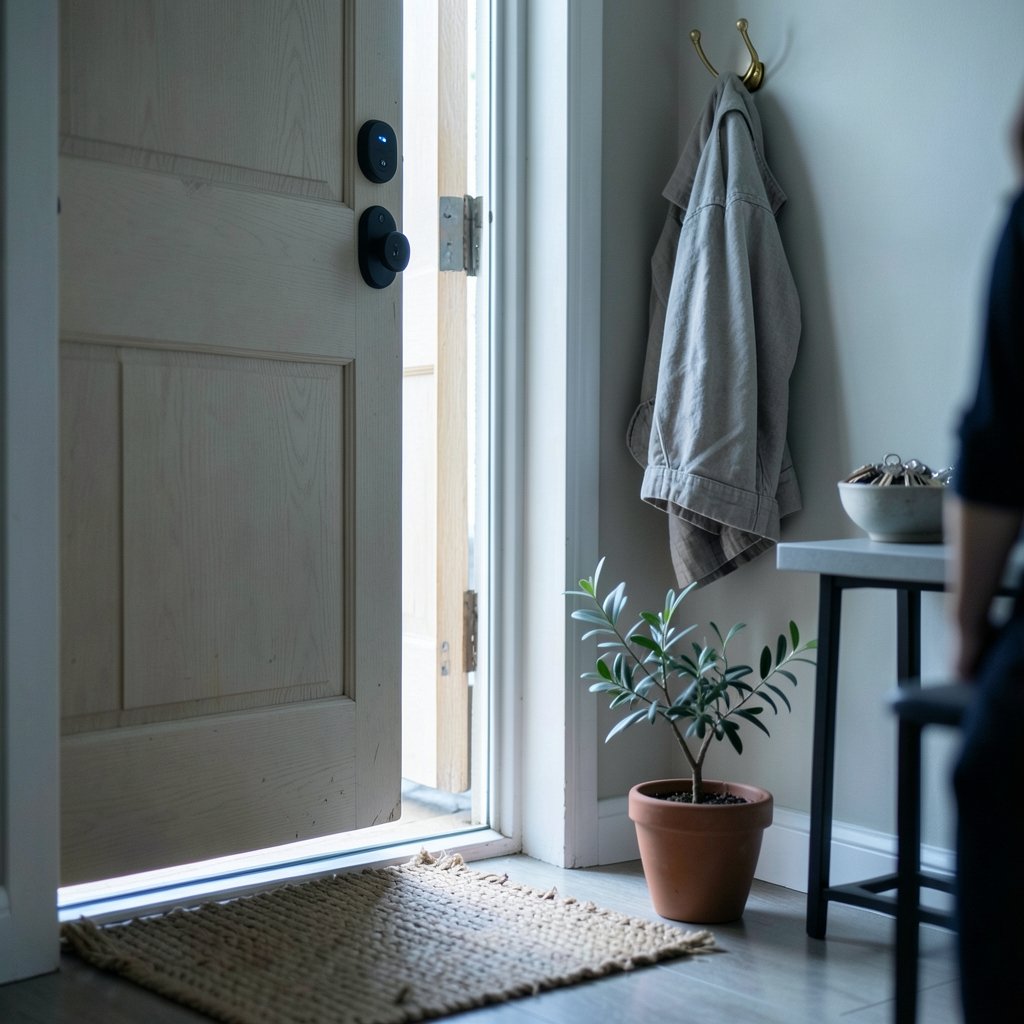
What happens in the ten, thirty, or sixty seconds after a smart lock clicks shut? That short window is controlled by one of the most overlooked settings in home security: the auto lock delay. Get it right, and the door protects itself without ever locking you out. Get it wrong, and you will either be fumbling for a key in the rain or leaving your front door open to the street for minutes at a time. This guide breaks down how auto lock delay settings work, which values actually make sense for different households, and the mistakes that trip up new owners.
What the auto lock delay actually controls
A smart lock with auto lock enabled does not lock the instant the door closes. Instead, it starts a timer. When the countdown ends, the motor extends the deadbolt, provided the door is shut. The auto lock delay is simply the length of that countdown.
Most consumer locks offer a menu of preset delays rather than a free-form number. The exact choices vary by brand and firmware, but common options cluster around a few familiar values:
| Delay setting | Best suited for | Main trade-off |
|---|---|---|
| 5–10 seconds | Apartments, quick entries, high-traffic doors | Frequent re-locks, faster battery drain |
| 30 seconds | Most family homes | Occasional nuisance re-locks when carrying groceries |
| 1–5 minutes | Homes with kids, pets, or deliveries | Longer window where the door remains unsecured |
| Off / manual | Rentals, shared entries, doors without sensors | No automatic protection at all |
Some locks also include a fixed short delay that cannot be adjusted. Others let you pick a custom interval in the app. Before you plan around a specific number, check the current manual for your exact model, because defaults shift with app and firmware updates.
Why the delay exists in the first place
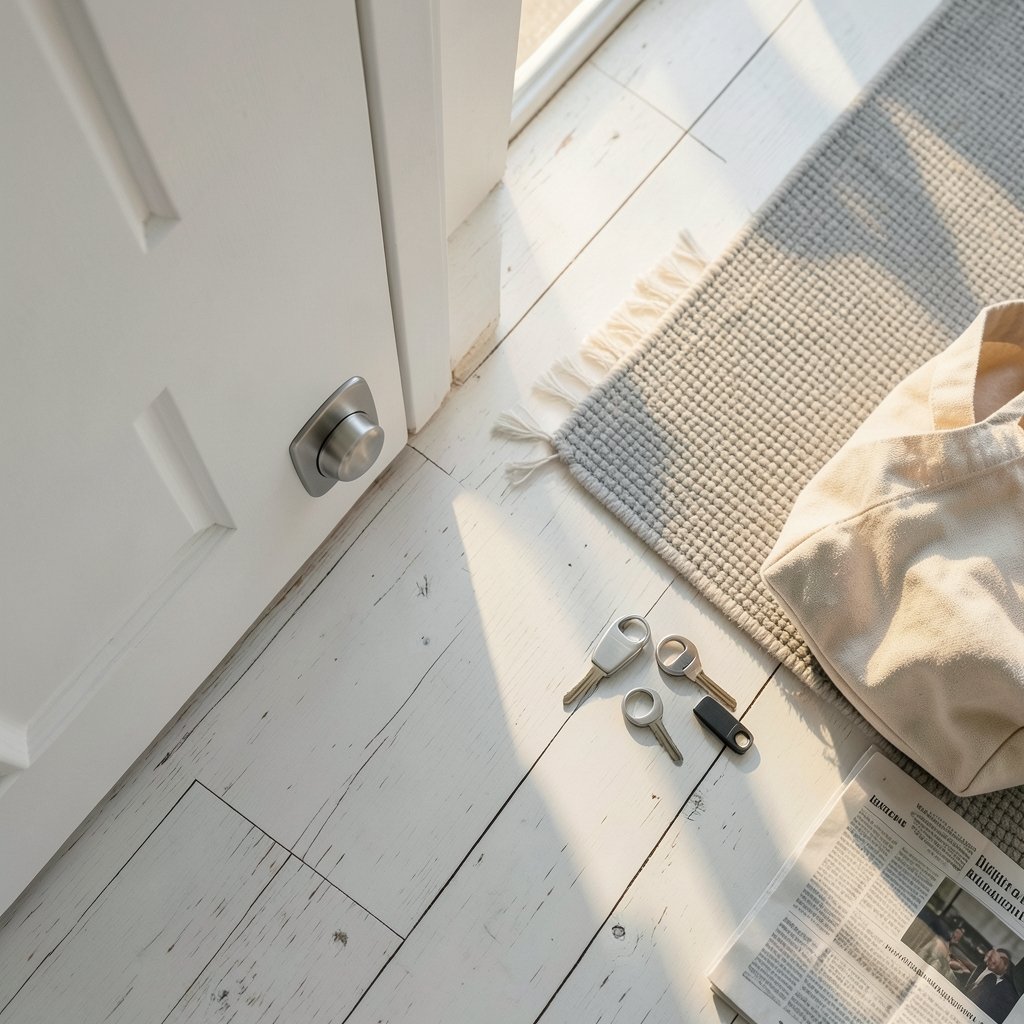
It helps to understand the problem the timer solves. If a lock bolted itself the moment the door sensor registered “closed,” it would fire while you were still stepping through the doorway. The delay gives you time to enter, set down a bag, and shut the door properly before the bolt moves.
The delay also works with a door position sensor, a small magnetic contact that tells the lock whether the door is open or shut. A well-designed lock will suppress auto lock entirely when the door is ajar, which prevents the deadbolt from grinding against the frame. That is one reason a delay of thirty seconds or more is often safer than a very short one: it gives the door time to settle and the sensor time to read correctly.
How to change the setting, step by step
The exact menu path differs between apps, but the workflow is remarkably consistent across brands.
- Open the lock’s companion app and use your admin credentials to disengage the lock.
- Find the lock’s settings or device menu, then look for Auto Lock or Auto-Lock.
- Toggle auto lock on if it is off, then select a delay from the list.
- Save the change and wait for the app to confirm it synced to the lock.
- Test it in person: close the door, start a timer, and confirm the bolt extends at the expected moment.
- Repeat the test with the door held slightly open to verify the sensor blocks the lock from firing.
That last step matters more than most people expect. A surprising number of “my lock keeps jamming” complaints trace back to a door that does not sit squarely in the frame, so the bolt meets resistance every time the timer expires. If the bolt strains, fix the door alignment before you shorten the delay.
Choosing a delay that fits your household
There is no universal best number. The right value depends on who uses the door and how.
Households with young children usually do better with a longer delay, one to five minutes, so a child who steps outside to grab a ball is not locked out mid-motion. People who travel or live alone often prefer thirty seconds, which closes the gap between “door shut” and “door secured” without much hassle. Apartment dwellers with a single interior door and no yard access can safely use a short delay, since the door is rarely left open.
A practical middle ground many owners settle on is thirty seconds with the door sensor active. It is long enough to walk in with arms full and short enough that a forgotten door secures itself before anyone notices.
Auto lock delay and battery life
Every auto lock cycle spins a motor, and motors draw real current. Shortening the delay from five minutes to ten seconds can multiply the number of daily actuations several times over, especially in a busy home. Users across brands widely report that aggressive auto lock settings shorten battery life, though the effect varies with motor design and battery chemistry.
The fix is not to disable auto lock but to match the delay to actual traffic. A door used six times a day barely notices a thirty-second delay. A door used forty times a day, such as a busy family entry, may benefit from a slightly longer delay or a scheduled auto lock that only engages at night.
Common mistakes that cause trouble
A few missteps come up again and again among new smart lock owners.
Setting the delay too short. Ten seconds feels generous until you are carrying two bags of groceries. The lock fires while the door is still swinging, the bolt hits the frame, and the motor strains. Thirty seconds is a safer floor for most homes.
Ignoring the door sensor. If your lock supports a door position sensor but it is misaligned, auto lock may fire on an open door or never fire at all. Check the contact alignment whenever you adjust the delay.
Forgetting about guests and deliveries. A long delay is friendly to family but generous to anyone else. If your door faces a street, keep the delay modest and rely on other layers of protection.
Never testing after a firmware update. App updates occasionally reset auto lock to a default. Re-check the setting after any update, and confirm it with a live test.
Pairing a well-tuned auto lock with the right hardware makes a bigger difference than any single setting. If you are still comparing models, this roundup of the best smart locks for home security covers the features that matter most, including sensor support and app flexibility.
How auto lock fits into a wider smart home
The delay setting rarely lives in isolation. Many owners tie their lock to a broader routine: lights that switch on at dusk, a thermostat that drops the temperature when the house empties, and speakers that announce when the front door opens. If you are building that kind of setup, the best smart speakers for home automation can act as the voice hub that ties the lock, lights, and sensors together.
Energy-minded households often go further, linking door events to heating and cooling schedules. A good starting point is this guide to the best smart thermostats to save energy, which explains how occupancy signals from doors and motion sensors feed into thermostat routines.
The principle is the same across devices: automation should remove friction, not add it. An auto lock delay that is too aggressive turns a convenience feature into a daily annoyance, and people respond by disabling it entirely. That is the worst outcome, because a disabled auto lock offers no protection at all.
What the standards and manufacturers say
Residential smart locks in the United States are typically evaluated against standards published by UL Solutions and the Builders Hardware Manufacturers Association, including UL 1568 for residential locking hardware and ANSI/BHMA A156.25 and A156.36 for electrified and auxiliary locks. These standards focus on durability, security, and electrical safety rather than dictating a specific auto lock interval, which is why delay options vary so widely between brands.
Because defaults change with firmware, the most reliable source for your model is always the current manufacturer manual. Check the official support pages for August, Yale, Schlage, and Kwikset before assuming a particular delay range, and note that some locks ship with auto lock turned off by default while others enable it at a short interval.
When to turn auto lock off entirely
Auto lock is not mandatory, and there are legitimate reasons to switch it off. Renters who cannot modify door hardware may find the feature conflicts with building rules. Shared entries in multi-unit buildings can trigger repeated lockouts when neighbors prop the door. And doors without a functioning position sensor are better left on manual locking until the sensor is repaired, since a lock that fires on an open door is a hardware failure waiting to happen. (Cybersecurity)
Turning auto lock off does not leave you unprotected. You can still lock remotely from the app, set a nightly schedule that secures the door at a fixed hour, and rely on alerts that tell you when the door has been left unsecured. One hybrid approach uses auto lock during evening hours and manual control during the day.
Final thoughts
The auto lock delay is a small setting with an outsized effect on daily life. Too short, and the lock becomes a nuisance that strains the motor and drains batteries. Too long, and the door sits open longer than comfort allows. For most homes, thirty seconds with an active door sensor is the sweet spot, adjusted upward for families with children and downward for low-traffic apartments.
Whatever value you choose, test it in person, re-check it after every app update, and keep the door hardware aligned so the bolt moves freely. A lock that works quietly in the background is the whole point of going smart in the first place.
Frequently asked questions
What is a smart lock auto lock delay?
It is the countdown a smart lock waits after the door closes before extending the deadbolt automatically. The delay gives you time to enter and shut the door properly before the lock secures itself, and it is usually adjustable in the companion app.
What is the best auto lock delay setting?
For most households, thirty seconds is a practical default. It is long enough to walk in with your hands full and short enough that a forgotten door secures itself quickly. Families with young children often prefer one to five minutes, while low-traffic apartments can safely use ten to thirty seconds.
Does a shorter auto lock delay drain the battery faster?
Yes, generally. Every auto lock cycle runs a motor, so a ten-second delay can trigger far more actuations per day than a five-minute delay. If battery life is a concern, lengthen the delay slightly or use a schedule that only enables auto lock at night.
Why does my smart lock lock itself while the door is still open?
This usually points to a misaligned or missing door position sensor. The lock cannot tell the door is ajar, so the timer expires and the bolt fires into open air. Check the sensor contact alignment and test the lock with the door held slightly open.
Can I turn auto lock off completely?
Most smart locks let you disable auto lock in the app. You can still lock the door remotely, set a nightly locking schedule, and receive alerts when the door is left unsecured, so turning the feature off does not leave the home unprotected.
Do I need to reset the delay after a firmware update?
It is worth checking. App and firmware updates occasionally restore auto lock to its factory default, which may be a different interval than the one you chose. After any update, open the app, confirm the setting, and run a quick live test to make sure the lock behaves as expected.



