
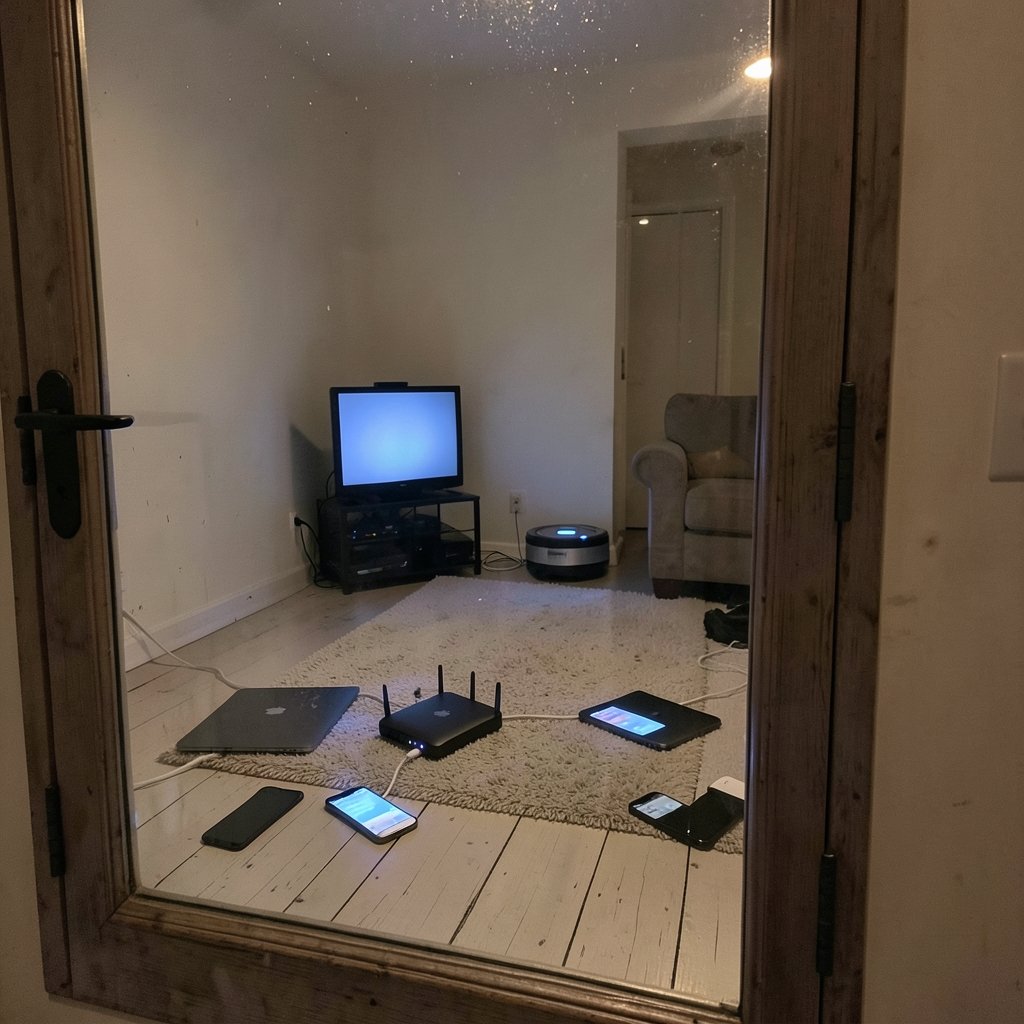
Ever wondered how a single cable from the wall can feed a laptop, three phones, a smart TV, and a robot vacuum at the same time, all without them tripping over each other?
Quick Answer: What is a router?
A router is a networking device that forwards data packets between networks, choosing a path for each packet based on its destination address so traffic reaches the right device. In a home, the router connects your private network to the internet and moves data between your devices, and it also handles Wi-Fi, firewalls, and address sharing. (RFC 1918: Address Allocation for Private Internets)
Not every box that looks like a router is one. A modem brings the internet signal into the house, a switch links wired devices inside the network, and an access point provides the wireless signal; a typical home router bundles all of these into one case.
Before buying or troubleshooting one, check the speed rating, Wi-Fi generation, number of LAN ports, modem or fiber compatibility, security features, and whether your plan needs a standalone unit.
The Plain-English Definition
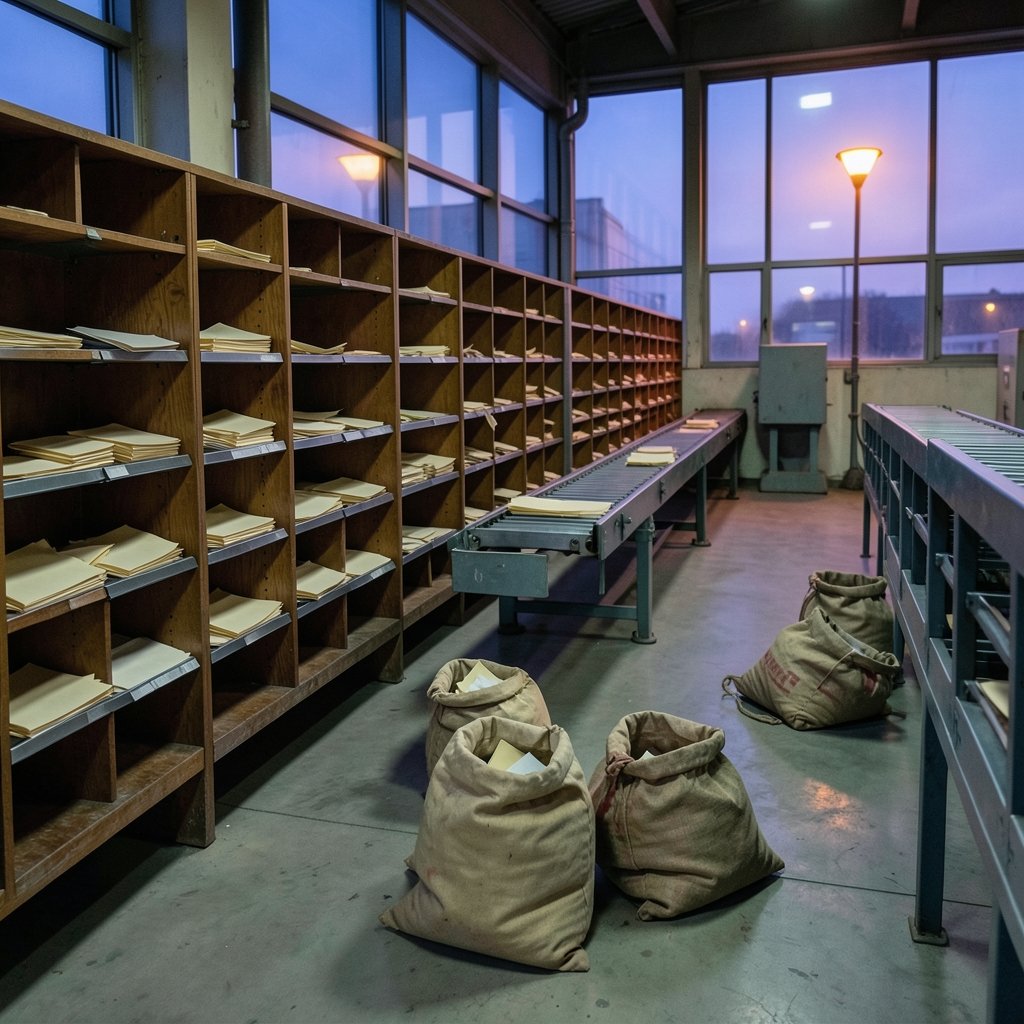
A router is a device that forwards data packets from one network to another. Every file, video frame, and message you send is chopped into small packets, and each packet carries a destination address. The router reads that address and decides which way to send the packet next.
The formal technical definition lives in the Internet Engineering Task Force’s Requirements for IP Version 4 Routers, which describes how a router must behave when it receives, processes, and forwards traffic. That document is the closest thing networking has to a rulebook for what a router actually does.
The key word is forward. A router does not create content, store your files, or run your apps. It moves data and makes decisions. Think of a postal sorting office rather than a warehouse: the letters come in, get read, and go back out along the best route.
How a Router Actually Works
Three ideas explain almost everything a router does.
It reads addresses, not names
When you type a website name, your device first asks a DNS server for the numeric IP address behind it. The router then forwards packets toward that address. It does not care that you wanted a recipe site; it cares only about the destination number.
It keeps a routing table
Routers maintain a routing table, a list of known networks and the best path to each one. On a home network, that table is short and mostly says “everything goes out to the internet provider.” On the public internet, tables are enormous and constantly updated by routing protocols such as OSPF for traffic inside an organization and BGP for traffic between major networks. BGP is the protocol that stitches thousands of separate networks into the single internet.
It sits at Layer 3
Networking models split communication into layers. The OSI reference model places routers at Layer 3, the network layer, where addressing and path selection happen. Switches usually work at Layer 2, the data link layer, moving frames between devices on the same local network. That single distinction explains most of the confusion people have about the two devices.
Router vs. Modem vs. Switch vs. Access Point
Most people use the word “router” for whatever box the internet provider supplied. That box is usually several devices in one shell.
| Device | Main job | Typical layer | What it does not do |
|---|---|---|---|
| Modem | Converts the provider’s signal into usable network data | Physical link | Route traffic between networks |
| Router | Forwards packets between networks and picks paths | Layer 3 | Provide a wireless signal by itself |
| Switch | Connects wired devices inside one network | Layer 2 | Connect you to the internet |
| Access point | Broadcasts and receives Wi-Fi | Layer 2 | Assign addresses or route traffic |
A modem router combo merges the first two into one unit, which saves space and cabling but means one failure takes down both functions. If you are shopping, it helps to compare what a modem router combo actually includes before assuming it will suit your connection type.
What a Home Router Really Does All Day
The router in your hallway is doing more work than most people realise. Here is the short list.
- Shares one public address. Your provider gives you a single IPv4 address, but you have a dozen devices. The router uses Network Address Translation to map all of them onto that one address, a technique formalised in the RFC 3022 specification for traditional IP NAT. This is also why the internet did not run out of addresses as fast as feared.
- Hands out local addresses. A built-in DHCP server gives each device an address inside your home network so they can talk to each other.
- Broadcasts Wi-Fi. The wireless part follows the IEEE 802.11 family of standards, which is what the “Wi-Fi 6” or “Wi-Fi 7” label on the box refers to.
- Filters traffic. A basic firewall blocks unsolicited incoming connections, which is a meaningful layer of protection even if it is not a full security product.
- Prioritises or throttles traffic. Many routers can favour video calls over downloads, or cap a child’s device at certain hours.
That last point is where practical setup matters. If you want to limit screen time or block categories of sites, the process is fiddly but doable, and a step-by-step walkthrough of how to set up parental controls on your router saves a lot of trial and error.
The Mistakes People Make With Routers
A few habits cause most home network trouble.
Putting the router where the cable enters, not where people sit. Wi-Fi signal weakens through walls and floors. A router tucked in a basement corner behind a metal cabinet will underperform no matter how expensive it is.
Never changing the admin password. Default credentials are published in manuals and searched by automated bots. Changing the login and the Wi-Fi password on day one closes an easy door. If you are locked out, the fix is usually simple, and this guide to logging into your router settings and fixing common login problems covers the usual dead ends.
Blaming the router for lag that comes from buffering. When latency spikes during a big download or a video call, the cause is often bufferbloat, where oversized queues delay everything behind them. Running a bufferbloat test and applying the fix can cut that lag dramatically, often more than a hardware upgrade would.
Assuming the CPU does all the work. Modern routers offload packet handling to dedicated hardware, which is why a modest-looking unit can push gigabit speeds. Understanding router hardware offloading and why your CPU is not doing the work explains the speed ratings on the box.
Ignoring firmware updates. Router firmware vulnerabilities are a recurring theme in security advisories, and updates are the cheapest defence available. Set them to automatic if the option exists.
Routers Beyond the Home
The same principles scale up enormously. An internet provider’s core routers move terabits per second and hold routing tables with close to a million entries. Data centres use routers to connect thousands of servers. Businesses segment their networks with routers so that guest Wi-Fi cannot reach payroll systems.
The smart home has added a new twist. Devices using the Thread protocol need a Thread border router to reach the internet, while a Matter controller coordinates the devices themselves. These are different roles, and mixing them up causes a lot of confused troubleshooting, which is why it helps to know the difference between a Thread border router and a Matter controller. If a gadget drops offline after a reboot, there are usually a few specific causes worth checking first, as this guide to fixing a Matter device that goes offline after a router restart sets out. (Router (computing)))
A Short History Worth Knowing
Packet switching, the idea that data can be broken into pieces and routed independently, was developed for the ARPANET in the late 1960s. The Internet Society’s history of the internet traces that work, including the Interface Message Processor, the specialised computer that sat between the network and each host and did the forwarding.
Historians debate whether that device or a later commercial product deserves the title of “first router.” What is not in doubt is the design principle: put the intelligence in the network so that individual computers do not need to know the whole map. That idea is why a cheap home router can reach any server on earth without being configured for it.
How to Choose a Router Without Overpaying
Match the router to the connection, not to the marketing.
If your internet plan is 200 Mbps, a router rated for 6 Gbps gains you nothing on raw speed. What matters more is Wi-Fi generation, the number of LAN ports you actually need, whether the unit has to work with a fibre ONT or a cable modem, and whether it supports the security standards your devices expect.
Two practical checks before buying: confirm the router can handle your plan’s speed with room to spare, and confirm it will still receive firmware updates. A discounted model that stopped getting patches two years ago is a false economy.
For renters and people in small flats, a single well-placed unit usually beats a mesh system. For larger homes, mesh nodes that hand devices off cleanly tend to outperform one powerful router in a cupboard.
Conclusion
A router is a forwarding device with a routing table, a set of rules, and a job that never stops. In the home it wears several hats at once: modem partner, switch, wireless access point, firewall, and address translator. Understanding which hat does what turns a mysterious black box into something you can actually configure, secure, and troubleshoot. The next time the Wi-Fi stutters, you will know whether to move the unit, change a setting, or look at the connection coming into the house.
Frequently Asked Questions
Is a router the same thing as Wi-Fi?
No. Wi-Fi is the wireless link between your devices and the network. A router is the device that forwards traffic between networks. Most home routers include a Wi-Fi access point, which is why the two get confused, but you can have a router with no wireless capability at all.
Do I need a router if I have a modem?
In practice, yes, for a home network with more than one device. The modem brings the signal in; the router shares it, assigns local addresses, and provides a basic firewall. Many providers supply a combined unit so you only deal with one box.
Can a router work without an internet connection?
Yes. A router can connect devices to each other on a local network even with no outside link, which is useful for file sharing or a home server. You just cannot reach anything beyond your own network.
Why does my internet slow down when several people use it at once?
Shared bandwidth is part of it, but queueing delay is often the bigger culprit. When one device saturates the connection, packets for everything else wait in line. Features that manage or shape traffic, along with a router that handles queues well, reduce that effect noticeably.
How often should a router be replaced?
Not on a fixed schedule. Replace it when it stops receiving security updates, when it cannot keep up with your internet plan, or when it lacks a standard your devices need. A well-supported router can serve happily for five years or more.
Does a router protect my devices from attacks?
Partly. It hides your devices behind address translation and blocks unsolicited incoming connections, which stops a lot of automated scanning. It will not stop malware you install yourself, phishing, or a device with a weak password. Treat the router as one layer, not the whole defence.



